


When it comes to removing unwanted people and objects from photos, many people think it is very difficult and requires the use of professional photo editing software such as Photoshop. In fact, there is no need at all. There is such a free MAGIC ERASER tool on the Internet. After uploading the photo, select the things you want to remove. In just a few seconds, AI will automatically remove them for you. As long as the photo is not too complicated, the effect is basically quite good.
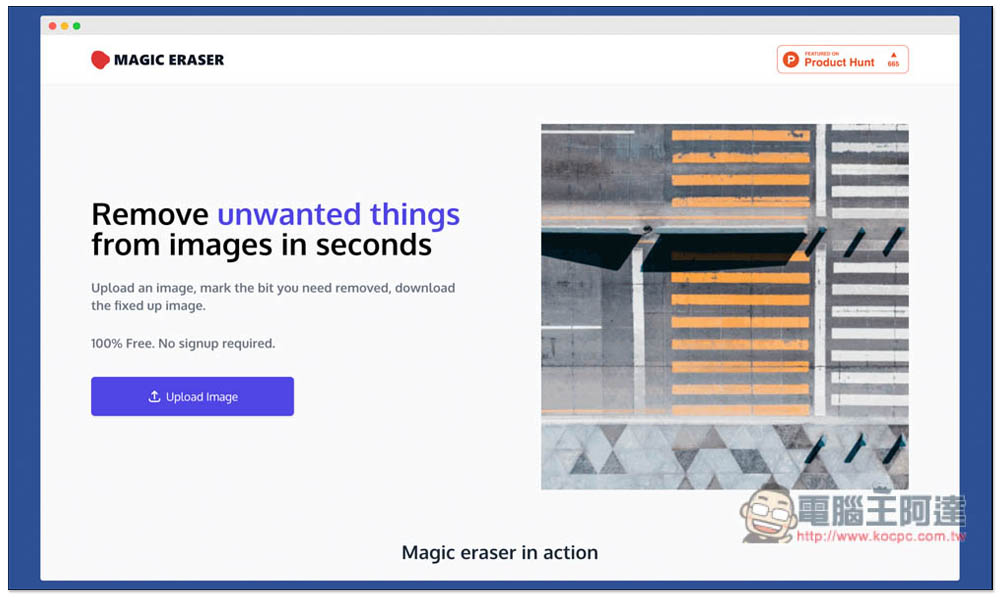
MAGIC ERASER removes unwanted people and objects from photos with one click, completely free
MAGIC ERASER is very simple to use. You don’t need to register as a member. You can start using it by opening the website and click Upload Image to upload photos. There is no limit on photo size, any resolution is acceptable:
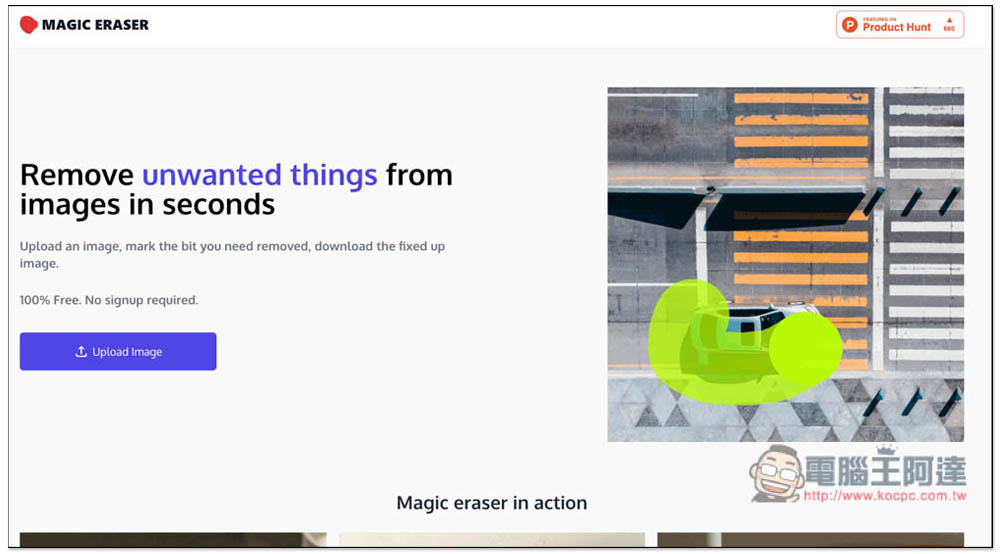
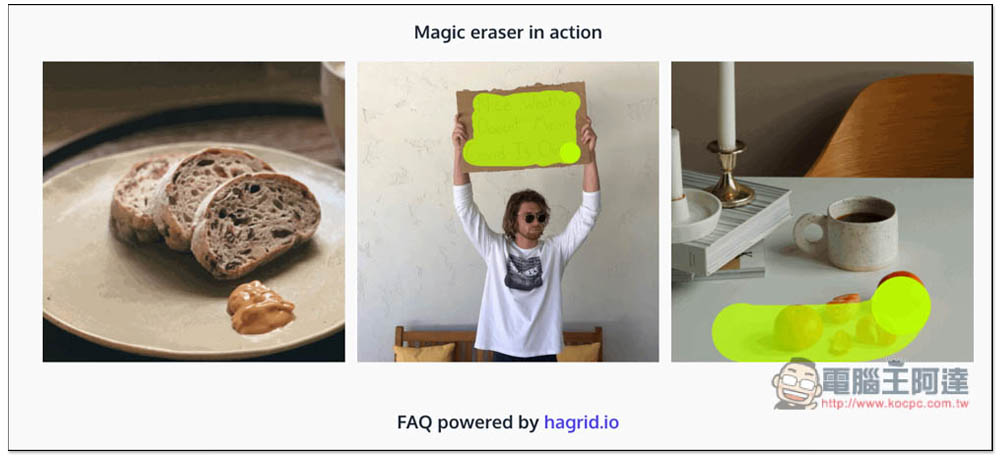
There are also some examples for reference when scrolling down the homepage. There are currently three examples. Those who are interested can take a look (but the effects provided here are very good, so the reference value is not high):
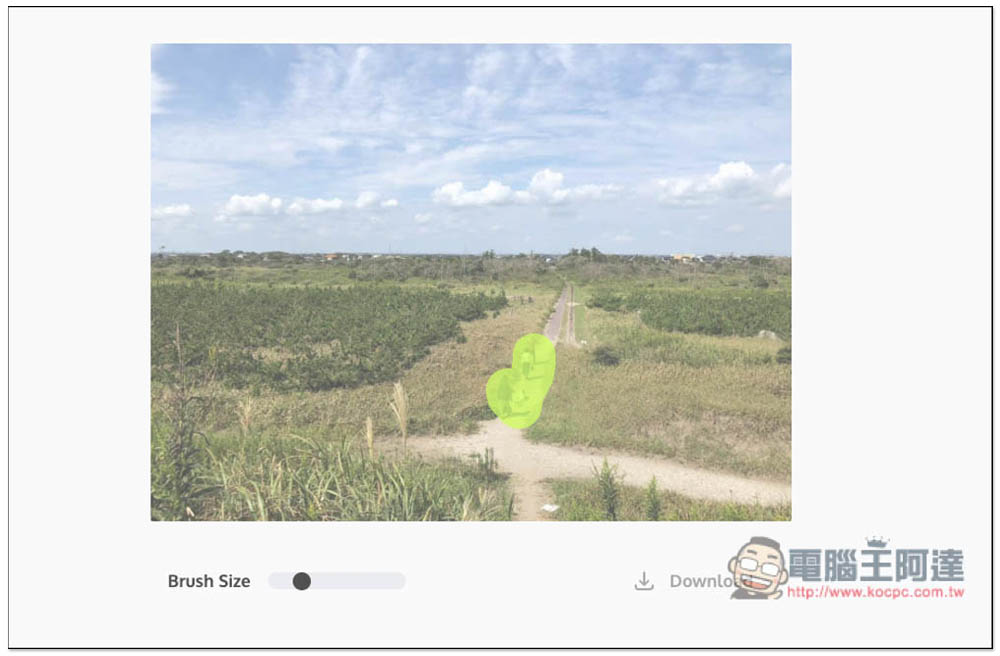
Then use your mouse to draw the people or objects you want to remove. I take the picture below as an example. I want to remove the three people in the middle and turn it into a pure landscape photo:
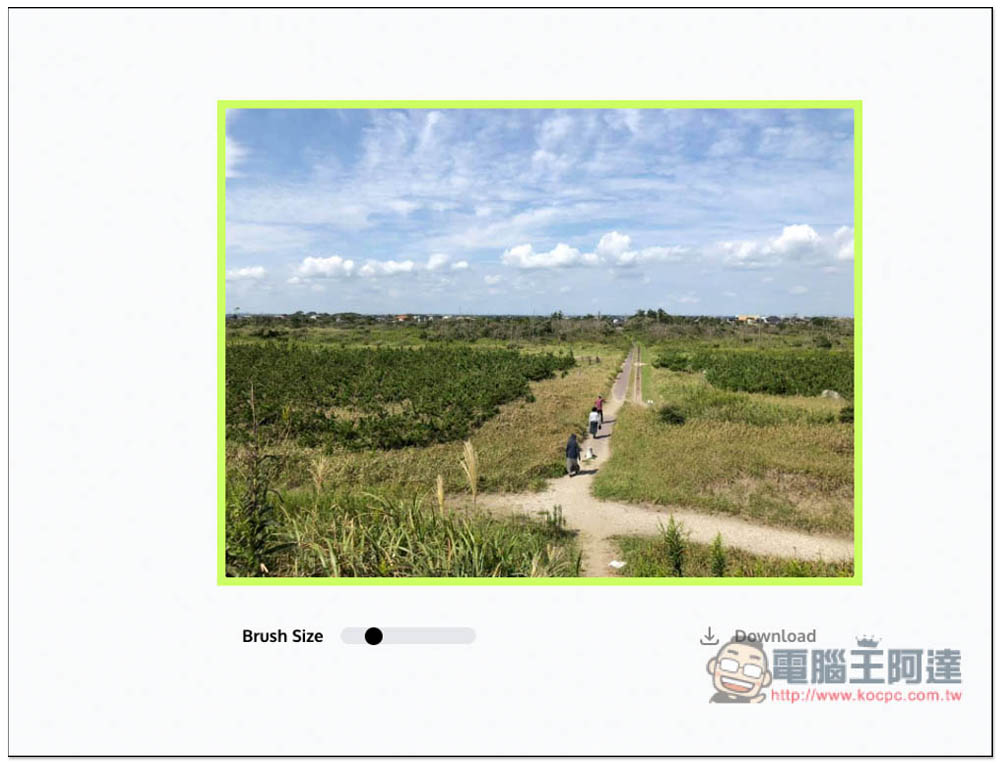
After drawing it like this, placing the left mouse button will start AI removal, and the image will also become a bit of a reverse white flickering effect. The area I painted here is a bit too big, I suggest you shrink it a bit. In addition, I once encountered a reading failure during testing. If it happens to you too, just reorganize and upload again and it should solve the problem:
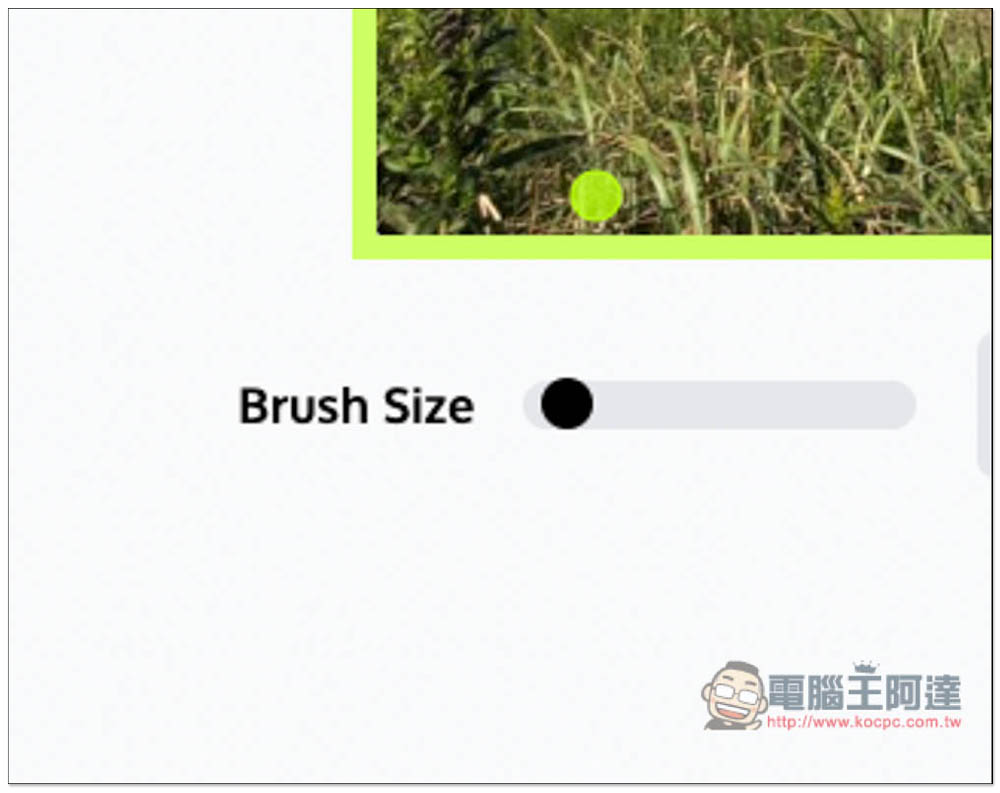
If the brush feels too big, you can adjust the size of the brush in the lower left corner of the Brush Size. It will become smaller to the left and larger to the right. I personally recommend not to use a brush that is too large. The more precise the painting, the better the effect will be:
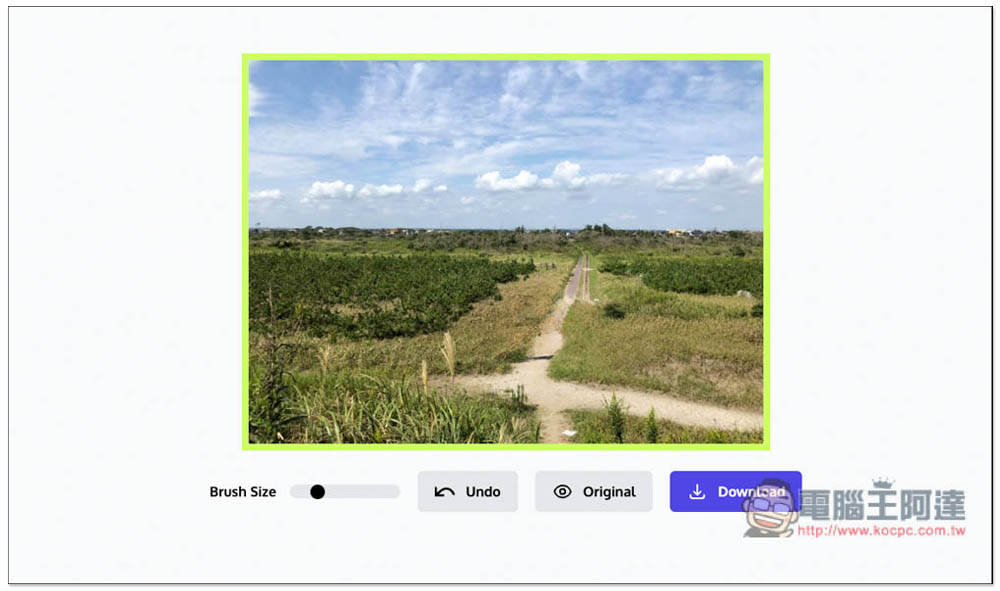
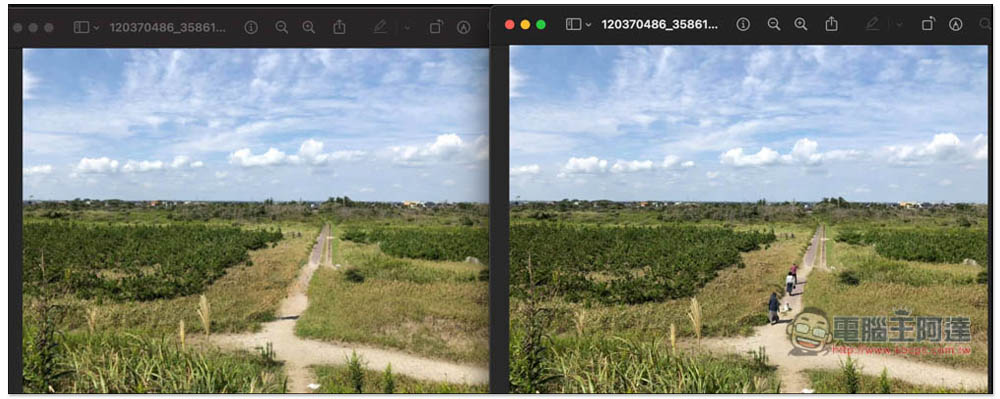
Wait a few seconds and you will see the effect after removal. I have to say that the effect is really amazing. In this picture, you can’t tell that it has been post-edited unless you look carefully. The AI repair is very natural and it really turns into a pure landscape photo:
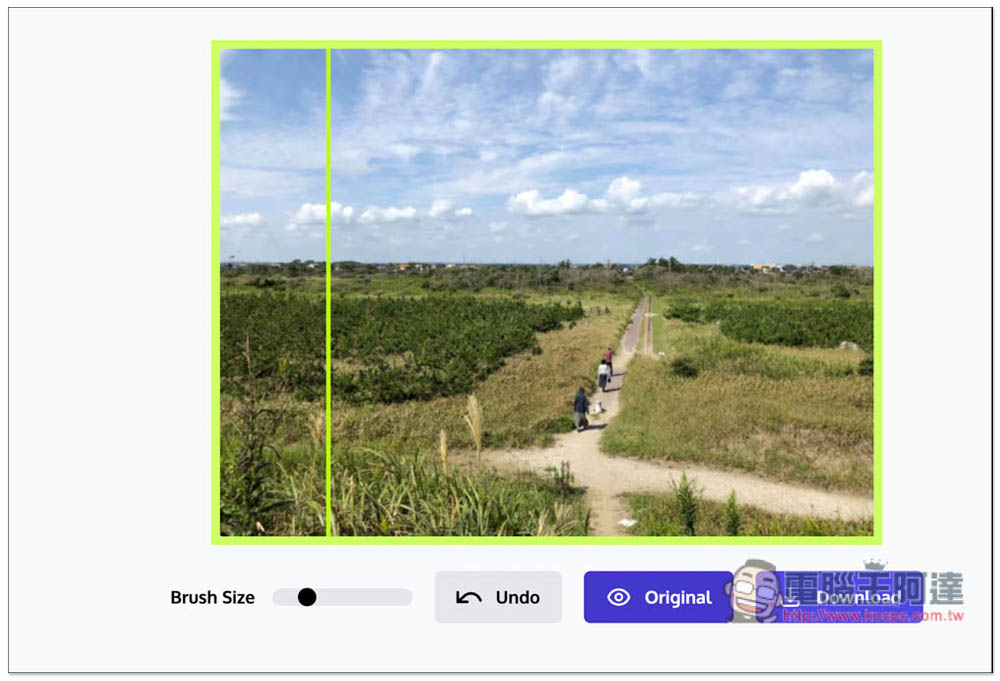
Click the Original function to compare the original photos, but unfortunately there is no way to manually adjust the middle pole. It will slide left and right on its own, which I find difficult to compare. No problem, just click Download in the lower right corner to download:
The size of the processed image is the same as the original image. The resolution seems to be compressed a bit, but I can’t see it. There is no watermark. It is really free:
Some people may be worried about how the uploaded images will be processed. According to the developer’s instructions, they will not store any images, which means that all actions are completed directly locally in the browser without uploading to the server, so it is very safe. However, if you are worried about pictures or photos that are too private, it is recommended not to use them.
In addition, the developer also mentioned that in the image resolution part, an option to download the highest resolution will be added in the future, but the time is not yet known. If you have any other questions, there is a FAQ function at the bottom of the website page, where you can leave a message to ask the developer, which is not bad.
Source: KOCPC Chinese