


Mydowndown, also known as Maidangdang, is a quite old video downloading tool, and it is constantly adding supported websites. In the past, it only had Facebook and YouTube, and then Dailymotion, Twitter, Tumblr, Instagram, Vimeo, Vine, Xuite, etc. were added. Although it is not like some other downloading tools that can download to ultra-high quality (2K or 8K), but being able to survive for such a long time also means that the probability of failure is also low, so it is highly recommended that you collect it. When others cannot be used, you can try this tool instead and have a record.

Introduction to Mydowndown video download tool, supporting YouTube, FB, IG, Twitter and other websites
Mydowndown is very simple to use. After entering the website, if you want to download a YouTube video, just paste the YouTube URL in the search field and click “Get Video Link”. To download videos from other websites, please click the column in the middle that supports facebook (including private), Youtube, Dailymotion, Twitter, Tumblr, Instagram, Vimeo, Vine, Xuite to see which website you want to download:
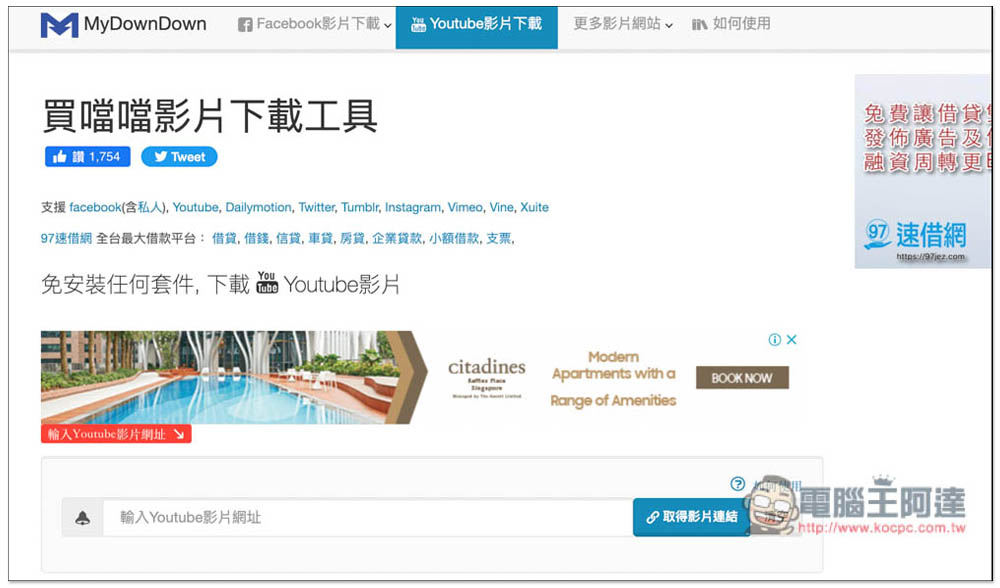
Then the download point will be obtained. According to the actual test, YouTube is no problem. It only provides MP4 format and resolutions of 360p and 720p. It does not provide above 1080p, so if you want to download ultra-high-definition YouTube videos, you can only use other tools. The file size information is not correct. I downloaded 720p with no problem, not 0B:

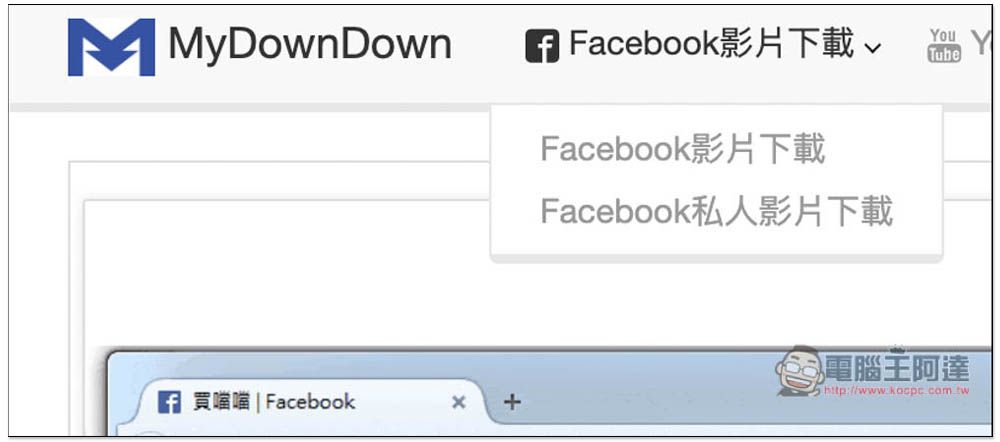
Facebook partially supports public and private videos. To download private videos, you need to use web page code. For details, you can read the website’s operation tutorial process, which is very clear:
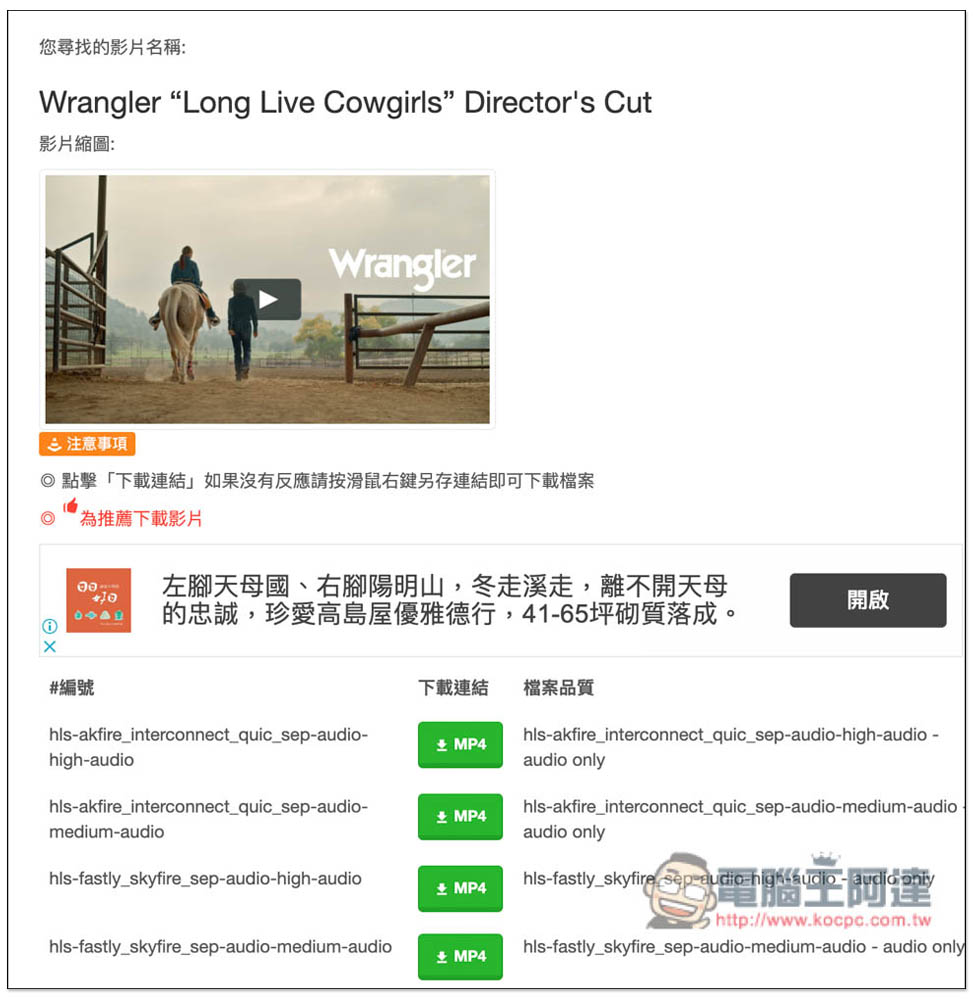
I have also tested other websites. Twitter is no problem, can be downloaded, and provides more download points. Don’t worry about the file size on the right. Logically speaking, the bottom one should have the highest resolution, so you can try to download the last one first. If it is not correct, download the first one:

Vimeo is also successful. I am not sure whether the description of file quality is correct. Those who are interested can try it themselves:
Finally, we would like to remind you that we do not encourage the downloading of unauthorized videos. We recommend that you obtain the owner’s consent before downloading.
If you are also looking for a free tool to download TikTok videos, we have introduced one before TikTokFull Not bad, the downloaded video does not have a watermark, and it also provides extended functions (TikTokfull Download Video TikTok No Watermark), the operation is easier. Click the expansion icon in the upper right corner to obtain loading points. B station video download is recommended B23Download This service is very useful.
Source: KOCPC Chinese