


Not only can you watch some entertainment content on YouTube, but many creators will use their professional knowledge to make videos and share them on YouTube to communicate with people around the world. If you receive new knowledge or learn many new skills, you can get useful professional information on YouTube. The latest experimental new feature launched by YouTube recently, “Search using squares on your computer,” allows people to narrow down the search results and quickly find the content they want to watch.

Try out YouTube’s new experimental feature: Search using cubes on your computer
The YouTube homepage recommends videos that people “might” want to watch based on the channels they subscribe to and the videos they have watched in the past. If we want to search for videos, we often need to spend a lot of time looking for the videos we want to watch in the search results. However, YouTube has recently launched a new experimental feature “Search using squares on your computer” to make it easier for users to further filter specific videos after entering search keywords.

▲Picture source:YouTube
YouTube will open new features developed by the YouTube team for a limited time to YouTube Premium members for early trial use. The team will also refer to users’ opinions to help create better services in the future. These experimental features have an end date and may be extended or ended early according to planned adjustments.
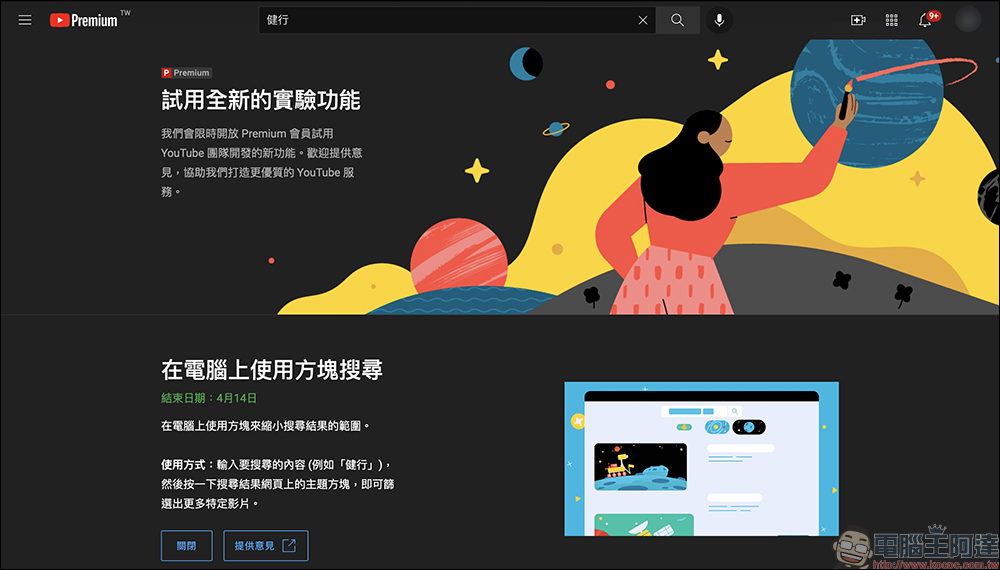
Some of the experimental features each time are only supported on computers or mobile devices. For example, the newly launched “Search using squares on computer” function can only be used when using YouTube on a computer. Premium members can start trialing this feature after clicking “Try Now” on the exclusive page. Only one experimental feature can be reserved for each trial. Therefore, if there are other trial features that are currently on trial, the other trial features will be canceled first.
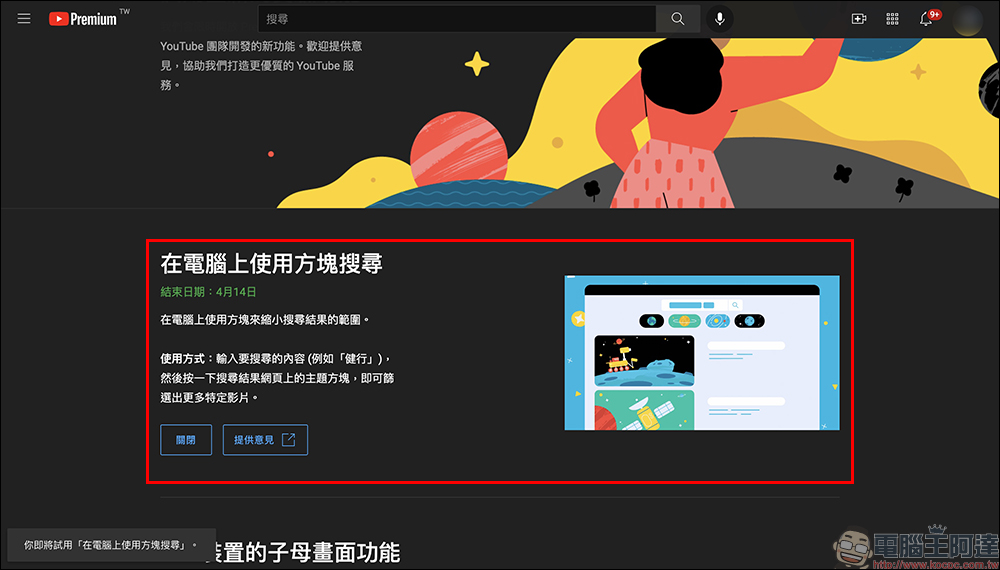
So what exactly is the “Search using Squares on PC” feature? After starting the trial, we only need to enter the keywords we want to search for in the YouTube search field on our computer, and then click search.
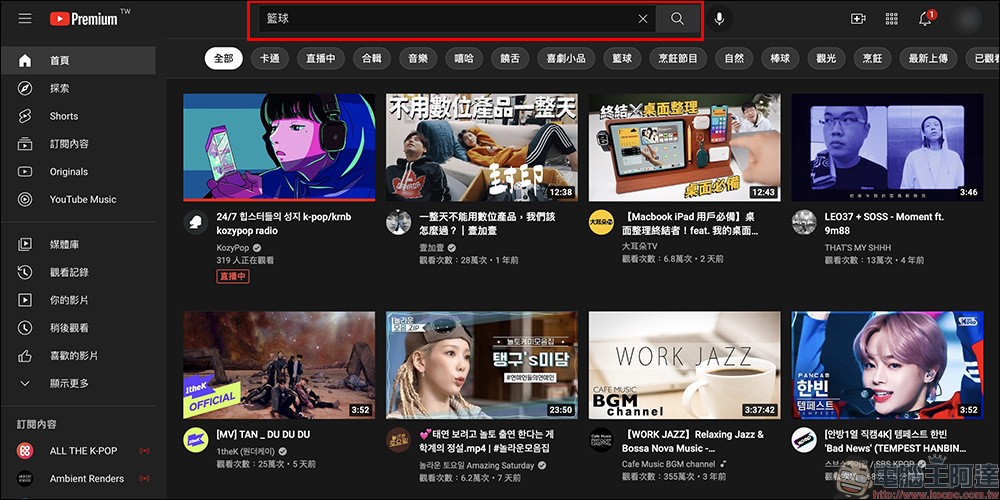
At this time, you will see a row of topic boxes between the search field and the search results. These topic boxes are recommended content based on the user’s search keywords. The user can click on the topic boxes of interest to further filter specific content.

For example, if “basketball” is the keyword, many basketball skills will appear below, such as defense, passing, teaching European steps, defense, etc. If users want to see specific basketball-themed content, through this filtering method, they do not have to re-enter keywords and directly let YouTube filter specific topics for them.

In addition to the new “Search using squares on computer” function, which is currently open for trial until April 14th, the experimental function currently on the trial list is the “picture-in-picture function for iOS devices”. This function has been postponed many times in the past, and is currently tentatively extended to April 8th. It is uncertain whether there will be another extended trial in the future.
The picture-in-picture function of iOS devices, as the name suggests, allows iPhone users to continue to watch the YouTube player with the picture-in-picture display on the home screen while using other applications. It is a very useful feature for iOS users who are using YouTube!

YouTube “Search using squares on PC” experimental feature trial: (Click me to go)
*Tips: If you want to try it out, you must be a YouTube Premium member
To be honest, I recommend that you spend some money to become a YouTube member and find a few friends to buy them.India Family MembershipIt’s only 11 yuan a month.
Source: KOCPC Chinese