


In order to avoid receiving advertising, loan or other harassing calls, many people install call identification apps like Whoscall. In fact, Google itself also has one, but you need to download it separately from the Play Store, but it is completely free (Whoscall is also free, but the ads are a bit annoying).
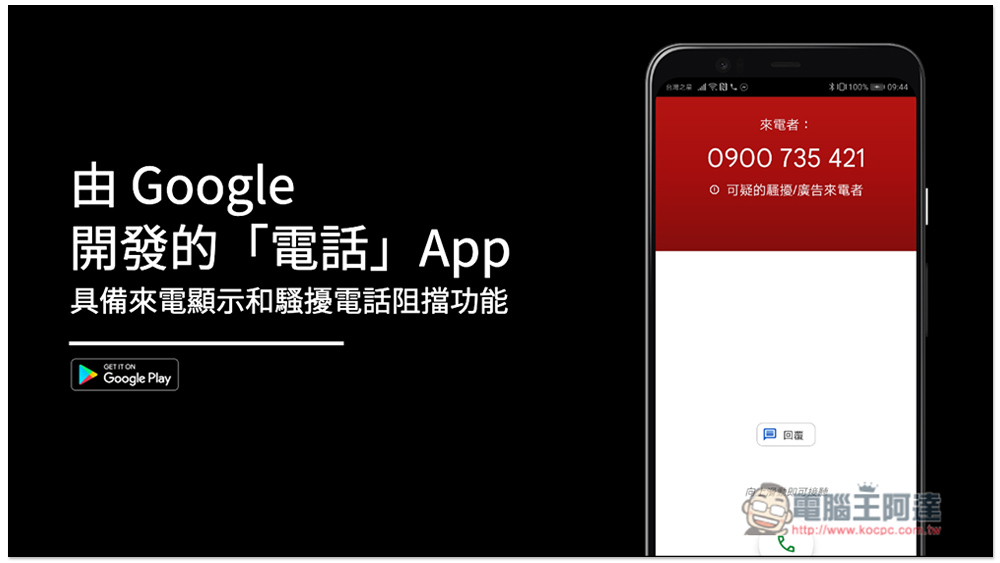
Introduction to the “Phone” caller ID and spam call blocking function developed by Google
We also filmed an instruction video, everyone is welcome to take a look:
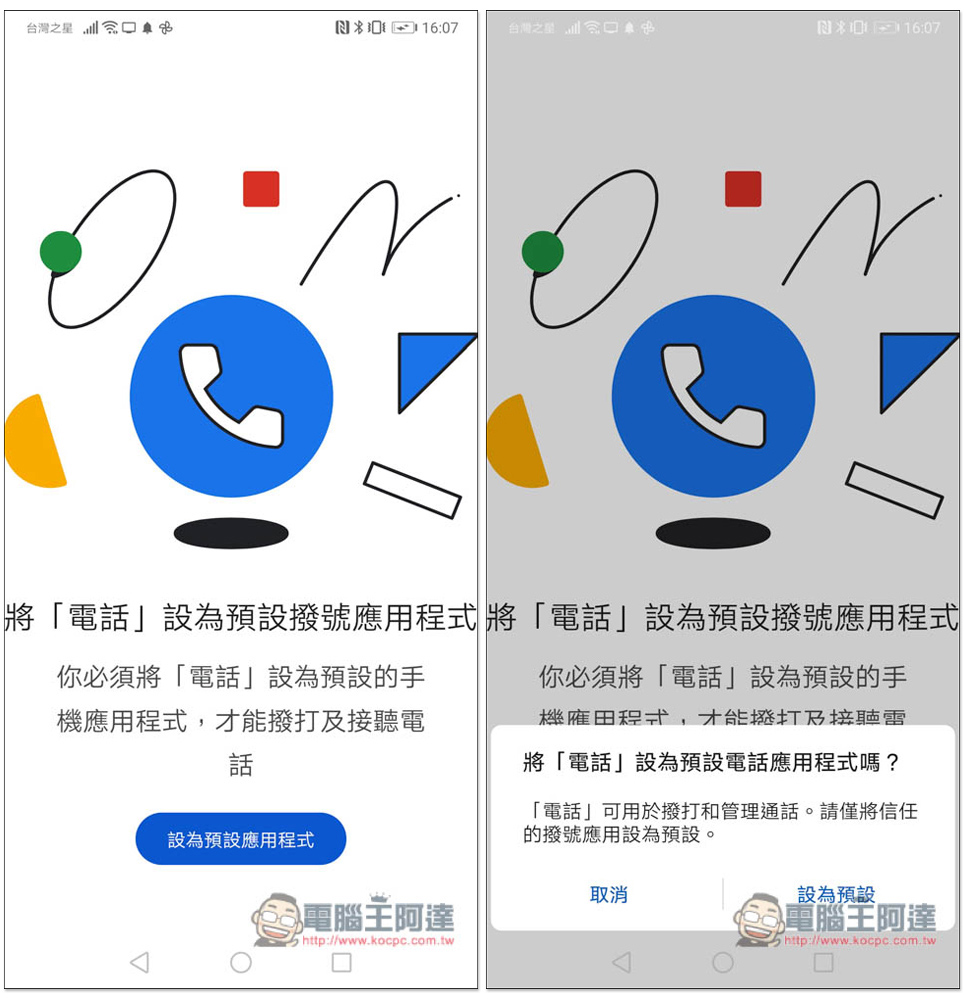
In fact, every mobile phone has phone functions, but most brands will develop their own phone applications. On the contrary, Google’s useful native functions are gone, so they install the Google phone application by themselves to replace the phone manufacturer’s dialer. Initially, you need to set this “Phone” App as the default dialing application, just click “Set as Default Application” below:
The picture below is the homepage of this App. It is actually similar to other phone apps. It does not have any special functions, except that some countries such as the United States have additional functions (such as transcription):
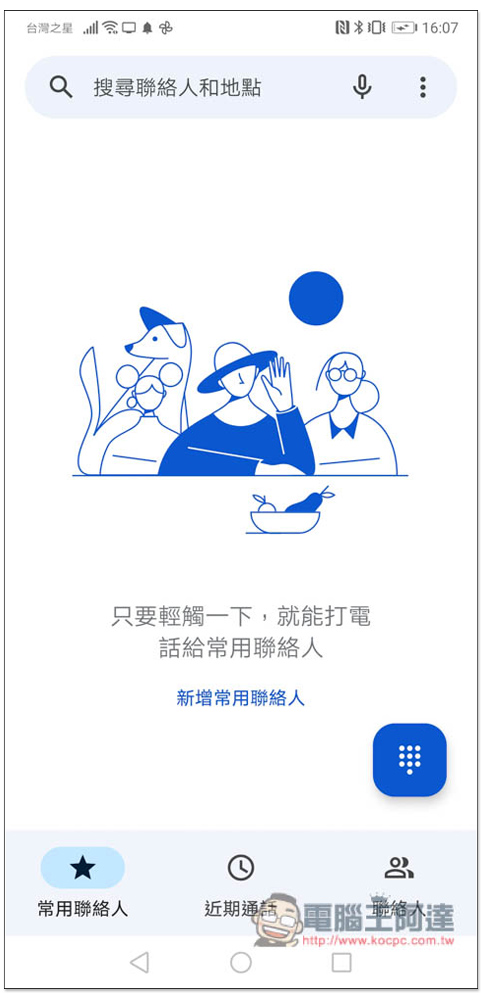
You can also access your original contact book directly, so you don’t have to worry about losing it:
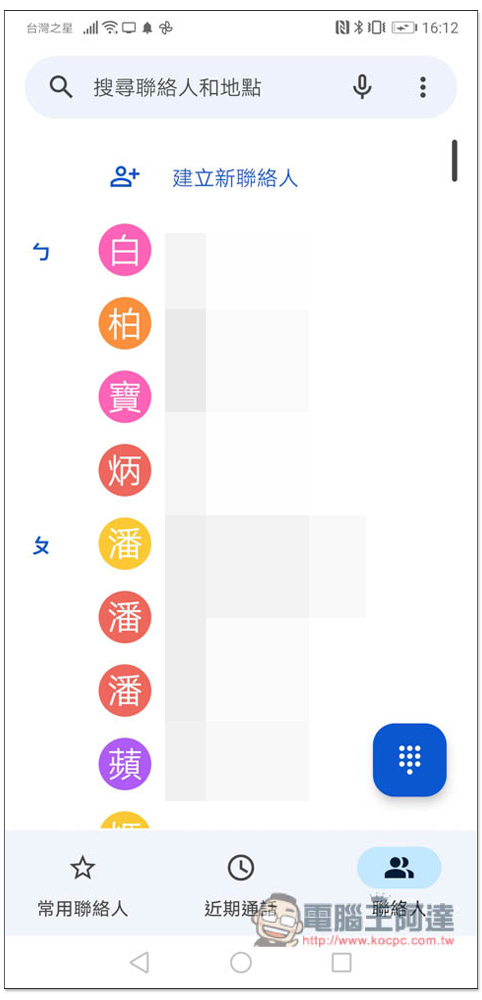
I quite like the search function, not just for contacts, but also for nearby store locations. For example, if you need to go to a nearby restaurant for dinner one day, you can just search for the name of the restaurant directly on this phone. You don’t need to use Google or use a map. It’s more convenient and faster:
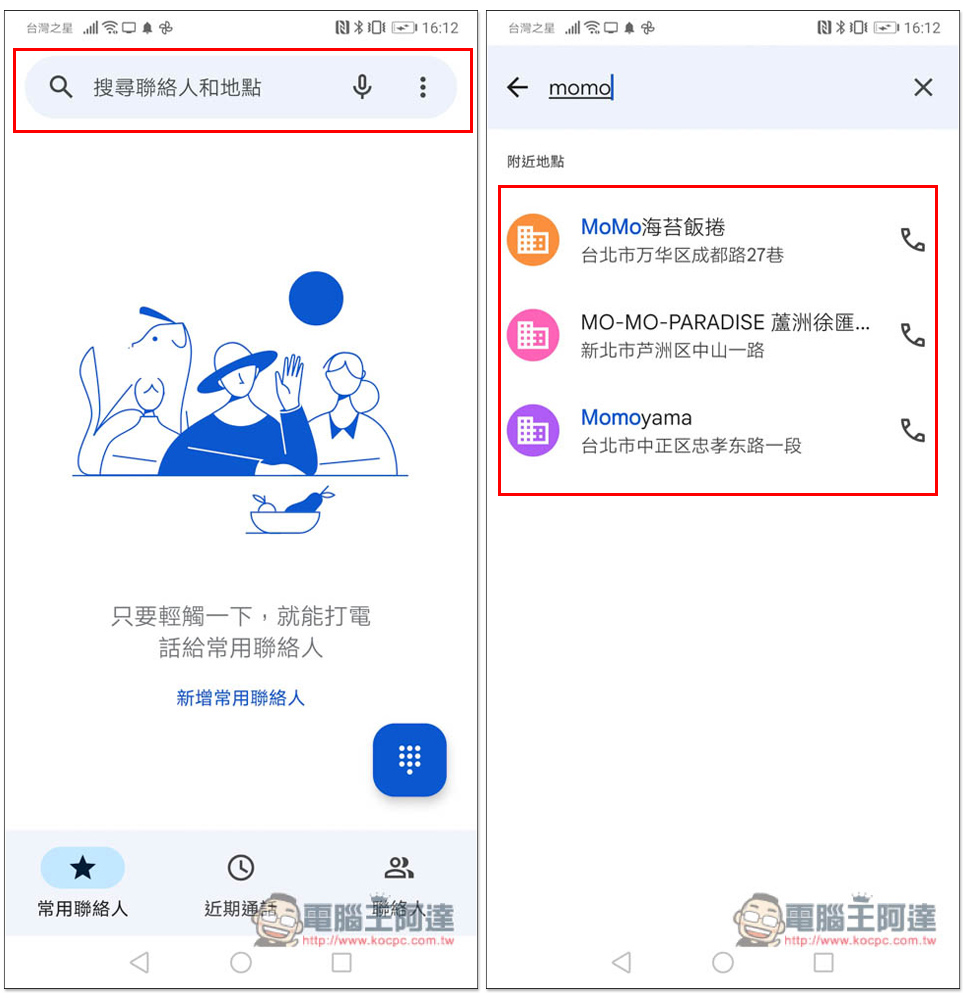
When a call is identified as a harassing or suspicious call, a red warning will appear to remind you that there may be something wrong with the number. It’s a pity that Google’s phone identification app doesn’t seem to be able to clearly show who is calling, such as a certain bank specialist, insurance, or loan, etc., it will only show suspicious harassment/advertising calls. I received several calls from this, unlike Whoscall, which can know in advance which company it is from:
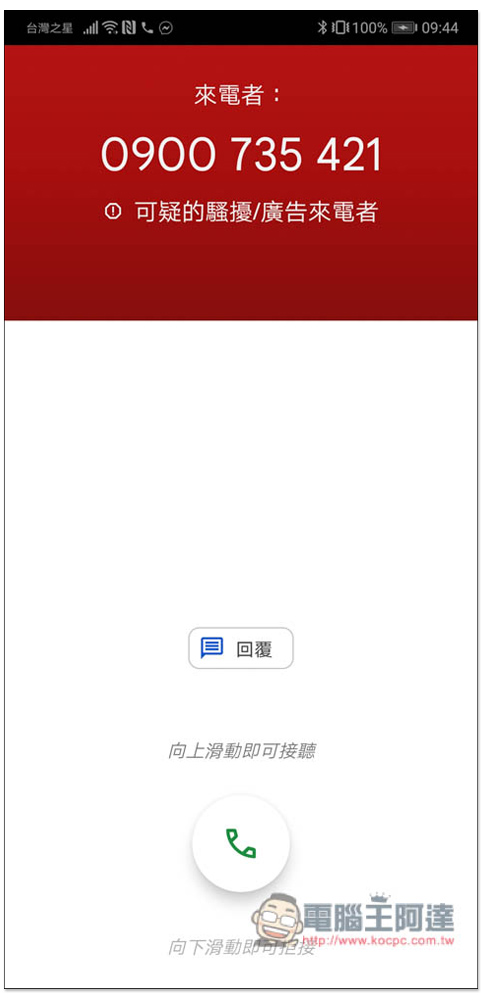
The call history will also record the source of the call. If there is a problem, the harassing call will be displayed below:
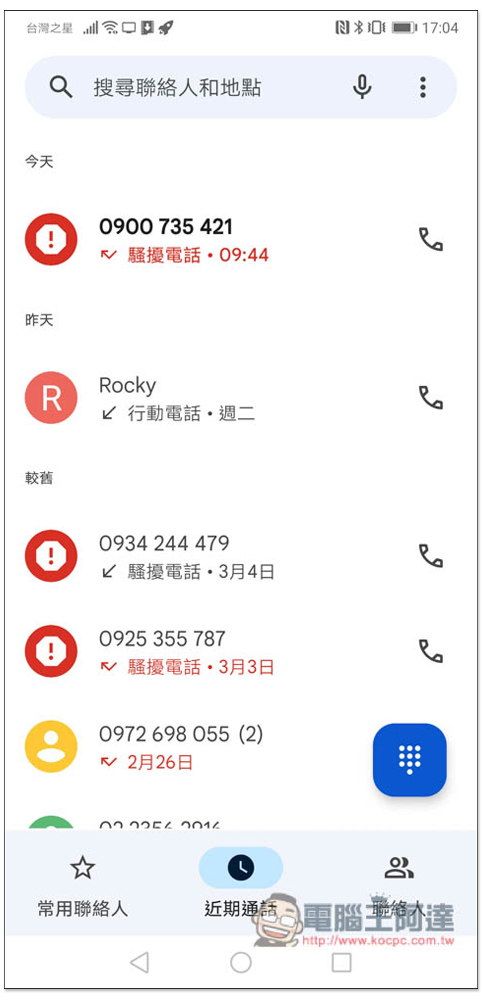
If it is a contact or safe caller, the screen will look like this:
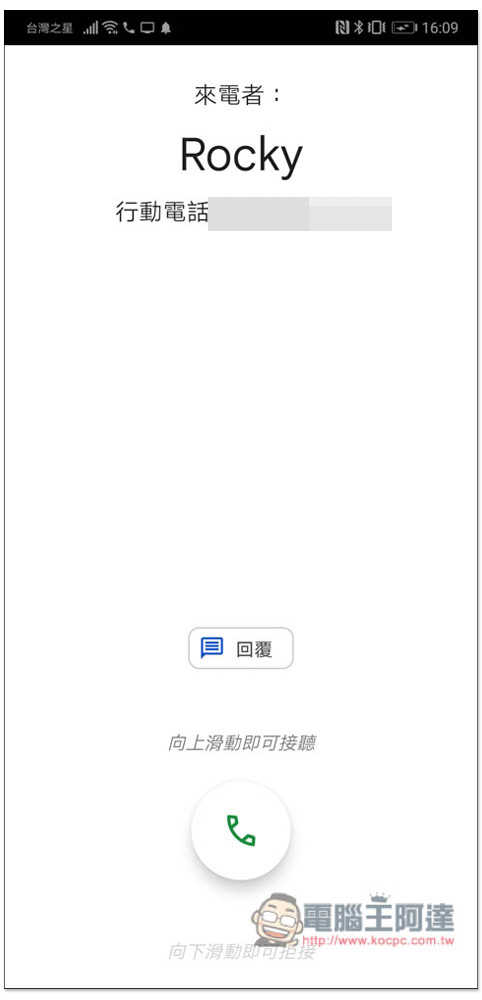
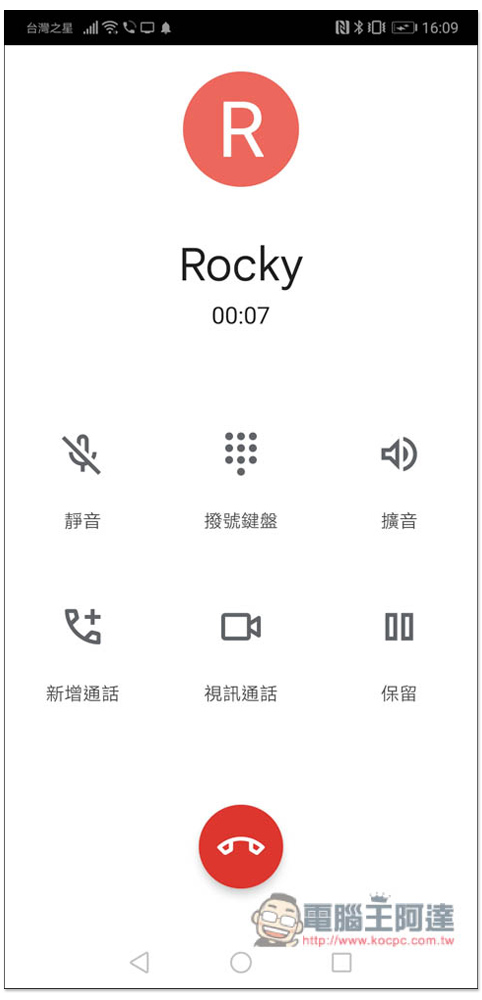
The operation interface after answering the call can mute the sound, open the dial pad, amplify the voice, add a call, video call, and hold. The functions are quite complete:
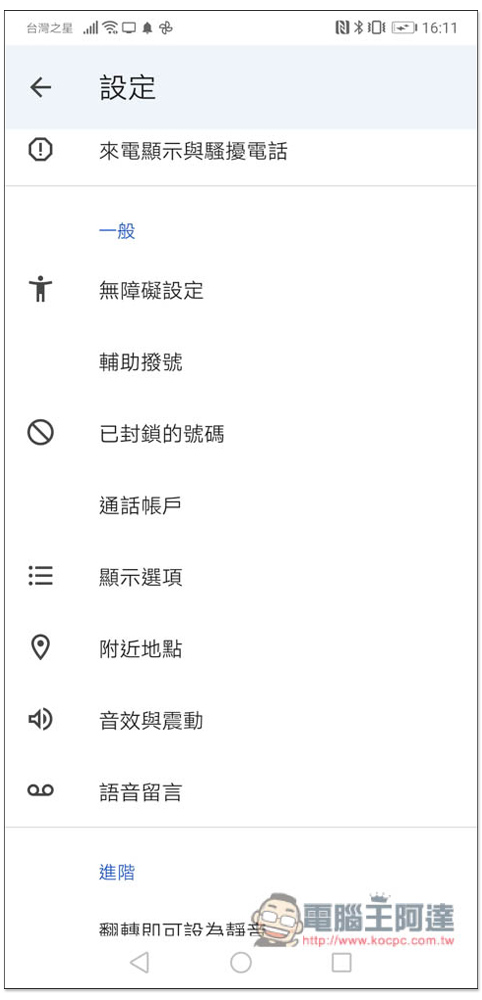
There are also some options that can be adjusted in the settings. The first caller ID and spam call identification function is turned on by default. You can also set the numbers, voice messages, sound effects and vibrations you want to block:
Although this “Phone” caller ID and spam call blocking function app developed by Google is completely free, the identification function is still far behind compared with Whoscall. It cannot accurately tell you who is calling. However, you can still avoid receiving advertisements or spam calls. It depends on which one you choose. If you want to know which company the call is from, it is better to use a third-party app first. In the future, as Google continues to improve this function and database, there should be a chance to slowly catch up.
As for the transcription function (that is, recording calls), we currently only know that it is only available in the United States, not Taiwan or other countries. We don’t know when it will be extended to other countries because it involves legal issues. The United States, Australia, and the United Kingdom also have call filtering functions, but now they only support English.
If your mobile phone can originally record calls but cannot record after changing the application, you can use anotherInstall call recording programTo record:
https://www.youtube.com/watch?v=ejtE5VdI_UM
Source: KOCPC Chinese