


Even though there are many tools to unlock the right-click on the Internet, many websites still like to lock the right-click, which feels meaningless. Especially blogs like Pixnet seem to be afraid of having their content stolen. While most tools only have the function of simply unlocking the right-click function, the Allow Right-Click introduced in this article is quite special. In addition to unblocking the right-click function of the web page, it also provides right-click download functions for Instagram pictures and videos, TikTok, and 500px, making it more practical.
Allow Right-Click is an introduction to the free extension function to unblock the right-click function of the web page, and supports downloading IG pictures and videos, TikTok, 500px
Allow Right-Click supports many browsers, including Chrome, Edge, Firefox and Opera. It depends on which one you use. Here is the installation page:
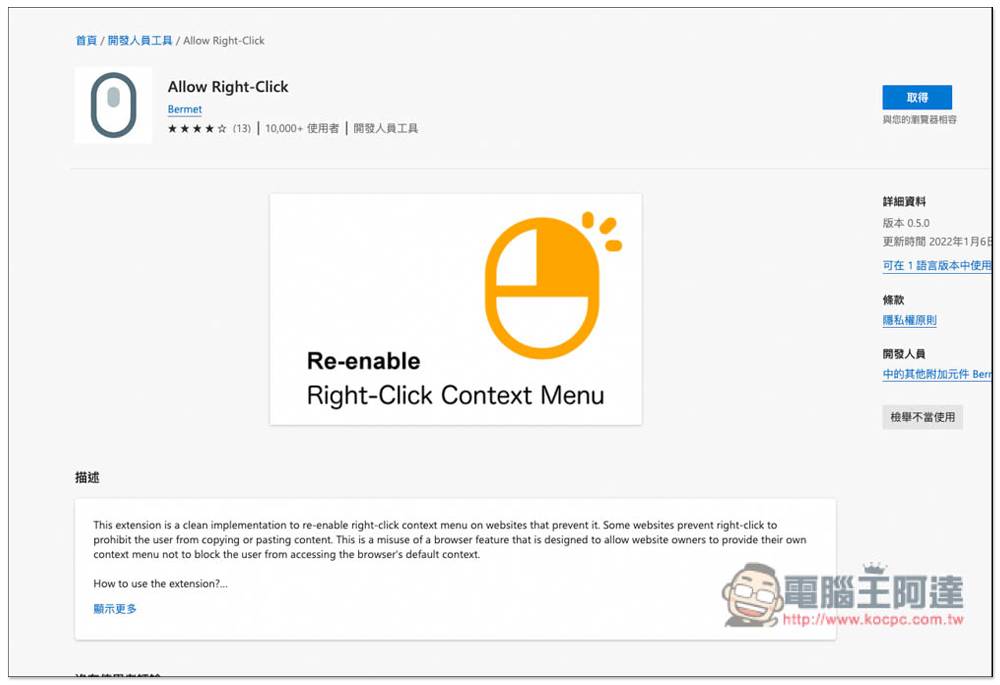
Here I use Microsoft Edge as an example, and the operations are similar. After entering the extension store page, click Get on the right to install it:
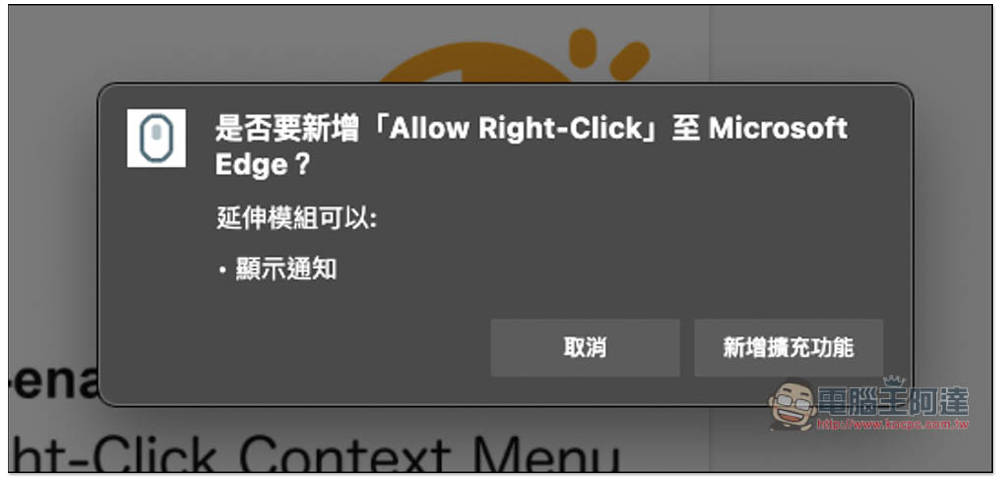
Click “Add extension”:
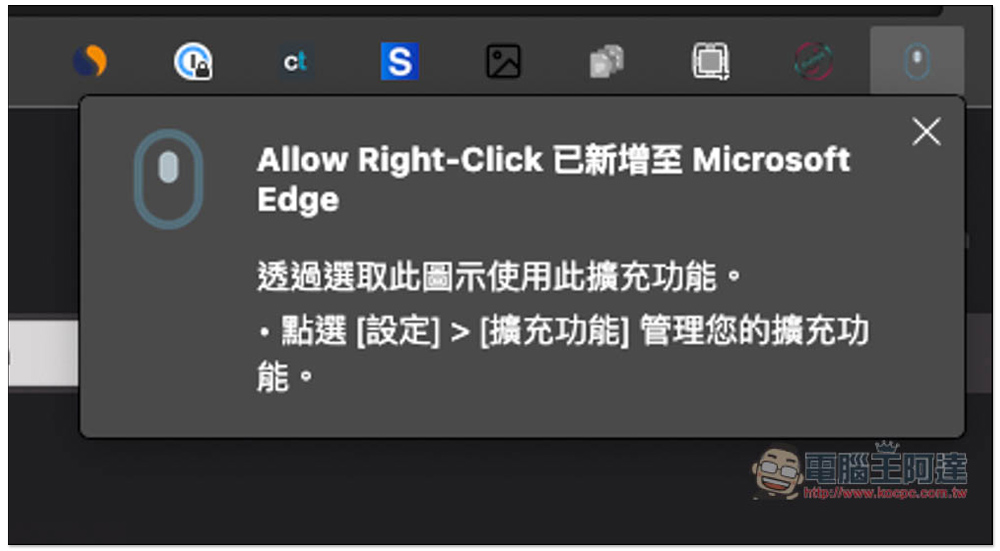
The small mouse icon displayed in the upper right corner means the installation is complete. If it does not appear in the upper right corner, you need to enter the extension management interface to pin it:
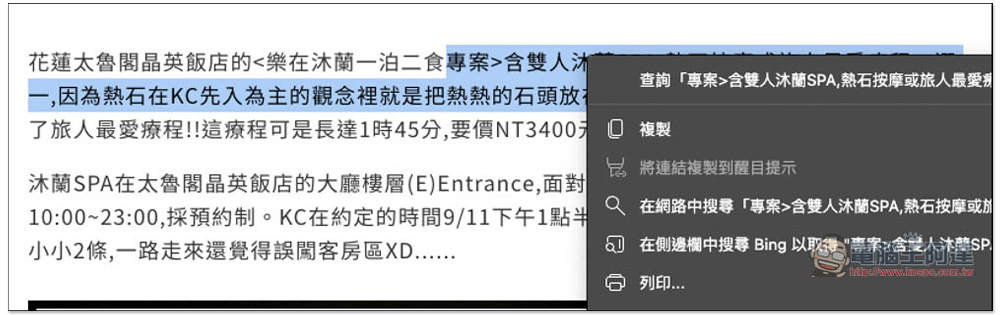
The method of use is very simple. After entering a webpage where you cannot right-click, click the small mouse icon of Allow Right-Click to unlock it. Then try right-clicking on the webpage again, and you can use the right-click menu normally. The picture below is a Pixnet blog article that I randomly found and right-clicked:
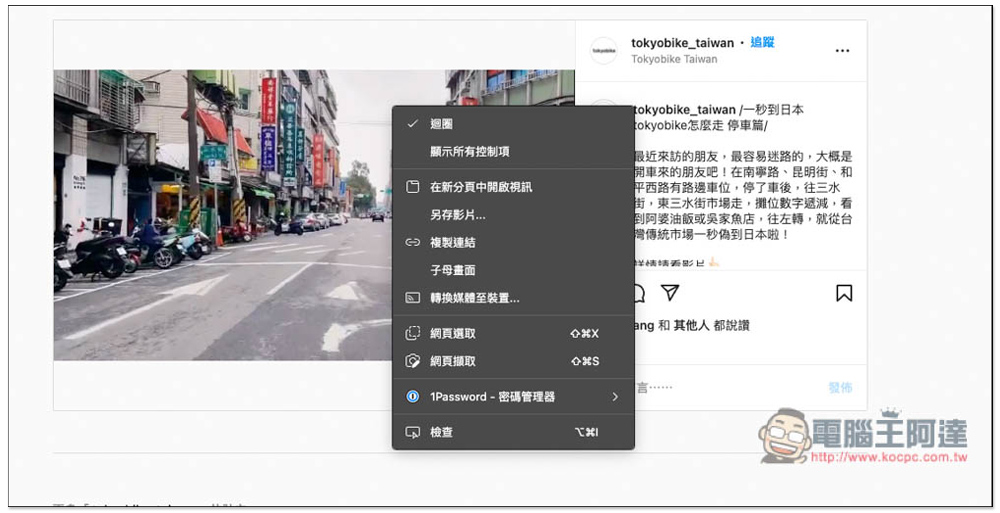
The developer introduction page mentioned that in addition to unlocking the right-click function, this tool can also download Instagram images and videos, TikTok videos, and 500px images. However, I don’t know if it is temporarily broken or what. My test of Instagram and 500px images failed, and there was no option to save images as a result. However, Instagram and TikTok videos were successful. After unlocking the right-click function, you will see the option to save videos as another. I am also sure that this tool can indeed be downloaded for Instagram and 500px images. I saw that other people have shown that they can save images when sharing, so it may be temporarily unavailable:
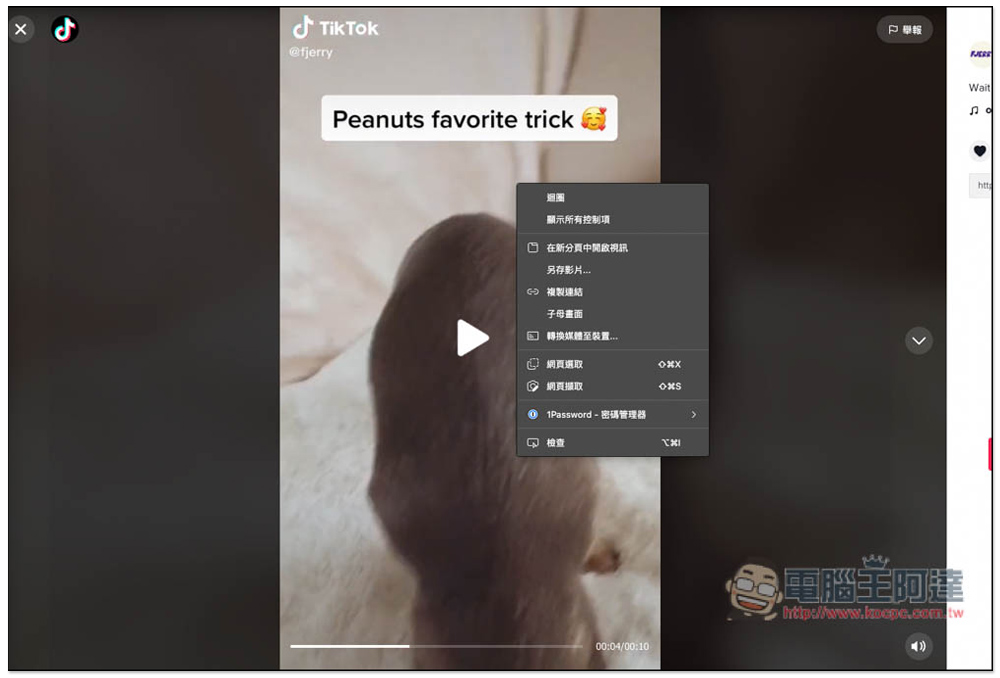
The same goes for TikTok videos. Normally, when you open a video to watch it, you cannot use the right-click function. After unlocking it with this tool, you can see the save video as function. This also means that people who often watch TikTok videos can directly use this tool to download them in the future without having to install another downloader. However, there is still a small disadvantage. Downloaded videos will have TikTok watermarks. If you want videos without watermarks, you can refer to what we introduced before. TikTokfull Download Video TikTok No Watermark Extended functions:
Allow Right-Click is an open source tool. For those who want to know more, the developers have also put the project on the GitHub website. Interested friends canClick me to jump。
Source: KOCPC Chinese