


Recently, more and more people are swiping TikTok every day to watch various funny videos, and they will definitely see some videos that they want to download, collect, or share with friends. There are many TikTok download tools on the Internet, but most of them have watermarks and require copying and pasting the URL. This article will recommend a very convenient TikTokfull Download Video TikTok No Watermark extension. It can be installed on Chrome and Edge browsers. After installation, a download button will appear in the upper right corner of the TikTok video. Click it to get the download point. The downloaded video will not have a watermark, which is very easy to use.
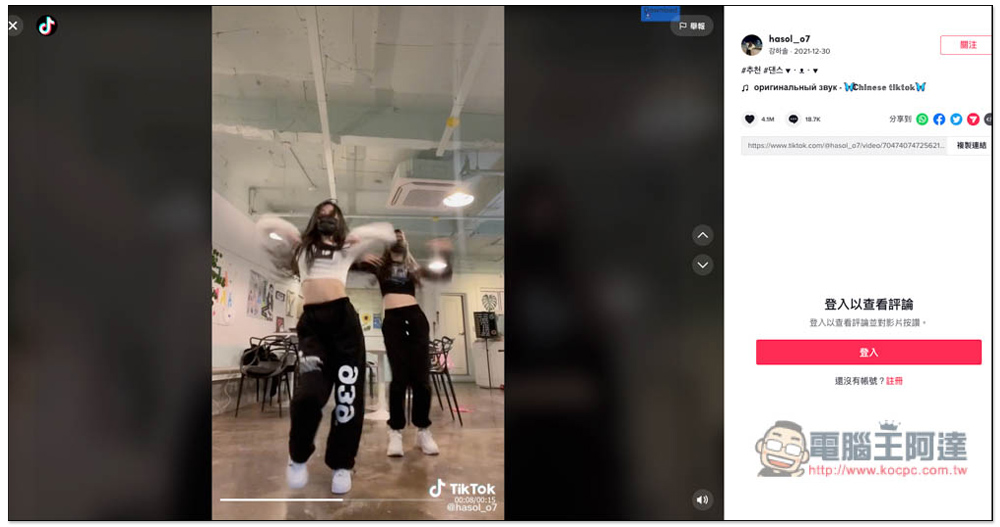
TikTokfull Download Video TikTok No Watermark extension function introduction, download TikTok videos without watermark
After entering the extension store page, click “Add to Chrome” on the right:
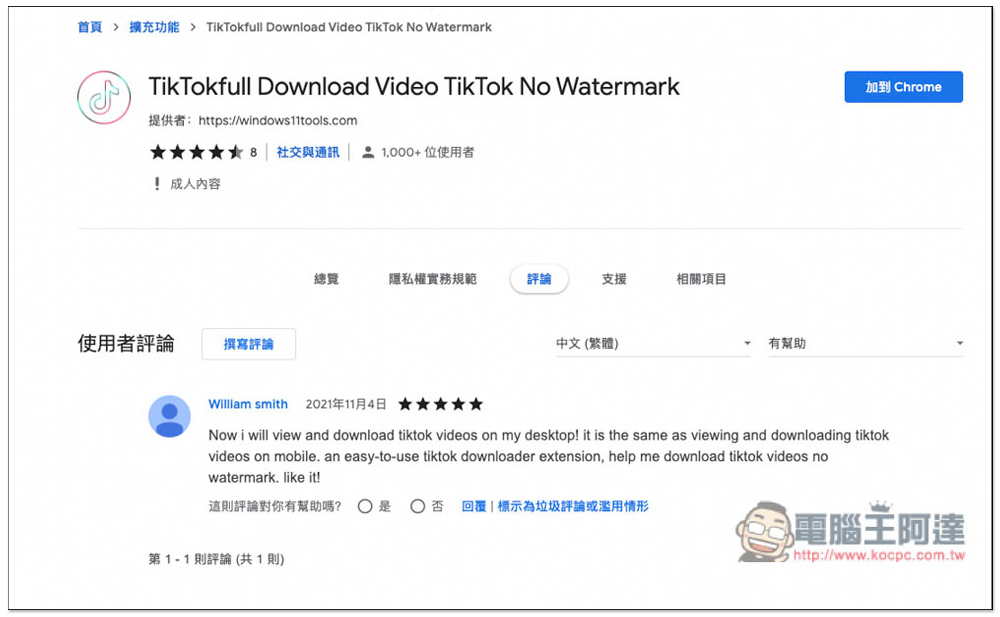
I take Microsoft Edge as an example. The installation method is the same. When this message pops up, click Add extension:
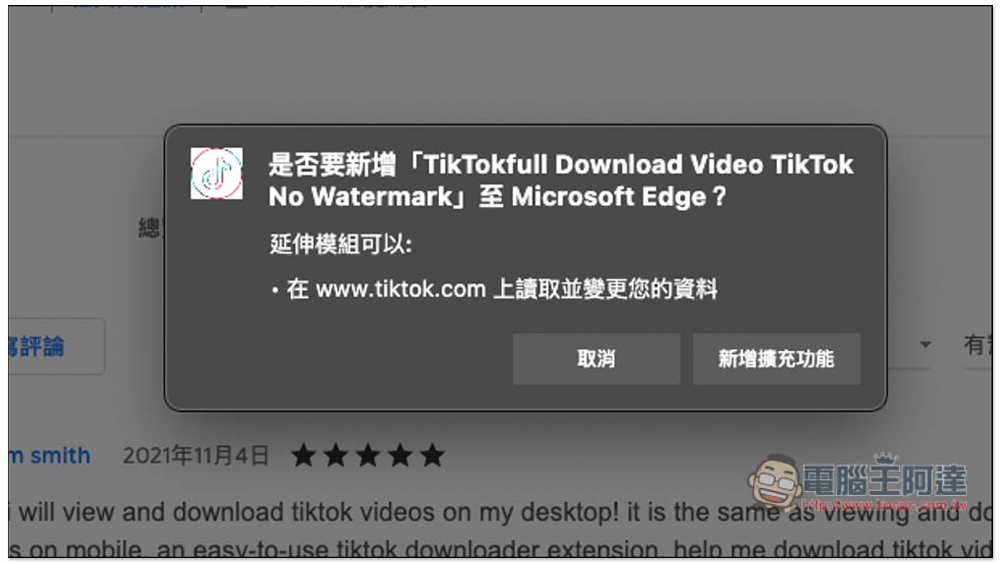
When a small icon appears on the upper right, it means the installation is complete. This small icon is not needed during use:
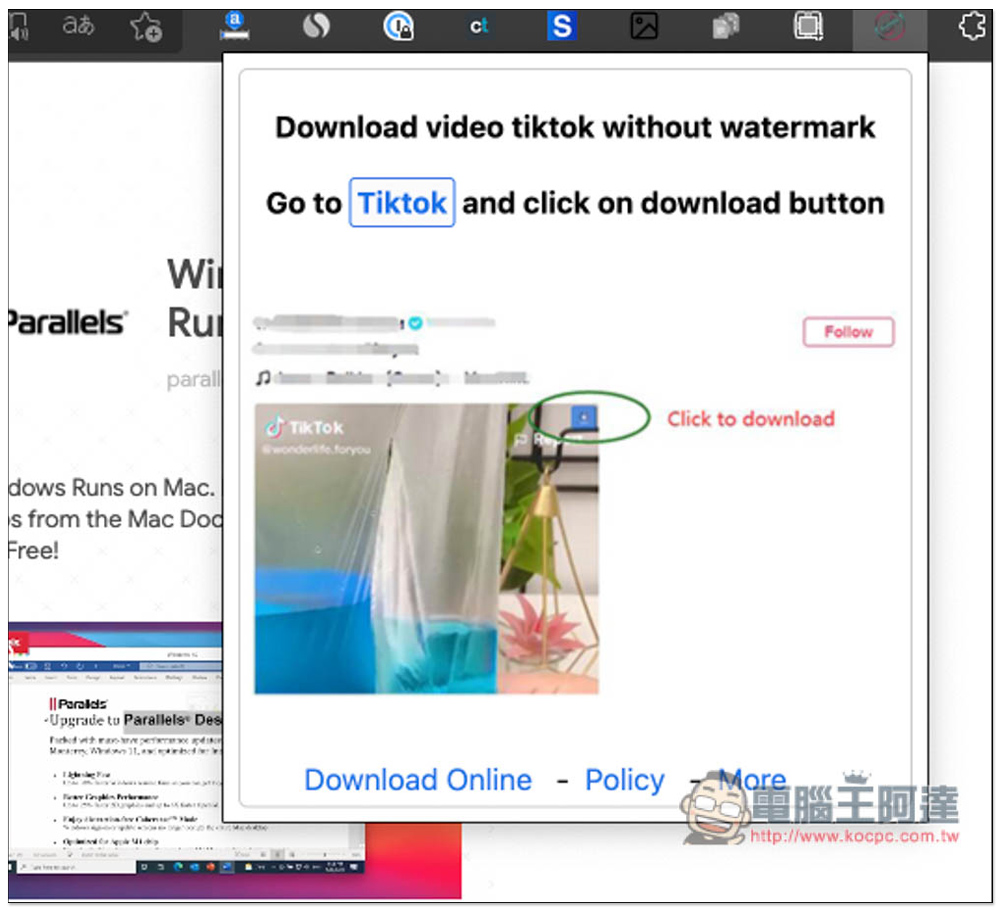
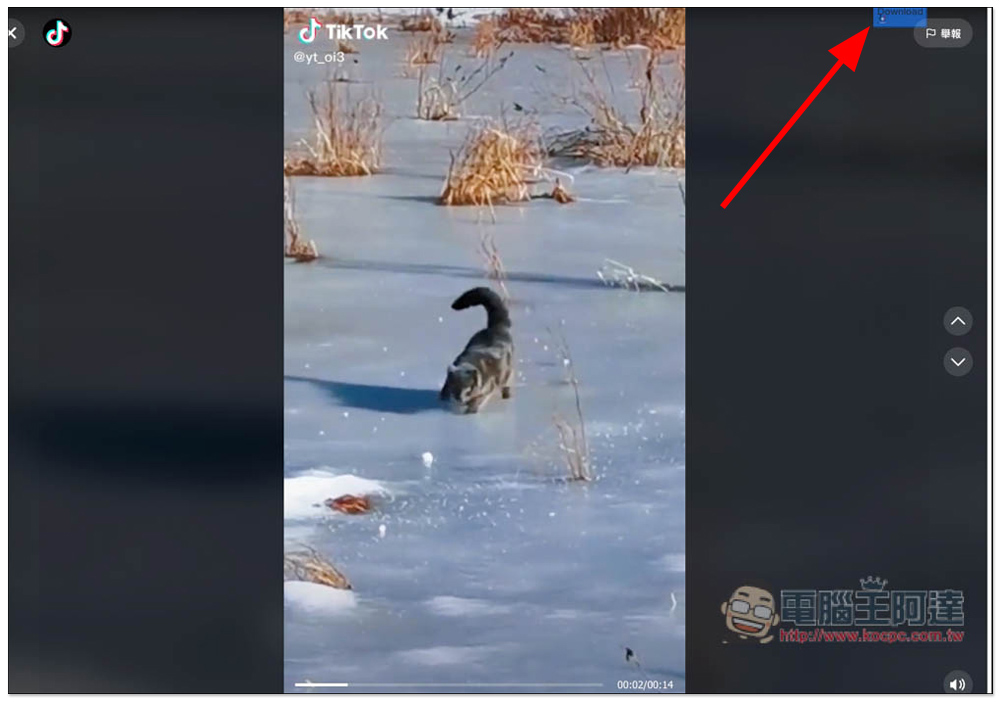
The usage is very simple. After installation, open the TikTok video you want to download. A blue Download function will appear in the upper right corner. Please click it:
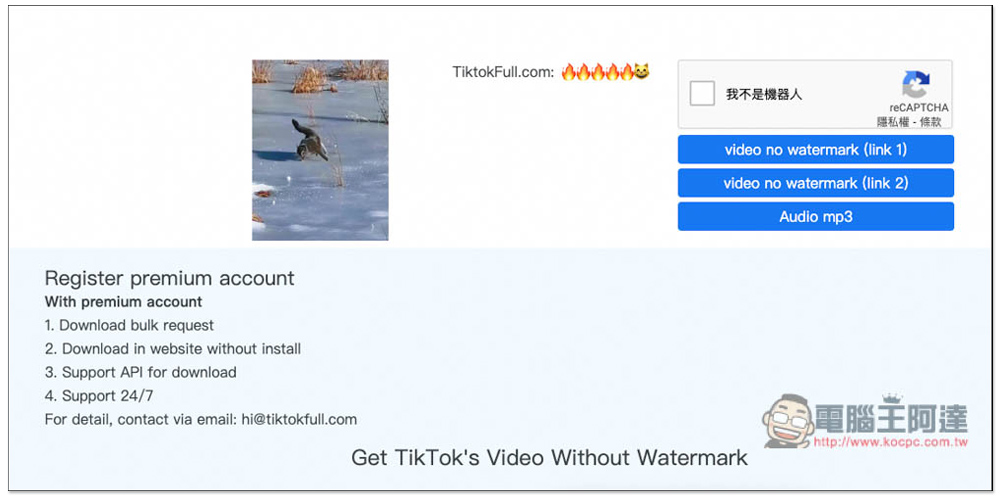
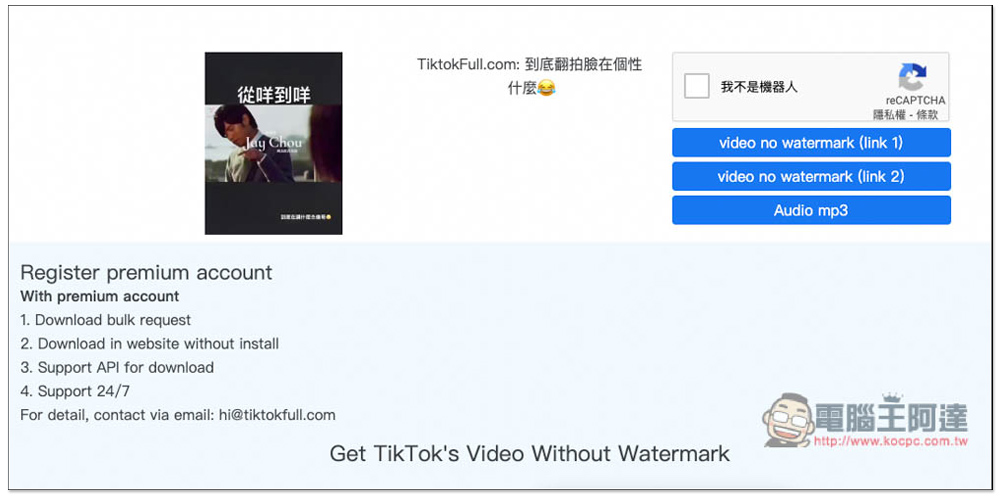
Then the zztik page will open, and then it will automatically search for the download point of this video. Most of them will provide two link 1 and link 2. It doesn’t matter which one you want to download. There is also audio mp3 with pure sound. Remember to check I am not a robot before downloading:
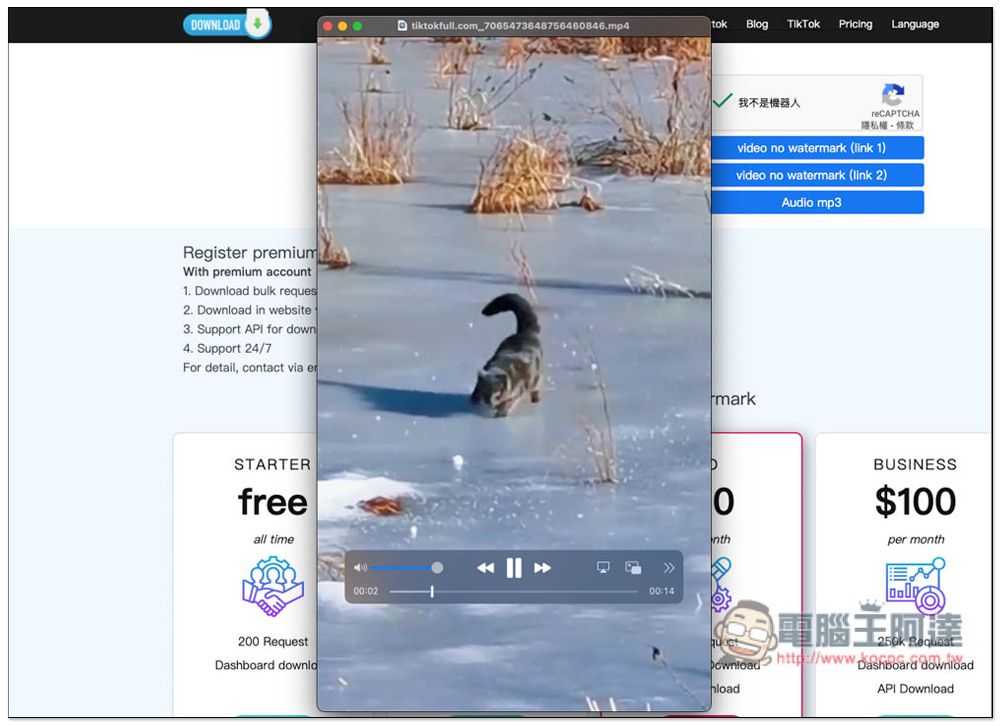
I actually tested the download successfully, and there is indeed no watermark, and the resolution is also very high:
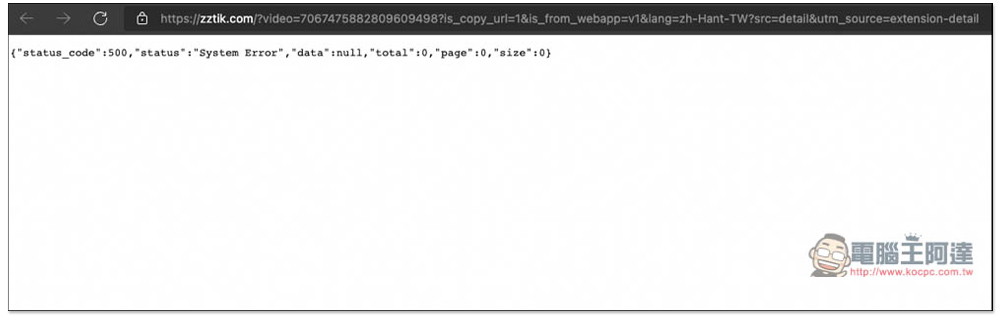
However, one thing to note is that during the test, I once encountered an error page (as shown in the picture below). I am not sure why it happened, but if you encounter it too, you can delete all the URLs after zztik.com:
You will go to zztik’s Douyin video download page, and paste the video you want to download in the search field. In addition, although the search field indicates that you can enter @username or #hashtag, I couldn’t use it in my test. It only supports URLs. The Google Play below also seems to be out of service, and the App cannot be found in the Play Store:

This way you can get the download point of the video:
Finally, I would like to remind you that this kind of tool may become invalid after a while. This is the case with most online free download tools. Therefore, if you cannot download it when you use it, it means that it cannot be used at the moment. You can find other alternative tools, or try again every few days. We also discourage downloading of unauthorized TikTok videos, the above is for educational purposes only to demonstrate how the tool operates.
Source: KOCPC Chinese