


Eight-Bit Painter is a very popular app in the App Store and Play Store recently (probably because of its NFT relationship. It is advertised as very suitable for creating NFT art). It allows everyone to easily create and draw pixel images. It is simple to operate and supports the function of importing images, which means turning images into pixel style. It is completely free and there are not many ads.
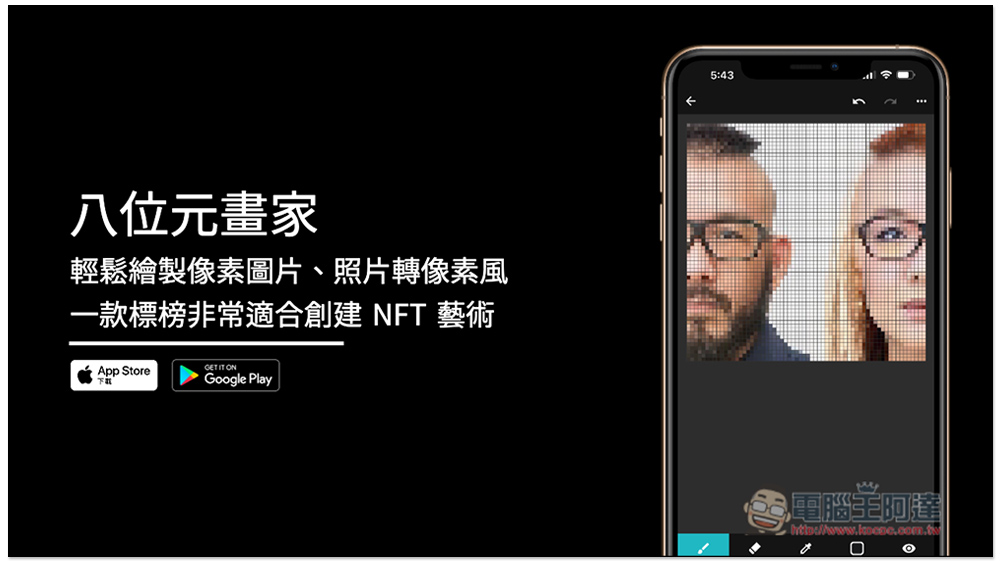
Introducing Eight-Bit Painter, a simple and easy-to-use free app for drawing pixel pictures
Eight-bit Painter App download link
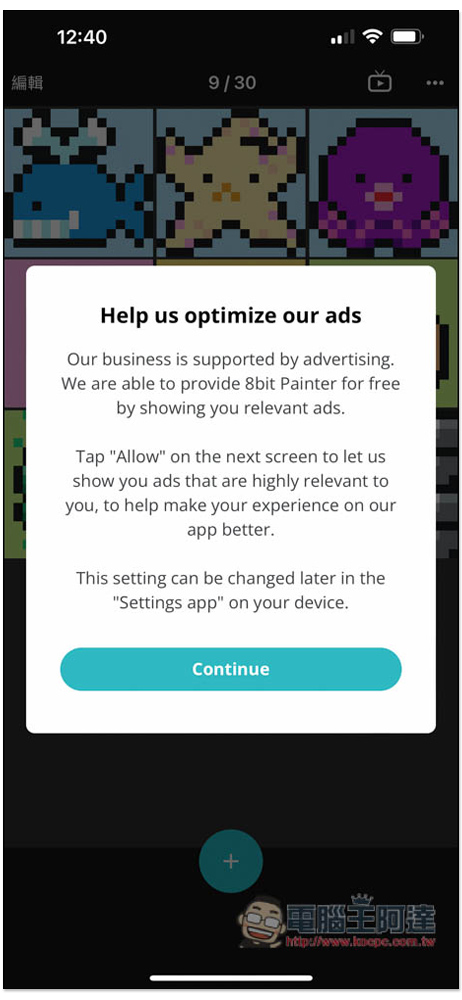
When you open the app for the first time, a window will pop up asking you to allow ad tracking. It depends on whether you want it or not. Press Continue to select. For those who don’t know yet, you can disable it first and then go into the settings to open it if you want to:
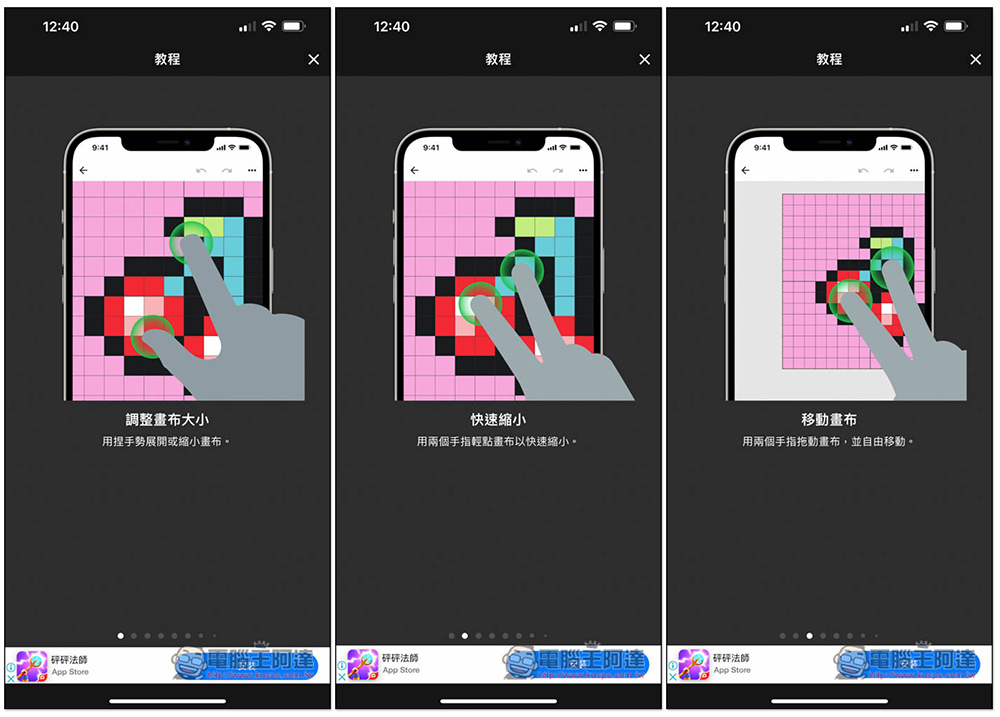
There will be a simple operation tutorial at the beginning, which is actually similar to most drawing apps. If you have used other apps, you should be able to get started quickly:
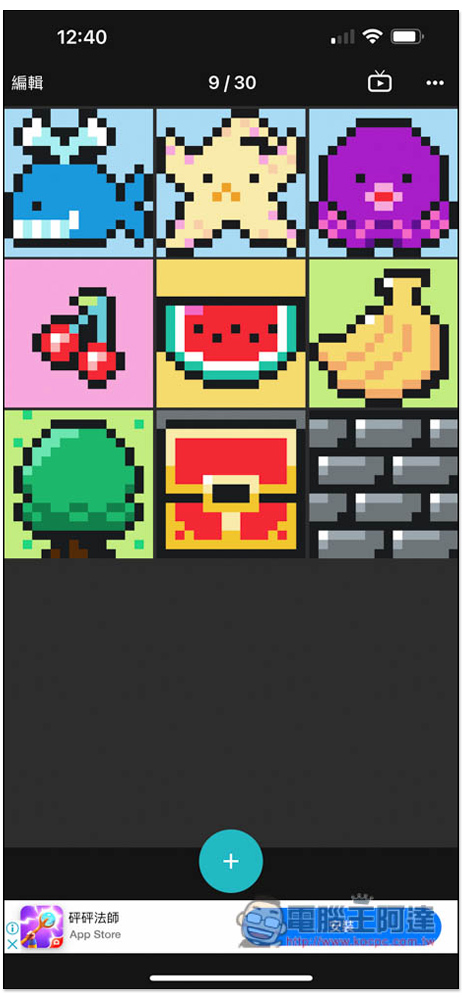
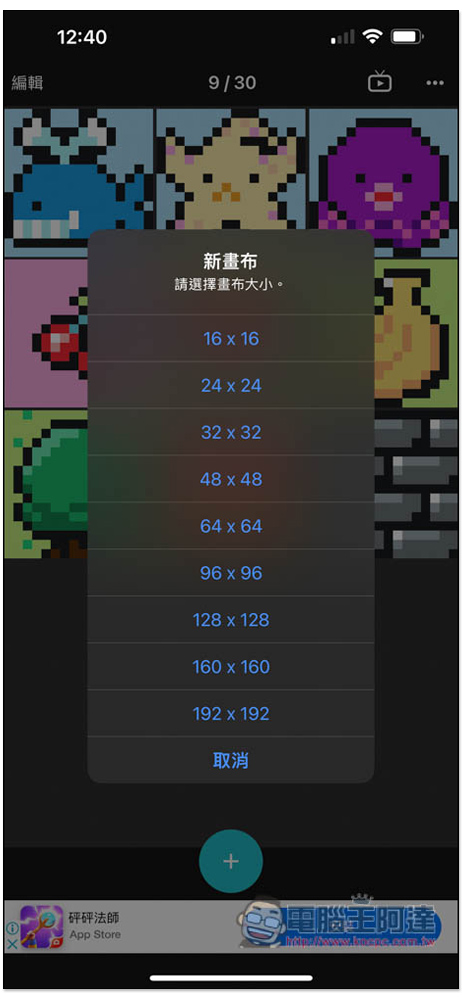
After entering the main screen, there are already several free pixel pictures preset. Those who are interested can open them and take a look. To create your own, press + below:
Provides 9 canvas options, “16 x 16”, “24 x 24”, “32 x 32”, “48 x 48”, “64 x 64”, “96 x 96”, “128 x 128”, “160 x 160” and “192 x 192”, depending on how big the picture you want to draw:
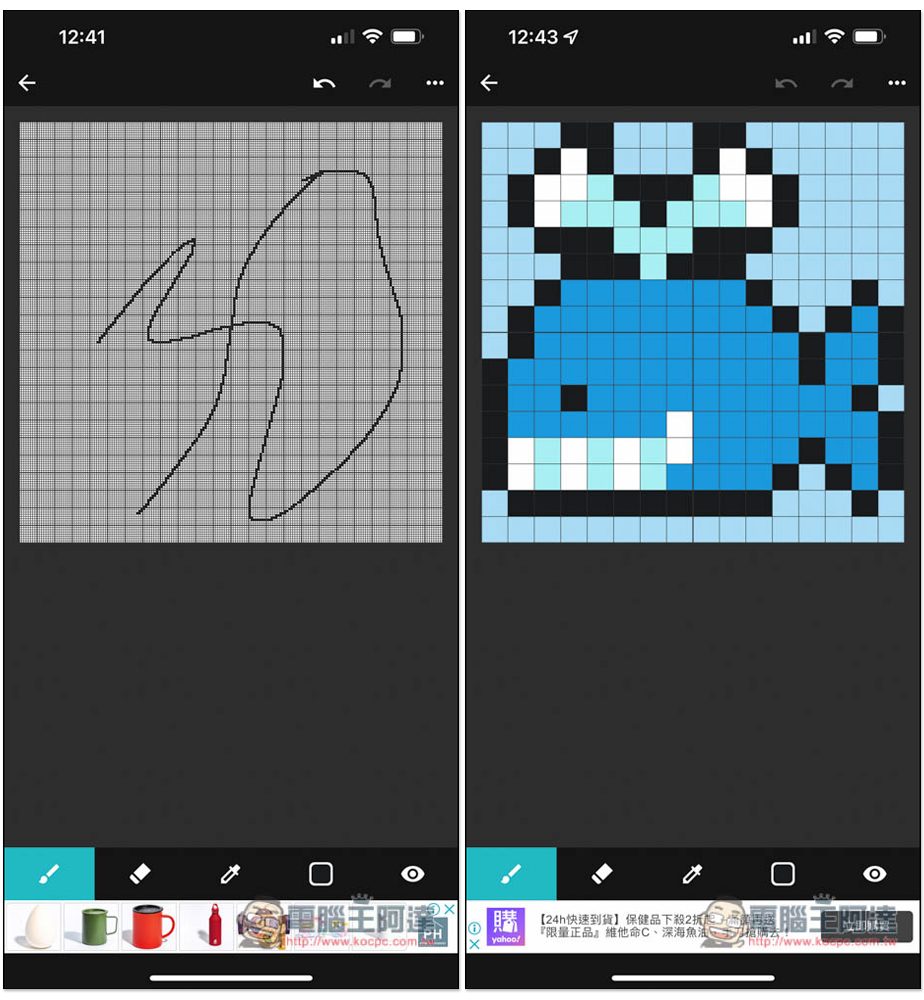
Then you can start drawing. The toolbar is at the bottom. I have no talent for drawing, so I won’t show off. I can draw a pattern like the one on the right side of the picture below:
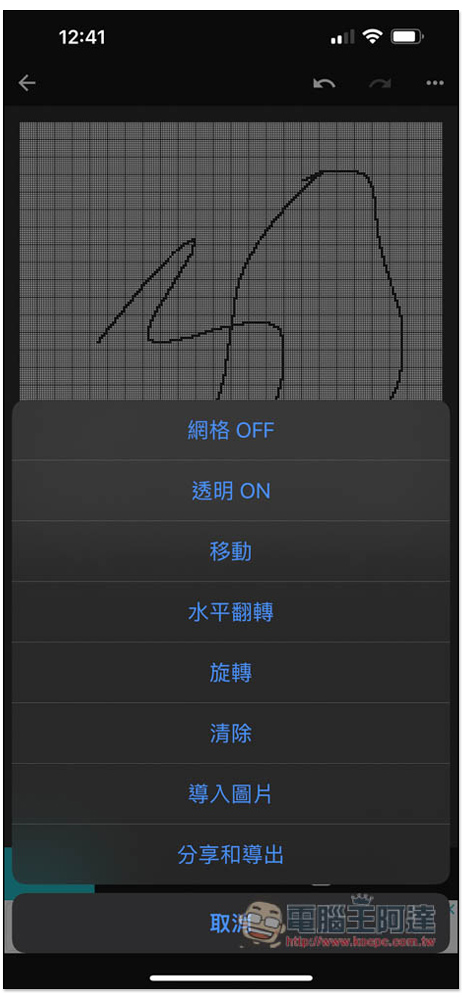
Click on the… on the upper right to open more function menus. Horizontal flip, rotation, image import, sharing and export functions are all here. For those who don’t like grids, click Grid OFF to turn it off:
In addition, when converting photos to pixel style, you should pay attention to the canvas size you choose. If it is too large, the effect will be fine. Like the picture below is 192 x 192, it will not be too pixelated, but will be a little blurry:
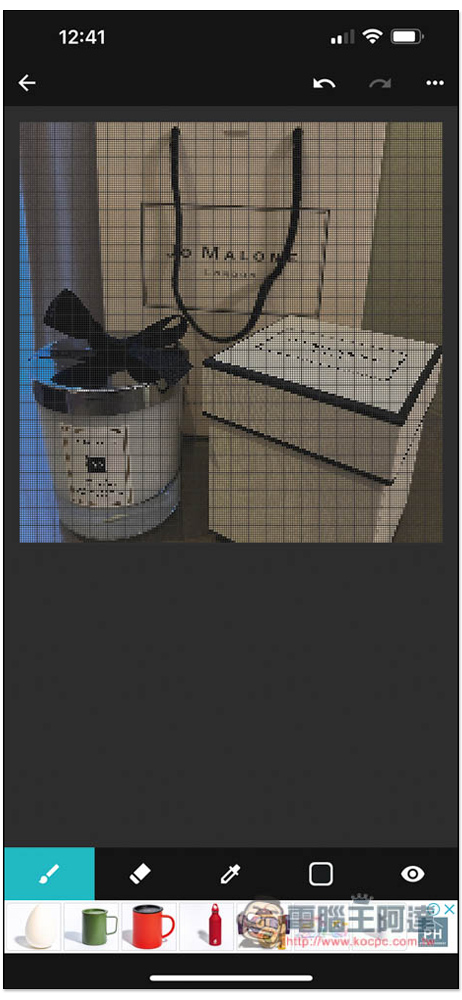
After the canvas is made smaller, the pixel style becomes obvious:
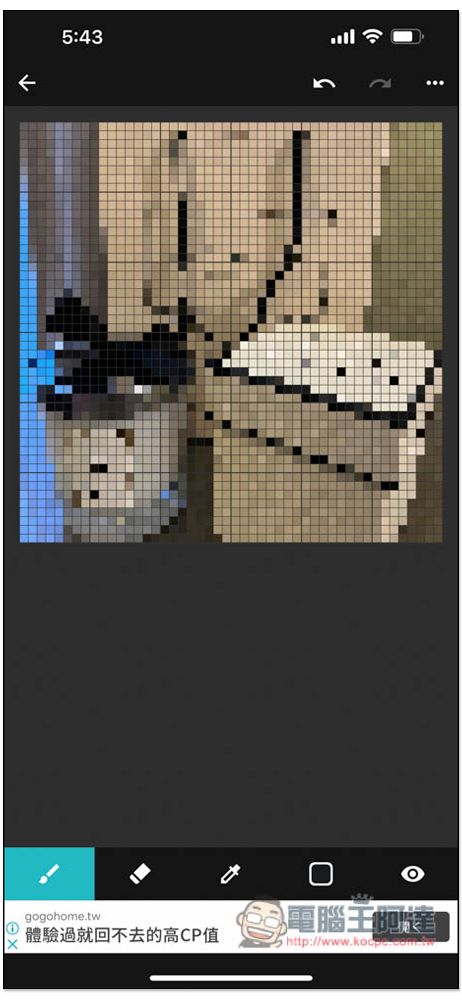
You can also turn your pets at home into pixel style, which are quite cute:
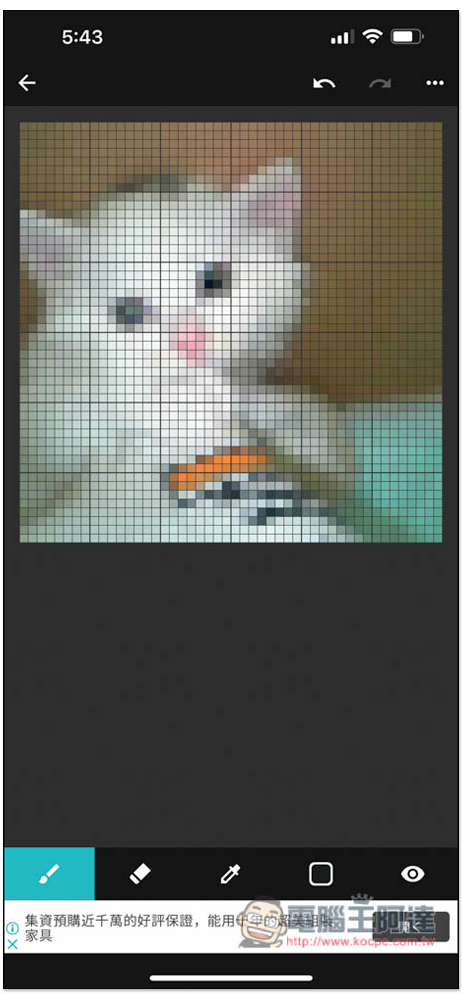
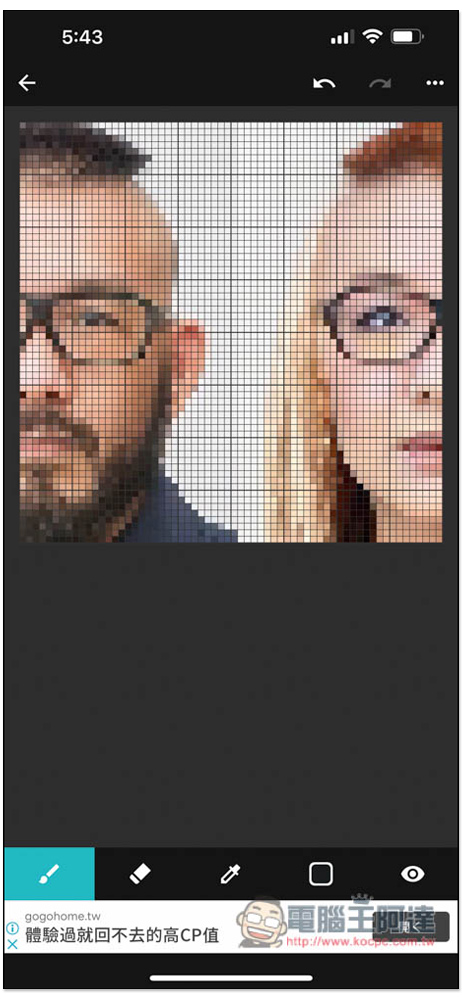
Of course, there are also photo stickers. I can just create Ada’s unique NFT art digital file. Does anyone want to buy it? (Hey):
After you finish drawing or convert the picture to pixel style, press Share and Export to save it to your phone, and you can also choose the size:
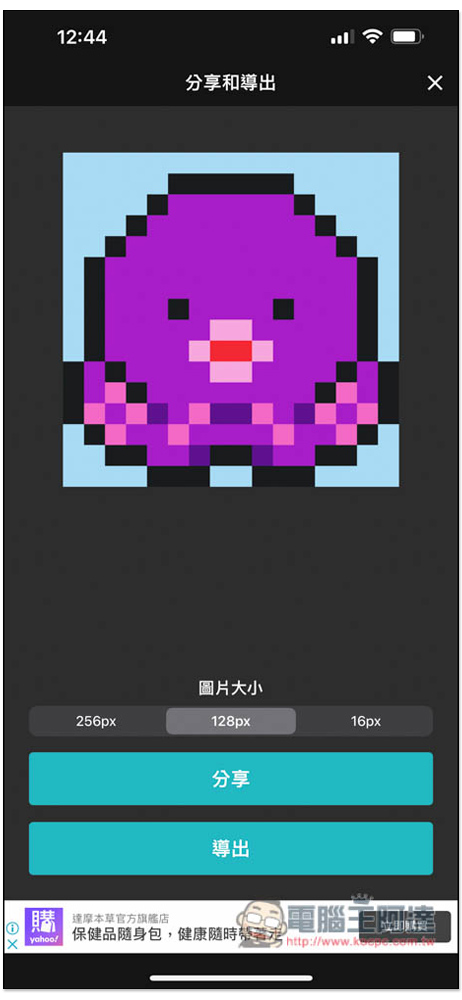
There is no watermark on the output pictures. This app is really amazing:
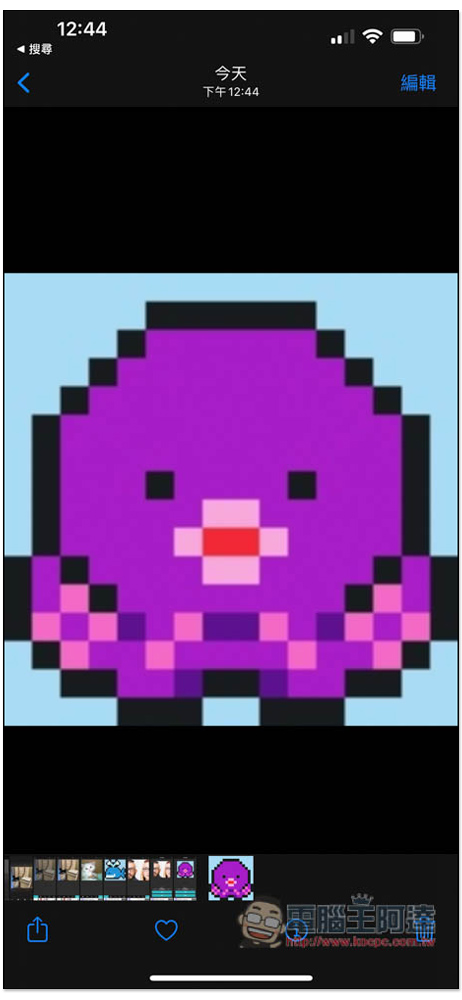
However, after the export is completed, ads will pop up. People who really like this app can actually consider paying to support it and remove all ads. The price is not very expensive and it is a one-time payment.
In addition, I’m not sure whether there will be any copyright issues with the built-in free pixel images. Personal use should be fine, but if you want to use them commercially, I suggest you create them yourself to be safer, or convert your own photos into pixel style.
This app is suitable for the following people:
- Pixel art for beginners
- Create your SNS icon
- Design spelled bean pattern
- Design cross stitch patterns
- Create player skins for your game
- Create NFT art
Finally, I would like to remind you that introducing this app does not mean that we recommend investing in NFT products! It’s just about sharing useful apps.
Source: KOCPC Chinese