


Although there are many free online cloud spaces, most of them have limited capacity, and they are very small. Therefore, those who need large files must upgrade to the paid version. Recently, I discovered this quite special T-Drive free tool, which is based on Telegram API. Simply put, files will be stored in Telegram’s cloud space, thus achieving no capacity limit. The developer also said that storing in Telegram is very safe, and there are no upload or download speed restrictions. However, it is currently only available in Windows version.
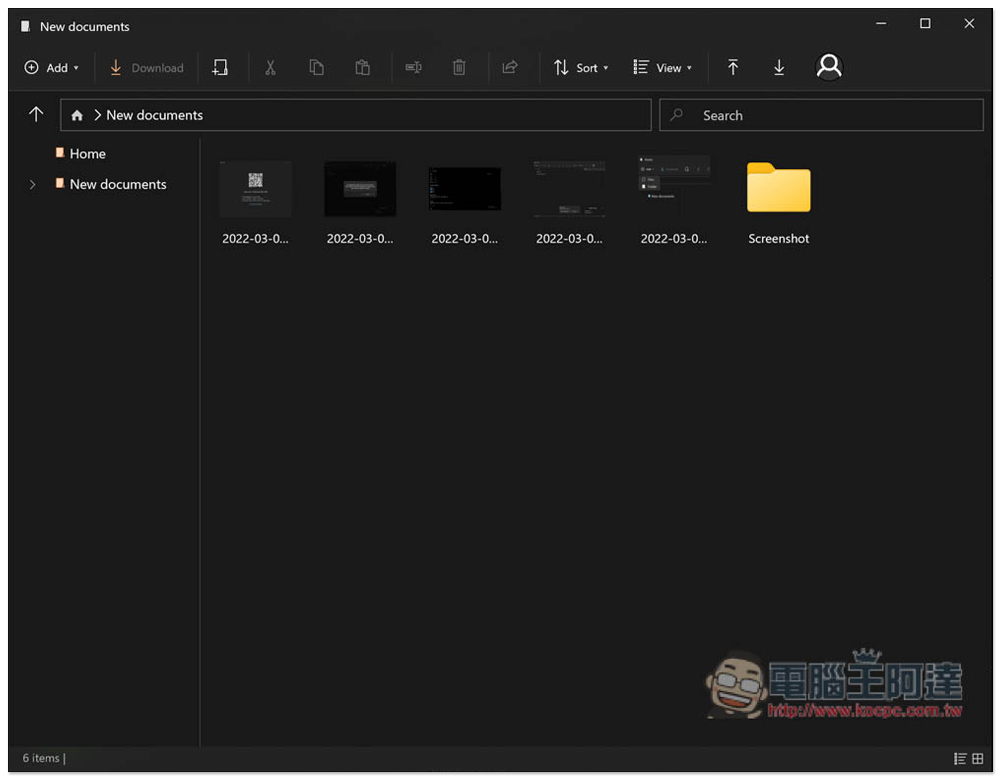
Introduction to T-Drive free tool, easily own cloud space with no capacity limit
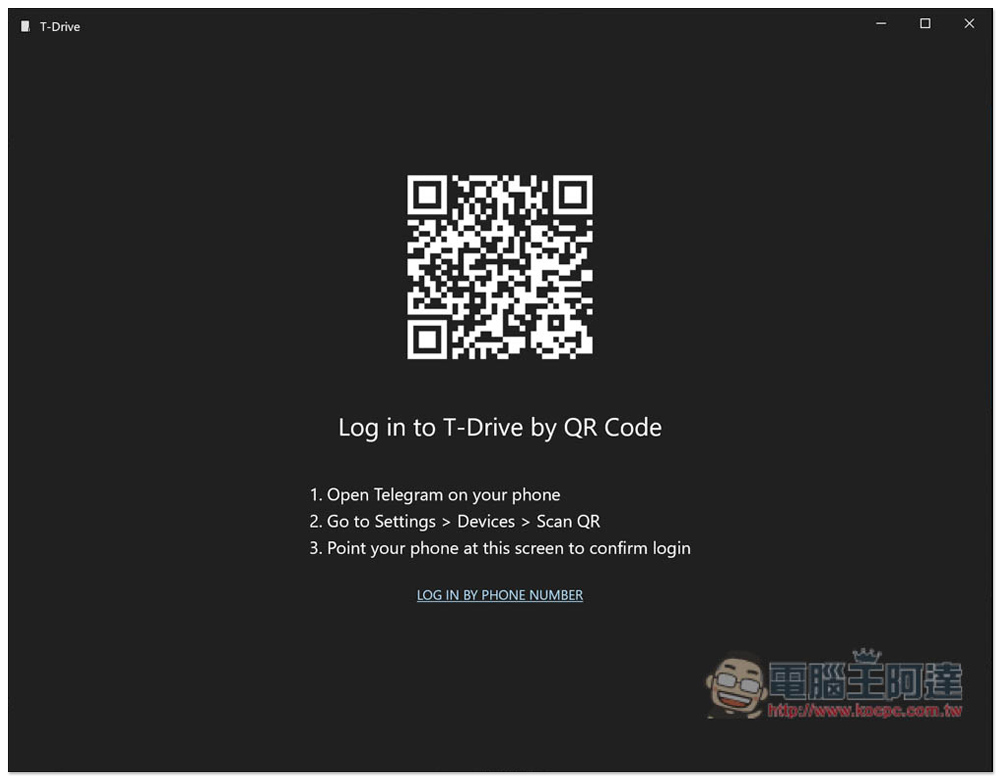
After downloading and installing the T-Drive tool, you will need to scan the QR Code of your Telegram account to log in, or click below to log in with your mobile phone number (LOG IN BY PHONE NUMBER). If you don’t have Telegram yet, just register it with your mobile phone number:
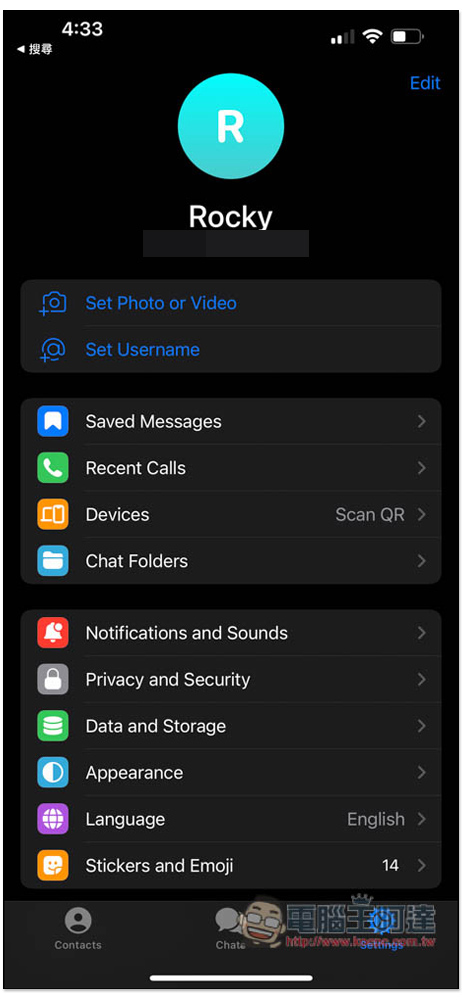
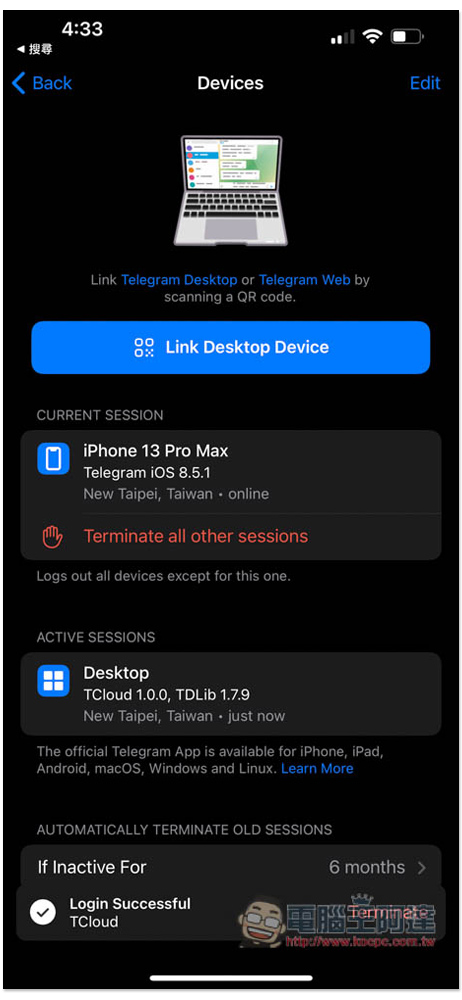
I take iPhone as an example. After opening Telegram and clicking the Setting menu in the lower right corner, you can find the Devices Scan QR function:
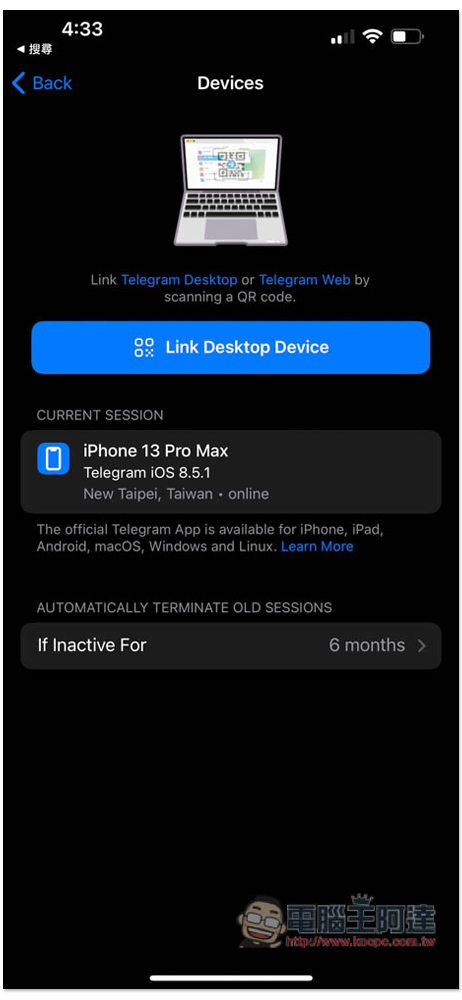
Then press Link Desktop Device, and the camera function will be enabled:
After the connection is completed, the ACTIVE SESSIONS below will display the name of the computer you just connected:
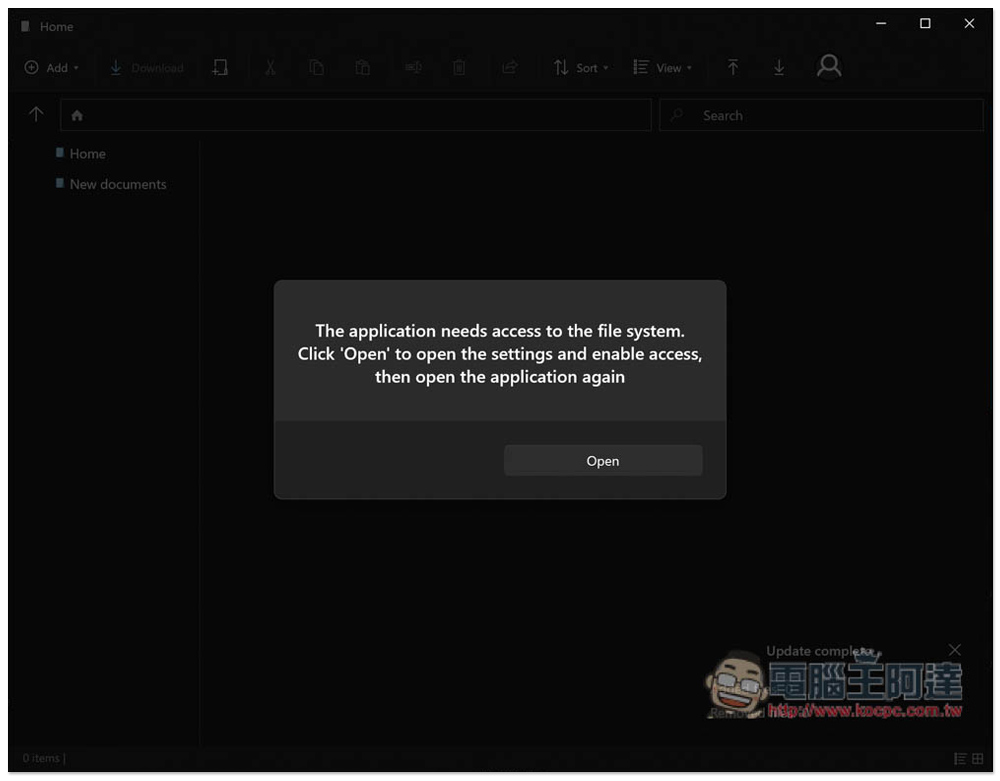
Before you start using it, you need to allow the file system permissions and press Open:
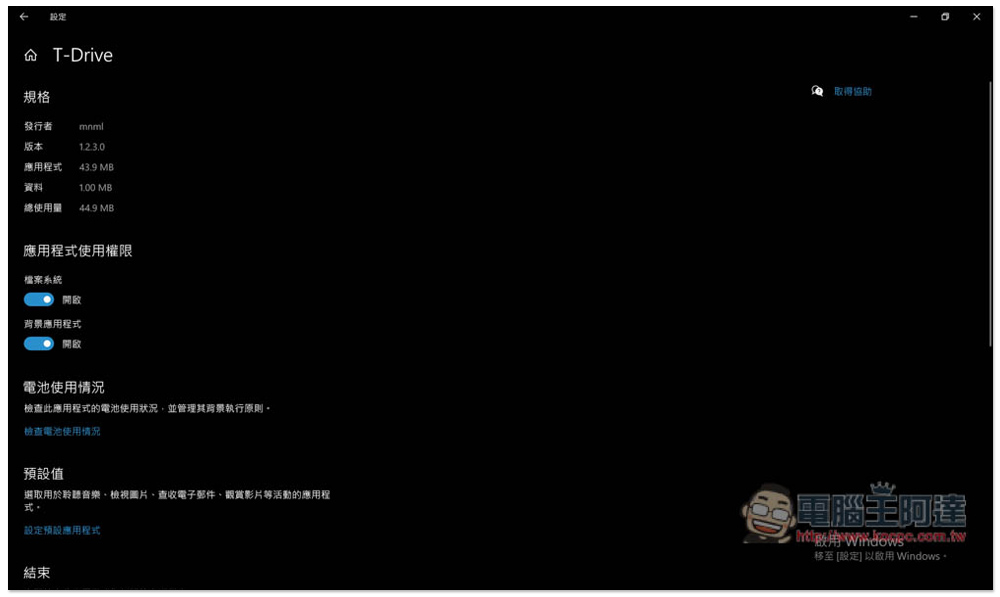
This page will automatically open, just open the file system:
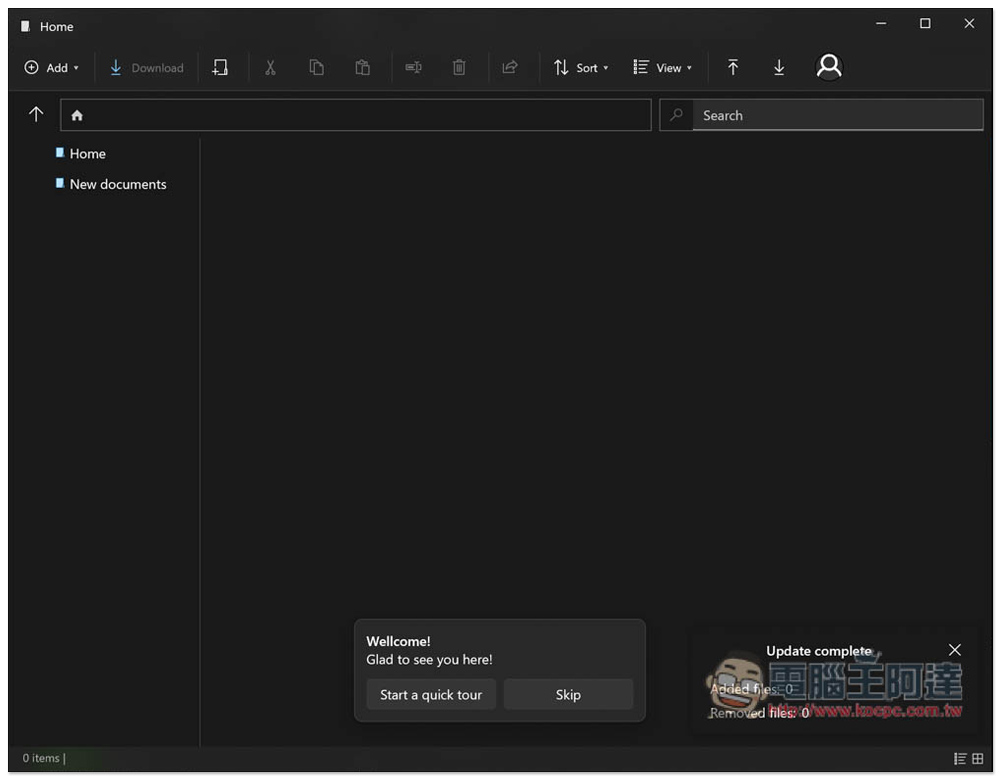
Then you can start using it. This product also provides simple operation tutorials. Those who want to see it can click Start a quick tour below. By default, there are two folders, Home and New documents, and the menu is at the top:
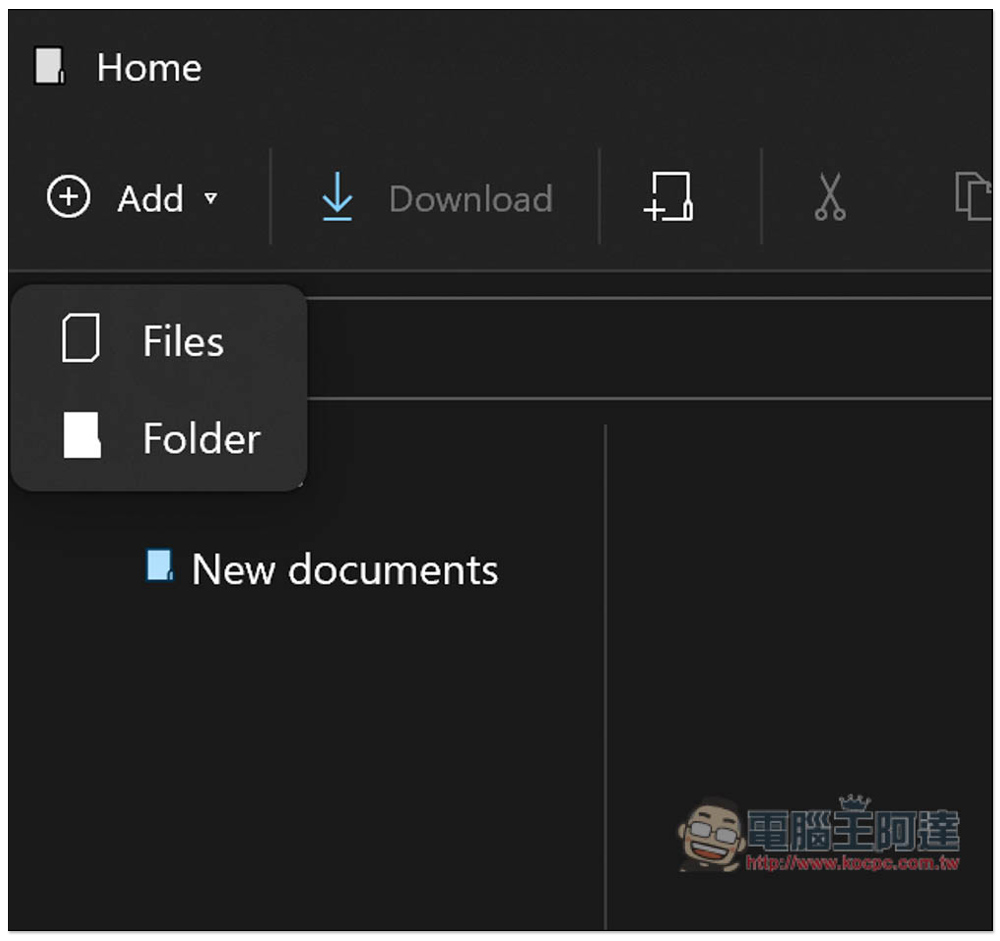
Upload files can be dragged directly into the window, or you can open the Add menu on the upper left, supporting both files and folders:
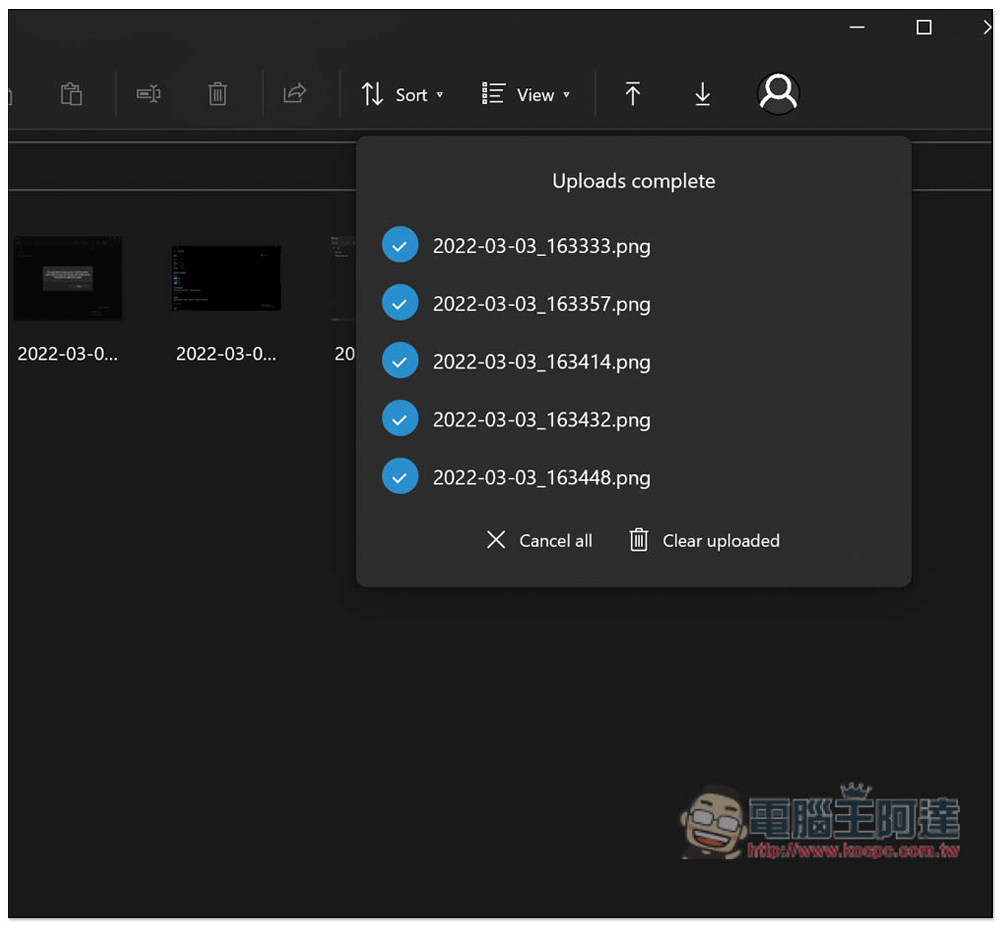
Upload and download activities can be viewed in the upper right corner, as shown by the two arrow icons:
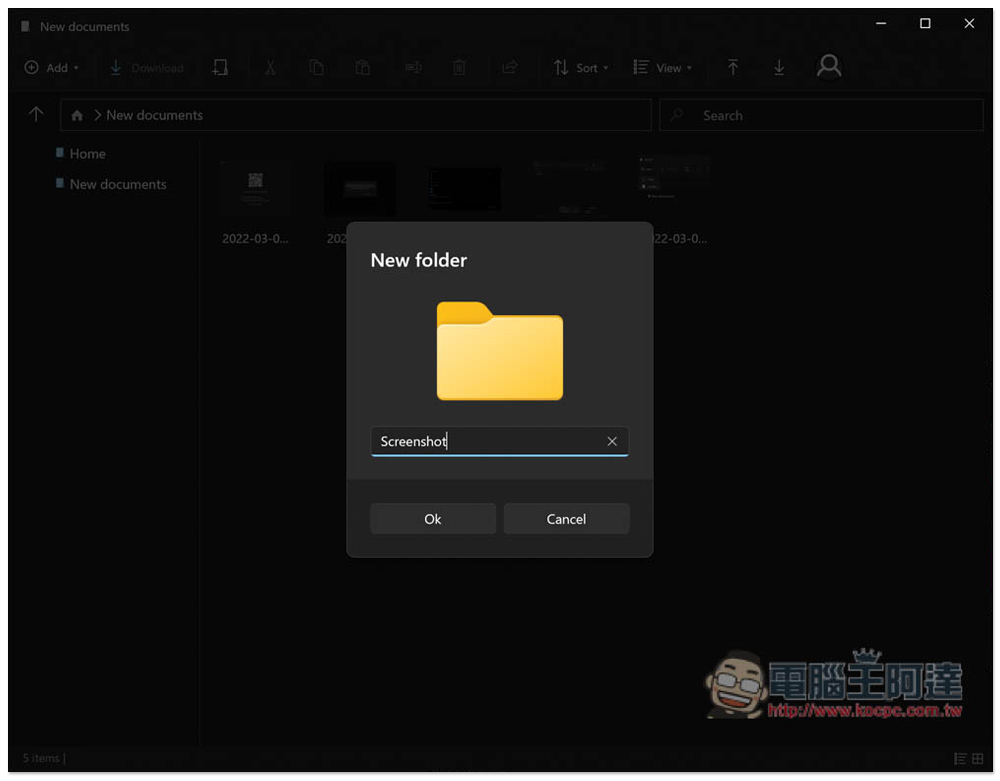
Of course, you can also create folders:
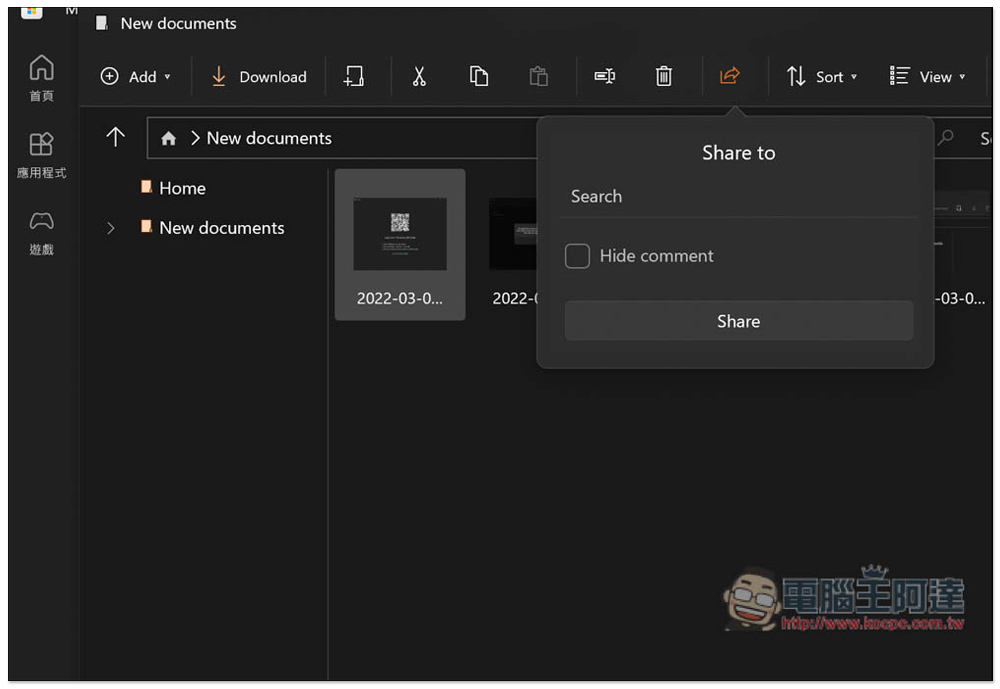
In addition, if you want to share it with other friends, after selecting the file, click the share icon above, and then enter the other person’s Telegram name to share it, but there is no link creation function:
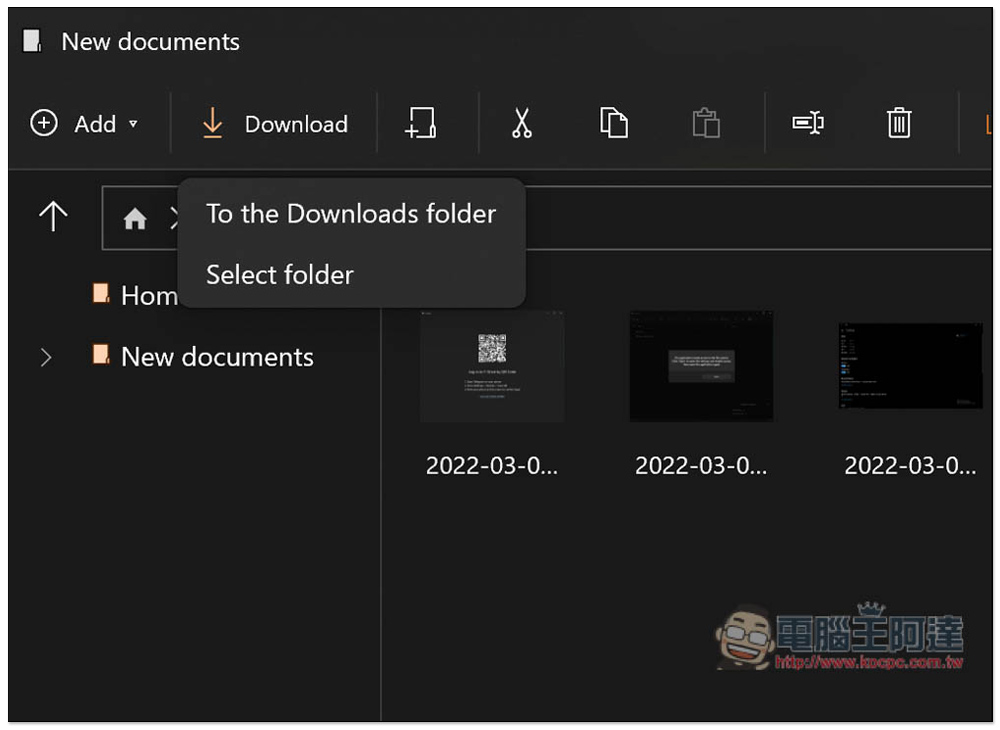
To download to your computer, you need to click the Download function in the upper left corner (download directly to the download folder or select a folder). There is no way to drag directly, which is a bit of a pity:
Although you can get similar unlimited cloud space through T-Drive, the functionality is still inferior to other cloud space services. For example, it does not support synchronization, is only available on Windows, has no preview function, etc. If Telegram changes its policy in the future, there will be risks, whether it is capacity limits or file retention periods.
Therefore, even if Telegram’s security is not bad, it is still not recommended to store important files in T-Drive.pCloud, Google One and the like are relatively safe, and you don’t have to worry about whether the policy will suddenly change.
Source: KOCPC Chinese