


AI is being used more and more across various industries these days. When used properly, AI can help save a lot of time. For example, we previously introduced a tool that can automatically turn rough sketch lines in a draft into clean lines.copainter: a free AI-powered illustration assistance website.After using it, it can help you complete the alignment work faster. Today, I’d like to introduce a generative AI for the construction industry called “egakuyo” (エガくヨ). egakuyo uses the building sketch you provide to generate building images with different materials, styles, and color tones. With egakuyo, you can use AI to present the approximate appearance of the building in your mind. If you’re interested, let’s take a look together!
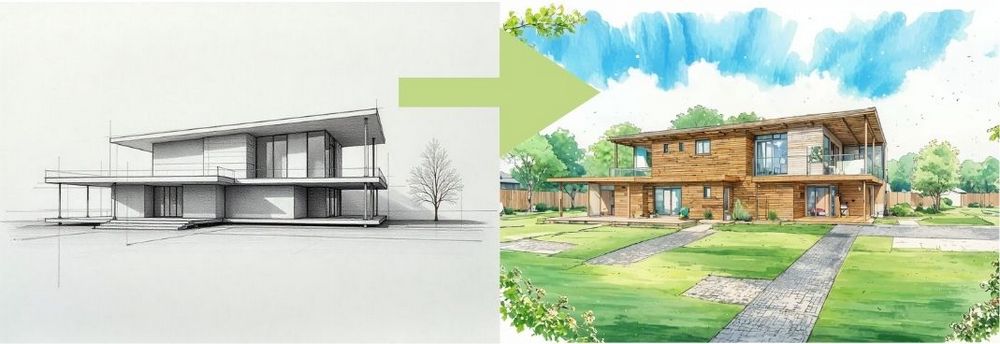
Architect’s AI Assistant エガくヨ: Generate Diverse Architectural Renderings with One Click
When drawing architectural perspective views, there may be times when you cannot draw the perspective smoothly. On top of that, the high production cost of perspective views is also a concern. That’s why エガくヨ, a generative AI service focused on architectural and urban illustrations, has appeared. エガくヨ says they can instantly turn your design concepts and drafts into illustrations. エガくヨ offers a variety of spaces and styles for users to work with. Today, we’ll share how to use the free generative AI for the architecture industry, “エガくヨ egakuyo”.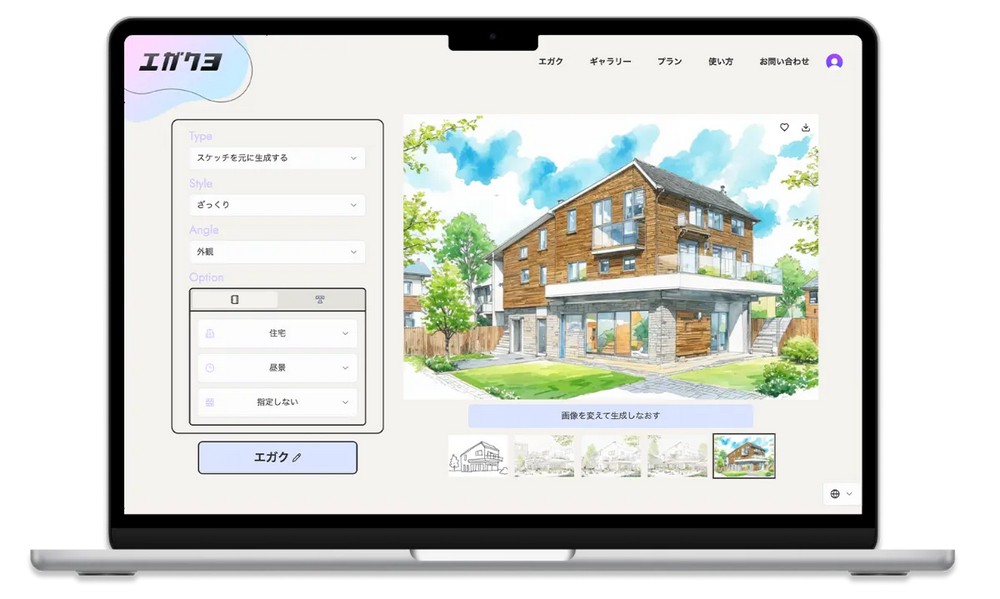
Go experience the free generative AI「エガくヨ」
After opening the website, you will first see this screen. Click “体験 する” to start using エガくヨ. Before you begin, you’ll need to register as a member; you can do so with Gmail.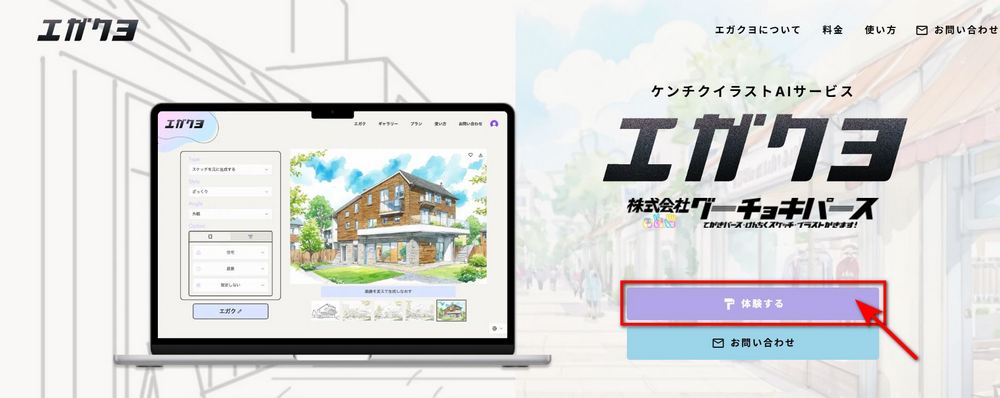
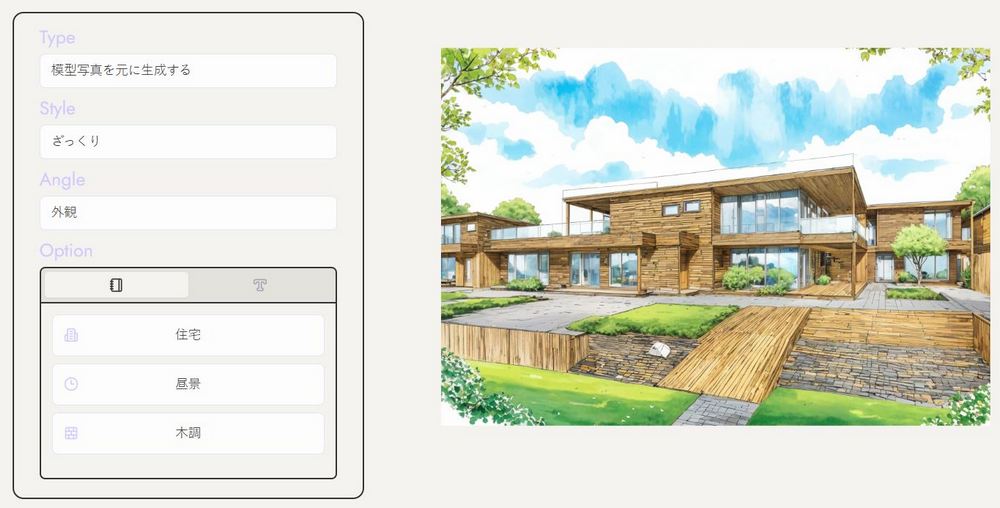
After registering, you’ll see the エガくヨ interface. エガくヨ has 4 options: Type, Style, Angle, and Option. Just pick the type you prefer to generate building images. Use the box on the right to add images, and the box on the left to select your preferred options.
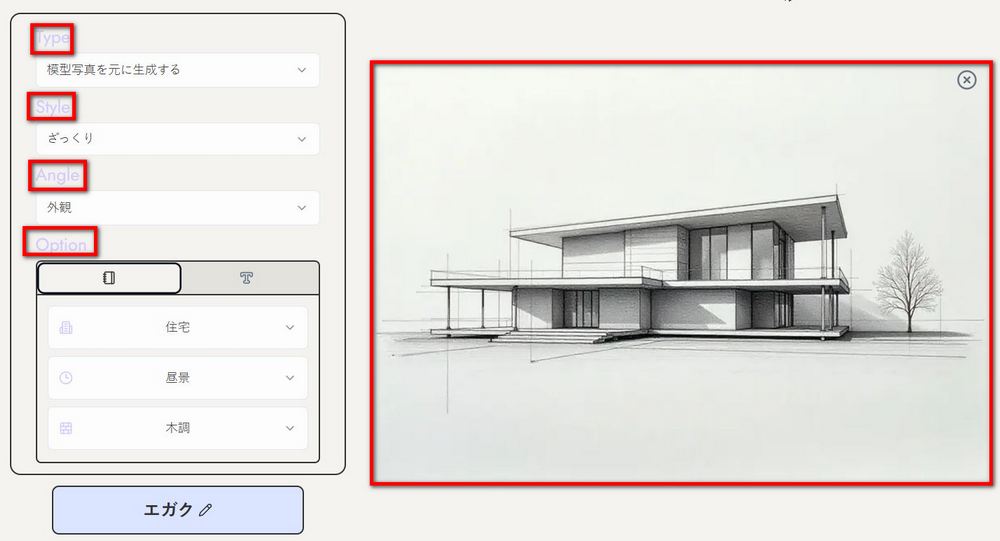

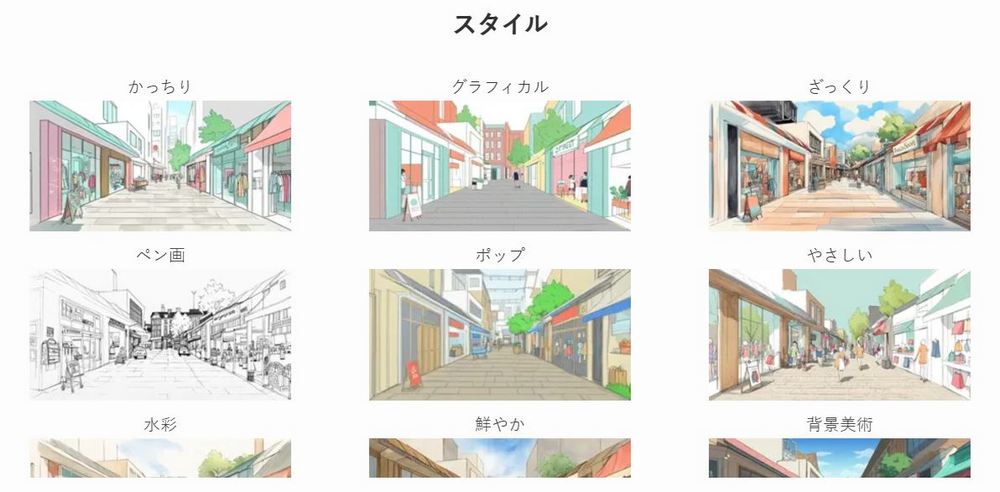
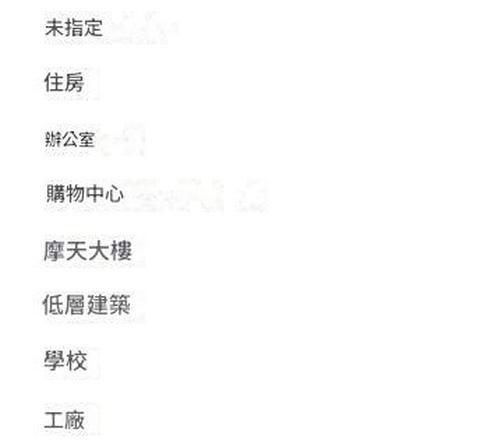

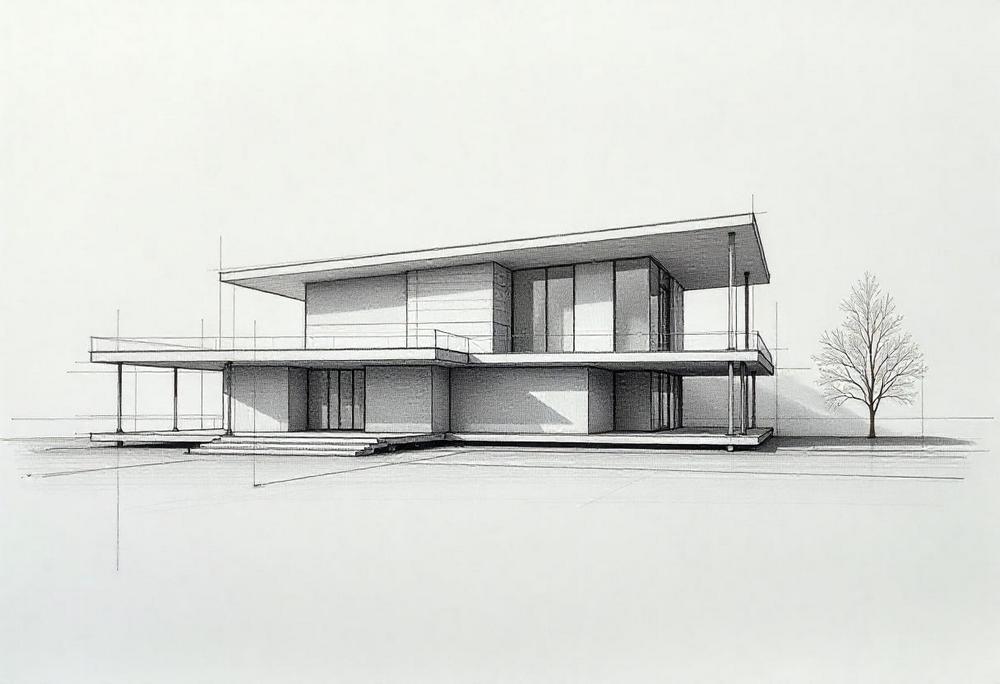
Here’s the image our editor created with エガくヨ, along with usage options for your reference. (All reference drafts are AI-generated.)
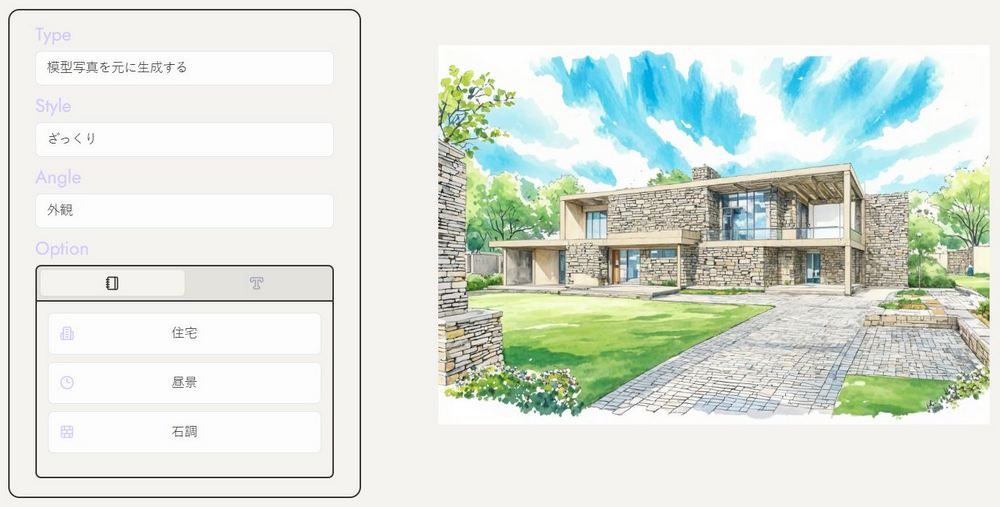
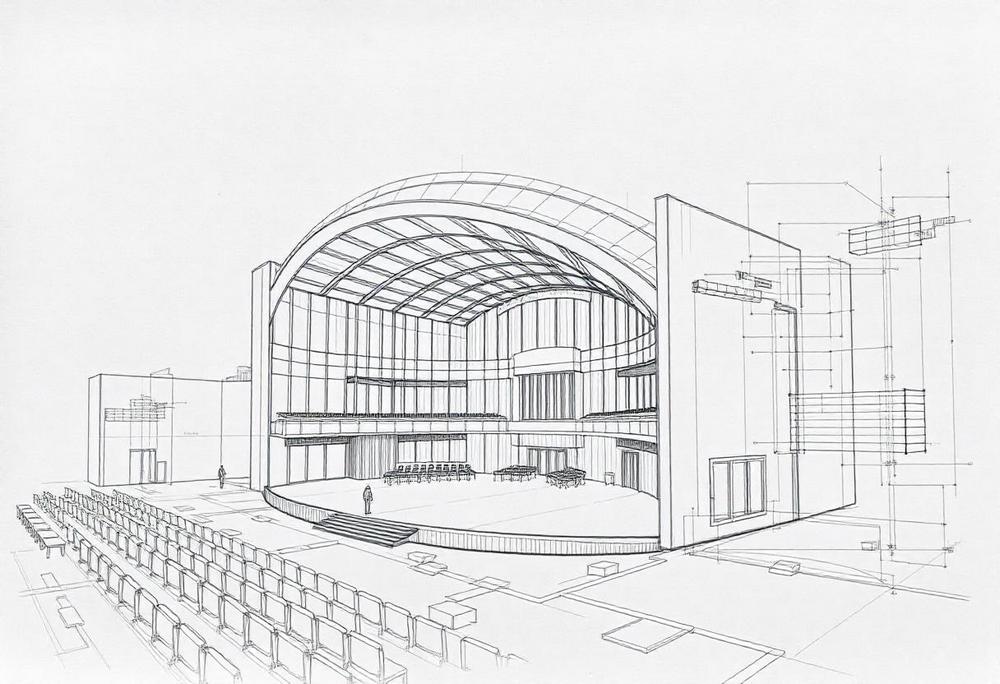
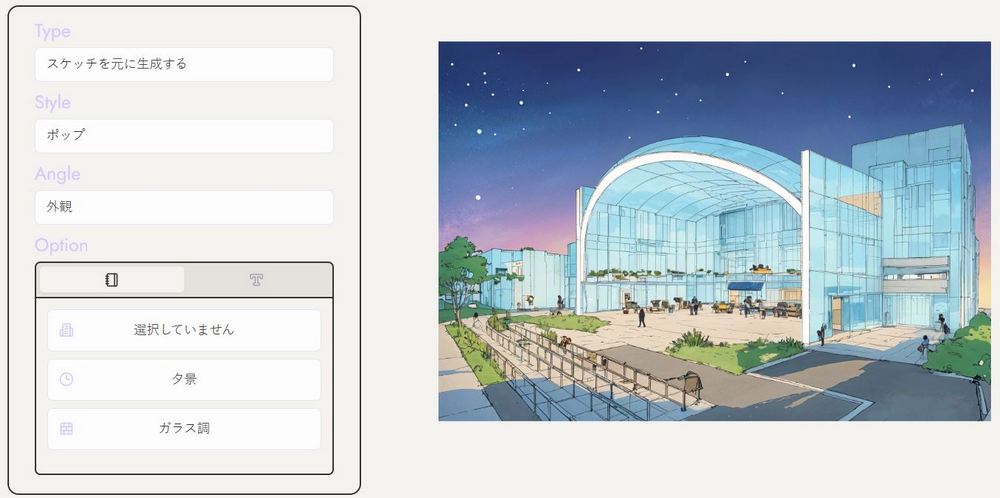
If you can’t draw but have a head full of ideas, you can also use pure text prompts to generate the buildings you imagine.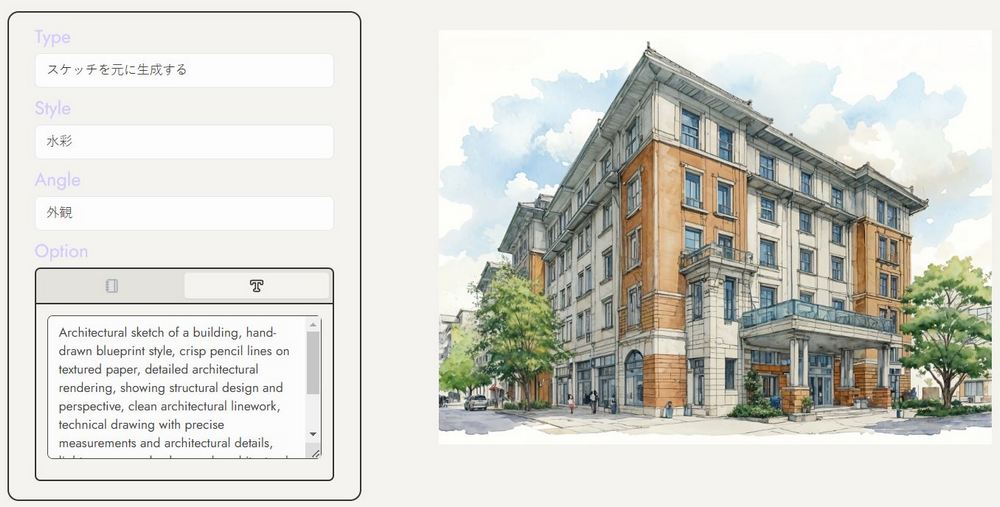
Apart from the editor’s own examples, we’ve also put together images created by the エガくヨ boss using エガくヨ. If you’re interested in エガくヨ, feel free to try it out yourself!
ラフスケッチから1分で手描きパースを生成します!
水彩調、グラフィカル調、ざっくり調などなど、様々なイラストスタイル10種類から選択できるので、好みの絵柄でバシバシ生成してみてくださいね!
気に入ったら有料コースの加入お願いします!!m(_ _)mhttps://t.co/KIchkAbSCS#エガクヨ #パース… pic.twitter.com/rbhK4eoBlv— 石井山下翔一朗|イラストレーター社長|建築イラスト|グーチョキパース (@shoichiro_ishii) October 31, 2024
ラフスケッチから手描きパースを1分で生成!
水彩調、グラフィカル調、ざっくり調などなど、様々なイラストスタイル10種類から選択できるので、好みの絵柄でバシバシ生成してみてくださいね!
有料会員は規約内での商用利用も可能!https://t.co/KIchkAbSCS#エガクヨ #パース #建築 #生成AI pic.twitter.com/c3axMW3jX4— 石井山下翔一朗|イラストレーター社長|建築イラスト|グーチョキパース (@shoichiro_ishii) November 20, 2024
エガクヨはプロンプトのみでの生成も可能!
マンガやゲームの背景、プレゼン資料などの利用もおススメ!https://t.co/KIchkAbkNk#エガクヨ #パース #建築 #生成AI pic.twitter.com/2CVM8OLRDN— 石井山下翔一朗|イラストレーター社長|建築イラスト|グーチョキパース (@shoichiro_ishii) November 20, 2024
こんなラフ画でも、背景美術風イラストがすぐに作れます!https://t.co/KIchkAbSCS
Type:[スケッチを元に生成する],Style:[背景美術],Angle:[外観]
マンガ背景、ゲーム背景に使えるかも!? エガクヨ!#エガクヨ #生成AI #背景美術 pic.twitter.com/51akk6XFZK— 石井山下翔一朗|イラストレーター社長|建築イラスト|グーチョキパース (@shoichiro_ishii) October 22, 2024
Source: KOCPC Chinese