


Sometimes when you want to transfer a file to a friend or someone who is running a website, you will definitely encounter a situation where the file is too large. At this time, you will need to use a compression tool. There are many options on the Internet now, but most of them are for a single file type, such as: image compression. This article will recommend a versatile online compression free tool “YouCompress”. Commonly used file types are supported, including: pictures, videos, PDFs, GIFs, etc., and the compression quality is also quite high. I have tested photo files and not only compressed them by 72% Right and left, after opening the photo, the image quality has almost not changed, it is almost the same as the original (at least not visible to the naked eye).
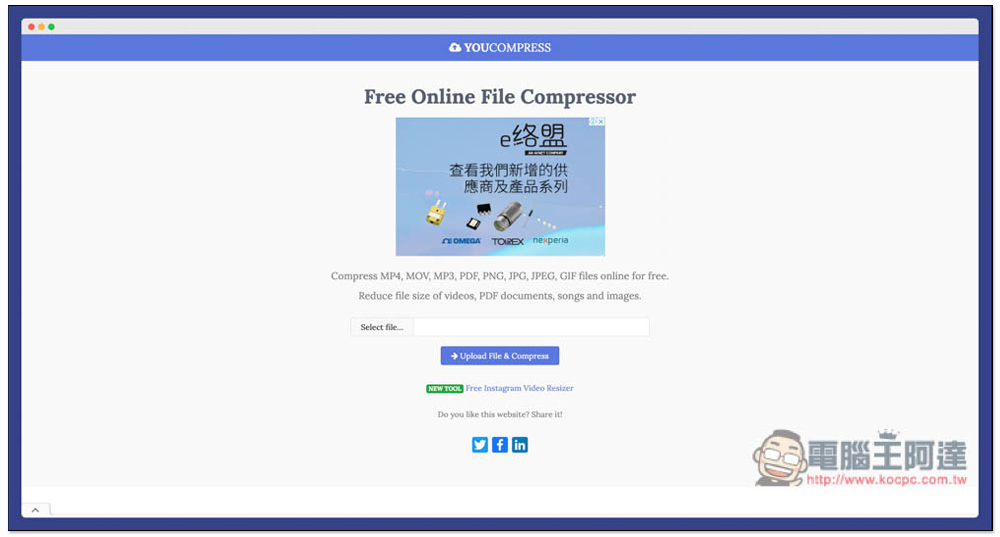
Introduction to YouCompress, a universal free online compression tool that supports a wide range of file types and has very good compression quality.
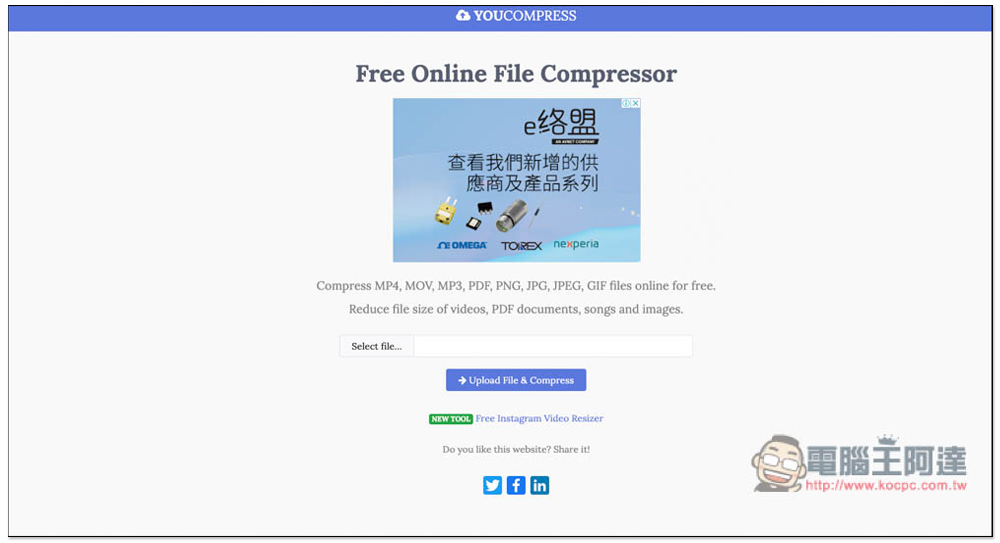
After entering the YouCompress website, you can see the function of selecting files. MP4, MOV, MP3, PDF, PNG, JPG, JPEG, and GIF formats are all supported (in fact, there are more than just these). It is a pity that this website does not support the drag and drop function. You must select manually and click Select file to select. In addition, this website can only compress files one by one and cannot process them in batches. This is a bit more troublesome. For those who need to compress a large number of files, it is recommended to use other tools:
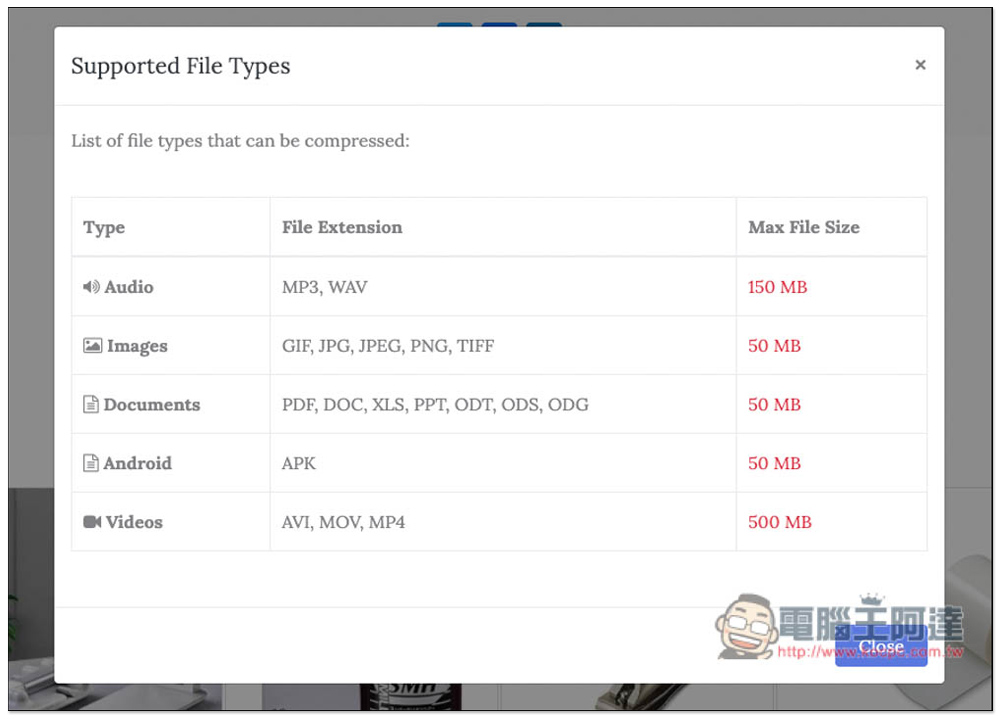
Another thing to note is that, after all, it is free, and there must be a file limit limit. For example, the maximum sound limit is only 150MB, the video is 500MB, and the pictures, documents and Android APK files are 50MB. Except for videos, I think it’s pretty adequate. It’s not easy to find pictures or files that exceed 50MB:
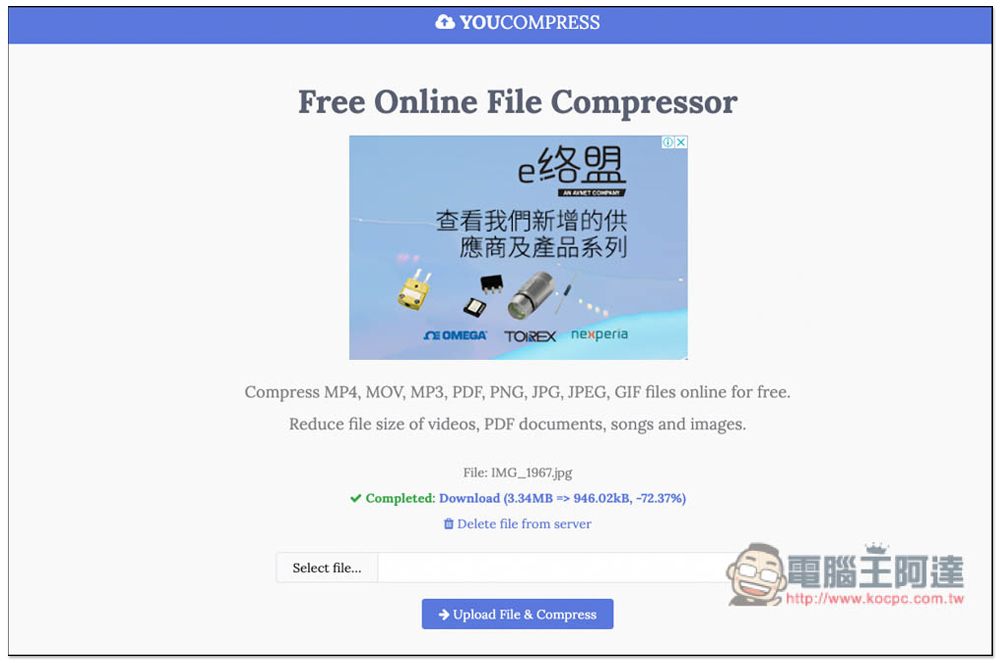
After clicking the Upload File & Compress button, the upload will start. After the compression is completed, the download point will appear and the word Completed will be displayed. I compressed the JPG image file. It was originally 3.34MB and became 940.02KB after compression, which is a 72.37% compression. This is really good. Click Download to start downloading. After downloading, you can also manually delete file from server (Delete file from server):
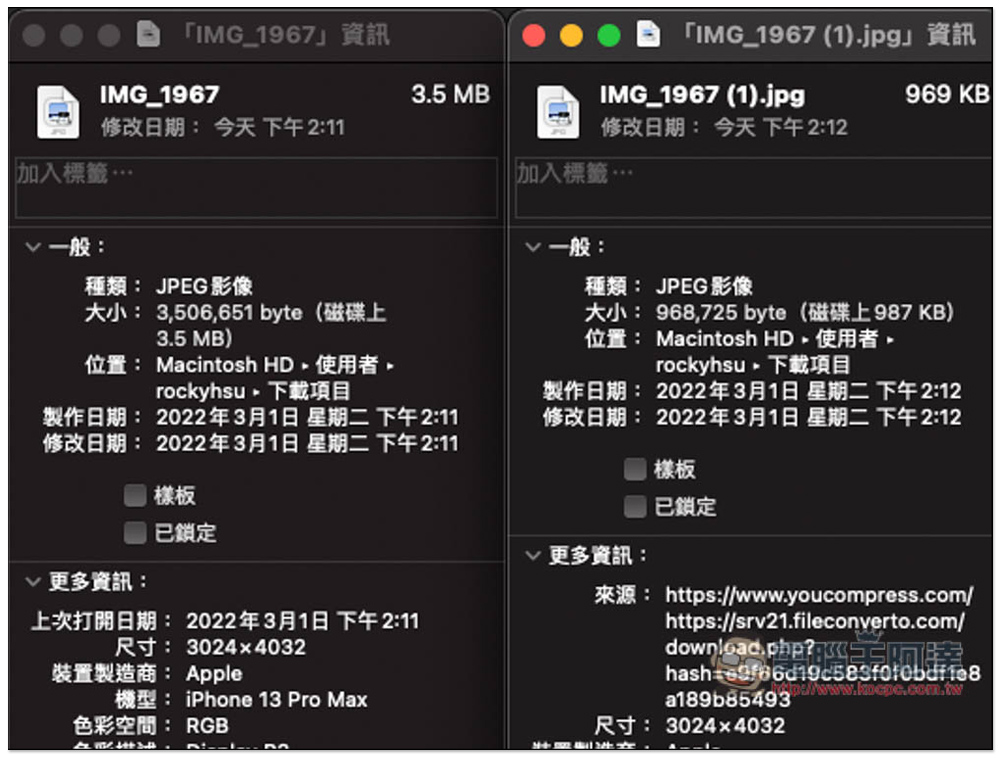
After I downloaded it and compared it, I found that it was indeed very compressed, and the image resolution was still maintained at 3,024×4,032 and would not be reduced. The EXIF information would also be retained, such as where it was taken and what equipment was used. It just added an additional source URL:
After clicking Delete file from server to delete the function from the server, this page will pop up, indicating that the deletion is successful:

Although this website provides a manual deletion function, I still do not recommend using such online tools for too important pictures, files or videos. The offline desktop version will be safer. In addition, this website actually also provides Chinese language. If you find it hard to understand English or find it difficult to use, scroll down on the homepage to find the language list and change it to Chinese (currently only simplified Chinese).
In addition to computers and mobile phones, if you have any file compression needs, you can also use this website. The operation method is the same as above.
Source: KOCPC Chinese