


There are quite a lot of LLM models out there right now, with various providers releasing their own versions. For many people, it’s natural to want to know exactly how these models differ, but deploying all of them yourself is not only difficult—it’s also time-consuming and draining. This article recommends a free tool called AnyChat hosted on Hugging Face, which includes almost all LLM models, letting you quickly try them all online in one go.
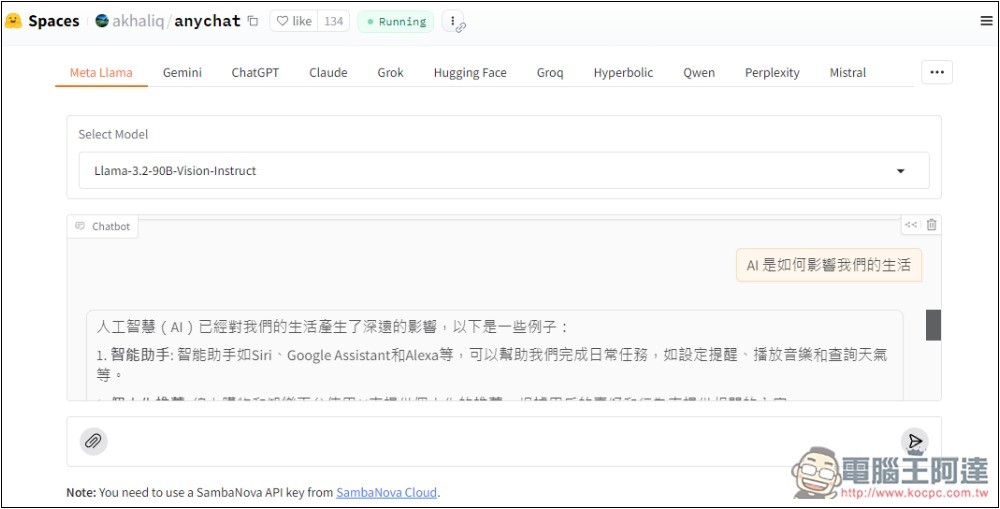
AnyChat is a free online tool for experiencing nearly all LLM models.
AnyChat is a free tool hosted by akhaliq. As its name suggests, you can experience AI chat with many LLM models, and it even supports multimodal capabilities.
However, the interface is very simple, and the chat window is also quite small, so it’s really just for trying out. For those with more usage needs, setting up your own or using other online services would be more suitable.
Available LLM models include: Meta Llama, Gemini, ChatGPT, Claude, Grok, Hugging Face, Mistral, Perplexity, Together, NVIDIA, and others. Some models require an API or token to be entered when in use.
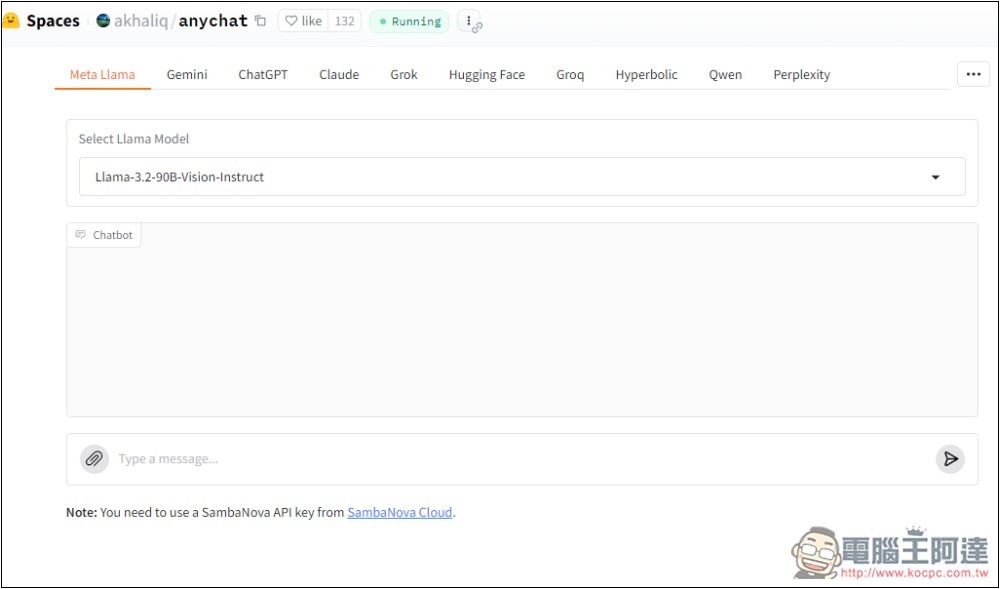
Click the link above to enter AmyChat, and at the top you’ll see many LLM model options—choose the one you’d like to try:
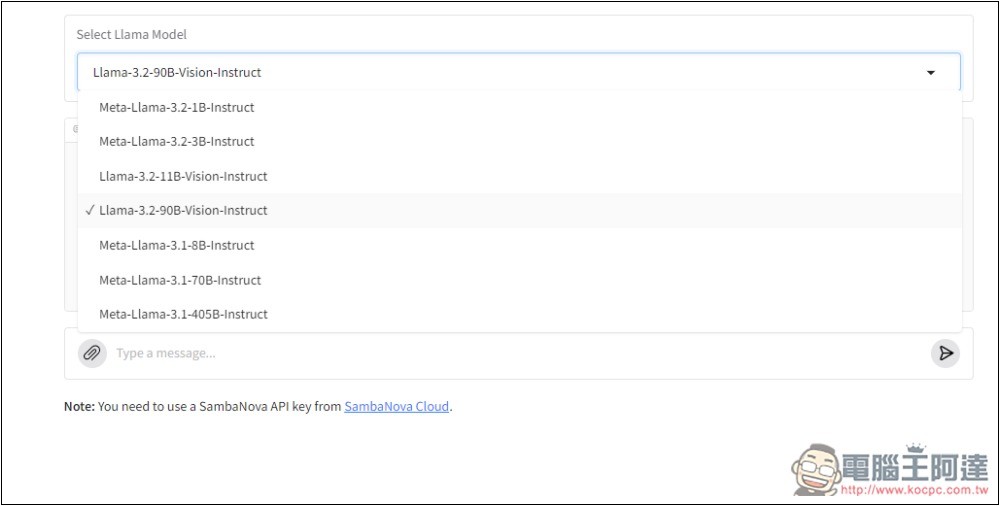
Each one provides multiple LLM models. For Meta Llama, the latest Llama 3.2 90B, Llama 3.2 11B, Llama 3.2 1B, and Llama 3.2 3B are all available, along with the previous version’s Llama 3.1 models.
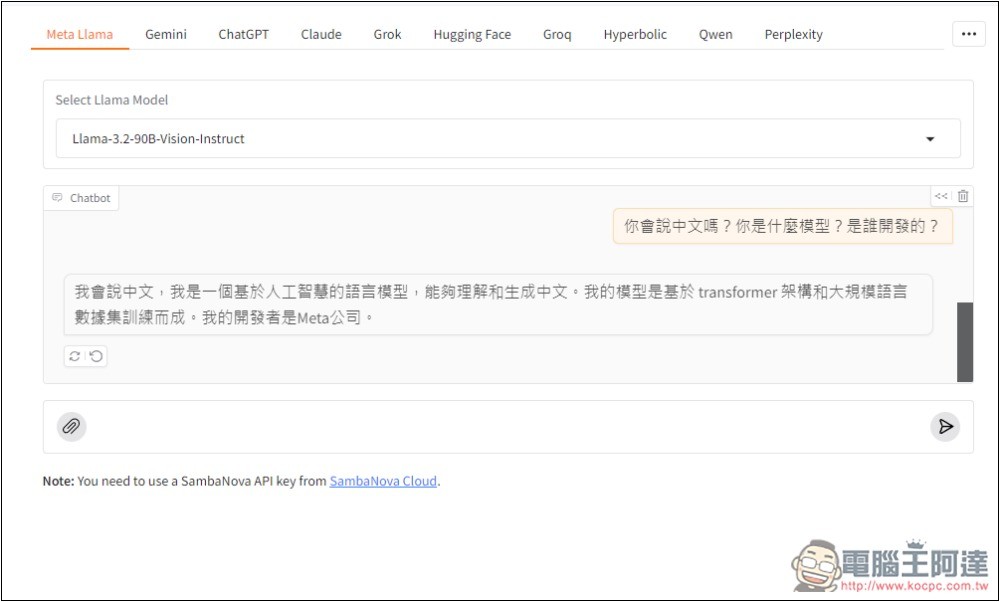
Then I could start chatting. I asked who developed it, and it correctly answered that it was developed by Meta. The chat window design is really a bit small. Also, you can notice there’s a paperclip on the left side of the input box for uploading files. Since I chose Llama 3.2 90B, which is a multimodal model that supports image recognition, that’s why the paperclip appears.
But I don’t know if it’s because too many people are using it, or if it’s temporarily having issues—after I upload an image and ask a question, an Error appears.
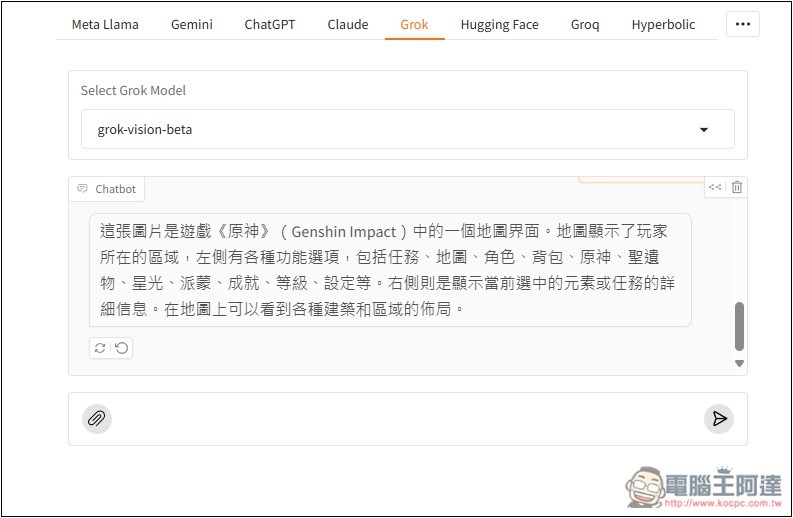
If you also run into this situation but want to try out AI image recognition, you can switch to Grok’s vision beta model instead—that worked for me in testing:
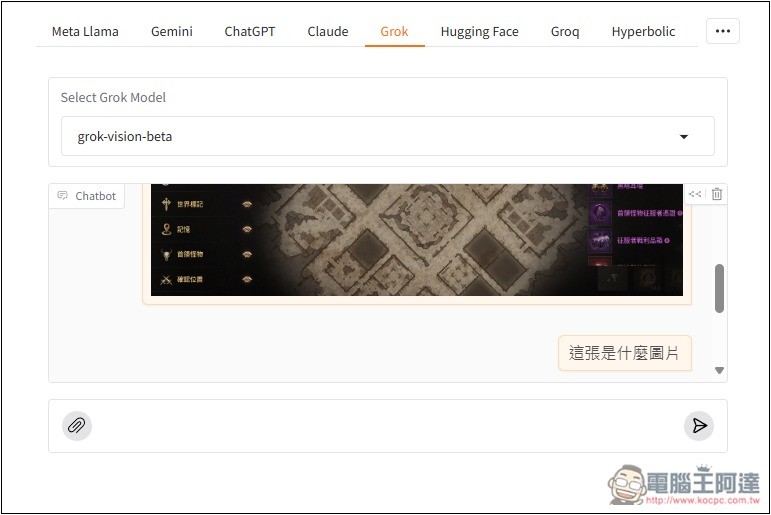
Also supports answering in Chinese.
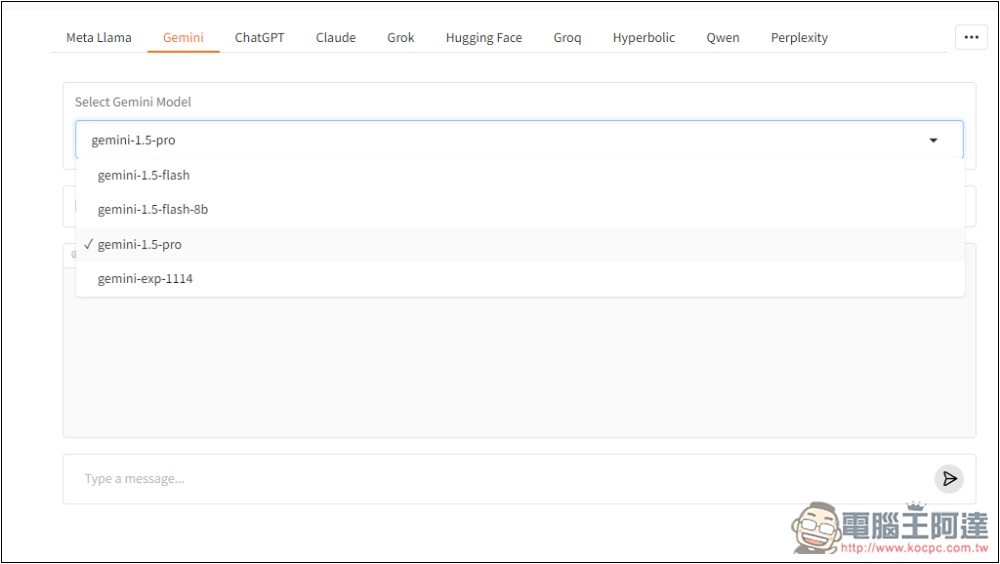
Gemini has the gemini-1.5-flash, gemini-1.5-flash-8b, gemini-1.5-pro, and gemini-exp-1114 models:
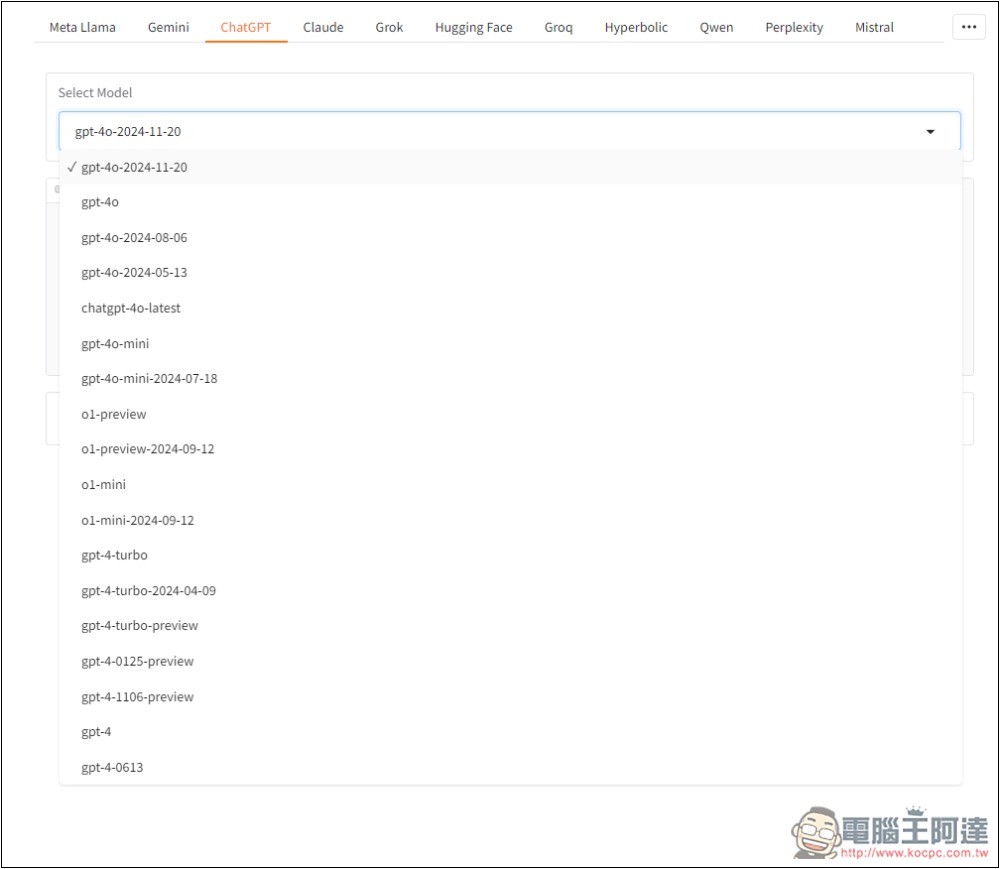
ChatGPT is all of OpenAI’s models, including o1-preview and o1-mini:
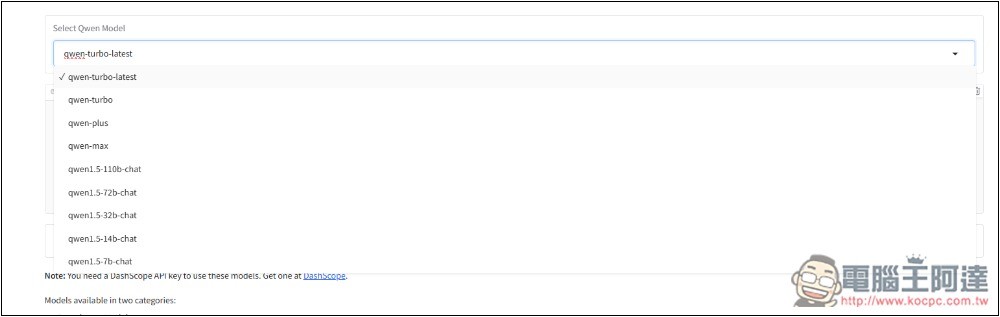
Alibaba’s Qwen model is also available, but unfortunately the latest Qwen 2.5 doesn’t have it yet:
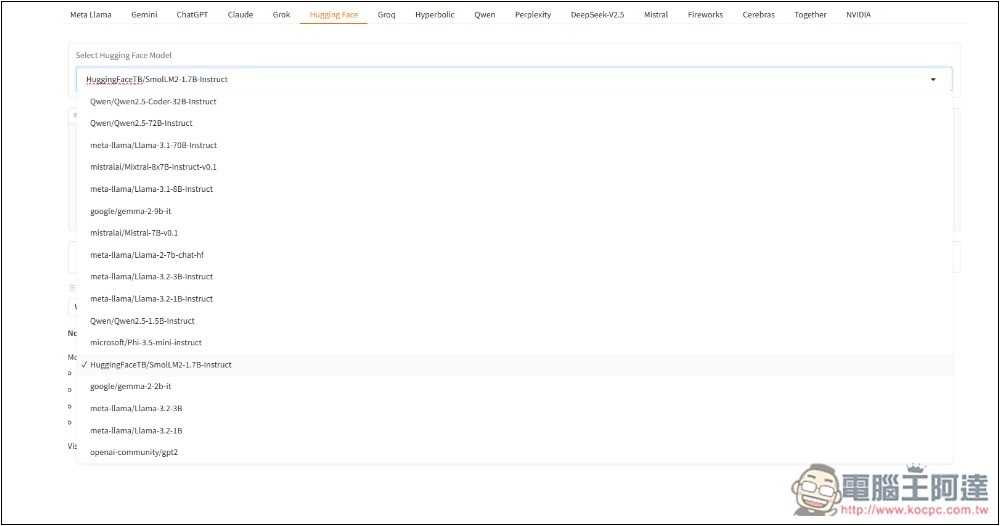
If you fail to test some models and can’t chat, you can also check Hugging Face or Together to see if there’s the same model available; if so, you can use those services for testing instead.
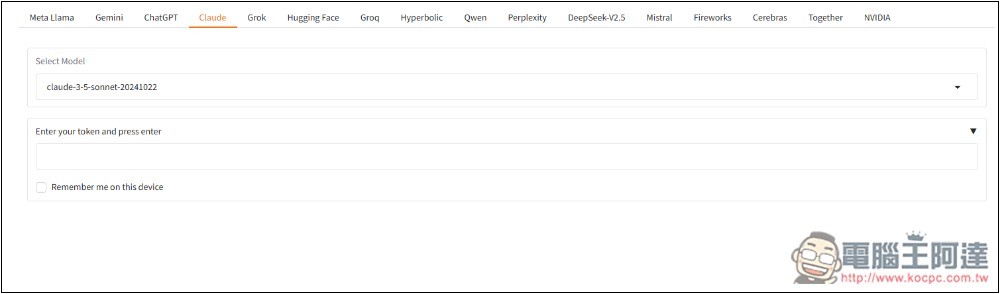
Claude requires you to input your own token to use it.
Source: KOCPC Chinese