


New video generation tools seem to be popping up every so often, and everyone’s now competing over who has more features and better results. We’ve already shared many tools before, and today we’re sharing another video generation tool: Vidu. Vidu can generate videos from text, images, and reference objects, and it’s free to use. If you’re interested, keep reading~
Free AI video generator Vidu: Turn text, images, and references into videos with one click
Vidu, China’s first video large model with long duration, high consistency, and high dynamism, jointly released by Shengshu Technology and Tsinghua University, claims to generate high-definition video content up to 16 seconds long at 1080P resolution with just one click. The key point is that Vidu supports video generation from Chinese prompts, so generating videos no longer requires AI to help craft prompts.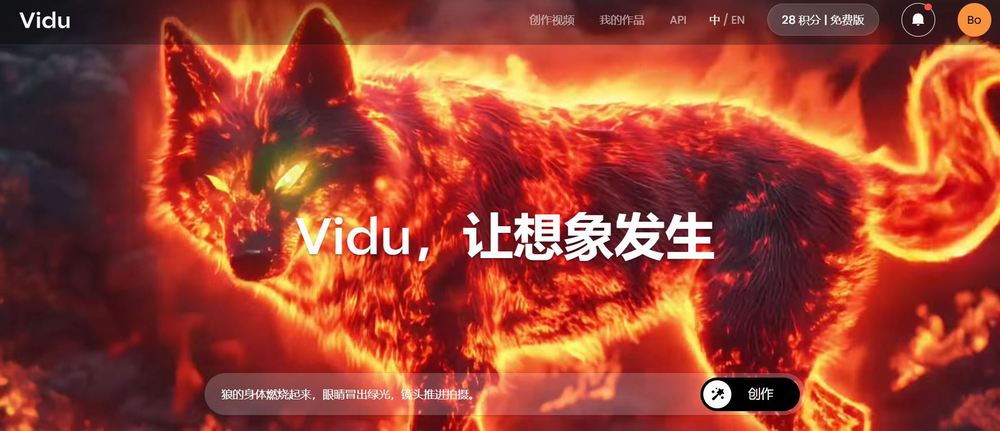
Go try the video generation tool Vidu
To experience Vidu, you first need to register for an account, which you can do using Google. After registering, click “Experience Now” to start generating videos with Vidu.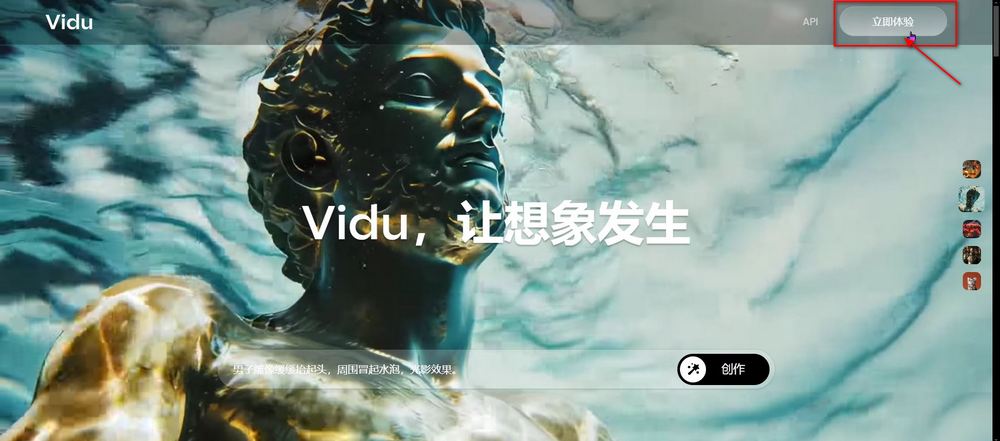
Because Vidu supports Chinese prompts, it has a lower barrier to entry. Vidu has three functions in total:Image-to-Video』、『Refer to the examinee video.』、『Text-to-videoToday we tested all three models, and you can see the test results for each one’s features.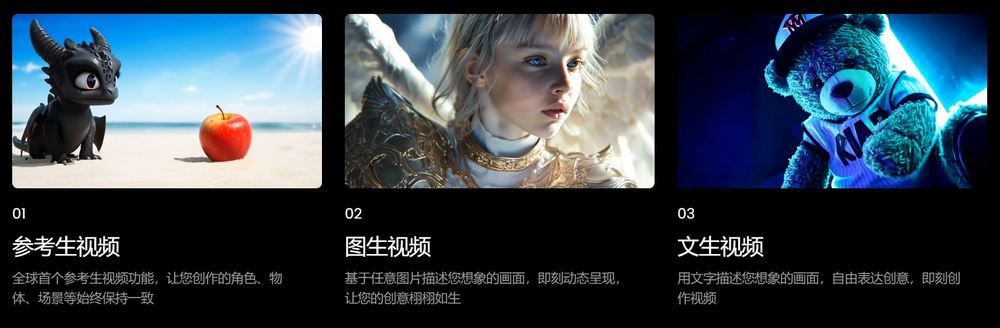
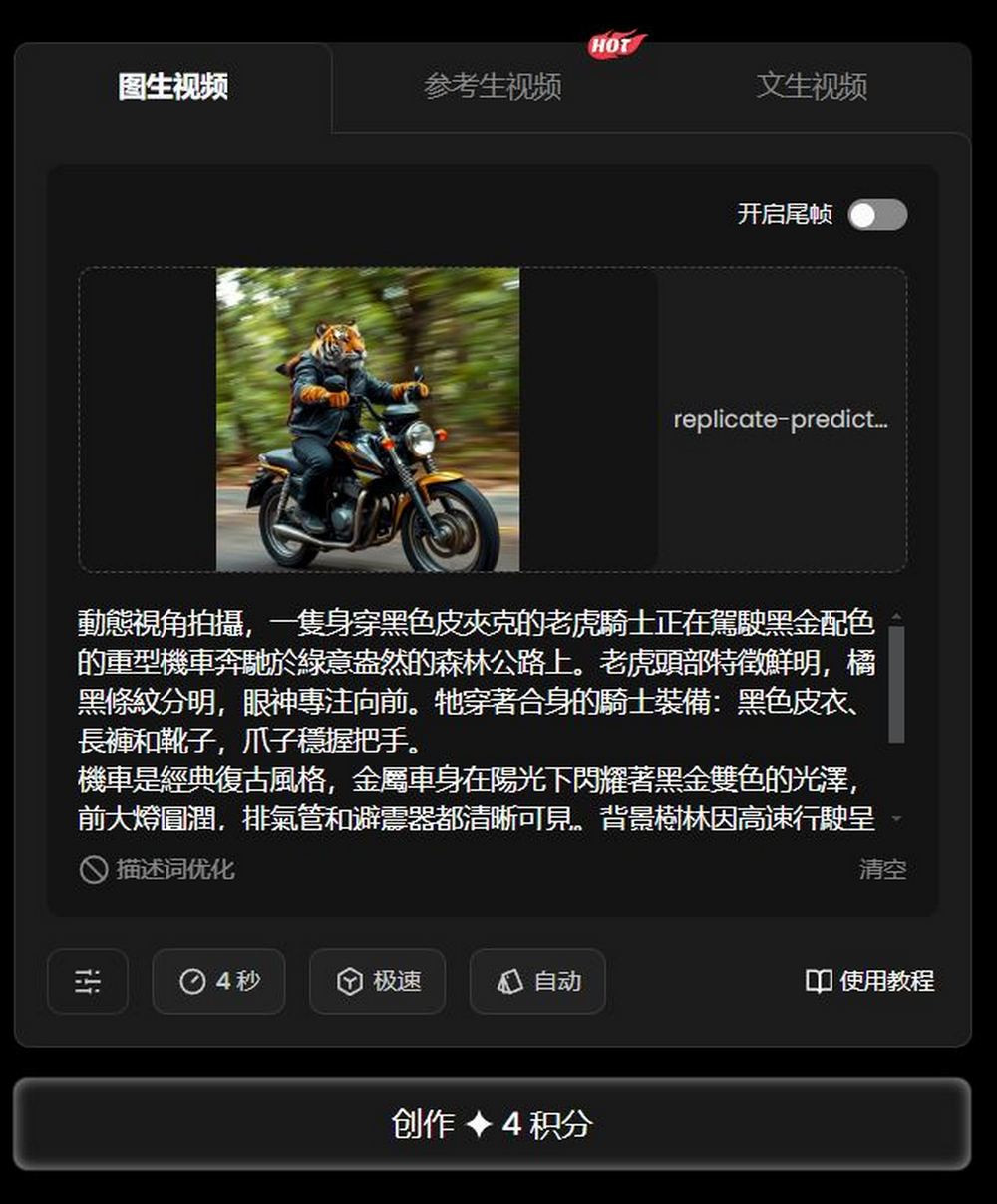
Image-to-video
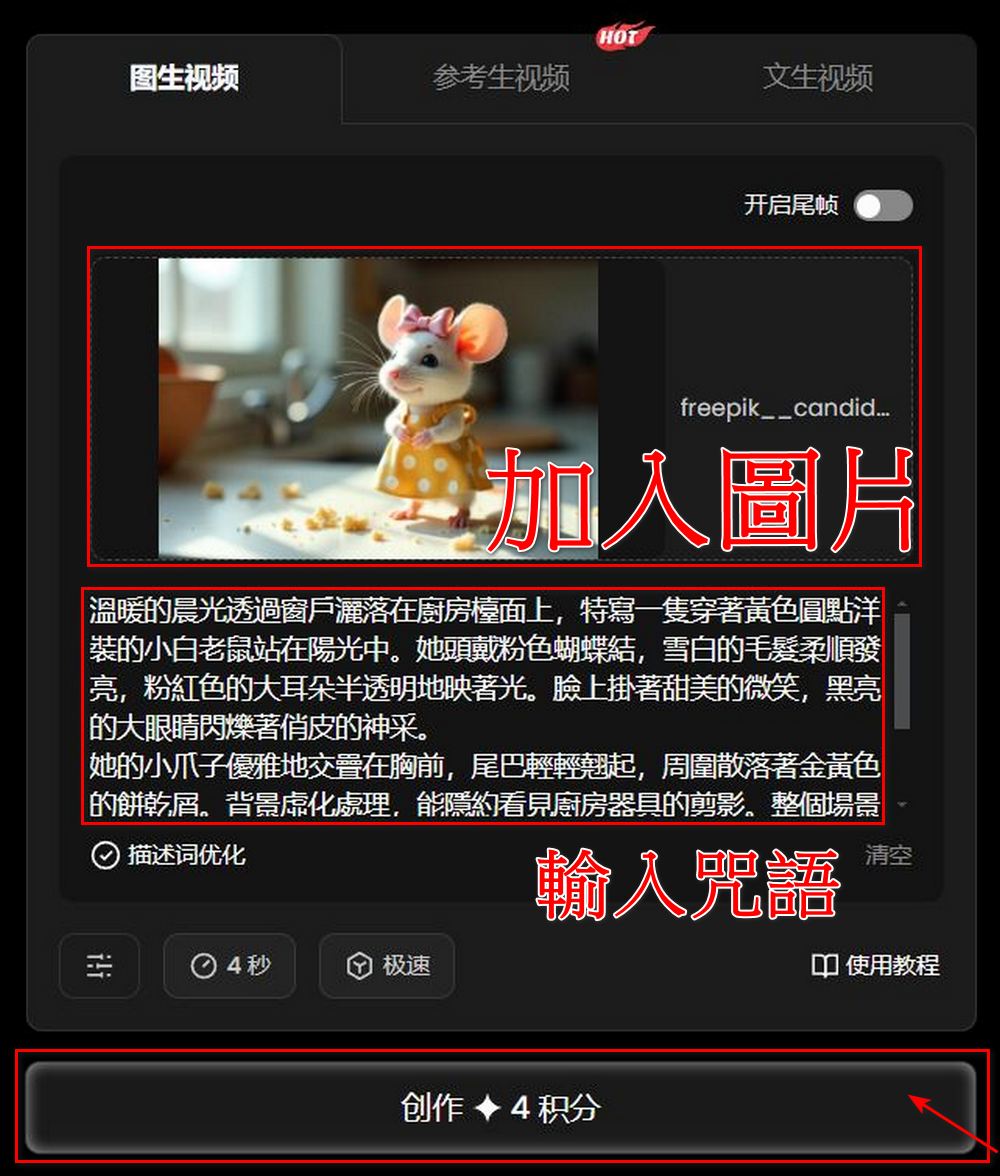
Use an image and a prompt to bring your image to life. Free-tier members can only generate 4-second videos with fast clarity. Although the quality isn’t as good as standard quality, the editor thinks the free version is already good enough. Here are the prompt and image used for your reference.
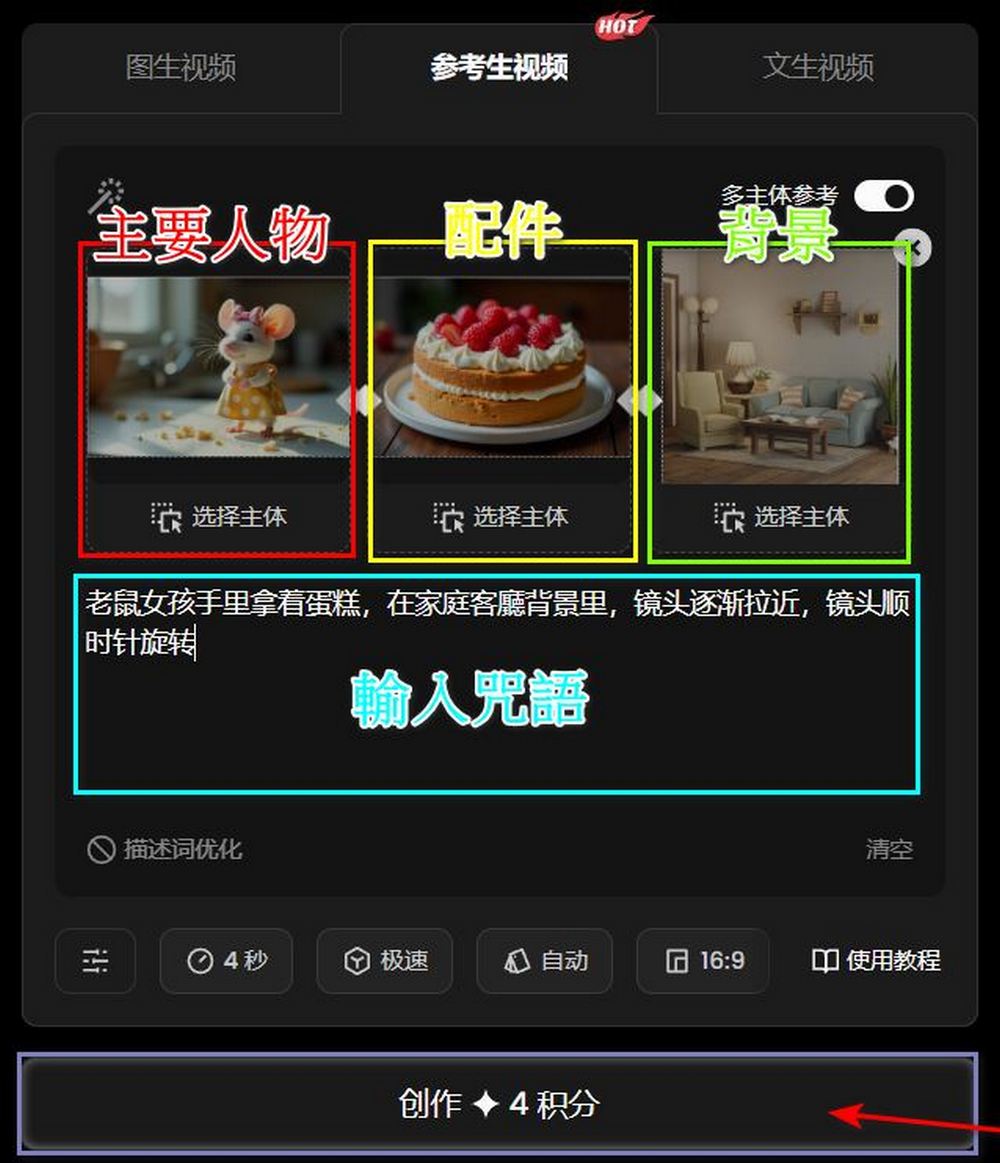
Refer to the student video.
The reference video shows that users can generate videos using three images. According to the official example, you can use a total of three images—the main character, accessories, and background—to generate a video.
✨I’ve seen so many amazing effects being created with the new model—it’s been incredible! 🥰However, I’ve also received feedback that #MultiEntityConsistency can be a bit tricky to understand without a tutorial.
🥸To help, I’ve put together a sample video to showcase the new… pic.twitter.com/5jMHzbO8Mw
— Vidu AI (@Viduforhuman) November 19, 2024
We’ve also included the video prompts and images made by our editor here for your reference.
Text-to-video
Everyone is probably familiar with text-to-video generation. You enter a prompt, choose a style, and then generate a video. Vidu’s text-to-video feature offers two styles: realistic and anime. Our editor also used both styles to generate videos, and you can check out the results.
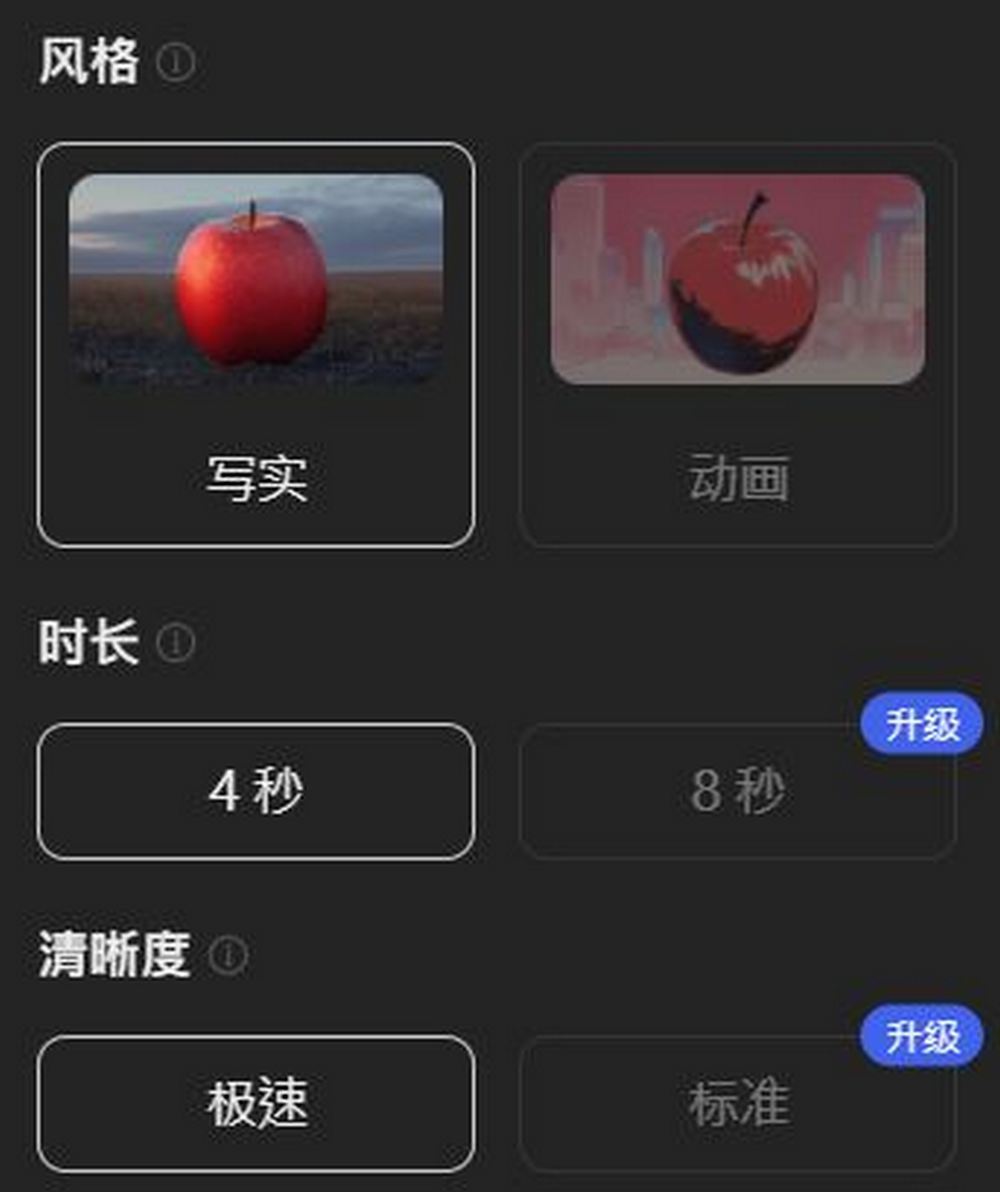
After reading the feature overview, you’re probably also curious about how many free credits Vidu offers. In my opinion, Vidu is quite generous. Free users get 80 credits per month, and generating one video only costs 4 credits. Unless you’re a professional user, it’s basically more than enough. The only downside is that videos generated with the free membership aren’t great in quality. If you upgrade to the Standard plan or above, you can enjoy a high-quality video generation experience. The pricing is listed below for your reference.
Go experience the video generation tool Vidu.
If you are interested in trying other video generation tools, you can also visit the link below to read more reports on related video generation tools:
Source: KOCPC Chinese