


Most YouTube video and music downloading tools require you to download the entire video, but sometimes you may only want to save a certain segment, so after downloading, you still need to use editing software. The whole process is very troublesome. This article will recommend Cut YouTube, which is ad-free, supports up to 4K resolution, and integrates editing functions. Paste the YouTube URL you want to download, select the format and resolution, and set the video segments you want to keep (start and end time), and then it will be automatically edited and downloaded. It is simple and easy to use.
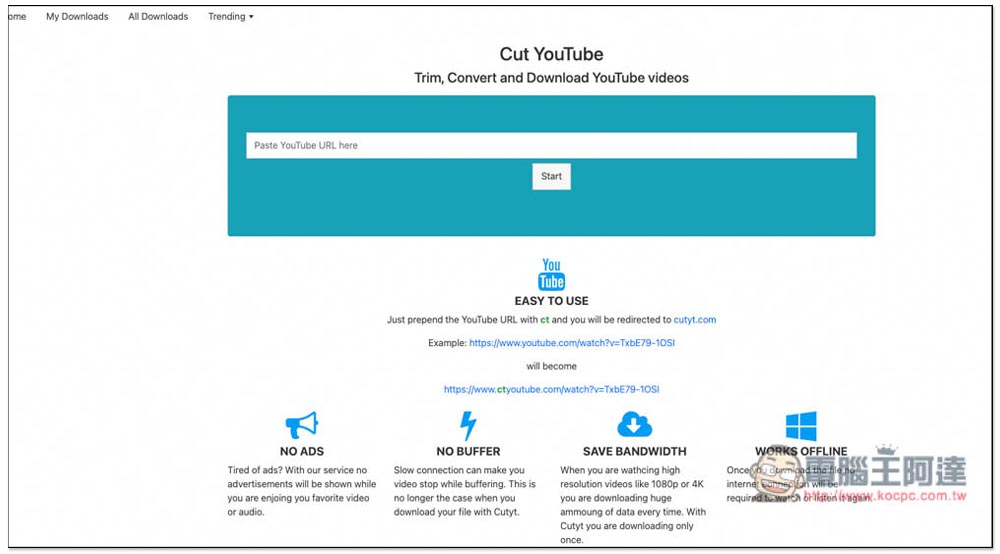
Introduction to Cut YouTube, a YouTube video and music download tool that integrates editing functions
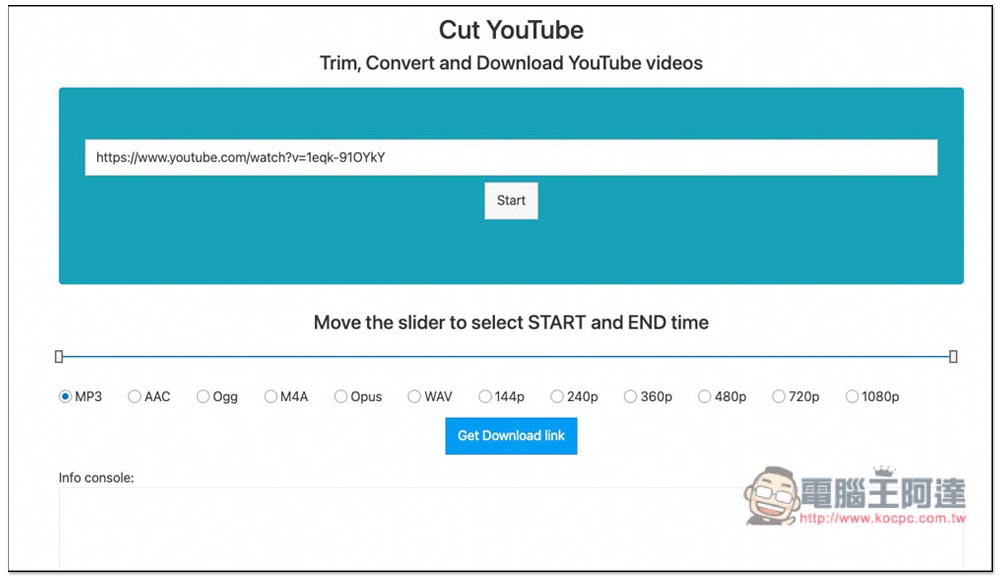
After opening the Cut YouTube website, paste the URL of the YouTube video and music you want to download, and press Start. A format selection will appear below. The video section only has MP4, which supports up to 4K. However, the video I tested is only 1080p, so the 4K option does not appear. The music section supports many formats, including MP3, AAC, Ogg, M4A, Opus, and WAV, depending on which one you need:
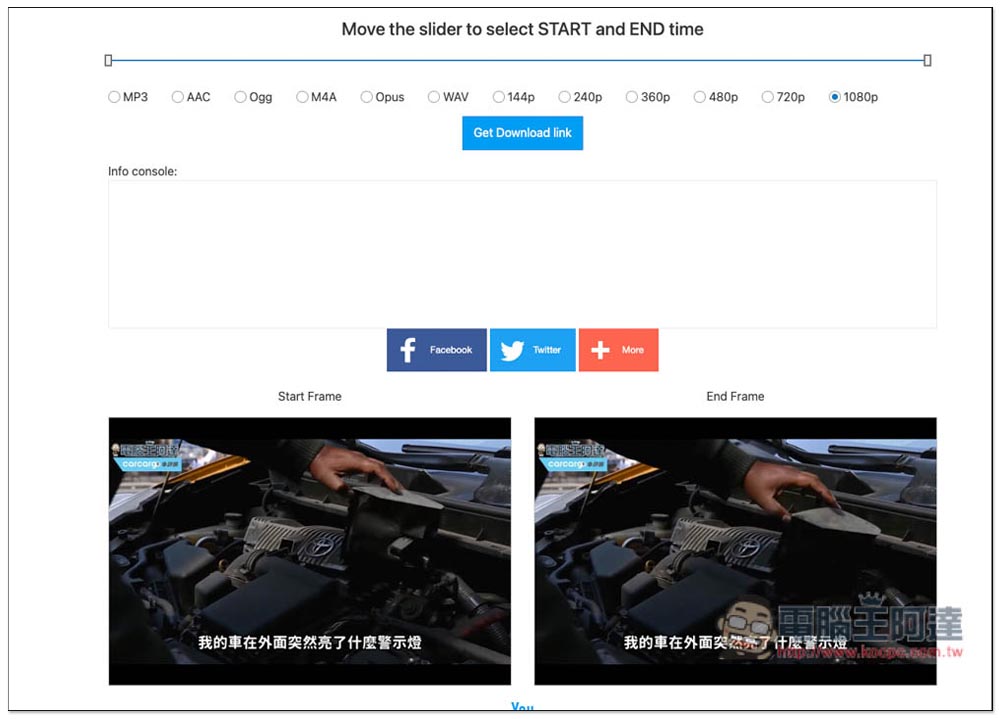
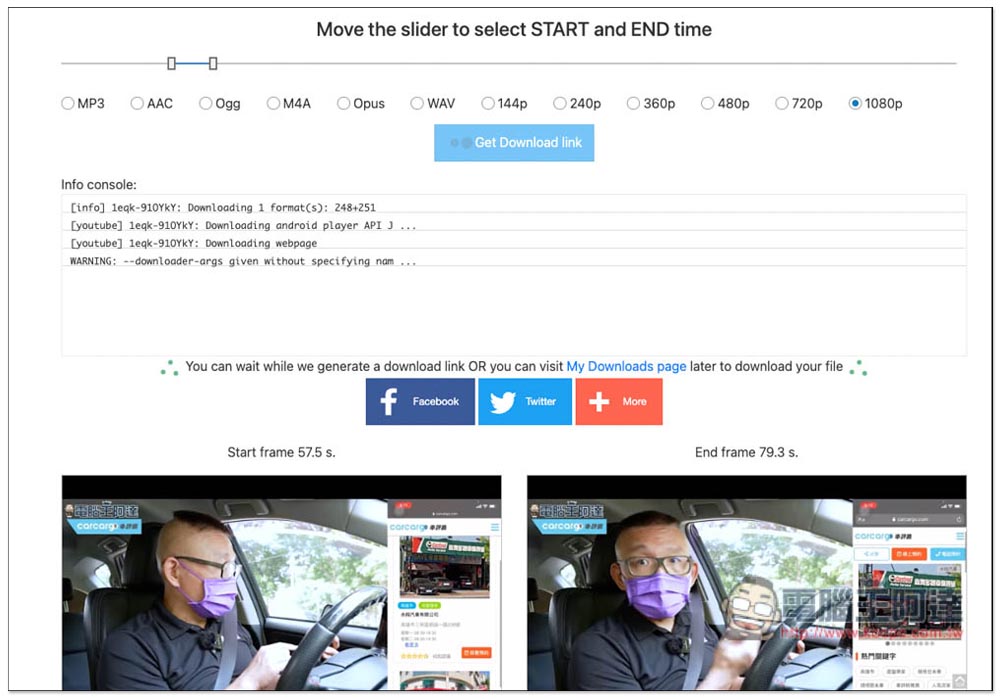
Scroll down and you will see two players, mainly for you to preview. Start Frame is the start of the video, and End Frame is the end. You can modify the time through the adjustment bar above the format selection. The default is to download the entire video. If you only need a certain clip, adjust the left side of the adjustment bar to the start time of the clip, and the right side is the end time:
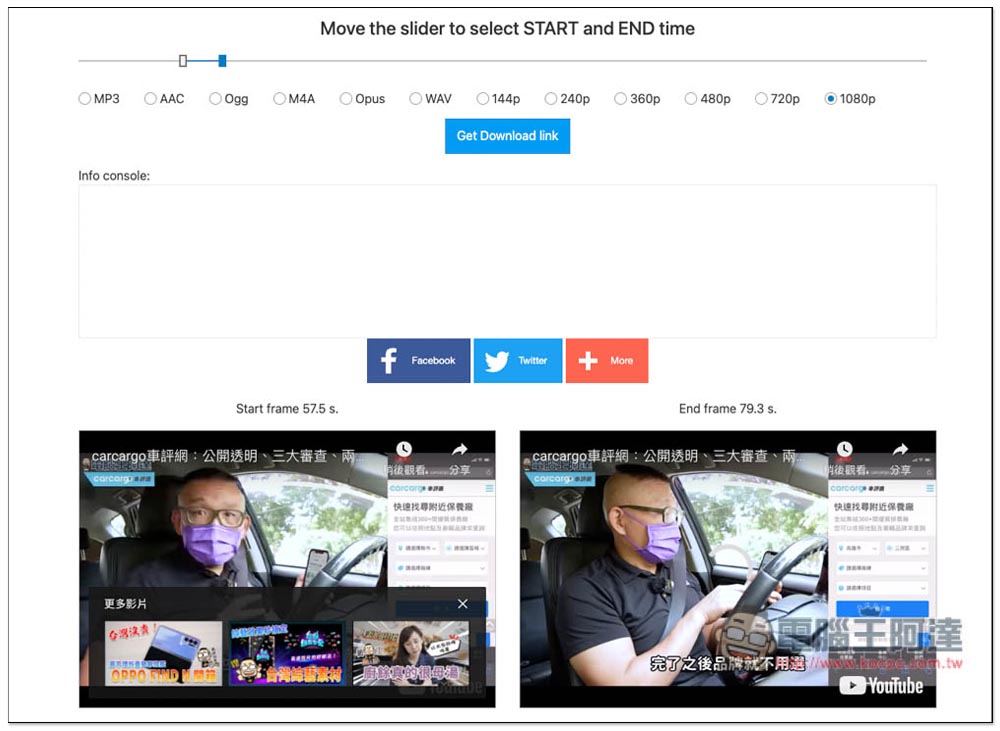
As shown in the picture below, I set the start to 57.5 seconds and the end to 79.3 seconds. Press Get Download Link to start editing:
A lot of code will appear in the Info console. Just wait for it to finish running. Remember not to close this page. If you close it, you will need to download and set it up again:
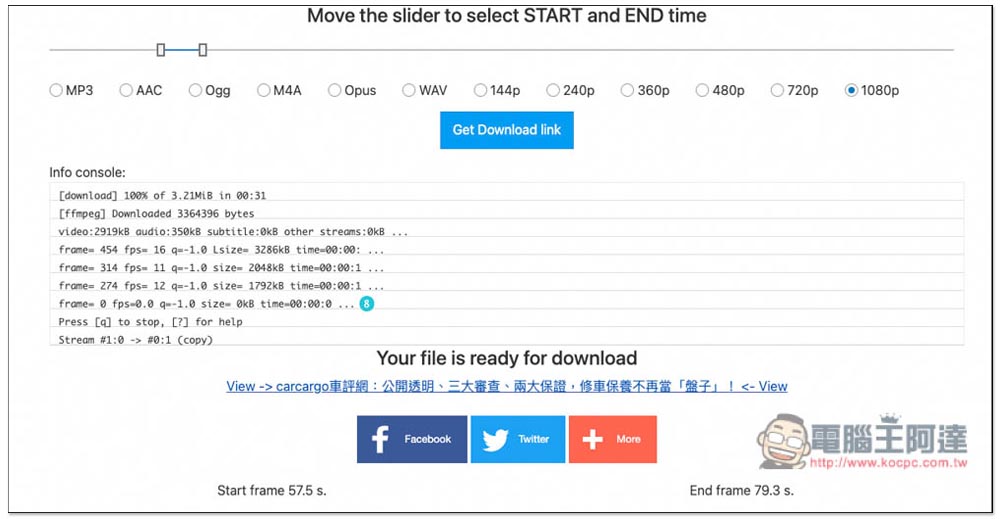
After running, Your file is ready for download will appear below, please click View -> xxxx (video name) link:
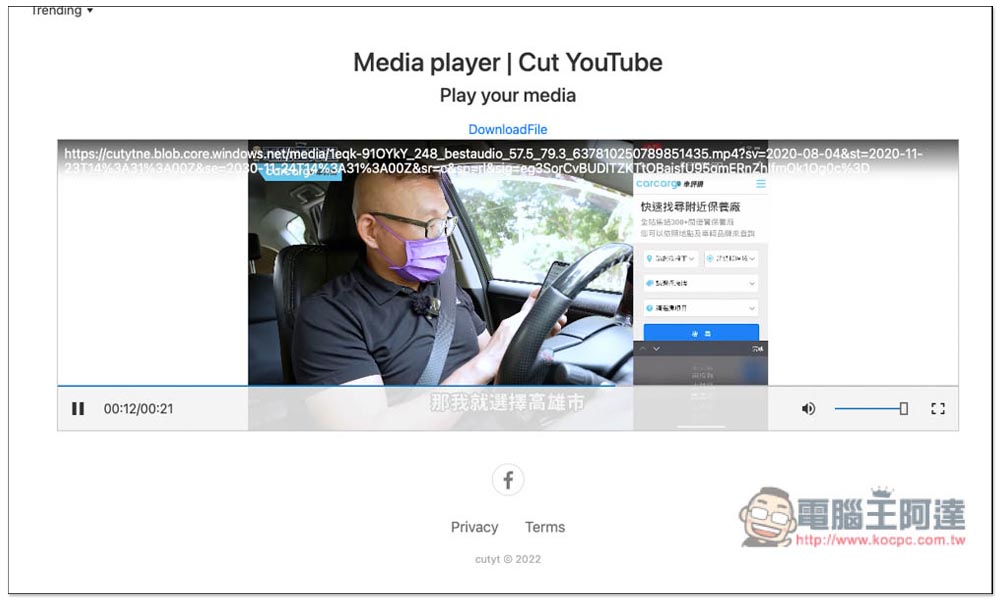
This new page will be opened, which will also let you preview the edited results first. After you have no problem, press Download to download:
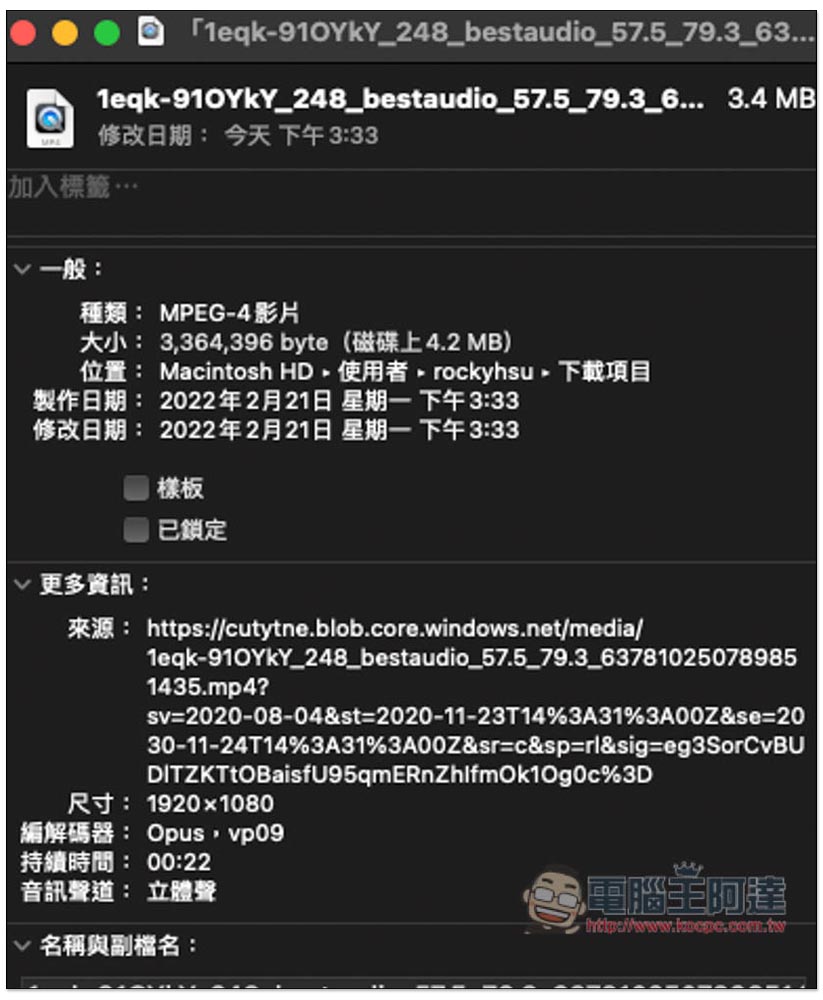
The download resolution I set is 1080p. After downloading, I checked that it is indeed 1920×1080. The start and end times of the video are also correct:
Through this download tool, it is really much easier to collect specified YouTube clips. You can complete the editing directly online, saving a lot of time, and it is not just videos, but also music. If the music you want to download is one of the YouTube videos (now YouTube has many videos that combine multiple pieces of music), choose a music format such as MP3, and then specify the start and end time of that song.
Finally, I would like to remind you that this type of online tool may fail after a period of time, or occasionally the video cannot be found. In this case, you can try again later, or use other download tools. The YouTube URL we introduced earlier should be changed to backupmp3、Clipconverter Not bad either.
Source: KOCPC Chinese