


As the “Smart Canvas” related functions that were the focus of last year’s I/O update on Google’s three treasures of study/documents/documents, at the beginning of 2022, new functions and interface appearances were also introduced in the company’s recent frequent decluttering (updates). Continue reading The latest interface features of Google Docs are here: smarter automatic correction of calculations, and the content of Pageless document interface reports.
▲Image source: Google
The latest interface features of Google Docs are here: smarter automatic correction of calculations, Pageless document interface
Affected by the epidemic so far, although countries are gradually moving towards unblocking, the need to work/study from home is still indispensable.
In order to cope with this new type of life, we further innovate the productivity functions of the cloud. The new Google Smart Canvas update also comes with this wave of sudden interface feature changes for the company’s various services. (See more:Google Drive’s “Search Chips” to help you more easily search the messy files that were (sigh) uploaded endlessly are officially launched)
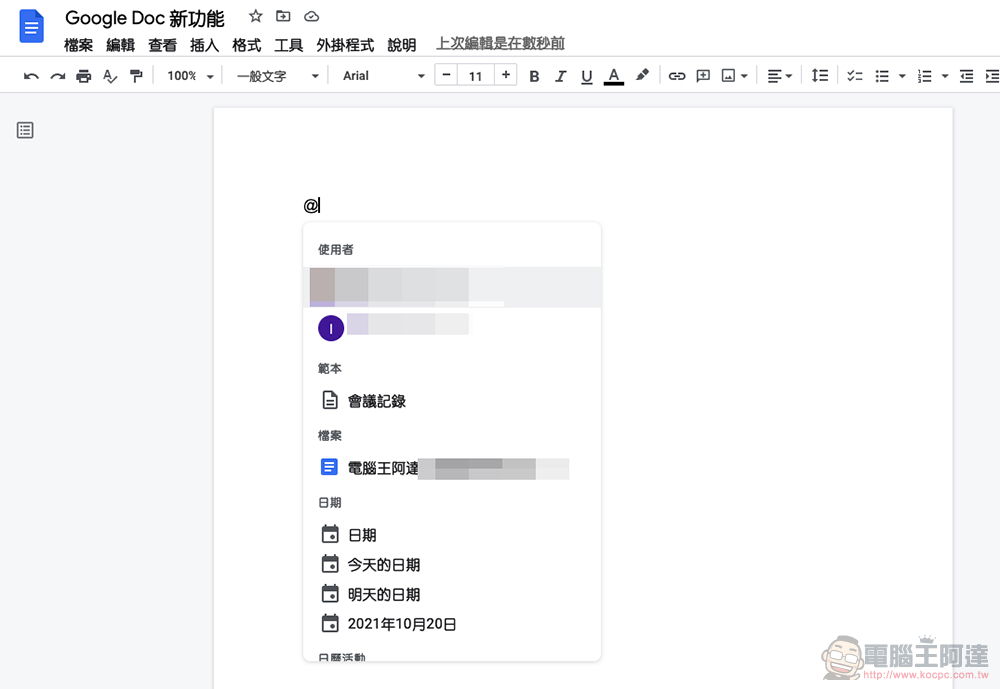
As the main services of Google productivity tools, it can be called Google Docs, Sheets and Slides, the three treasures of the modern cloud study room. What this wave welcomes is not only AI-powered functions, but also a document interface that can be more adapted to various screen/window widths – it feels closer to the needs of modern people who mix different devices for editing.
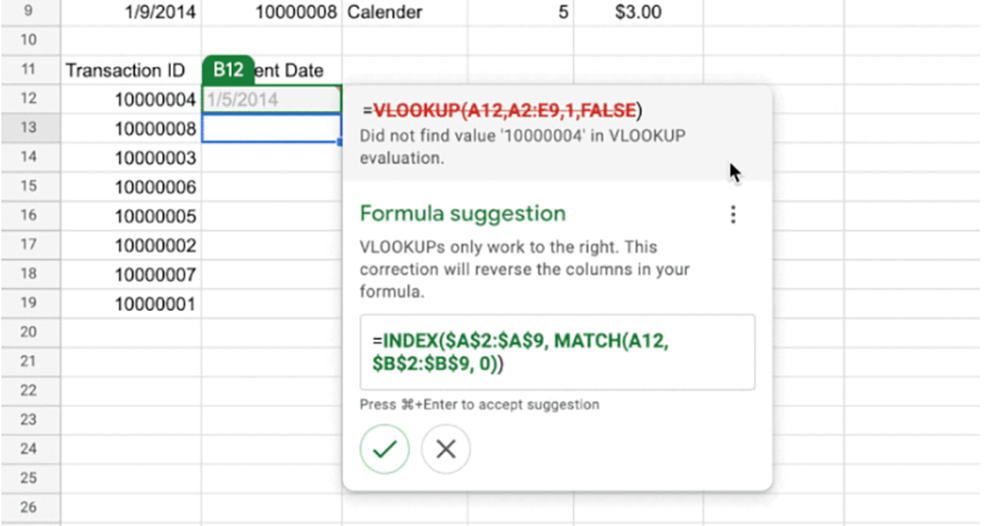
This new wave of new features added to Google Spreadsheets is an extension of the Autocorrect function that automatically corrects calculations after thoughtful mathematical calculations are automatically filled in. It will make life happier for people who are always immersed in spreadsheets, only to find out in the end that they can’t get anything out because of some small mistakes in the process (should).
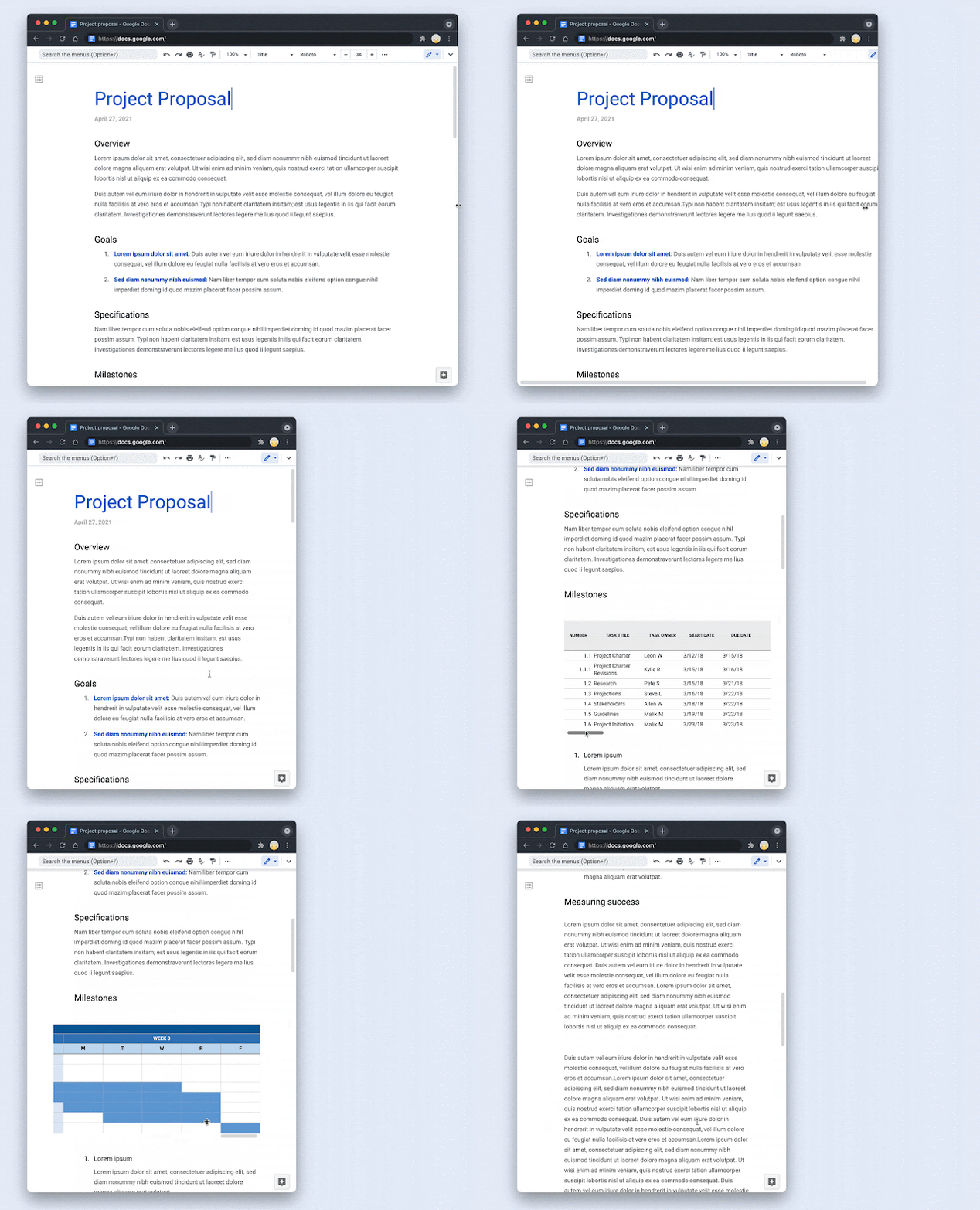
Google has also improved the interface of the Docs document editing cloud function and introduced a new Pageless pageless layout, which converts documents originally presented as single pages into a design with no page borders and can be freely adapted to the window size. You can also freely set the font size of the custom Pageless interface – It is worth mentioning that not only will the content be reduced according to the width of the window, but it will also become difficult to read after shrinking. Relatively speaking, the table window that requires more horizontal space will be supplemented by a horizontal window scroll lever.
Of course, if you need to print, you can always switch the layout back to the traditional pagination state. However, for those who like to use Google Docs to take notes or write blog drafts, this will be a very worthy choice.

A while ago, Google’s updates to Google Docs, Sheets, and Slides, which are the three treasures of the cloud study, focused more on integrating various services and collaboration. Regarding the document function this time, they also introduced a page preview function that integrates Google Maps information; and provided an interesting new function that can automatically generate summaries for documents through AI.
Further reading:
Chrome OS Flex lets you easily turn your old MacBook into a Chromebook!
Source: KOCPC Chinese