


Seeing that Chrome OS has always been relatively less demanding on hardware resources, have you ever thought about installing this system on your old computer or laptop to make the most of these devices? Now you really have an official solution – you can install Chrome OS on non-Chromebook devices with just a USB flash drive! Continue reading Chrome OS Flex lets you easily transform your old MacBook into a Chromebook.
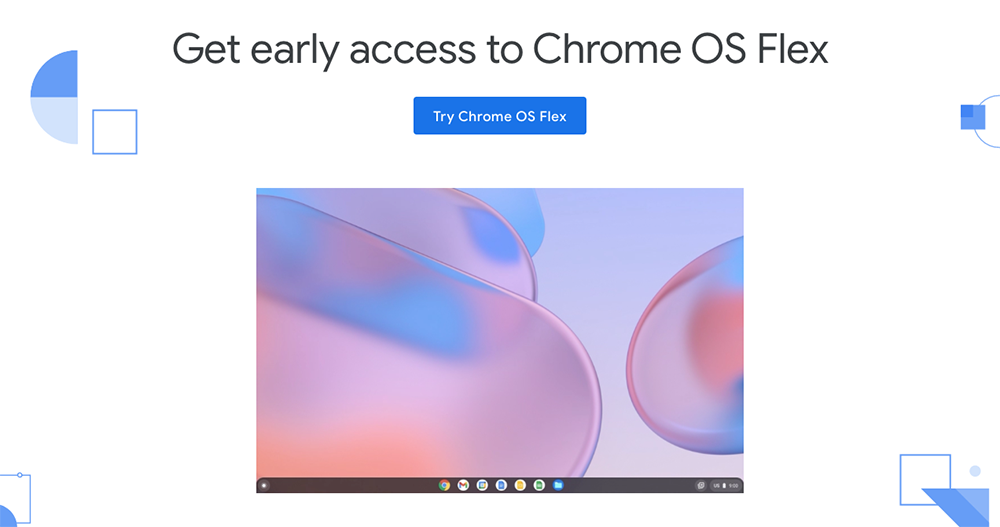
▲Photo source of this article: Google
Chrome OS Flex lets you easily turn your old MacBook into a Chromebook!
Seriously, in the past, there was a solution for porting Chrome OS to PC or even Mac. Google, which just acquired Neverware, which provided such a solution, unexpectedly launched a replacement for the previous CloudReady software so quickly and resurrected it under the name of “Chrome OS Flex” – we have also previously installed this tutorial on a virtual machine, please see:Teach you how to install a Chrome OS virtual machine for free in Windows 10 in just a few simple steps)
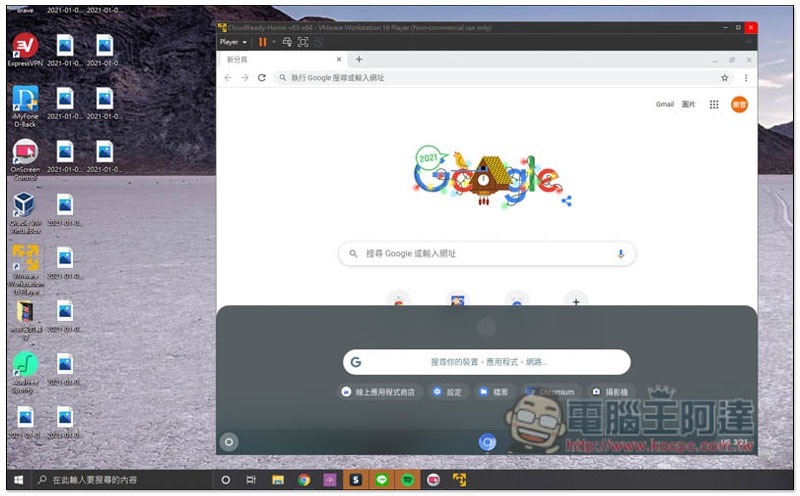
It’s close to what many people will think about when they see a Chrome OS product. This is a desktop system built by Google around the Chrome browser experience. Although the official has “demonstrated” how to install it on high-end hardware, because the system’s specification requirements are not high compared to other systems, it is very suitable for reviving old computers and laptops.
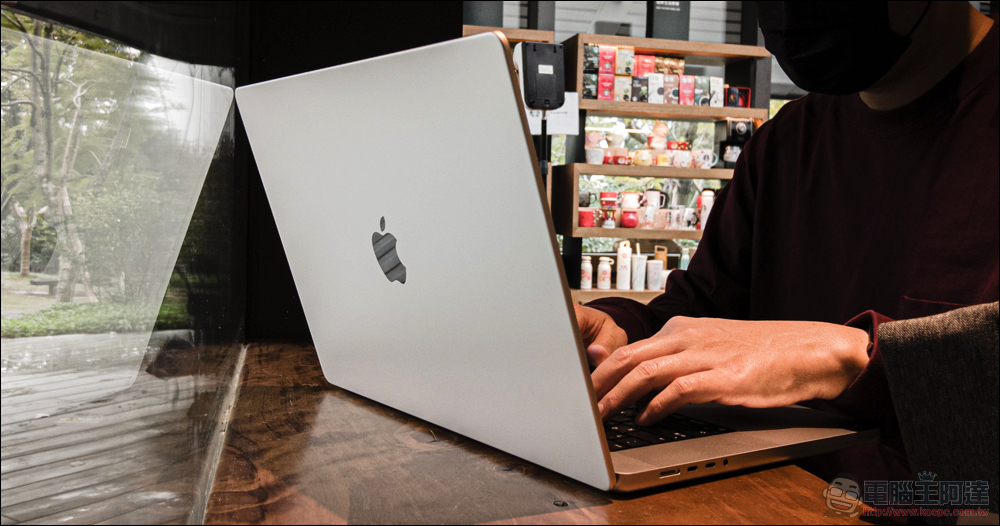
Chrome OS Flex, which can be regarded as a new version of CloudReady, only requires a simple USB flash drive and can be made into a bootable flash drive by downloading the Chrome OS system image file. You can install it on your PC/Mac and instantly turn your old Macbook into a useful Chromebook. And it is said that this system is also quite suitable for enterprise use, supporting the function of directly deploying multiple devices over the network, and controlling corporate devices through the management interface of a Google account.
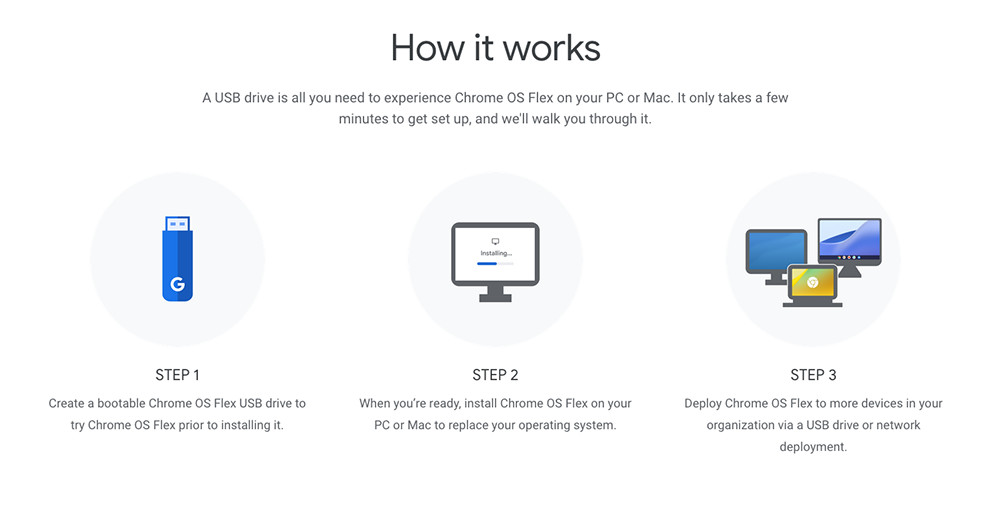
According to official information, Chrome OS Flex can support older hardware that can be installed on MacBooks as far back as 2009. It is estimated that this is more biased towards the officially tested models. Some media believe that as long as it can be connected to the Internet, there should be a chance to install it.
From now on, you can register for Early Access on the official website of the source, and then start creating a bootable USB flash drive to perform the installation steps. If you want to wait until it is more stable before using it, the official version is reported to be launched in the second quarter of this year. If you are not in a hurry to use it, you can wait a little longer.
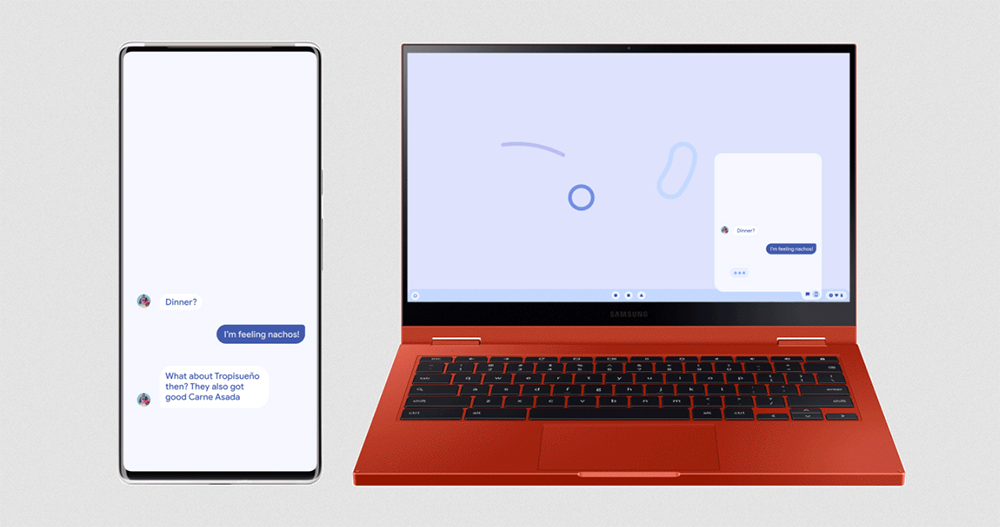
Since the beginning of this year, Google has been making frequent moves. Except for Chrome OS Flex, which can resurrect old computers this time. For the features of Android 13 working with computers that are currently being tested. It doesn’t hesitate to only support its own system, and it also supports PC and Mac. The practicality is really beyond expectations. Speaking of which, these strategies can not only strengthen the stickiness of Android, but also allow Google-related services to penetrate deeper into each company’s ecosystem. I believe it is definitely a good thing for the company.
While Apple continues to consolidate its ecosystem through collaboration between mobile systems and its own desktop systems, Google this year feels more open and actively pushing its services to more platforms. I don’t know which direction you prefer?
Further reading:
Source: KOCPC Chinese