


In the past, when it came to photo retouching, you had to know some professional knowledge and skills. However, as the software becomes more and more powerful, now even you are a computer novice can easily become a photo retouching master. With this set of Luminar 4 professional photo retouching software, you only need to know how to read the photos into the photo retouching software. Then, with the powerful function of AI, you can adjust the photos to the same quality as the master with one click. The original price of Luminar 4 was US$89, about NT$2,500. The official website is offering a limited-time free promotion. As long as you fill in your email, you can get it for free and use it for life. It is available in Windows and Mac versions.
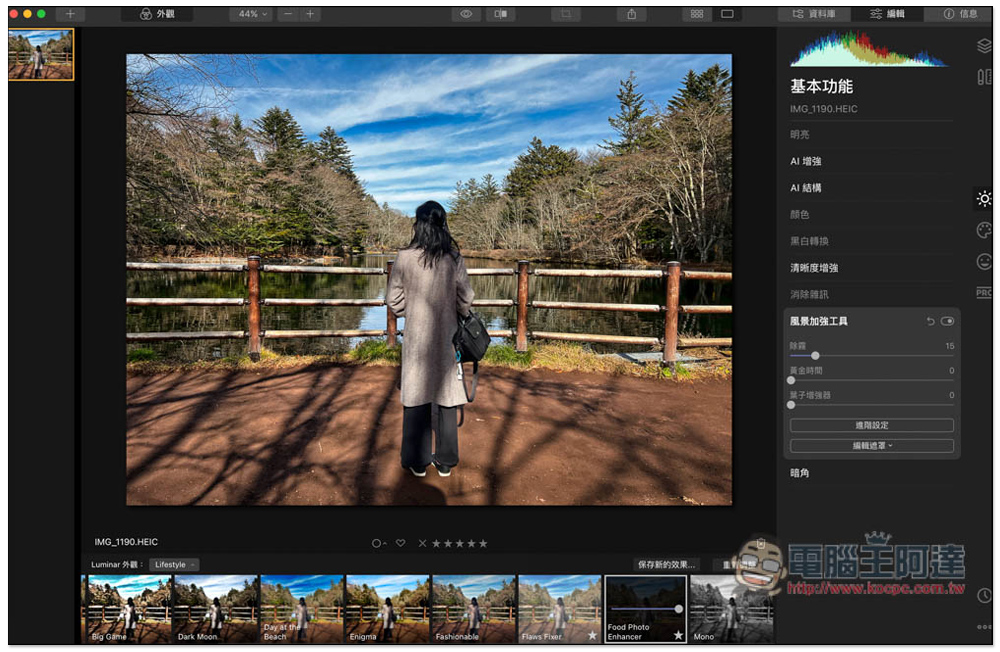
Luminar 4 is a free professional photo editing software with built-in one-click AI photo editing.
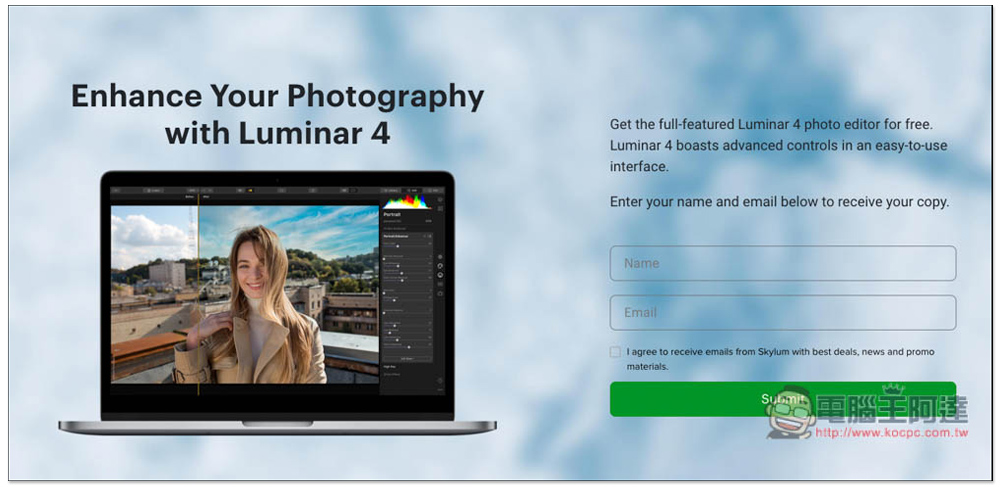
Now after entering the official website event page, you can see the event to get the full version of Luminar 4 for free. Fill in your name and email, and click Submit below. I agree. You don’t have to check the box. This is asking you if you want to receive the latest promotional letters. If you don’t want it, don’t check the box. If you don’t want to fill in your own E-Mail, you can also use the temporary mailbox tool, as we introduced previously Mail.tm:
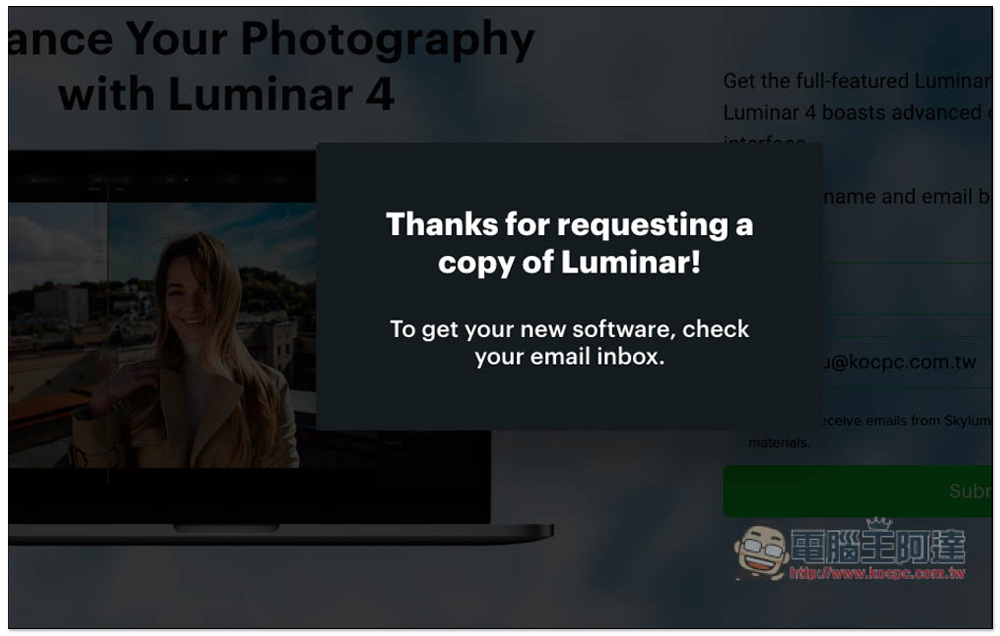
The serial number and software installation point will then be sent to the email address you filled in:
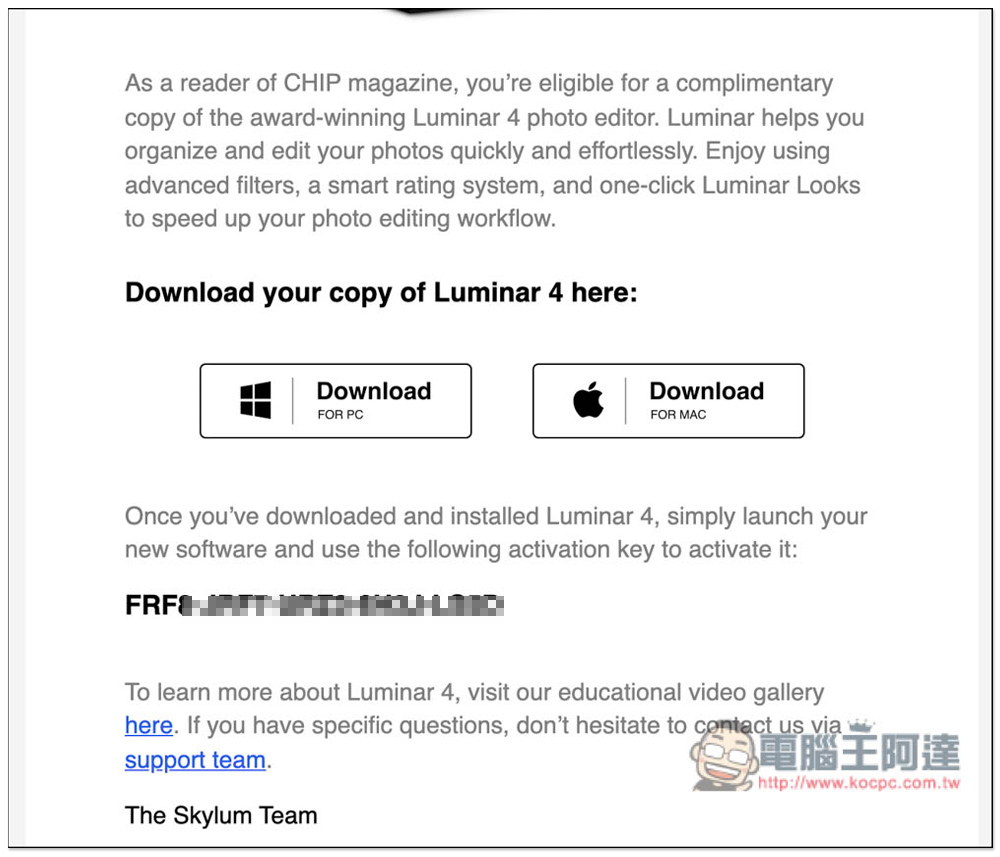
You will see the installation points and activation serial numbers of Window and Mac in the letter:
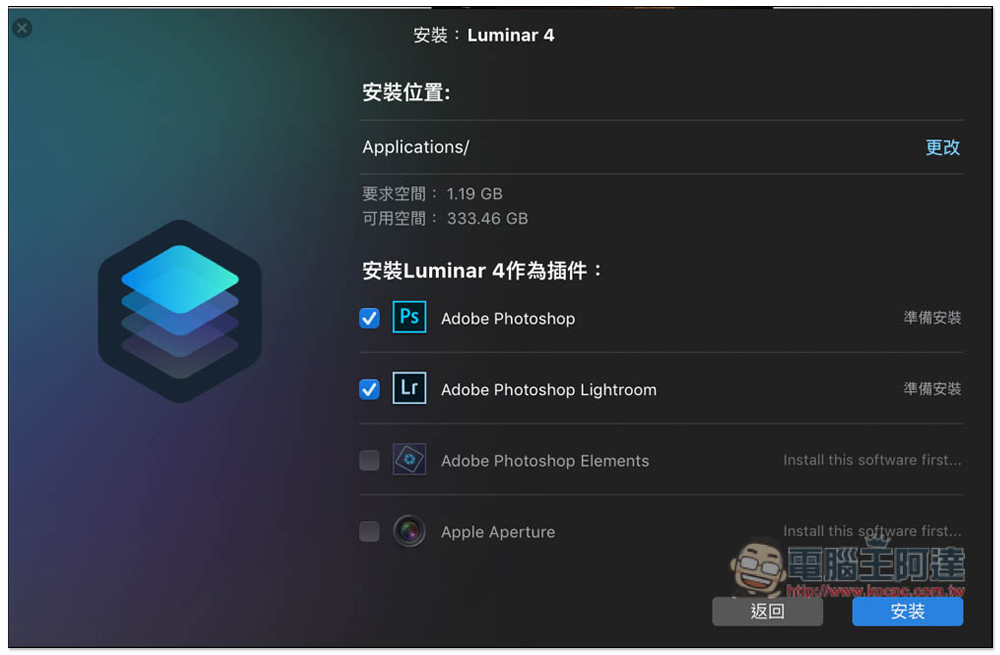
This set also provides plug-in functions for Photoshop, Lightroom, Elements, and Aperture. Those who need it can install:
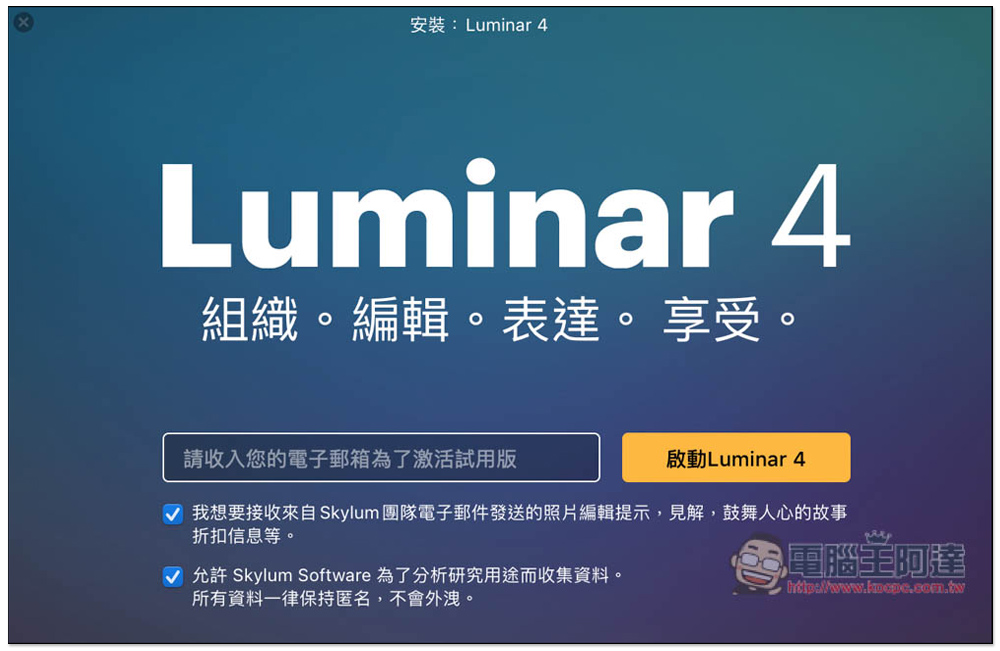
After installation, this window will pop up. Simply press the X in the upper left corner to close it without entering your email address:
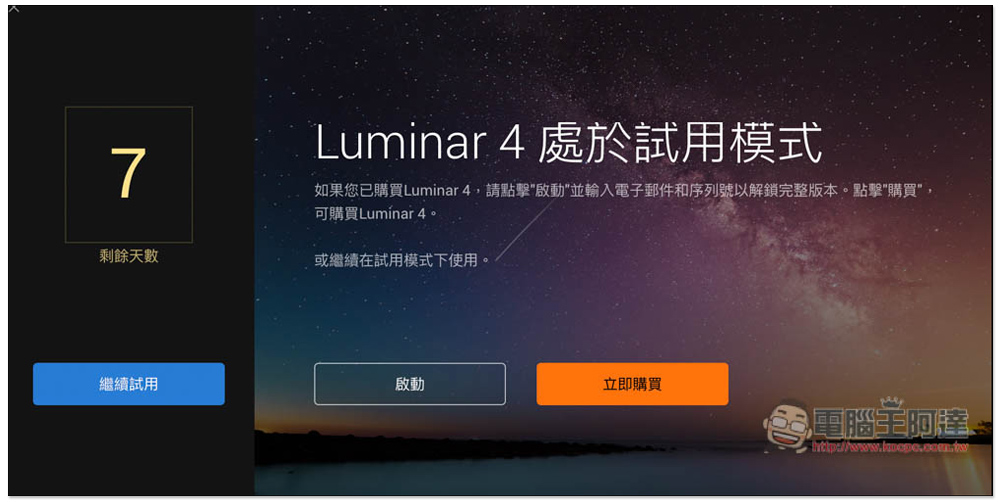
Then the software will open. It is still in 7-day trial mode. Please click “Start”:
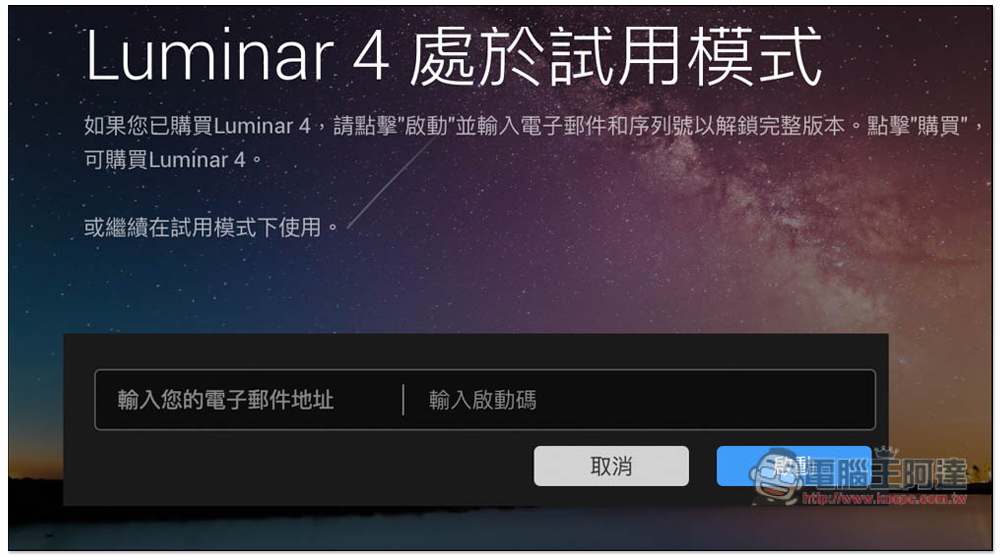
Fill in your email and the activation code you just obtained, and press Start:
This enabled it successfully! As long as you don’t update the software, you can use it for free for life. However, one thing to note is that if you change your computer or refill it later, you may not be able to enable it again, because most of these limited-free serial numbers are time-sensitive and cannot be used after a certain period of time:
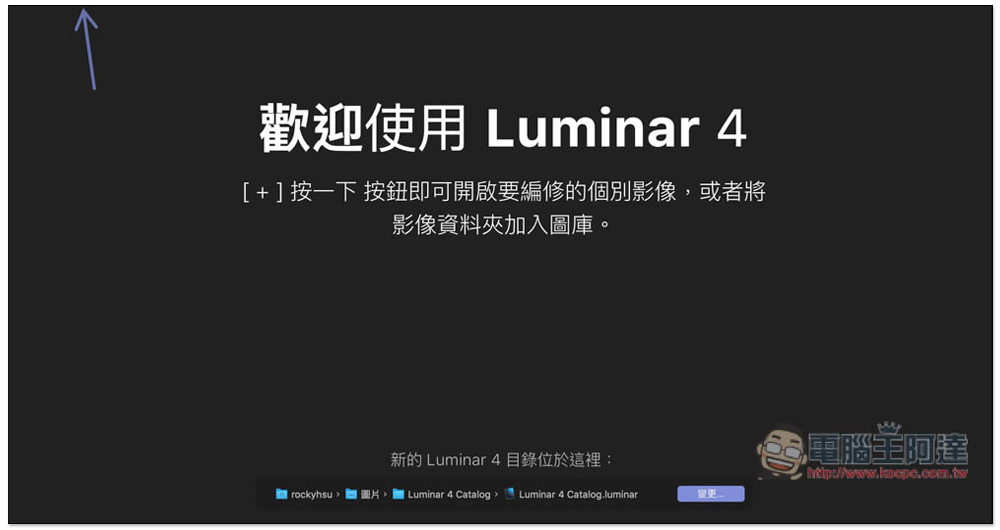
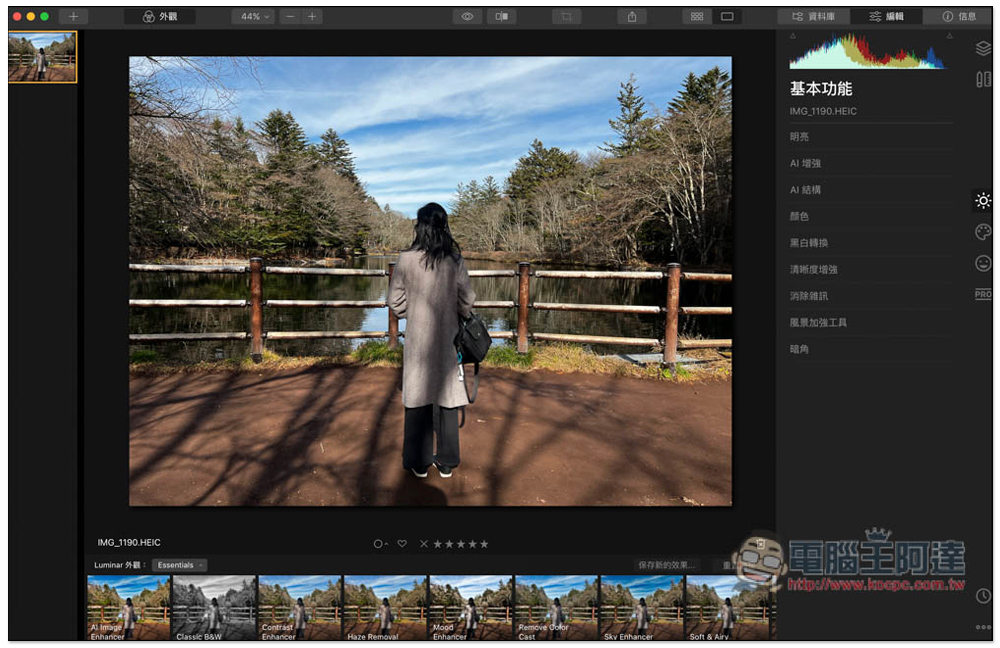
Luminar 4 has a Chinese interface, so it should be easy to get started. After loading the photo, you can see the one-click AI image editing function of AI Image Enhancer below. If you don’t like the color after AI image editing, you can also use other commonly used filter settings:
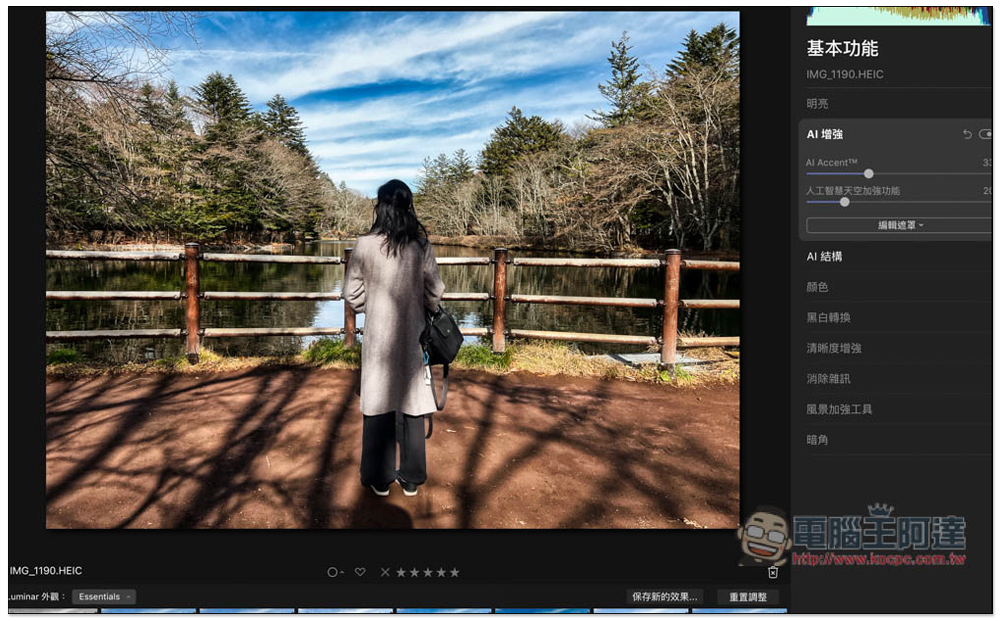
There are also many AI enhancement tools on the right, such as AI Accent and artificial intelligence sky enhancement functions:
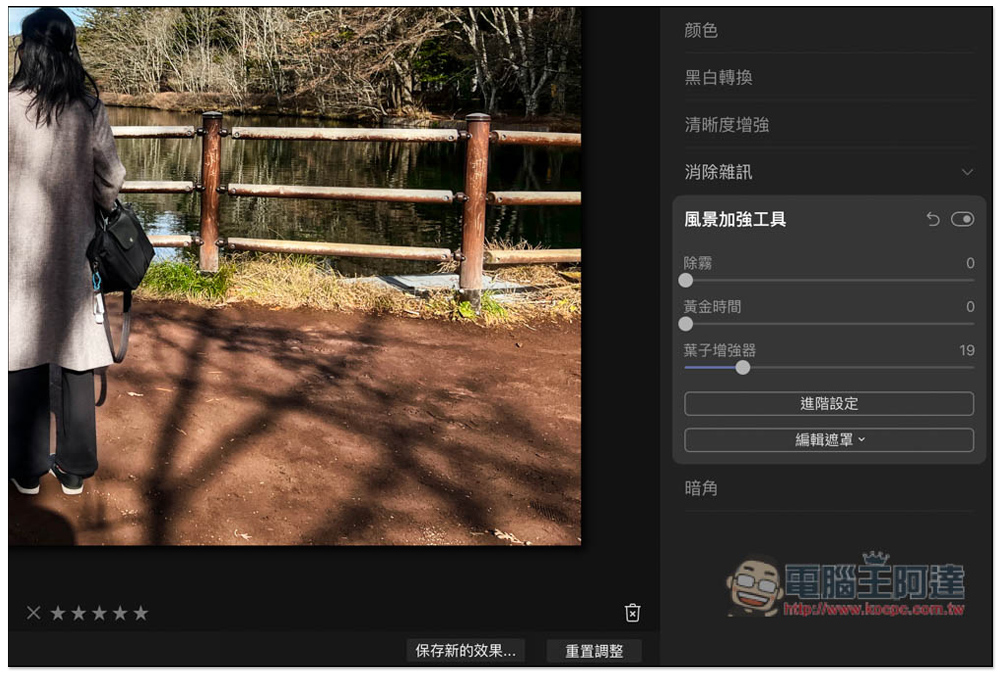
There are also landscape enhancement tools. If you think the leaves are not pretty enough, try the leaf enhancer. If the fog is too heavy, use the defogging function to improve it a lot:
I highly recommend using the photo editing function at the bottom directly, because there are many filters, styles and colors provided. Press the lens next to the Luminar appearance to open this menu, and then you can switch between Street, Landscape, Portraut, Lifestyle and other styles:
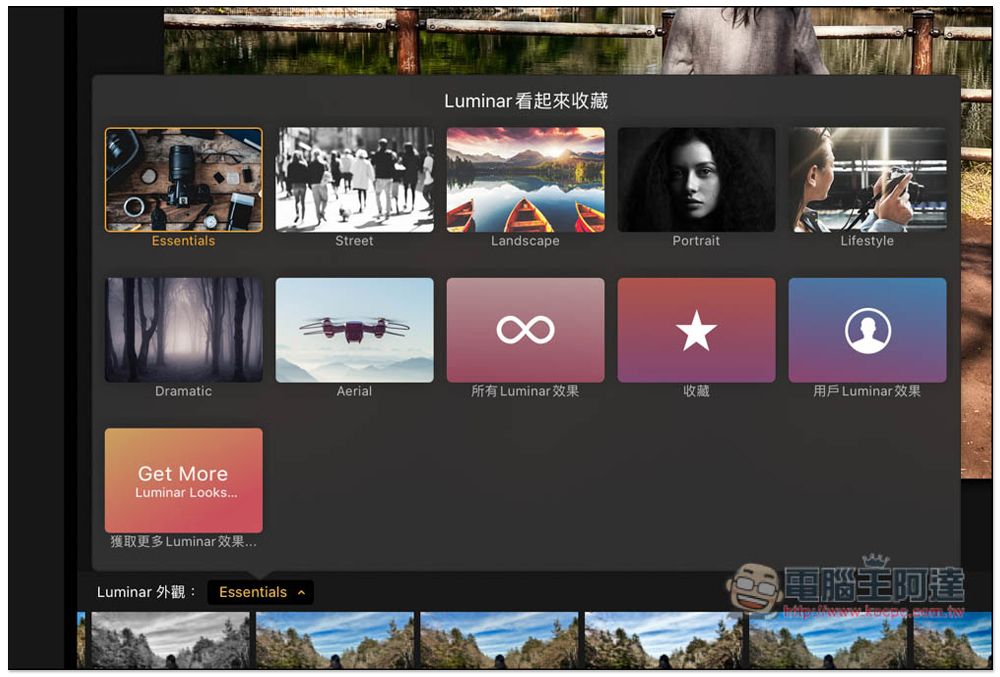
Each style filter has a small preview for your reference. If you like it, click Apply. The application process is quite fast:
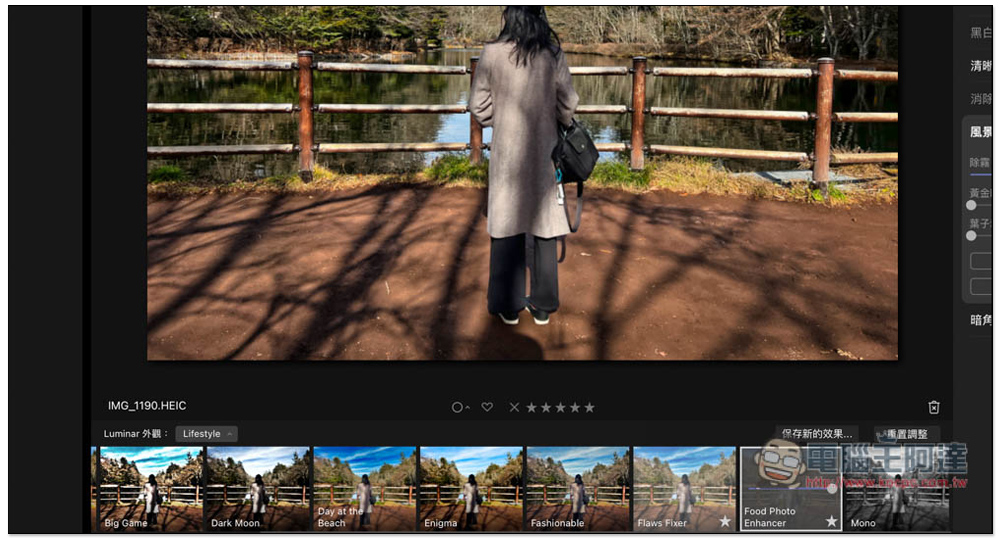
There are many more photo editing functions in this set, and the rest is left to the readers to play with and see by themselves. As for how long the limited exemption period will be, the official has not stated. I suggest that those in need should get it as soon as possible and activate it.
Source: KOCPC Chinese