


Windows has a built-in Microsoft Defender anti-virus protection function, so Microsoft has not launched other system protection tools. The recent news of a new version is just a redesign of the Defender interface. However, for some reason, Microsoft in China recently launched a new multi-functional “Microsoft Computer Manager” free tool with built-in virus scanning, garbage cleaning, and optimization acceleration. It is only launched in China and not in other countries. I am not sure why. However, the timing of this choice makes people think that there will not be a new version of Mircrosoft in China’s Windows in the future. Defender, but replaced by Microsoft PC Manager? In any case, other countries and Taiwan can also install this tool, and those who are interested can also try it out.
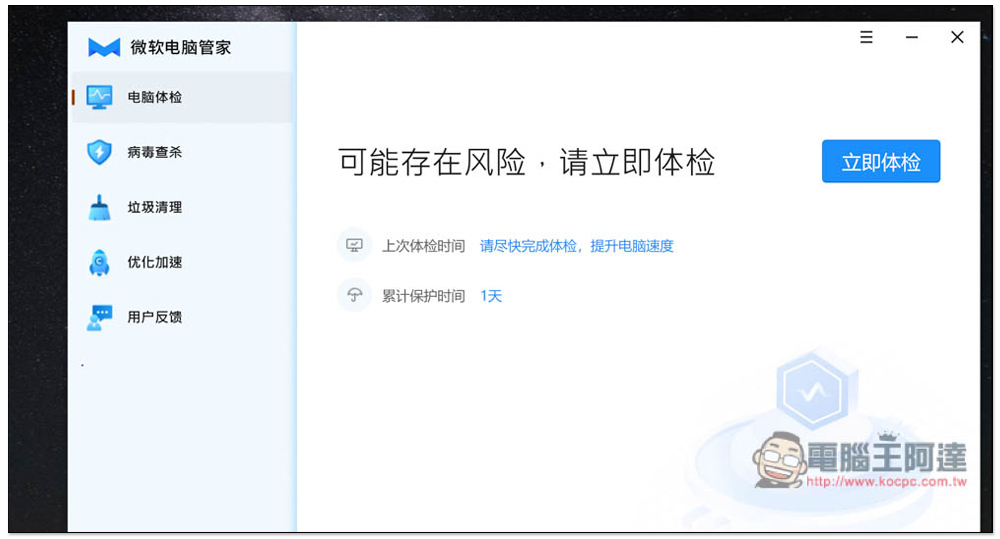
The free tool “Microsoft Computer Manager” officially launched by Microsoft in China
At present, this set of Microsoft Computer Manager is still in the early internal testing stage, so there may be many problems or instability. People who want to try it should pay attention to this. The official download link seems to have been removed a while ago, but someone has backed it up. Below isNiche software (appinn)backup location.
Microsoft Computer Manager currently only has a simplified Chinese interface, and it may do so in the future (after all, it is only launched in China). If there are no special requirements during the installation process, just use the quick installation:

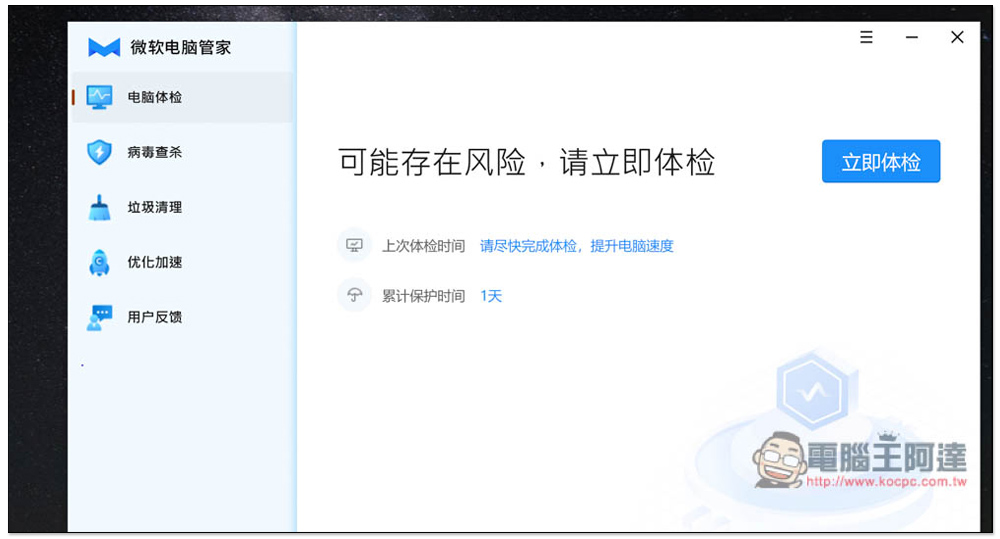
Then you can start using it. There are five functions: “Computer Physical Checkup”, “Virus Scanning”, “Garbage Cleanup”, “Optimization Acceleration” and “User Feedback”. Computer Physical Checkup is a one-click optimization of the computer’s functions. Press Physical Checkup Now and it will start scanning. It will also record the time of your last physical examination, so you can check how long it has been since you last checked:
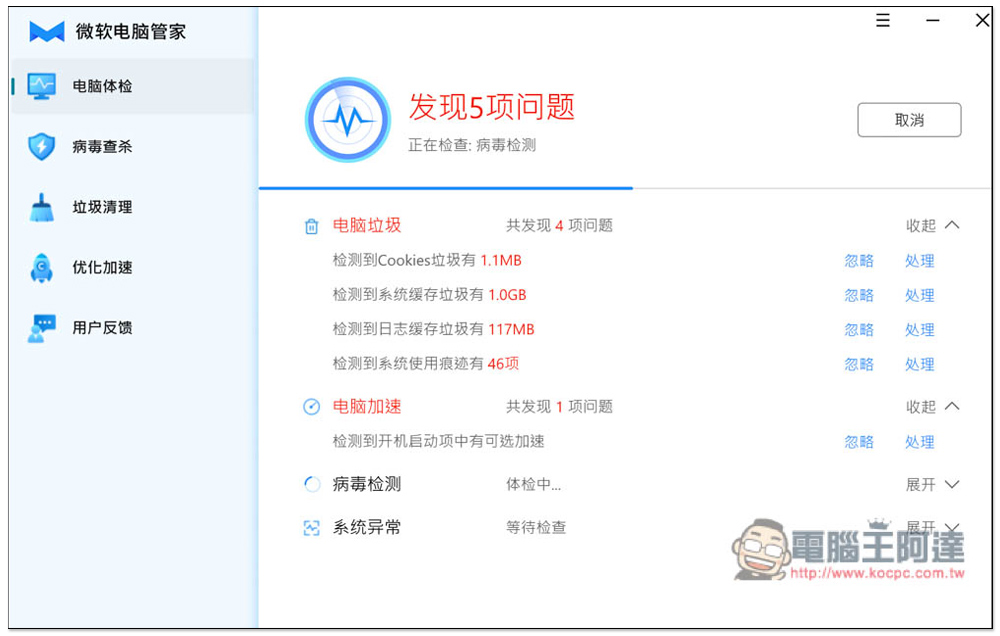
Three checks will be performed, including computer garbage, computer acceleration and virus detection, but these are some relatively superficial processes. If you want deeper detection, please use the functions on the left:
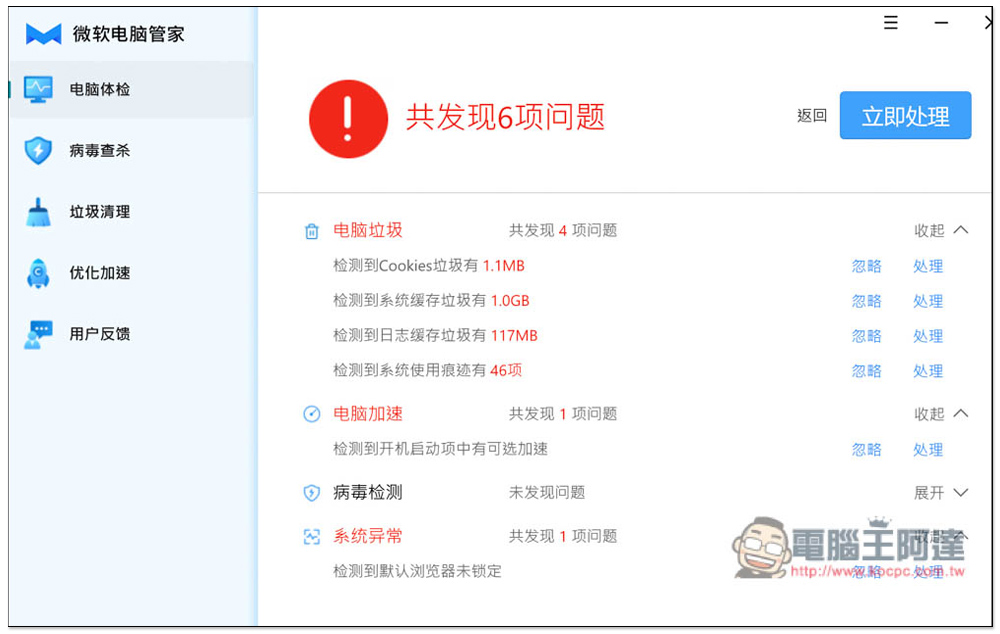
After the inspection is completed, you will be told how many problems were found. You can click to handle or ignore them individually. You can also click “Process Now” in the upper right corner to fix all problems with one click:
In the virus scanning function, click “Quick Scan” in the upper right corner to start scanning. When the arrow opens, there are two options: “Full Scan” and “Custom Scan”:
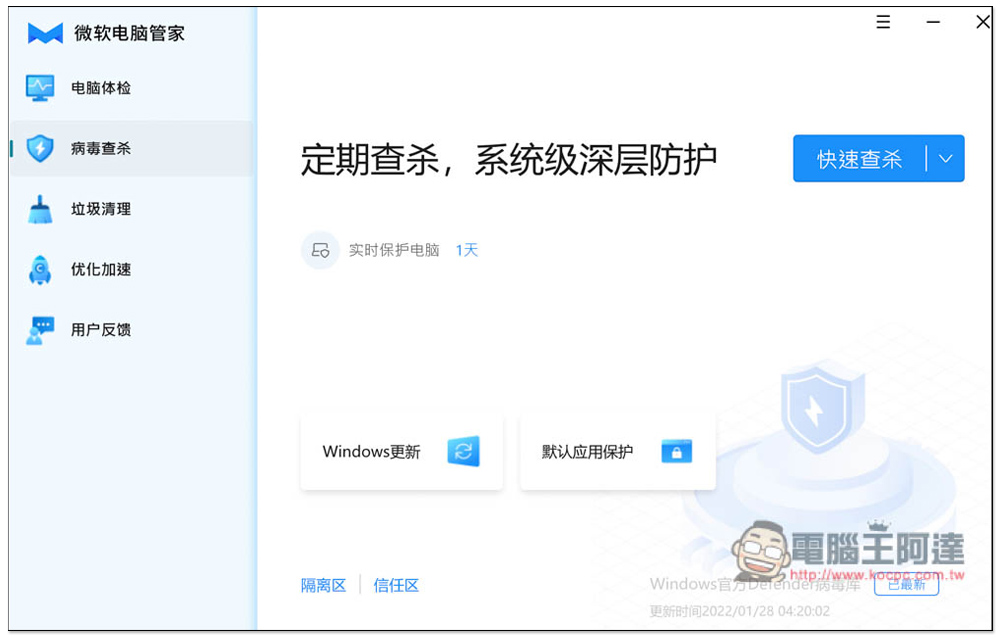
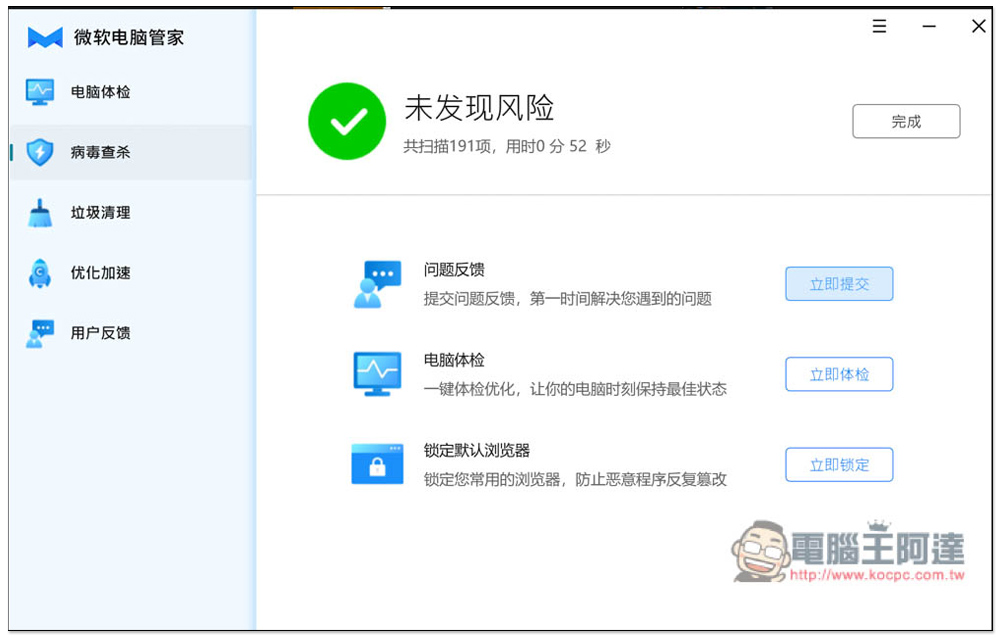
The scanning speed is quite fast, but unfortunately, the scheduling function is not yet provided, and you need to manually enable it every time you want to scan for viruses:
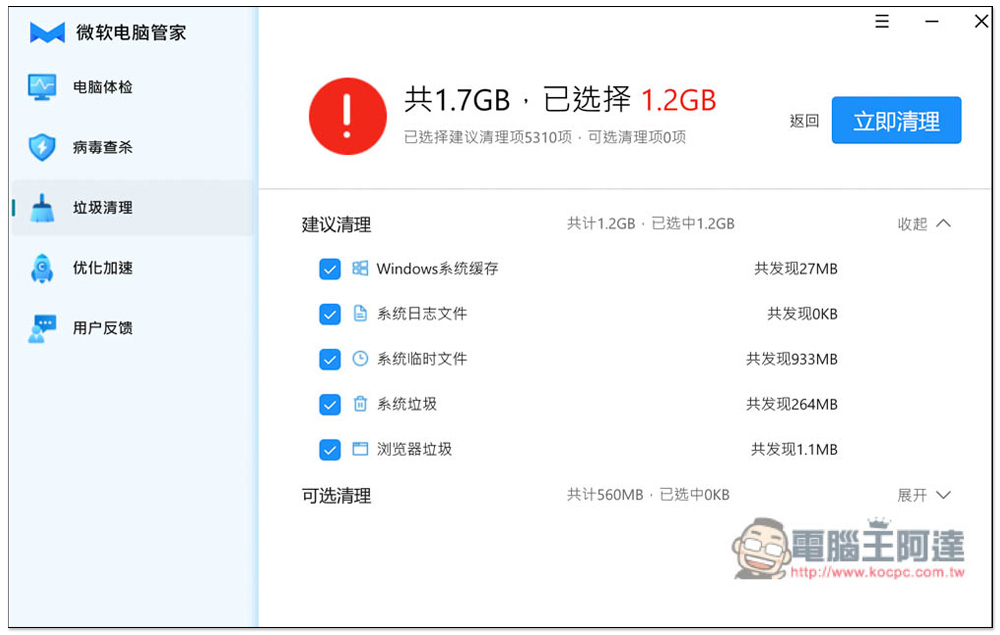
Junk Cleaner will scan “Windows System Cache”, “System Log Files”, “System Temporary Files”, “System Junk” and “Browser Junk”. There are also some optional cleanings. This function is quite useful. Scanning it can free up a lot of hard drive space:
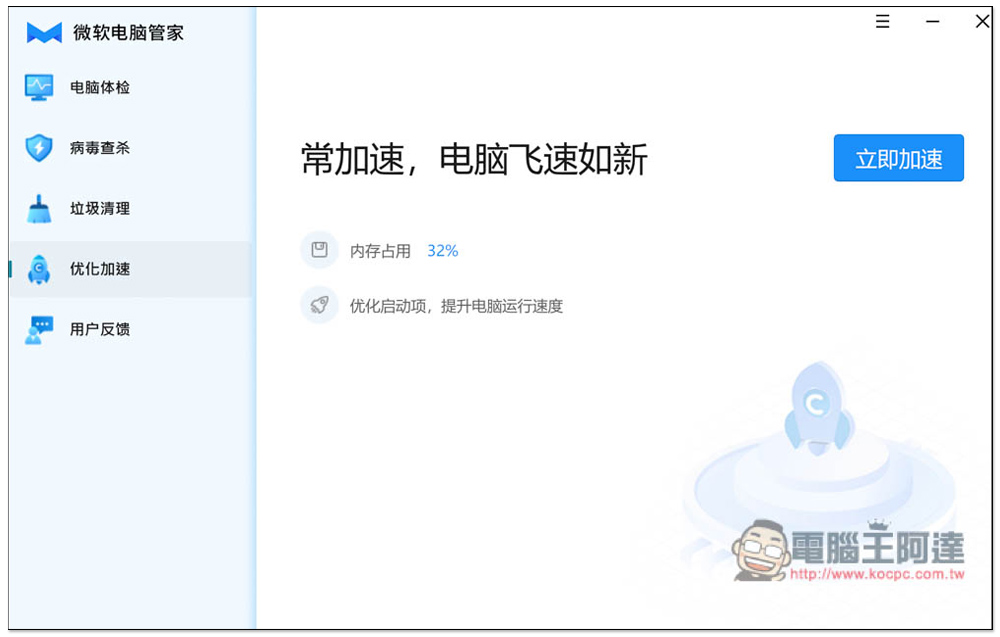
When you feel that your computer is running slower and slower, you can try the “Optimize Acceleration” function:
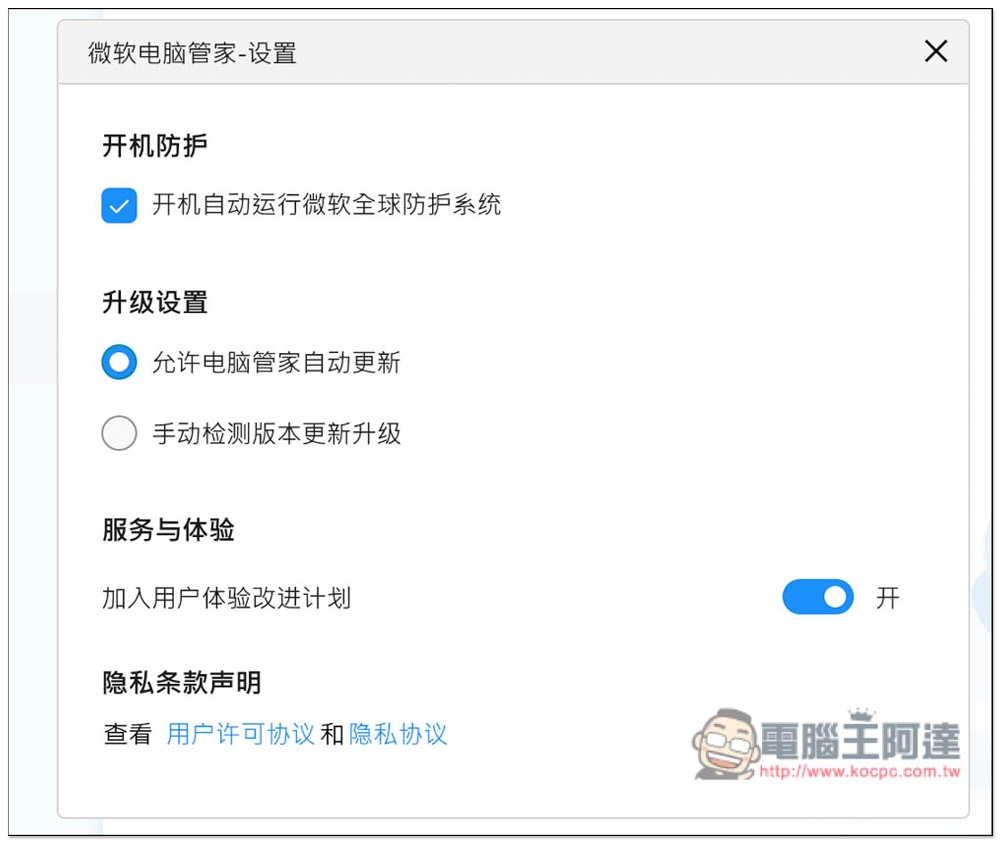
另外我检查这套使用的病毒库,只有微软全球防护系统,猜测应该跟 Defender 一样。不过话说回来,既然是使用全球防护系统,怎么会只在中国推出? , which is quite strange:
As for comparison with other anti-virus software, there is no doubt that other anti-virus software must be better. Currently, this one has average reviews in China, and its anti-virus capabilities are not particularly strong. Most people think that there is no need to install it now, and they will wait and see when the official version is released.
Source: KOCPC Chinese