


Nowadays, most online services require E-Mail when registering, or if you want to download some limited-free software, you will also be asked to enter E-Mail. At this time, if you don’t want to enter your real mailbox, you can use the Mail.tm free temporary mailbox service. You can get a 40MB mailbox by opening the web page. The capacity of the temporary mailbox, as long as you do not clear the browser cache, or click the function to generate other temporary mailboxes, even if you close the page and open it again, you can still use the same temporary mailbox, that is, there is no time limit, and it is completely free.
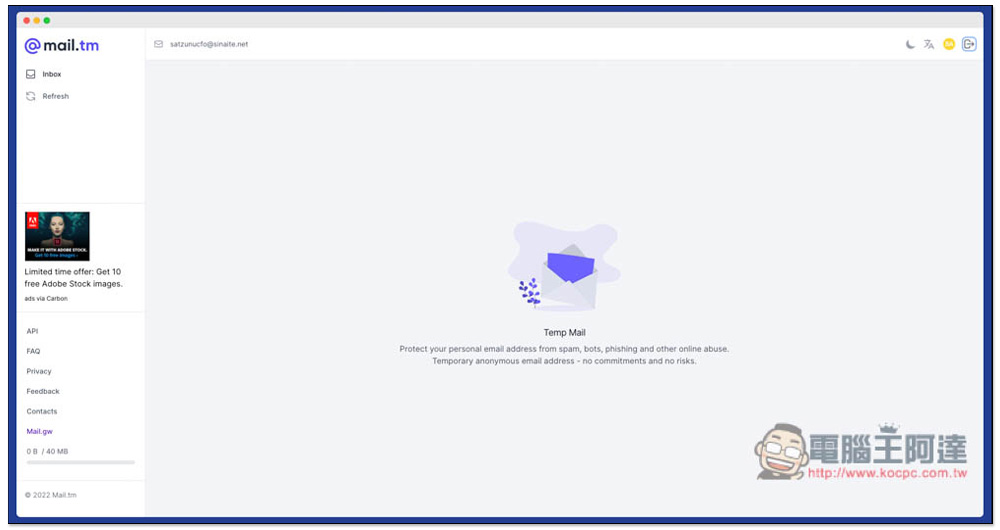
Introduction to Mail.tm Free Temporary Mailbox Service
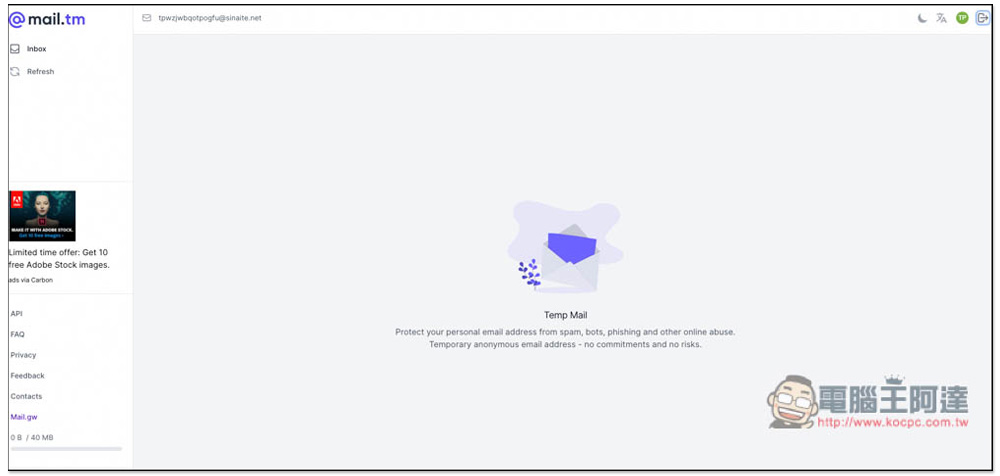
After opening the Mail.tm website, you will immediately get a temporary mailbox with the E-Mail address in the upper left corner. There are two functions on the left, “Inbox” and “Refresh”. Just like other temporary mailbox services, they only provide the function of receiving letters and not sending them:
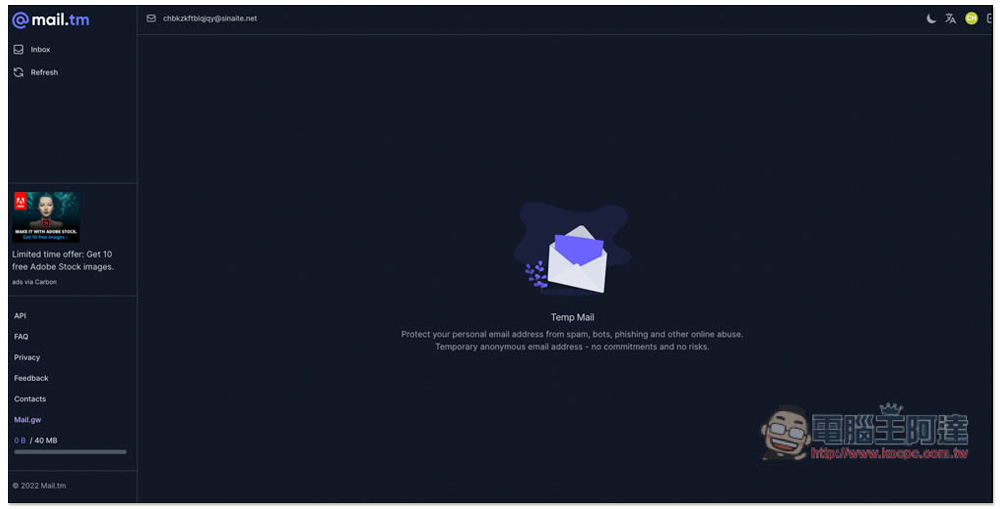
Click the email address above and it will be automatically copied to the clipboard:
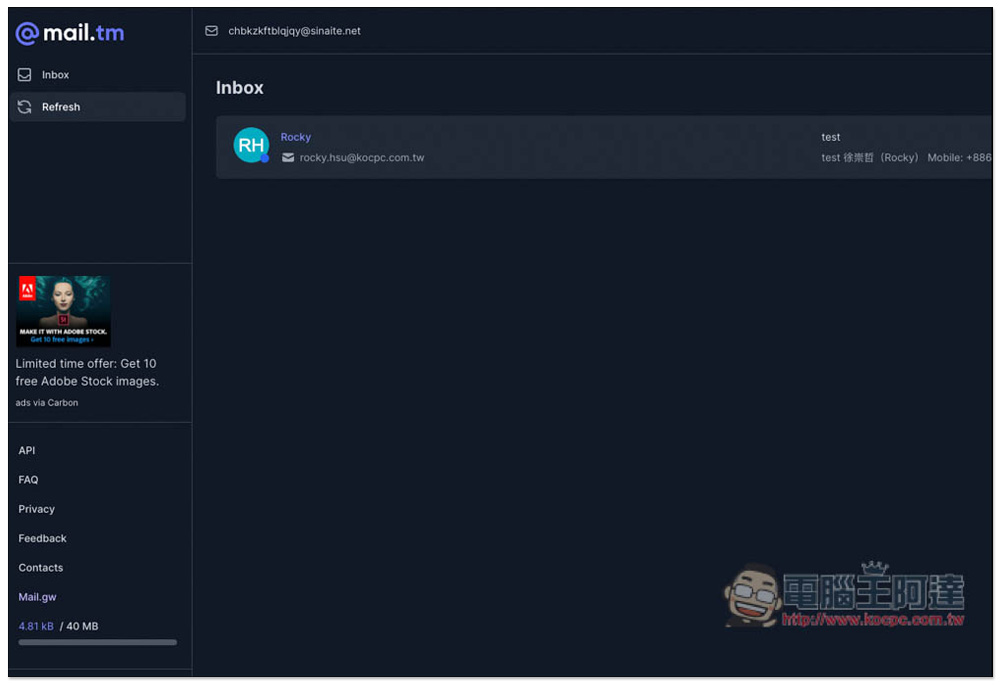
In my actual test, the mail reception was indeed successful, and the speed was quite fast, which is very good. I have used other temporary mailbox services in the past, some of which took almost a minute to receive:
When reading a letter, there are some functions in the upper right corner, including you can download the letter (Downlad), view the source code (Source), print (Print) and delete (Delete):
Click the moon icon in the upper right corner to switch between normal and dark modes, depending on which one you are used to. In addition, if you want to change to another temporary mailbox E-Mail, just click the logout icon in the upper right corner. As shown below, it changes from chbkzkftblqjqy@sinaite.net to tpwzjwbqotpogfu@sinaite.net. In my test, it seems that the ending is sinatite.net, but I see that some people use .org, so I am not sure whether each one is different, or it changes every once in a while:
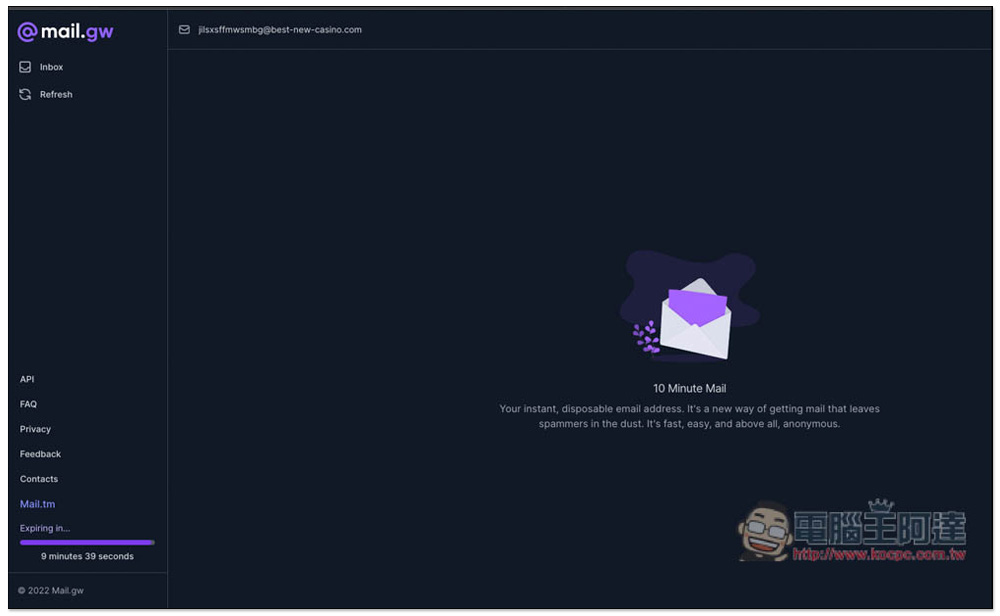
The temporary mailboxes created by Mail.tm only have a capacity of 40MB, so they are not suitable for receiving emails with attachments. If you want to find a temporary mailbox with no capacity limit, this service is actually available. Press Mail.gw on the lower left to switch to unlimited capacity, but this mailbox will only exist for 10 minutes:
If you have more questions about this service, you can go to the FAQ to see answers to frequently asked questions:
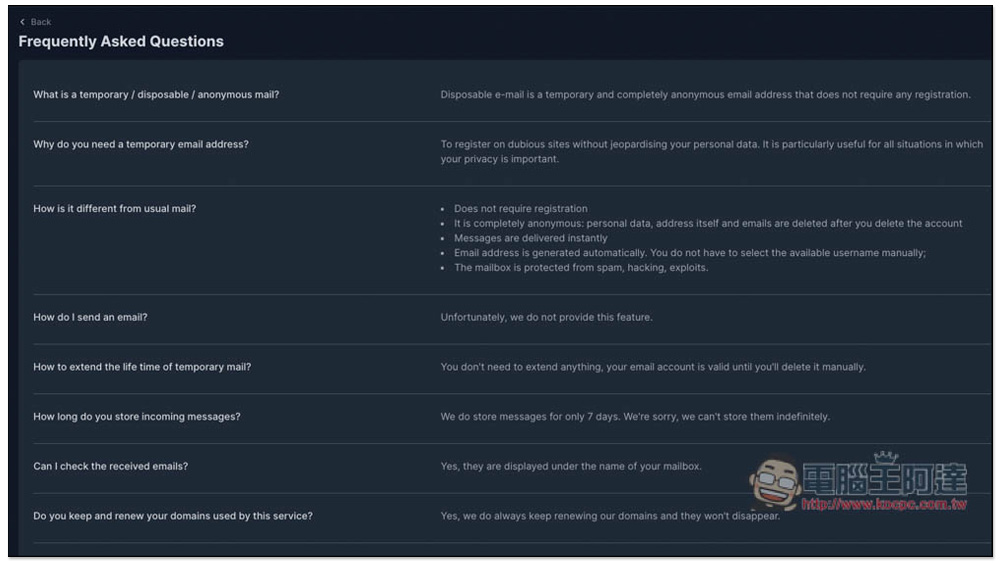
Mail.tm also mentioned that they will store emails for 7 days, but there is no way to store them permanently, so even if you do not delete the emails manually, they will be automatically deleted after 7 days, so remember to download important files to your computer for backup.
Finally, I would like to remind you that this is a temporary mailbox and is not suitable for registering your commonly used services, because it may become unavailable after a period of time, so if you accidentally forget your password or need to receive mail for other reasons, you will not be able to receive it.
In addition to Mail.tm, if you want more freedom, such as customizing a temporary mailbox starting with E-Mail, you can refer to what we have introduced before. Mailinator, also useful.
Source: KOCPC Chinese