


Nowadays, mobile phone recording is very convenient, so there will be a need for video editing occasionally. If you don’t have video editing software on your computer, you can consider using Video Candy, a free online video editing tool. You can cut videos by opening a browser. It provides many functions. In addition to editing, you can also use it to compress, merge, add music, mute, convert GIFs, and create slideshows, etc. All are free, and there seems to be no limit.
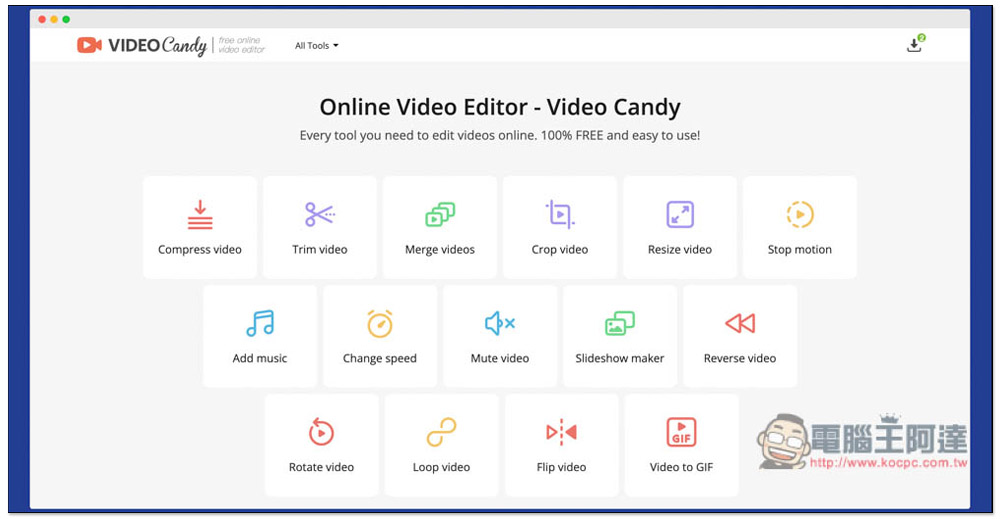
Introduction to Video Candy free online video editing tool
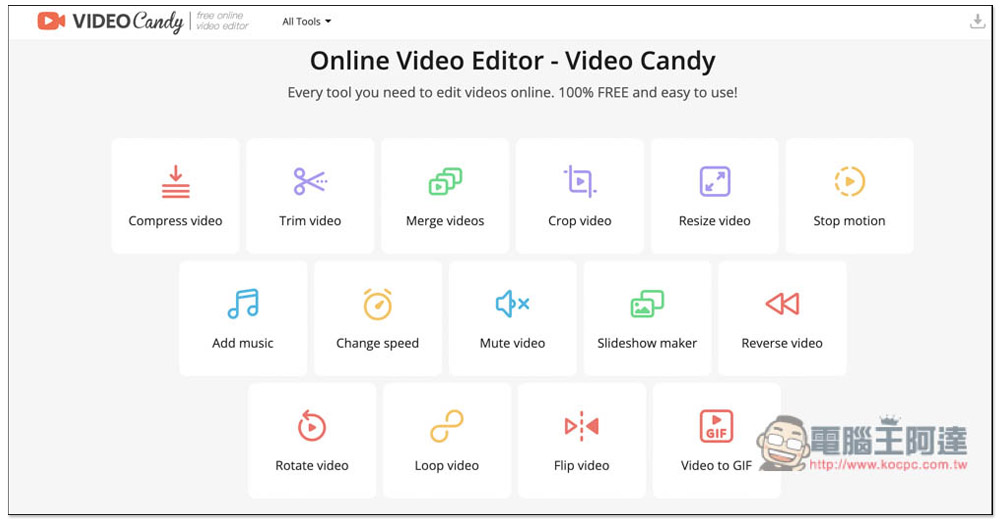
After entering the website, you can see all free functions, currently there are 15 in total:
- Compress video compressed video
- Trim video clip video
- Merge videos merge videos
- Crop video Crop video
- Resize video adjust video size
- Stop motion stop motion animation
- Add music Add music
- Change speed change speed
- Mute video video mute
- Slideshow make Make a slideshow
- Reverse video video reverse
- Rotate video video rotation
- Loop video video loop
- Flip video video mirror
- Video to GIF Convert to GIF
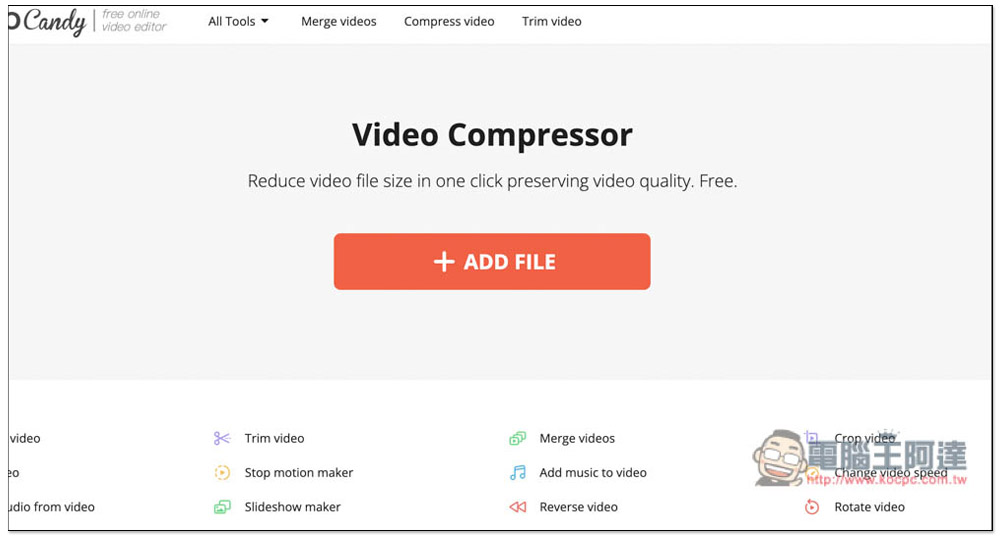
After clicking on the function you want to use, you can drag the video in, or click ADD FILE to select it manually. I’m not sure which formats are supported. I tested MP4 and it had no problem. Most video formats should be fine. There seems to be no limit on the file size. However, if it is too large, it is recommended to use the desktop version, otherwise I don’t know how long it will take just to upload:
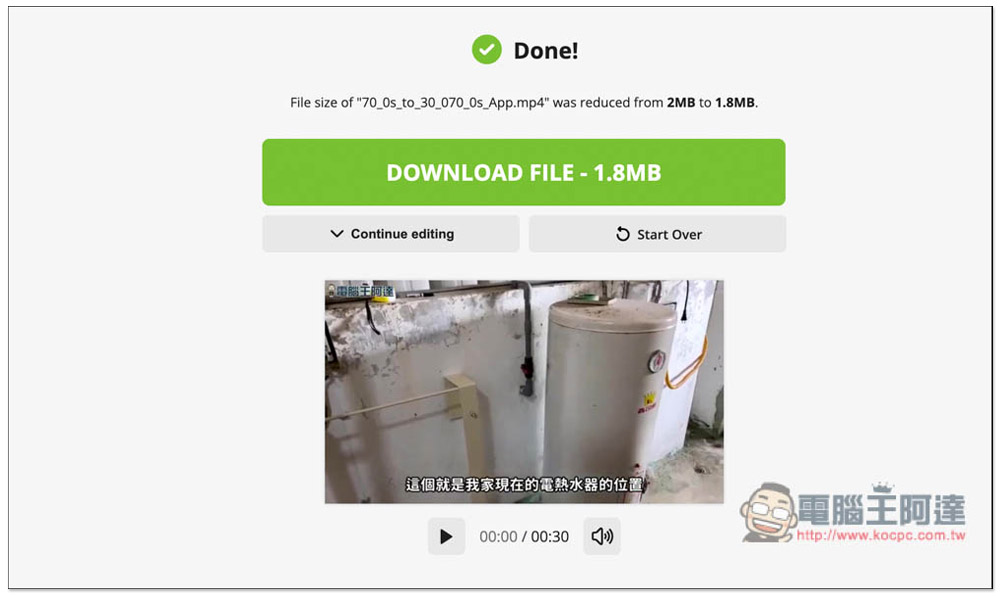
I used the compression function. The video I tested was already small enough, only 2M. I didn’t expect that it could be compressed a bit and became 1.8MB. Press DOWNLOAD FILE to download the completed file. In addition, this tool also has a very good feature. After uploading the video, you can directly continue to use other editing functions without re-uploading:
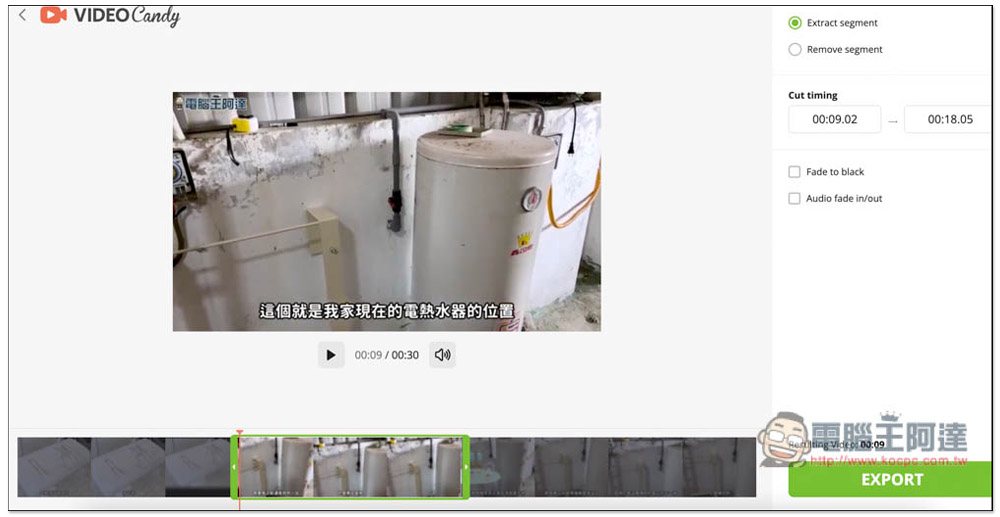
In the video editing interface, drag the green edge below to adjust the range you want to keep, or enter the time directly in the upper right corner:
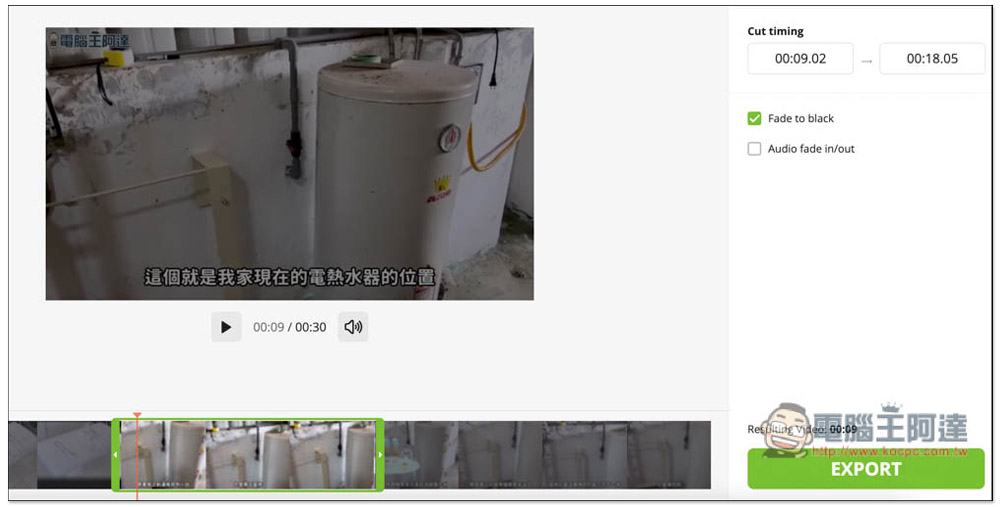
It also provides a fade-in effect. After checking Fade to black, a fade-in will be added at the beginning of the video:
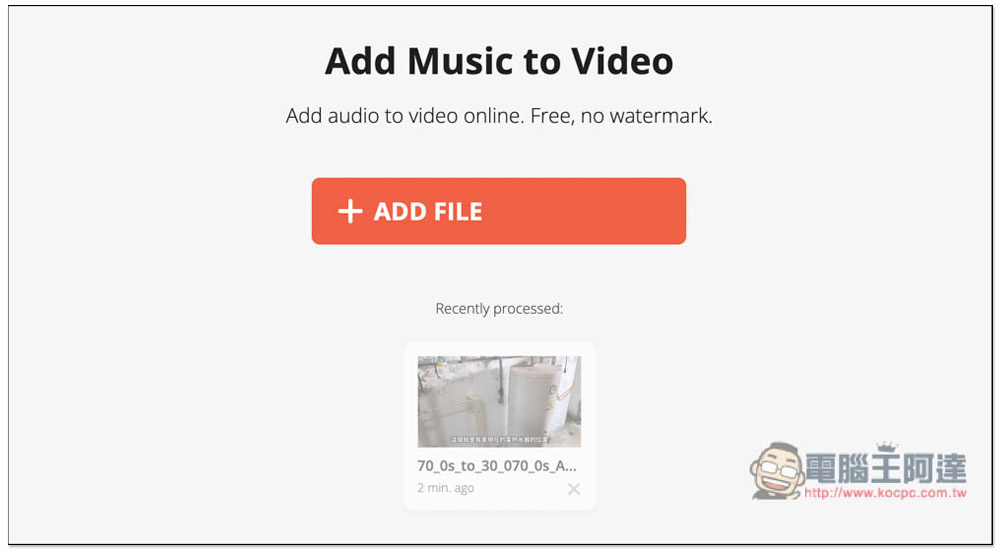
Add music to your videos. This package does not provide free music, so you have to prepare your own:
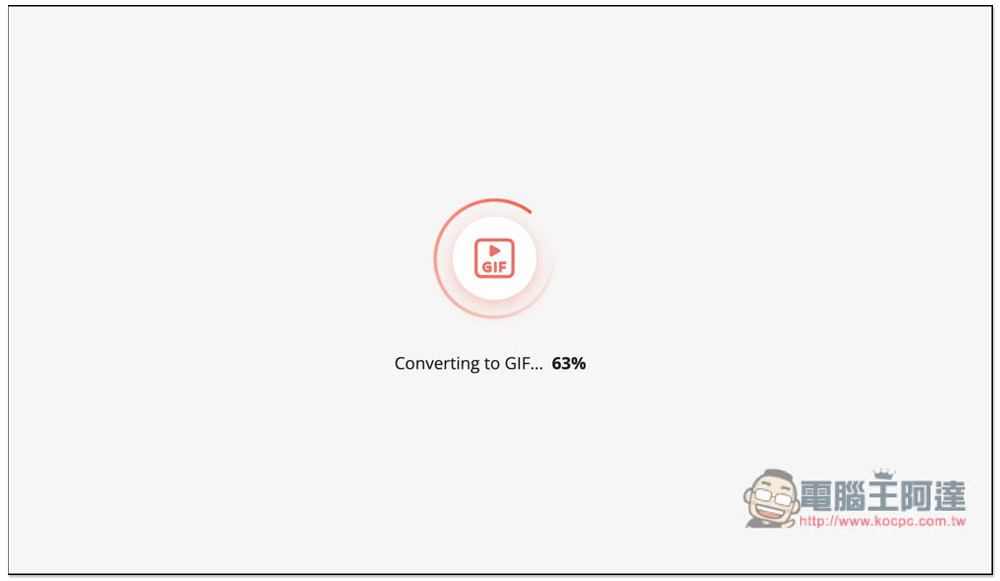
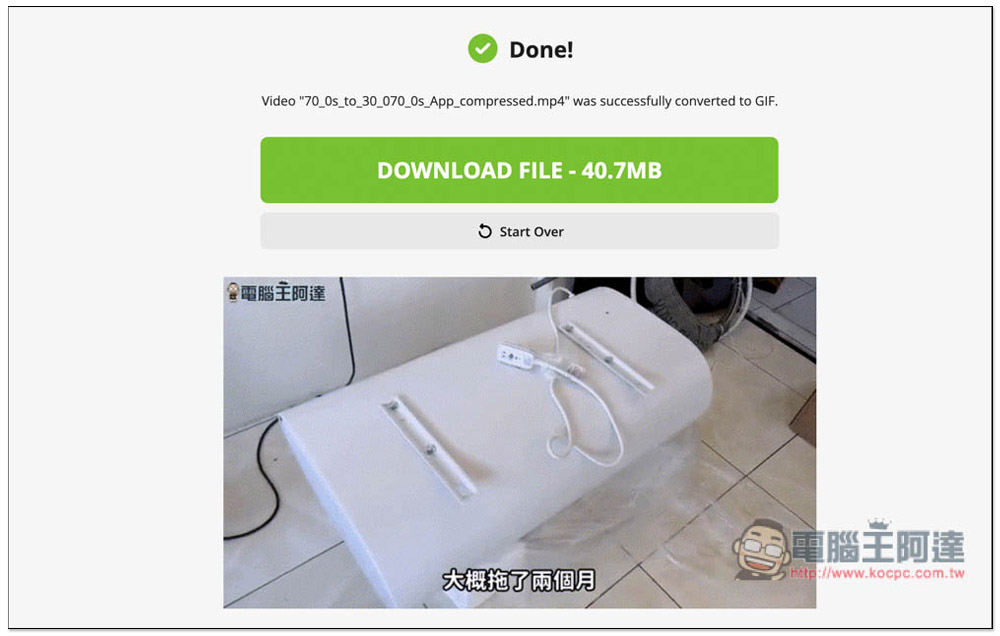
You can also convert videos into GIFs, and the processing speed is quite fast:
After the GIF is converted, a preview will also be displayed below. If you are satisfied, download it:
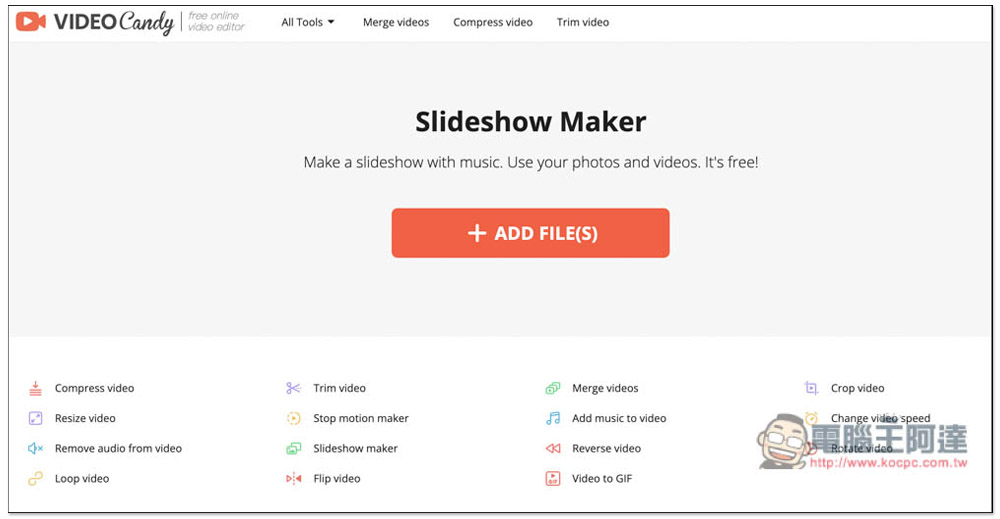
Videos and photos can be uploaded in the slideshow section:
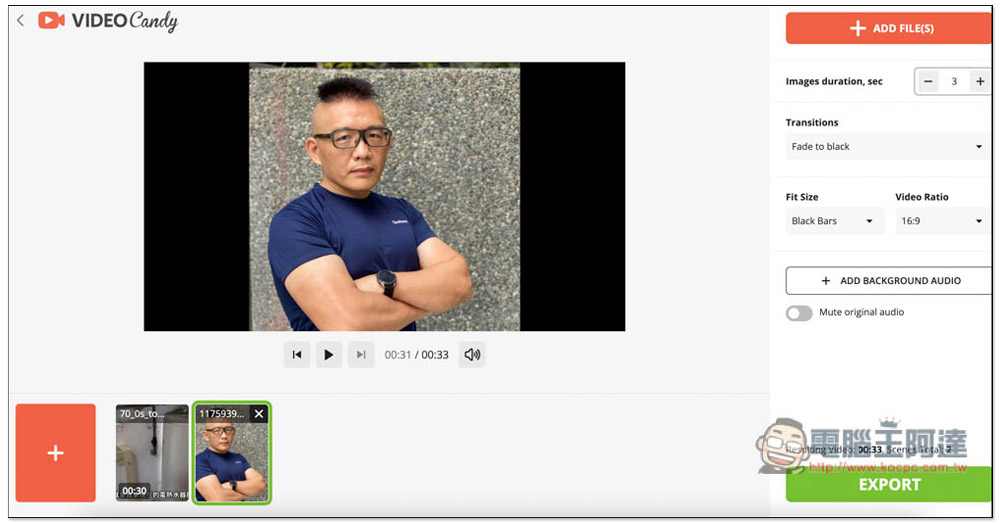
In the video editing interface, the order of uploaded materials can be adjusted below, and background music can also be added, whether to fade in, the video ratio, etc.:
I have to say that this Video Candy is not only free with all editing functions, but also has no ads, which is really Buddha-like. However, it is an online tool after all and requires uploading videos to their servers. Therefore, it is not recommended to edit videos that are too private or important. Even though the website description mentions that it attaches great importance to user data security, the desktop version is still the safest way. The rest of the functions are left to the readers to play with.
Source: KOCPC Chinese