


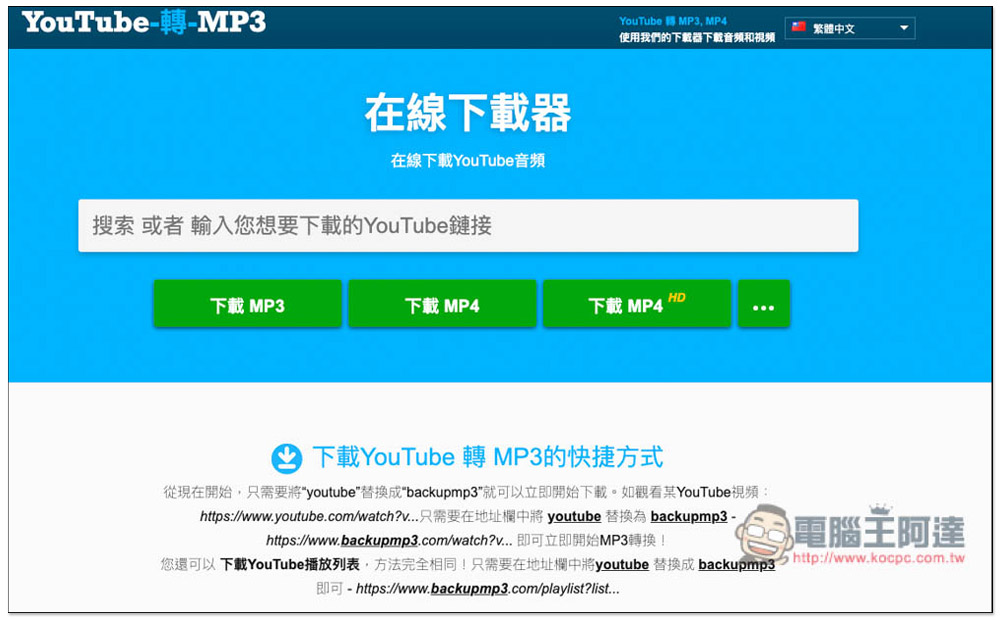
There are many downloading tools for YouTube videos and music on the Internet, but they all require you to open the webpage first and then paste the URL before the download point will appear. This means that you must add the webpage to your favorites in advance, which may be troublesome for some friends. This article will teach you a very simple method. You only need to change the URL of the YouTube video to backupmp3 to download MP3 music or MP4 videos. The download speed is pretty fast.
Other recommended YouTube downloaders (VideoHunter & VideoHunter YouTube Downloader)

Such online tools often fail every once in a while. We recommend installing the download software directly. “VideoHunter” and “VideoHunter YouTube Downloader” are both very good, with super fast download speed and long-term stability. They are available in Windows and Mac versions.
VideoHunter supports more than 1,000 websites, including YouTube, Facebook, TikTok, etc., supporting up to 8K image quality, download formats include MP3, MP4 and WEBM, and MP3 music up to 320Kbps.
VideoHunter YouTube Downloader is specially designed for YouTube. It can download not only public videos, but also private videos. The highest image quality is 8K, and MP3 music is also supported (320Kbps).
VideoHunter official website
Recommended YouTube downloader 2: VideoProc Converter (all-round video downloading/converting/editing helper)
VideoProc Converter can easily download all kinds of online 720P/HD/4K/8K videos. Just paste the URL, select the image quality and file format, and press “Download Now” and it will download it for you. Download formats include MP4 WEBM or download audio files only.
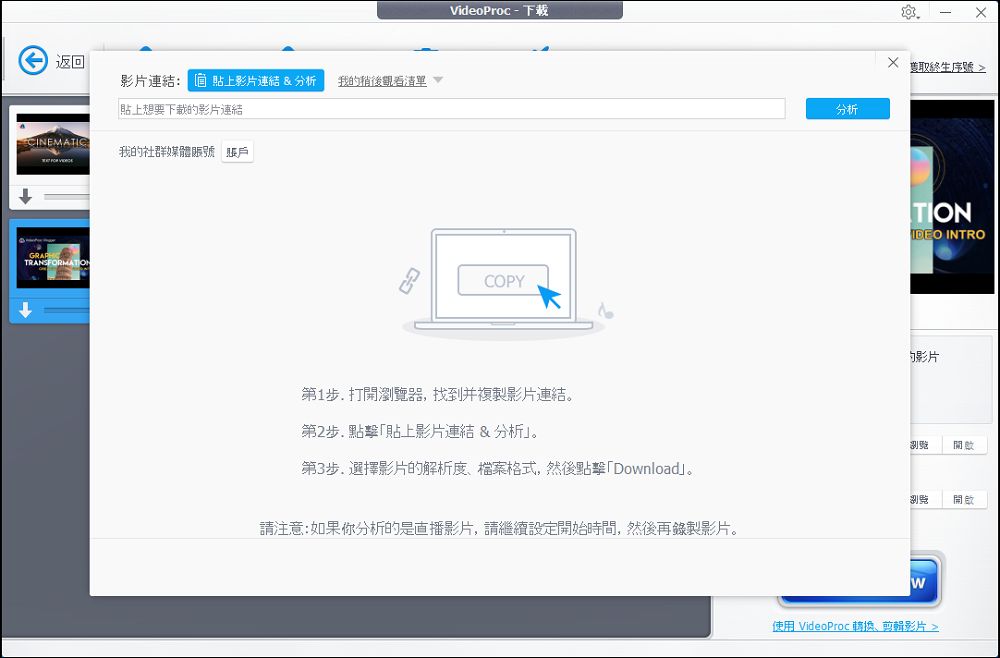
What’s more powerful is that it can also search subtitles, batch download playlists, all videos in the channel, and live videos. Supports both Windows and Mac operating systems.
VideoProc Converter also provides 420 video conversion presets, 29 editing tools, compression, motion video repair, DVD backup and other functions. If you have more audio and video processing needs in addition to video downloading, then this set is enough.
VideoProc Converter official website
Recommended YouTube downloader three: HitPaw Video Conveter (supports Win & Mac)
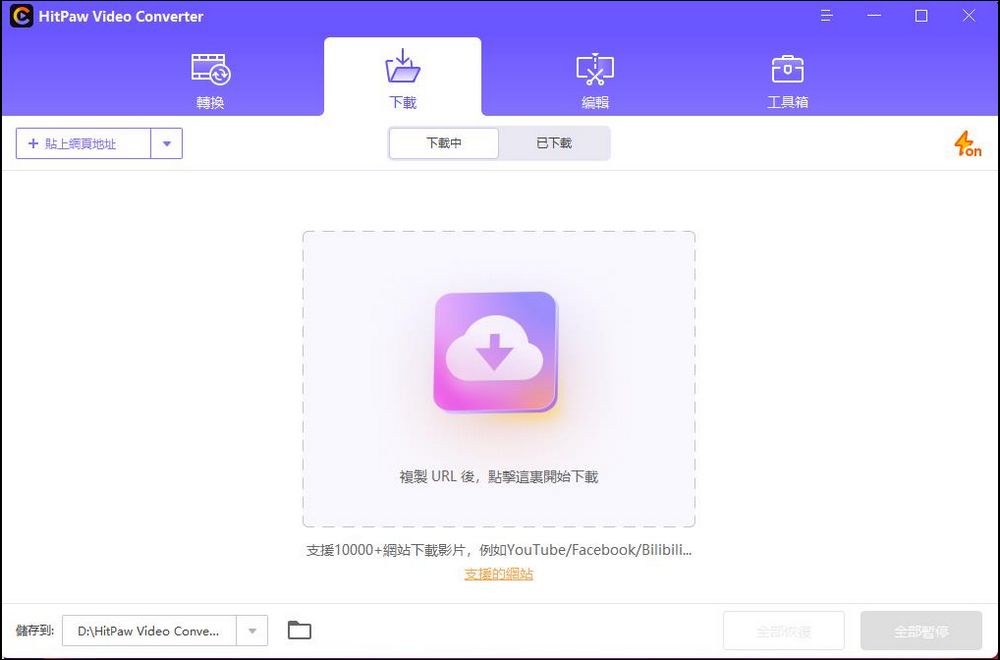
HitPaw Video Converter is also a worthwhile YouTube video/music download software that can download online videos in batches. you can reply
Copy the URLs of multiple videos to the software for downloading, or directly copy the channel address to download all the videos in the entire channel.
Of course, you can set the download format and image quality yourself. If you need MP3, select the MP3 format when downloading. If you need MP4, select MP4 when downloading.
Format.
If you are interested, you can click on the official website link below and download it yourself to try it out.
HitPaw Video Conveter official website
After changing the YouTube video URL to backupmp3, you can download MP3 music and Mp4 video operation instructions.
The method this time is provided by a YouTube to MP3 conversion website. Their URL is backupmp3. In addition to the URL modification introduced in this article, this website can also directly paste the YouTube URL to download videos and music.
First, open the YouTube video you want to download and click on the URL bar above:
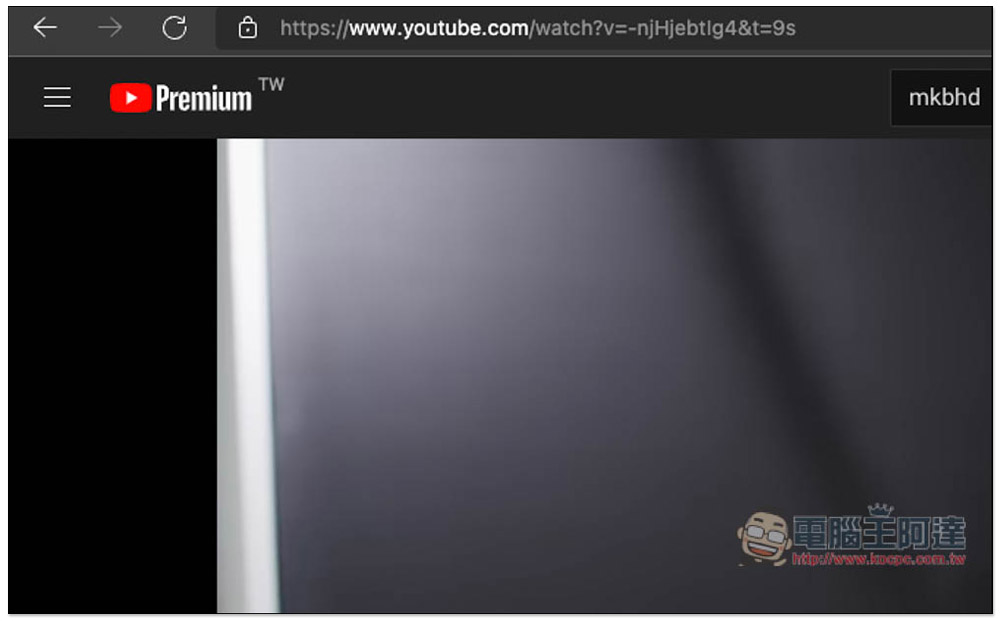
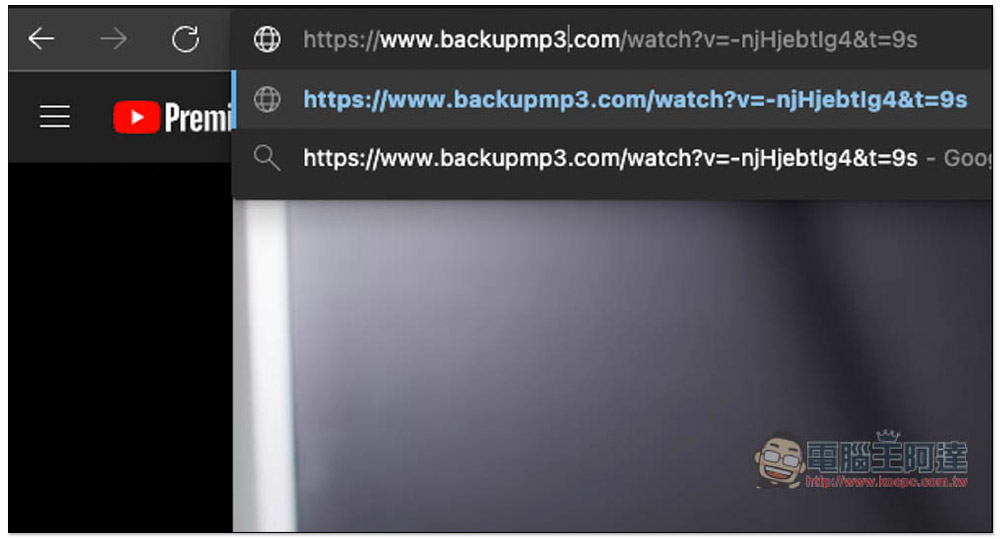
Then change the original youtube to backupmp3, that is, change the youtube in the middle of www.youtube.com to www.backupmp3.con. The rest will remain unchanged. It doesn’t matter if there are seconds:
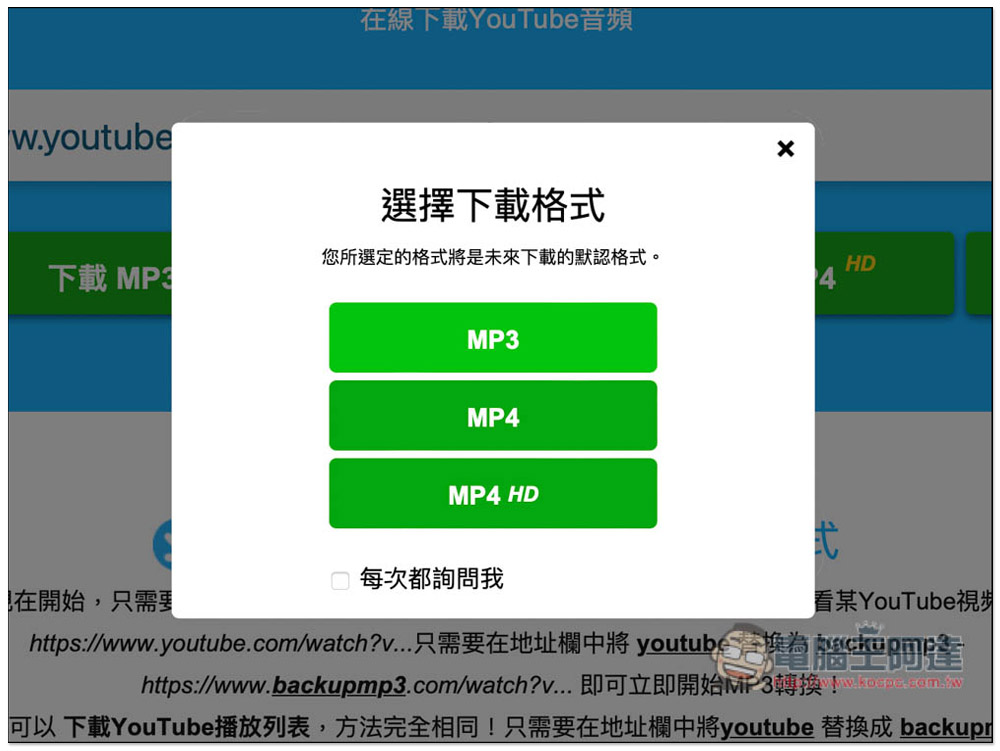
After pressing Enter, you will jump to the YouTube to MP3 website and let you choose whether to download MP3 or MP4. It is recommended to check the box below “Ask me every time” so that this option will pop up again next time you want to download other formats. If you do not check the box, if you choose MP4, you will directly download MP4 videos when you change the YouTube URL in the future. There is no way to choose MP3 unless you clear the browser cache, so it is very troublesome. MP4 HD requires another set of Byclick Downloader softwareTo download, click MP4 HD and it will automatically jump to the introduction page of this software:
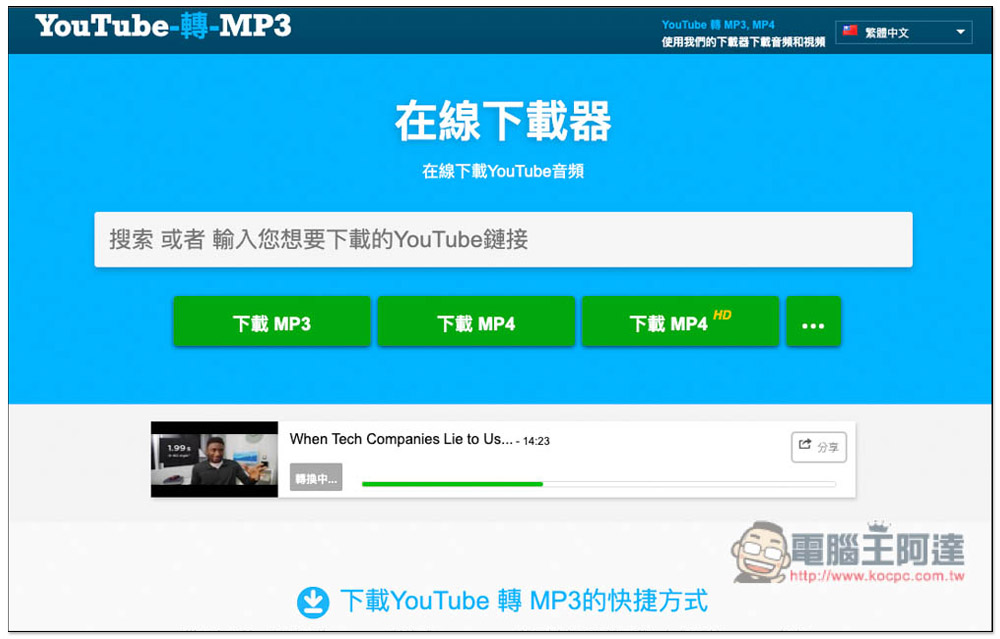
Then just wait for the conversion to be completed. The speed is quite fast. After the conversion is completed, it will be downloaded directly without clicking any additional functions:
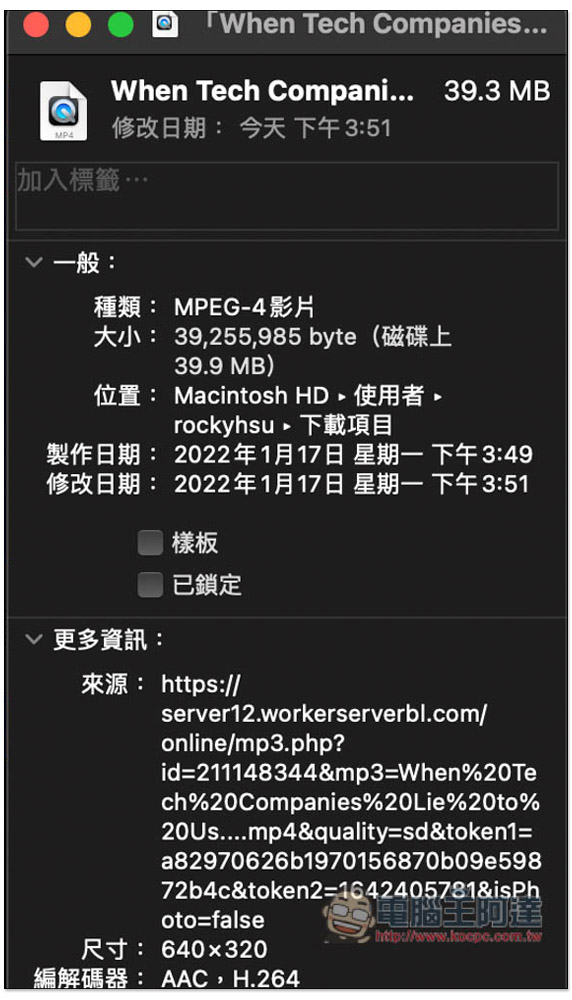
This method of changing the URL to download YouTube MP3 and MP4 is very simple. Of course, it has a disadvantage, that is, the resolution of the MP4 video is only 640×320, and there is no way to select the image quality. Therefore, if you are a person who puts image quality first, this method is not suitable for you. You can consider using this method. Byclick Downloader software:
Finally, I would like to remind you that this type of YouTube downloading method or tool may fail every once in a while, so if it doesn’t work when you try it, you can try again after a few days. If it still doesn’t work, it is probably no longer available.
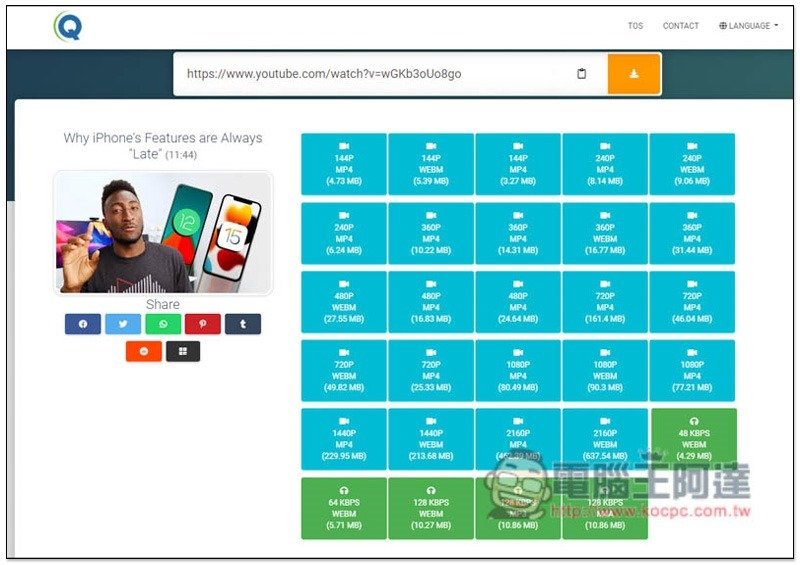
If you want to download high-quality YouTube videos for free, you can use the method we introduced before Qvideodownloader website, can download up to 4K quality videos, and not just YouTube, this website also claims to support more than 35 websites, including 9GAG, ESPN, Reddit, TED, VK, etc. MP3 music can also be used, but the sound quality is only 128Kbps:
Source: KOCPC Chinese