


There are many free Pomodoro applications on the Internet, but most of them only have simple timing functions. It is impossible to set different Pomodoros according to different tasks. Recently, I discovered the Pomofocus web Pomodoro tool that has this function. It can be used without registration. After setting the to-do list for the day, you can use the Pomodoro working method to complete the tasks in the list, allowing you to do things more efficiently.
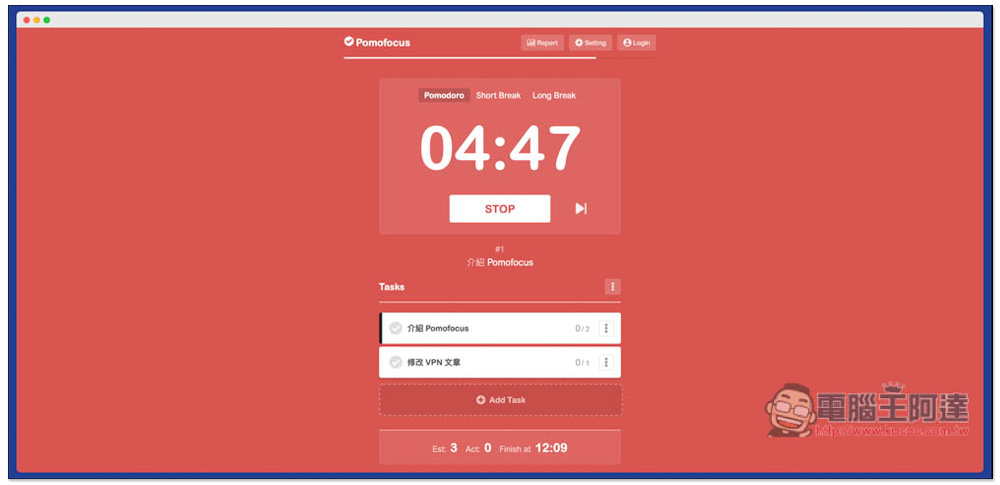
Introduction to Pomofocus’s web-based Pomodoro tool with built-in to-do list function
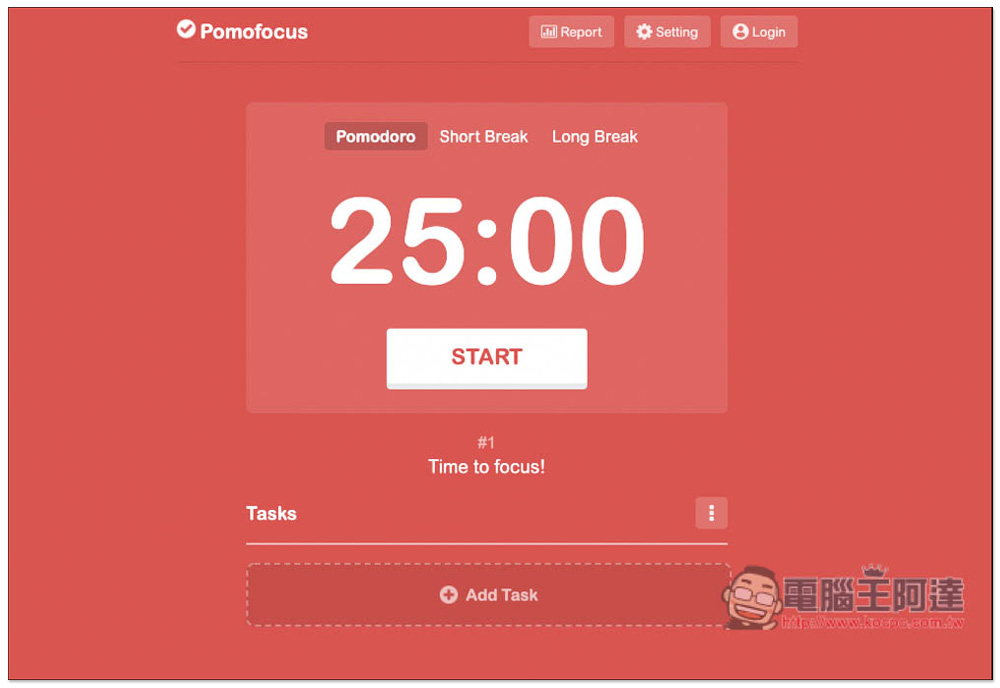
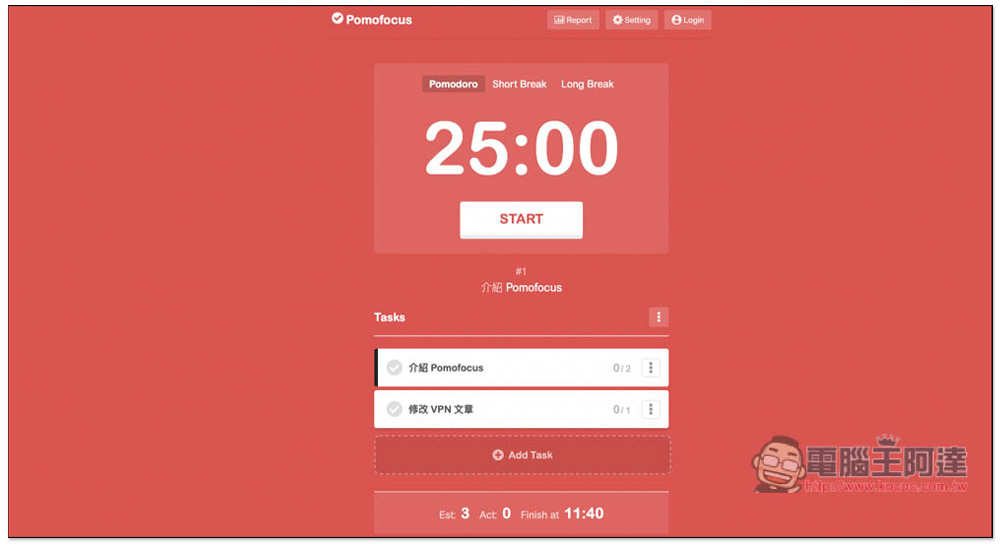
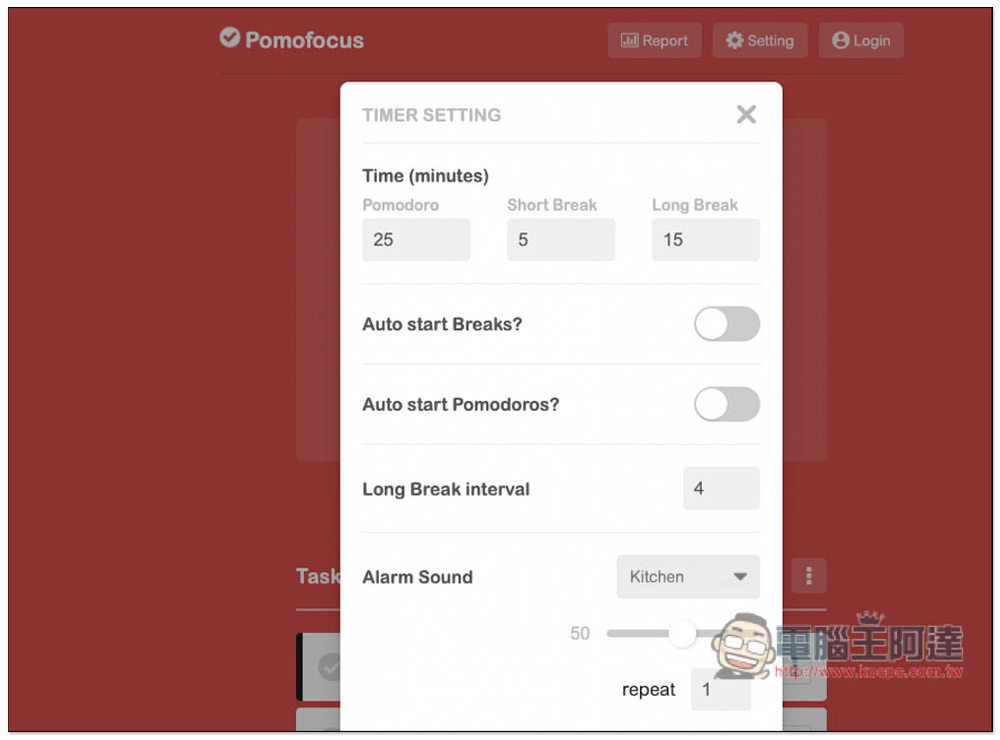
Pomofocus’s operation interface is easy to use. After entering the web page, you can see the Pomodoro in the middle. The time has been preset. Pomodoro is 25 minutes, Short Break is 5 minutes, and Long Break is 15 minutes. Basically, there is no need to adjust it. However, if you have a time that you are used to, you can open the settings and modify it manually:
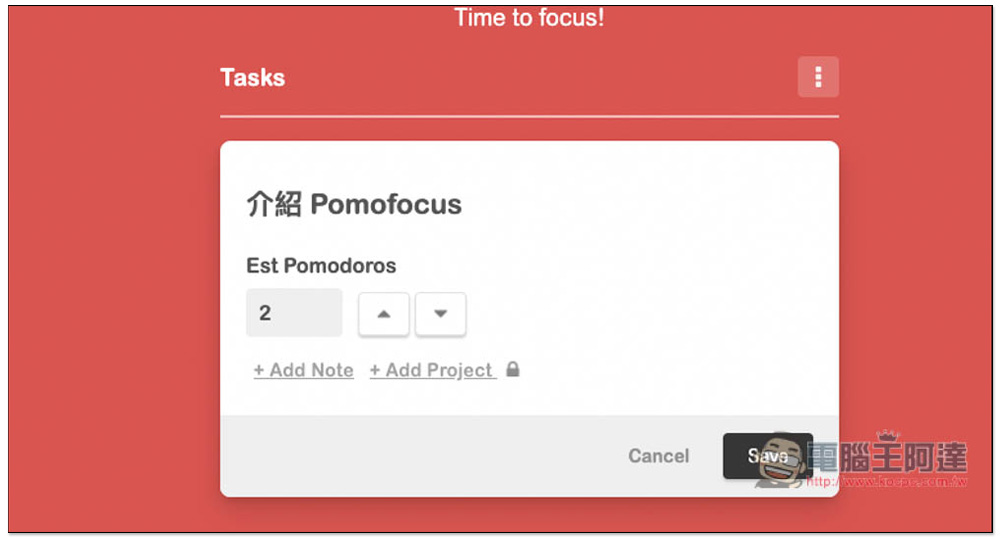
Tasks below is the to-do list function. My habit is to open the Pomofocus web page every morning and set the tasks to be completed today. The task name, how many Pomodoros it takes, and notes can be entered if necessary. The Project function is only available to paid users and is not available in the free version. After entering, press Save to save:
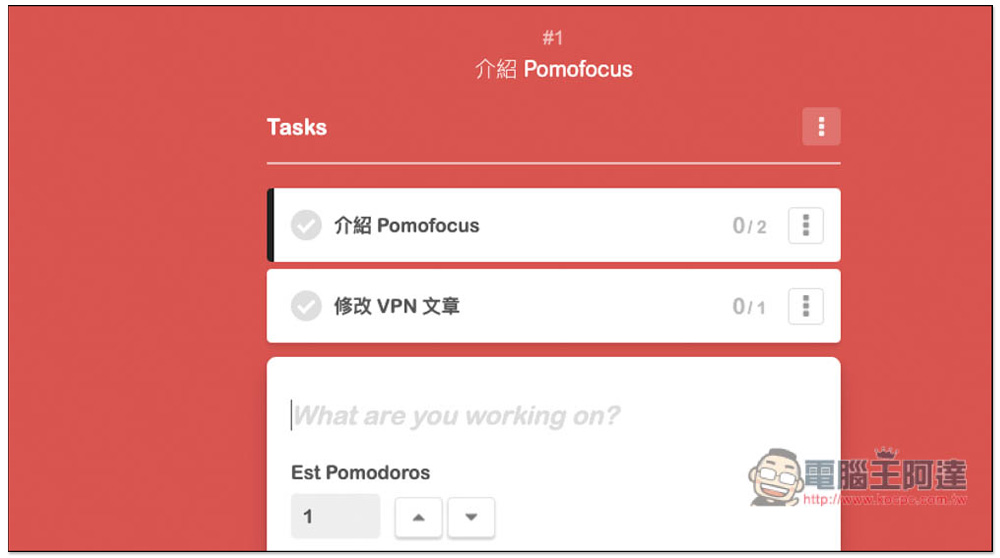
Remember to create the tasks you want to complete today in order, because this tool will start timing the Pomodoro from the top task, and there is no way to specify it. However, there is still a way to solve it, that is, after the Pomodoro runs, check the left side of the task you have completed, so that the task will be deleted:
Once everything is set up, press START to start the Pomodoro countdown:
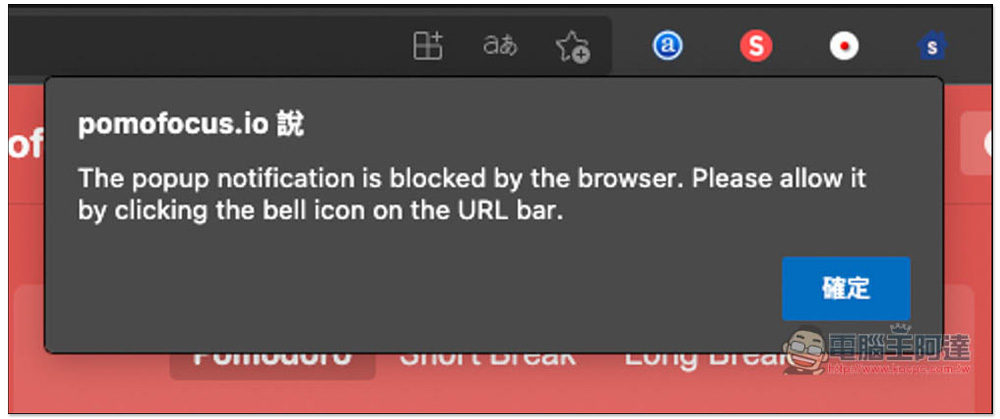
Remember to allow web notifications so you can receive them when the time is up. After enabling Pomodoro, if you switch to a short break or a long break, the current timing will terminate and need to be recalculated. Therefore, if you happen to have other things to deal with, it is recommended to press STOP:
There are quite a few options that can be adjusted in the settings, such as enabling automatic start of breaks, Pomodoro, notification sounds, etc.:
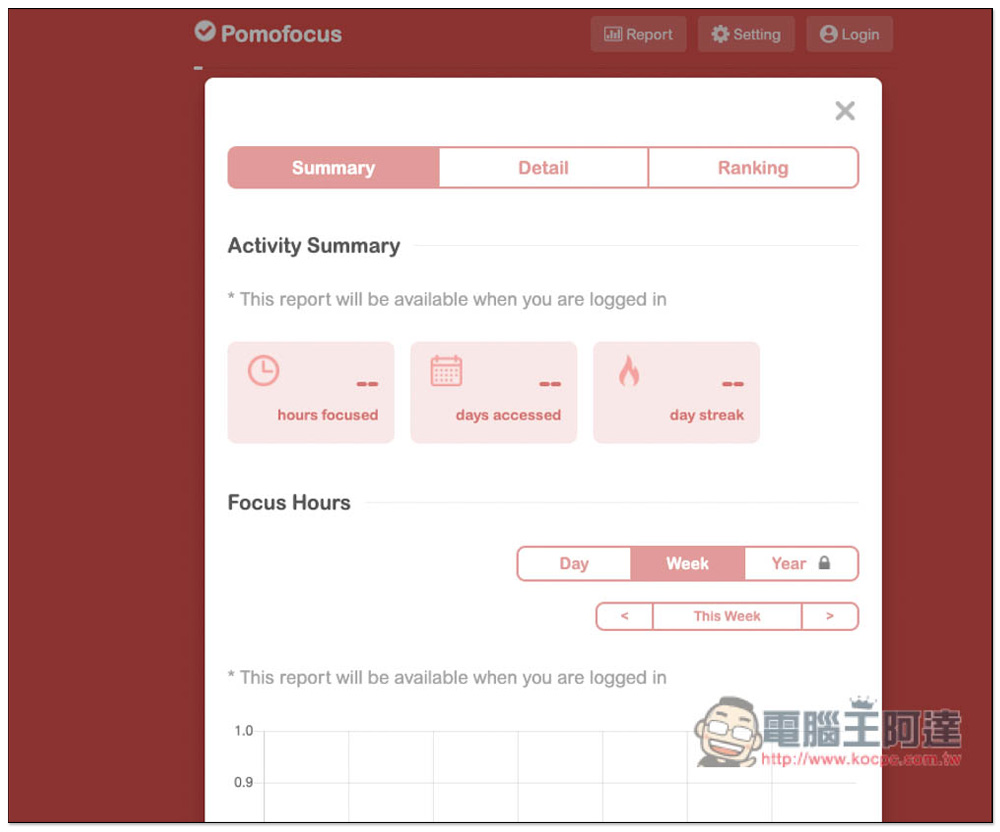
This tool also provides a reporting function, but you must register as a member to use it. Registration is free. Those who find it useful are highly recommended to register. This way you can get daily, weekly, and yearly statistical data to understand your work status and whether you have completed each task within the specified time:
As for the paid version, if you really use it frequently, you can consider it, because paid members can also get additional access to adding projects, changing notification settings, storing more than 3 templates, dark mode, downloading reports, no ads, etc., and there is also the option of paying once for lifetime use.
One thing to note is that all tasks and reports you save will only be on this computer. It does not support cloud synchronization, which means that when you change computers, the original data will be lost (the membership will still be there).
In addition to this one, we have also introduced many Pomodoro apps before, available for Window, Mac, Android and iOS. For those who want to find more related Apps,You can click me to view previous articles。
Source: KOCPC Chinese