


There are more and more free tools that can generate images from text or images. I wonder which one everyone uses most often? Today I’ll introduce a tool called “Dreamina AI” that can generate images from text. Dreamina AI provides users with features such as AI drawing, multi-layer canvas, video generation, and more. The best part is that it’s currently completely free with no usage limits.
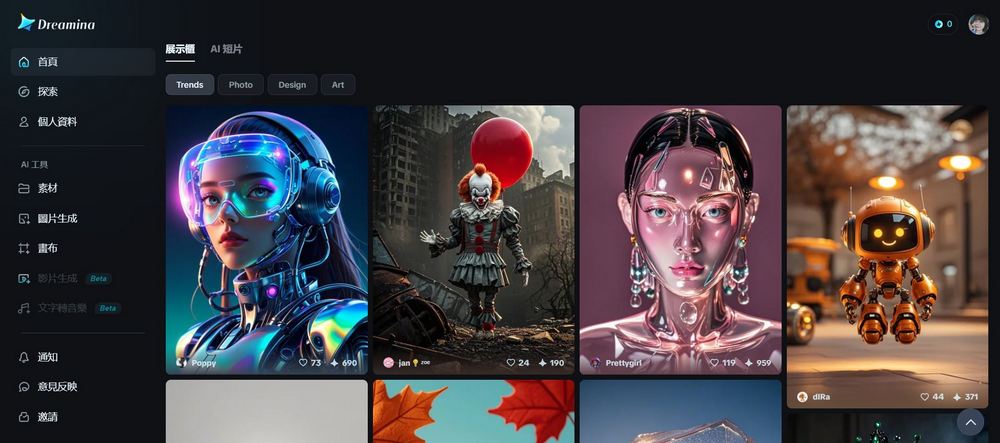
The Complete Guide to Using Dreamina AI, the Free Image Generation Tool with Unlimited Uses
Dreamina AI, an AI creative tool launched by Jianying (CapCut) under China’s ByteDance, lets users create AI-generated drawings in various styles. In addition, Dreamina AI offers a smart canvas feature that allows users to blend multiple AI-generated image layers on the canvas, as well as locally redraw and extend the canvas, helping you bring the imaginative ideas in your mind to life.
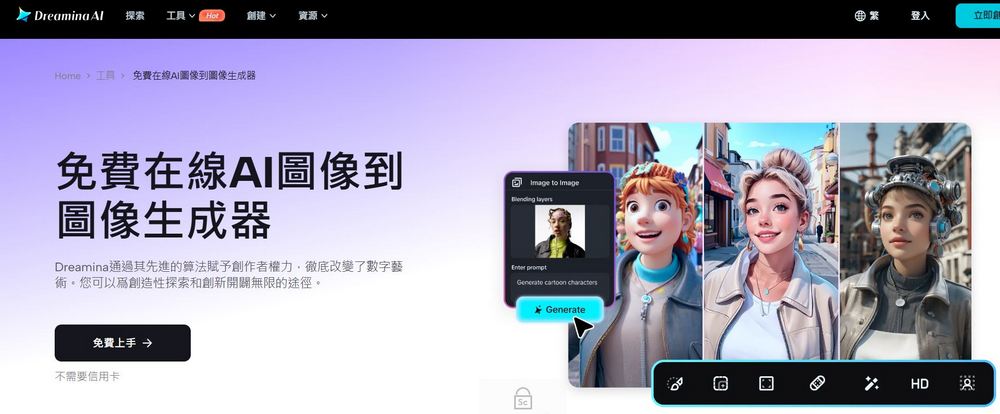
Go try Dreamina AI image generation
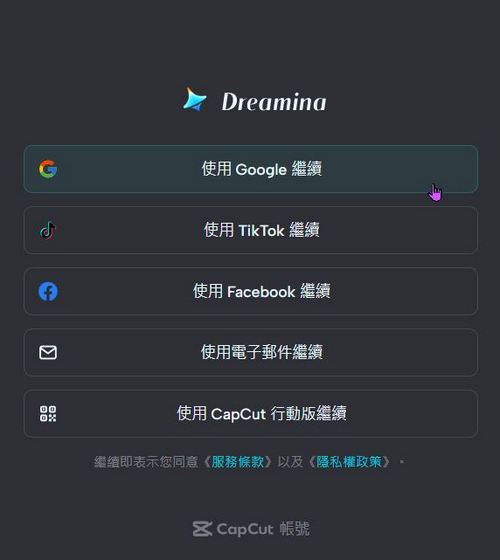
To use Dreamina AI, you’ll need to register for an account first. Dreamina AI offers several options: you can register with Google, TikTok, Facebook, or using the CapCut mobile app.
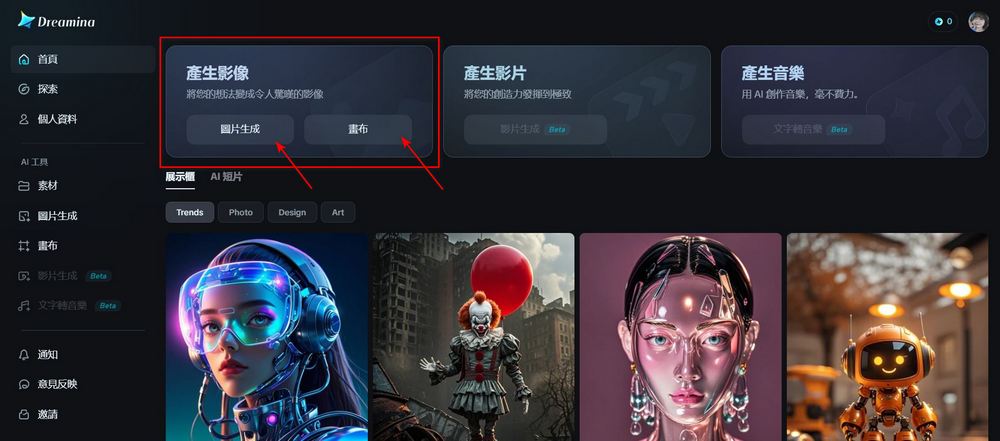
After registering, you can start experiencing Dreamina AI’s text/image-to-image generation features. Click “Image Generation” to start creating a single image. Click “Canvas” to blend multiple AI-generated image layers. Today we’re mainly focusing on Dreamina AI’s image generation features.
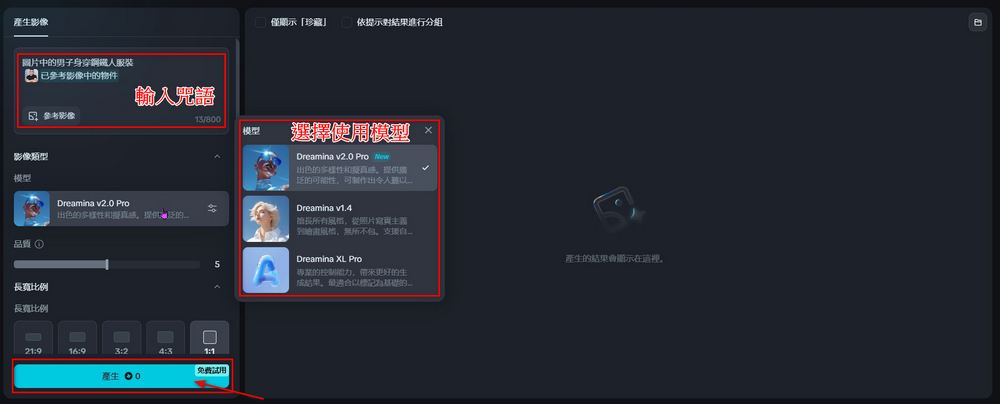
After entering the image generation feature, type the prompt you want to use in the image generation box. Both Chinese and English prompts work, but English prompts will be more accurate. After entering the prompt, you can choose the model you want to use: Dreamina v2.0 Pro for realistic images, Dreamina v1.4 with natural language prompt support, and Dreamina XL Pro for professional control. Then just choose the size you want. After entering the prompt, model, and size, click “Generate” to create images for free.
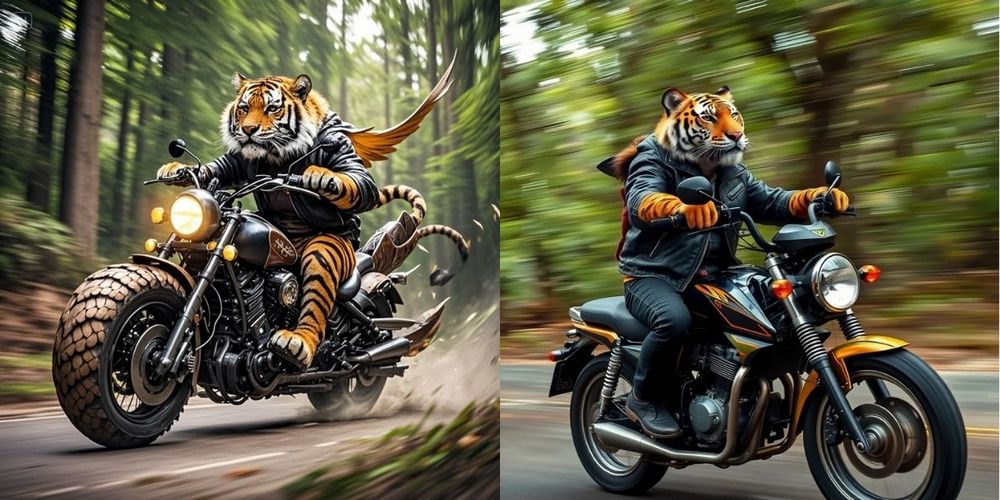
Here I’m using the prompts I used when testing FLUX.1 to test Dreamina AI. You can check out the comparison between the two. (Left is Dreamina AI, right is FLUX.1)
A [creature] with a leather jacket riding on a motorbike with the forest whirling past in the background. The motorbike resembles the [creature], with detailed features like its scales, fur, or wings integrated into the bike’s design. The scene is dynamic and full of motion, capturing the thrill and speed of the ride, with trees and foliage blurring into streaks of green and brown.
Spell “Create a photorealistic hyperdetailed three-dimensional poly resin sculpture of Albert Einstein lying in a beach chair. He is wearing a Hawaiian shirt, sunglasses, and sipping a tropical drink. He is reading a copy of Mad Magazine.”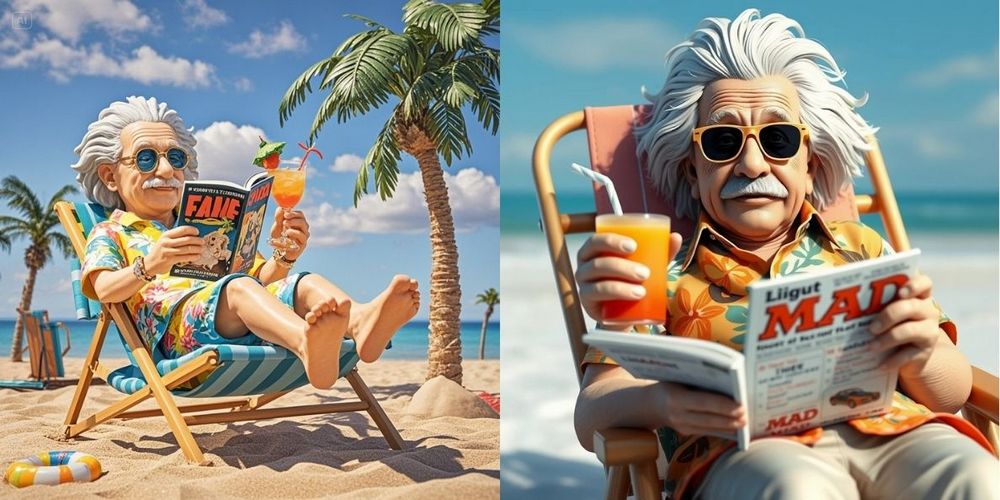
In addition to the prompts already tested, the editor also tested Dreamina AI’s understanding of Chinese prompts. For example, Biden and Trump hugging, or Trump wearing a Batman costume standing at the podium.
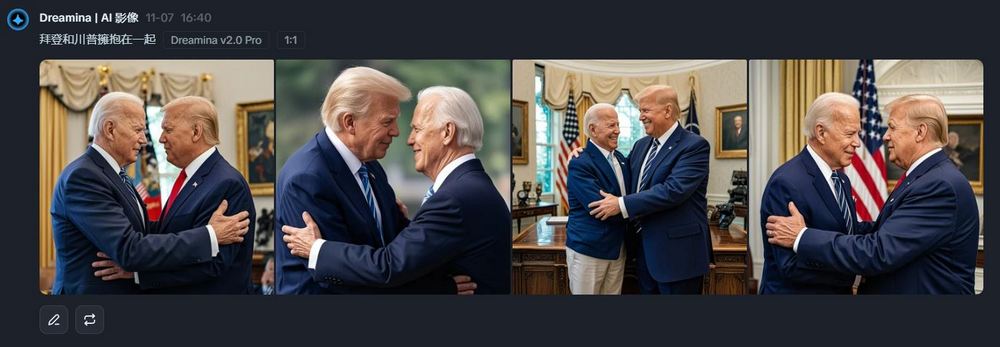
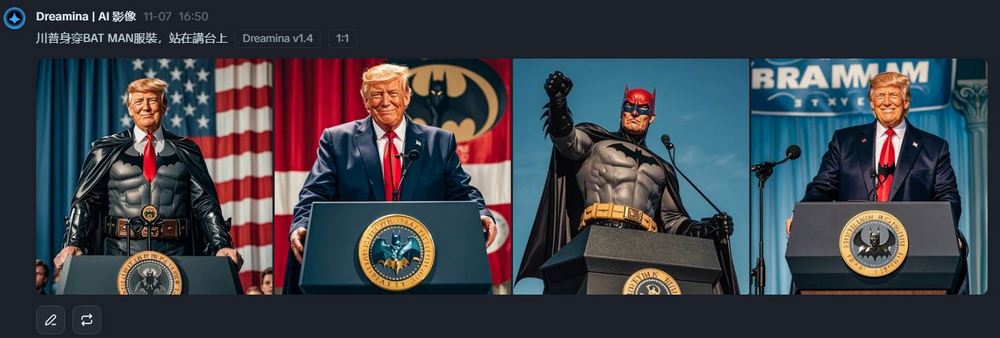
Based on my testing so far, I can’t quite figure out the standards of the Dreamina AI community self-regulation agreement. The same content can be generated when written in Chinese, but translating it into English violates the community self-regulation agreement. Everyone should be careful when using it to avoid inadvertently violating the community self-regulation agreement.


In addition to the usual text/image-to-image generation features, Dreamina AI also offers a canvas feature that lets you generate multiple AI layers at once, and each layer can have its details adjusted. Since I’m not technically skilled, I can’t teach the canvas feature, but you can look at the image below: basically, every detail can be split into a layer, and you can refine that detail individually. If you’re interested, feel free to try out Dreamina AI’s canvas feature yourself.
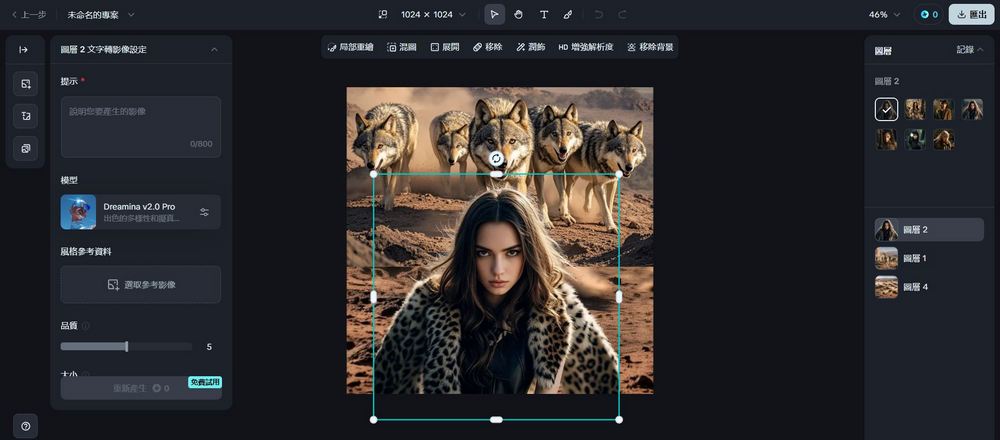
In addition to image generation, Dreamina AI will also introduce video generation and text-to-music features in the future. Beta testing access is currently open for applications, so if you’re interested, you can go ahead and apply.

That concludes the introduction to Dreamina AI’s text/image-to-image generation features. If you’re interested, you can go ahead and generate on your own. However, Dreamina AI is a tool under ByteDance China. If you have security concerns, you may consider using the other text/image-to-image tools we shared previously:
Source: KOCPC Chinese