


In the era of AI craze, many jobs and services have been greatly connected with AI. For example, Ada himself is running a blog and YouTube video creation, and having AI assistance really helps a lot. Especially in the video editing part, AI is now used to recognize subtitles by voice, which greatly saves the time of listening and typing, and the editing efficiency is much higher than before.
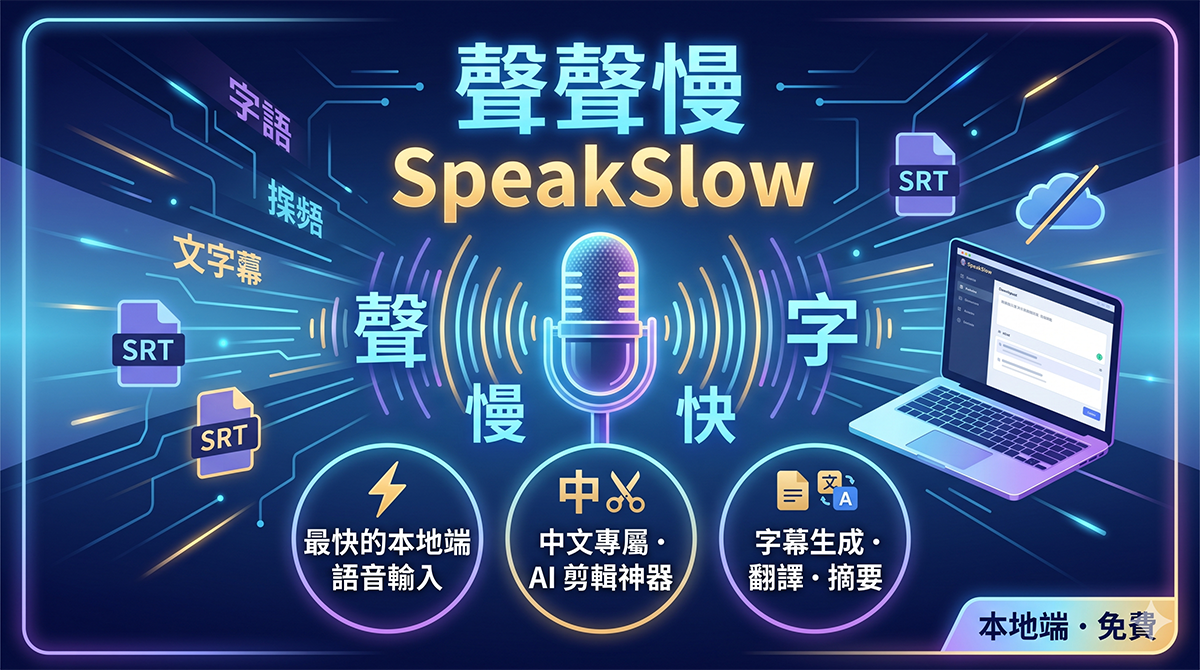
We have introduced a lot of voice input software before. Some can be used locally, while others rely on network connections. Each has its own characteristics and shortcomings. Recently, we discovered a useful “local” voice input software called “SpeakSlow”. Focusing on “the fastest local computing”, it claims to bring an unprecedented smooth experience to Chinese users:
(Image source: AI generated)
SpeakSlow download
SpeakSlow can be downloaded from the official website above. In addition to the Windows version, it also has macOS and Linux betas. Basic functions are available:
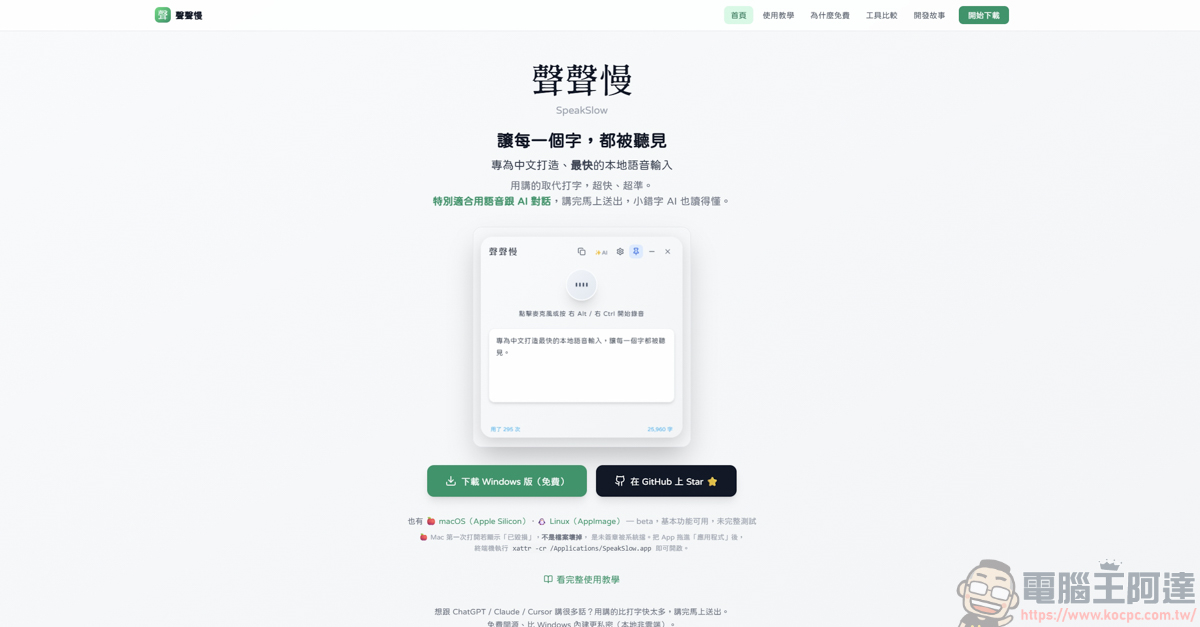
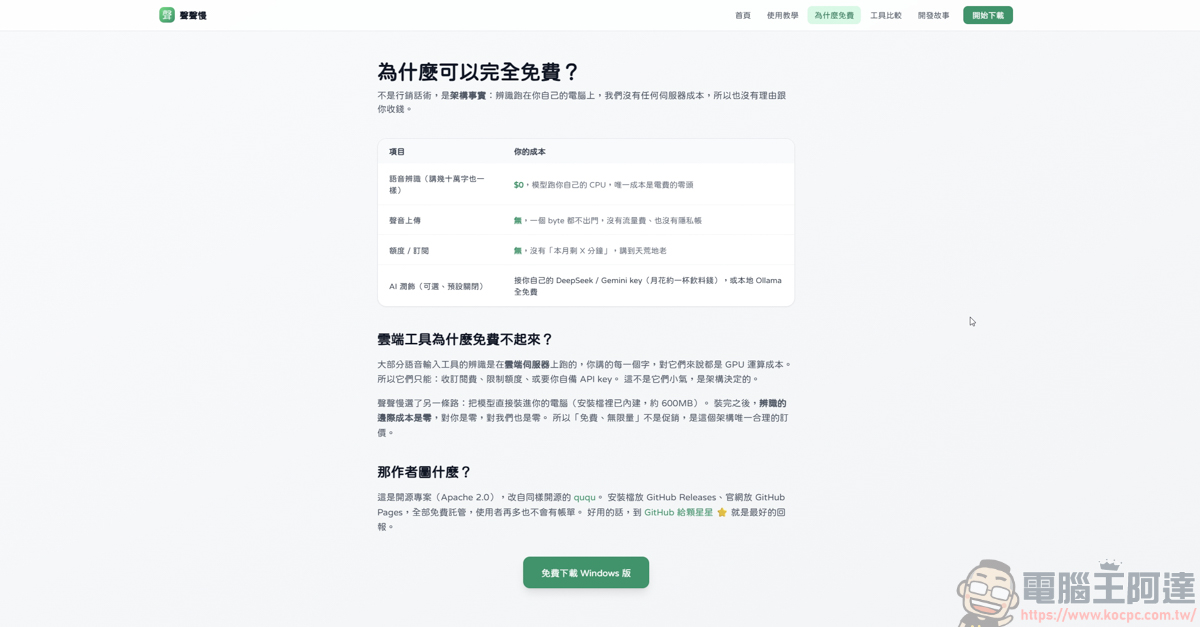
SpeakSlow was developed by jeffrey0117, and its main feature is “completely free”. Users only need to download the file and install the model into your computer, and it can be used directly locally. At the same time, he also emphasized that SpeakSlow is the fastest local voice input specially created for Chinese. We will answer one by one about the actual effect later:
SpeakSlow installation
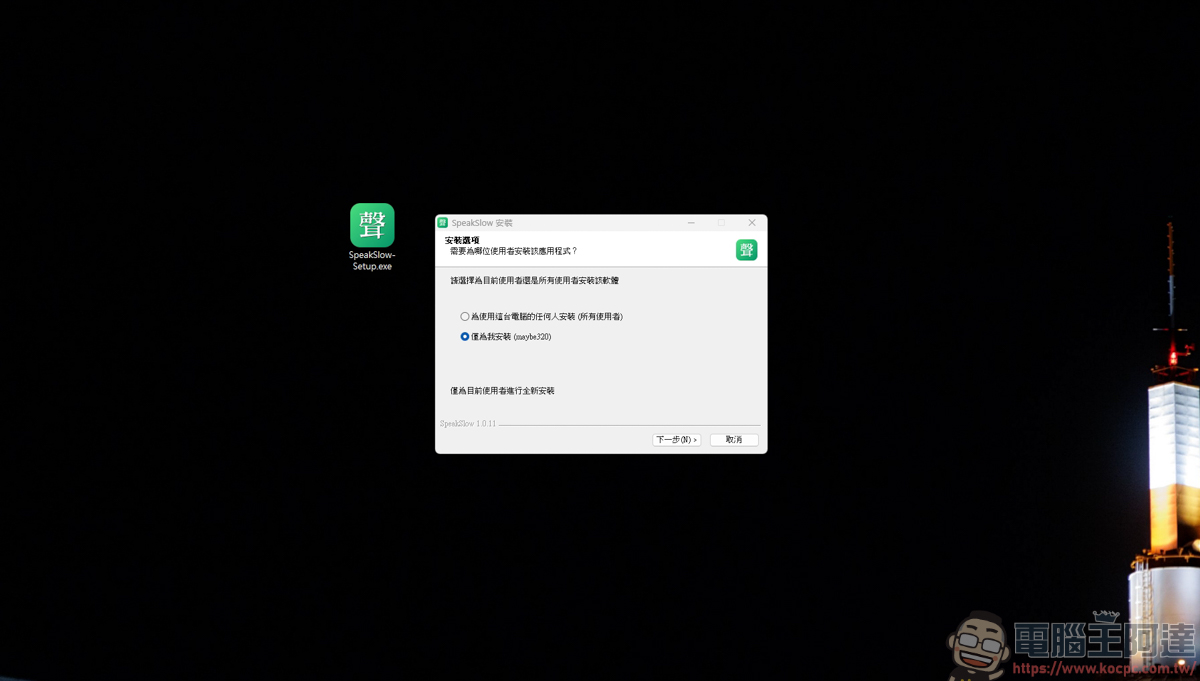
The SpeakSlow file is about 600MB. After downloading, install it and continue to the next step:
Instructions for using SpeakSlow
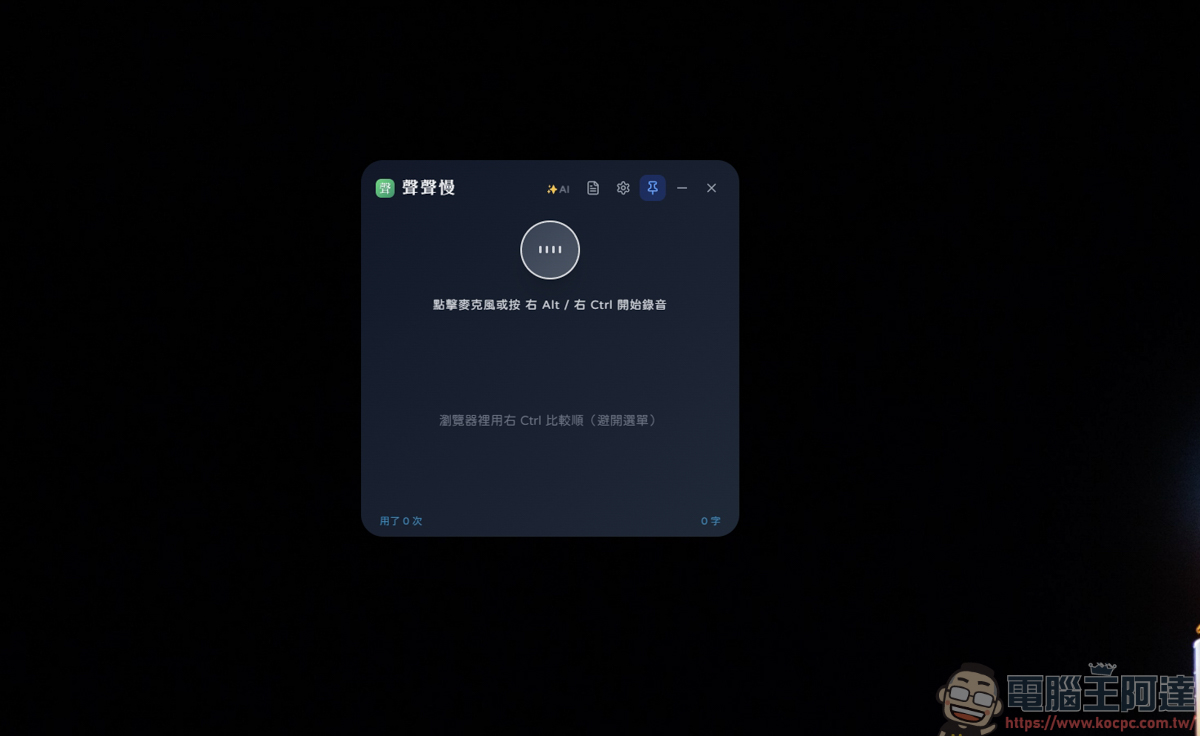
After installation, double-click to execute the application. The largest window screen is as follows. The full window cannot be opened:
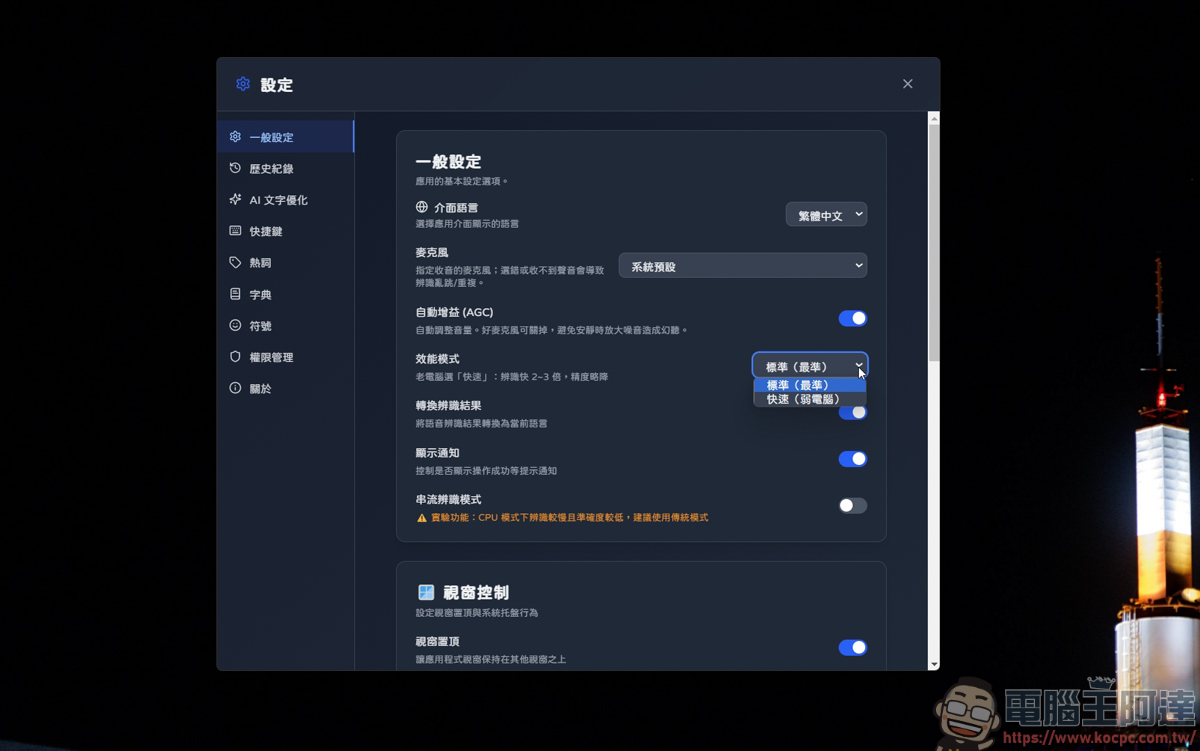
You can adjust the recognition function in the settings. If your computer is older, you can also turn on the fast mode to run the application:
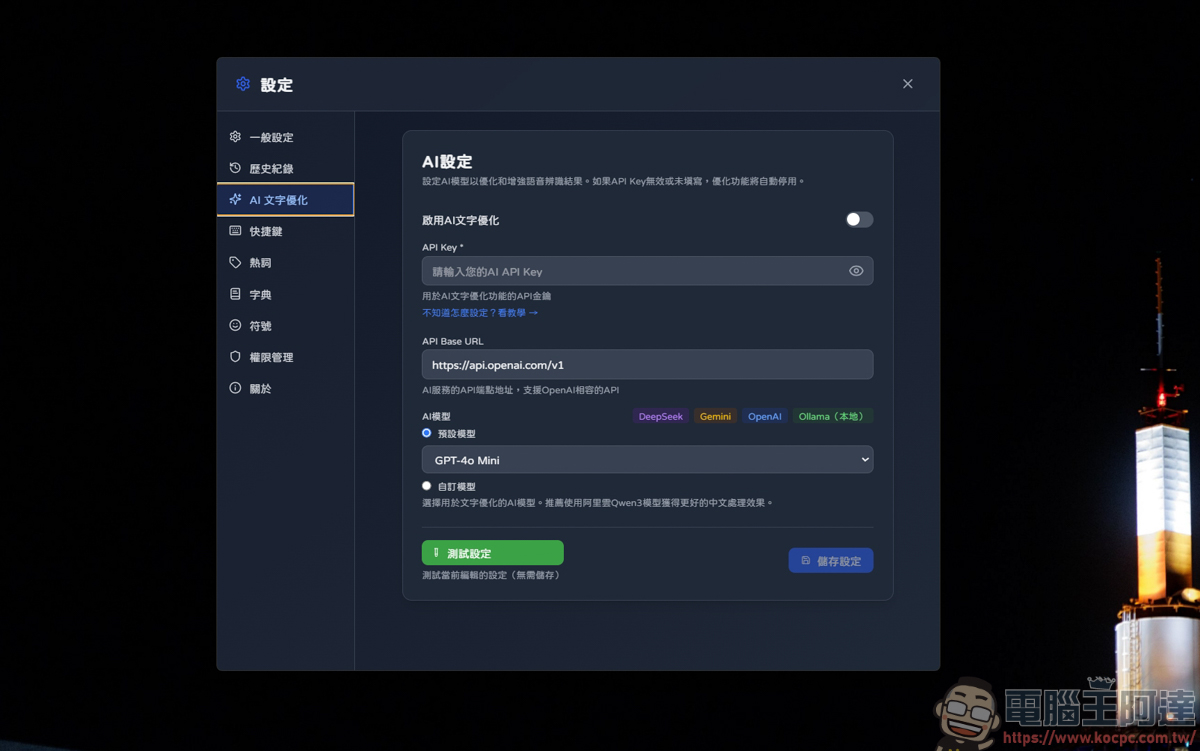
Although it is emphasized that the local model operates, the software also provides the function of plugging in API KEY. If you have an API KEY yourself and want better recognition capabilities, it is recommended to plug it in:
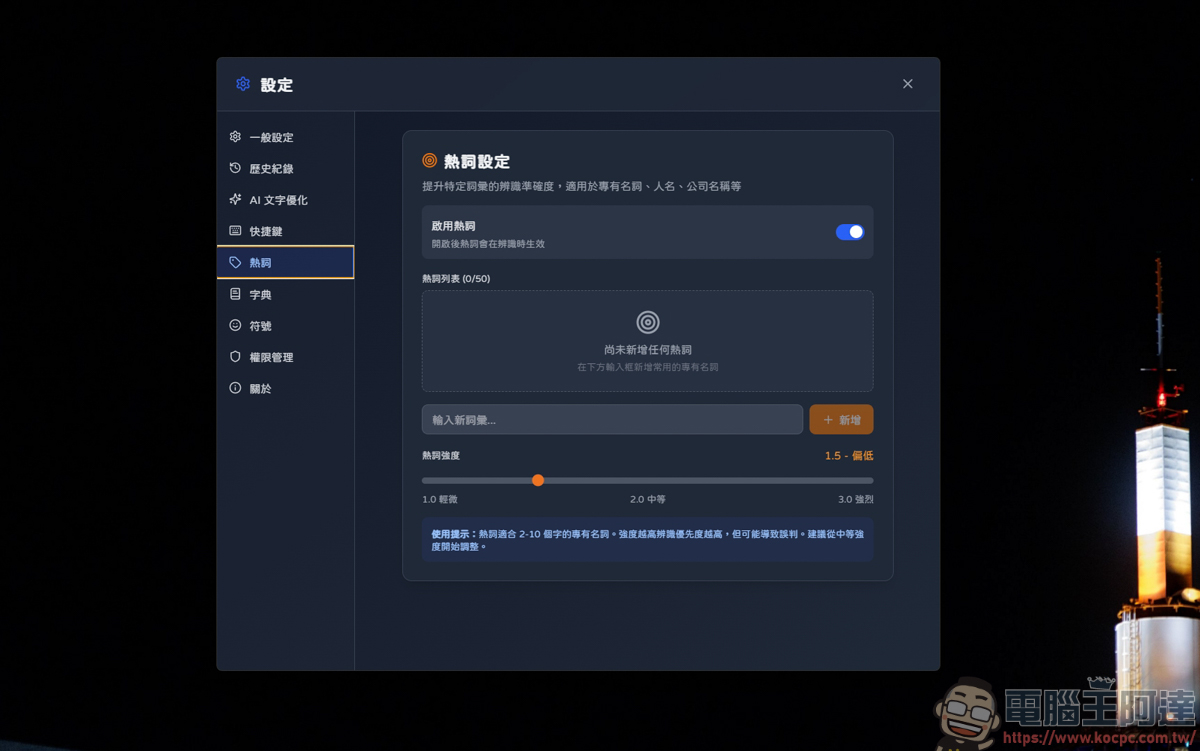
Because the voice input + recognition function is unlikely to be 100% accurate, you can use this hot word setting to first add specific person names, company names, and product names, so that the recognition effect will be greatly improved:
It can even directly add Emoji symbols for you when you talk about specific nouns, so you don’t have to go to the Emoji website to copy and paste:
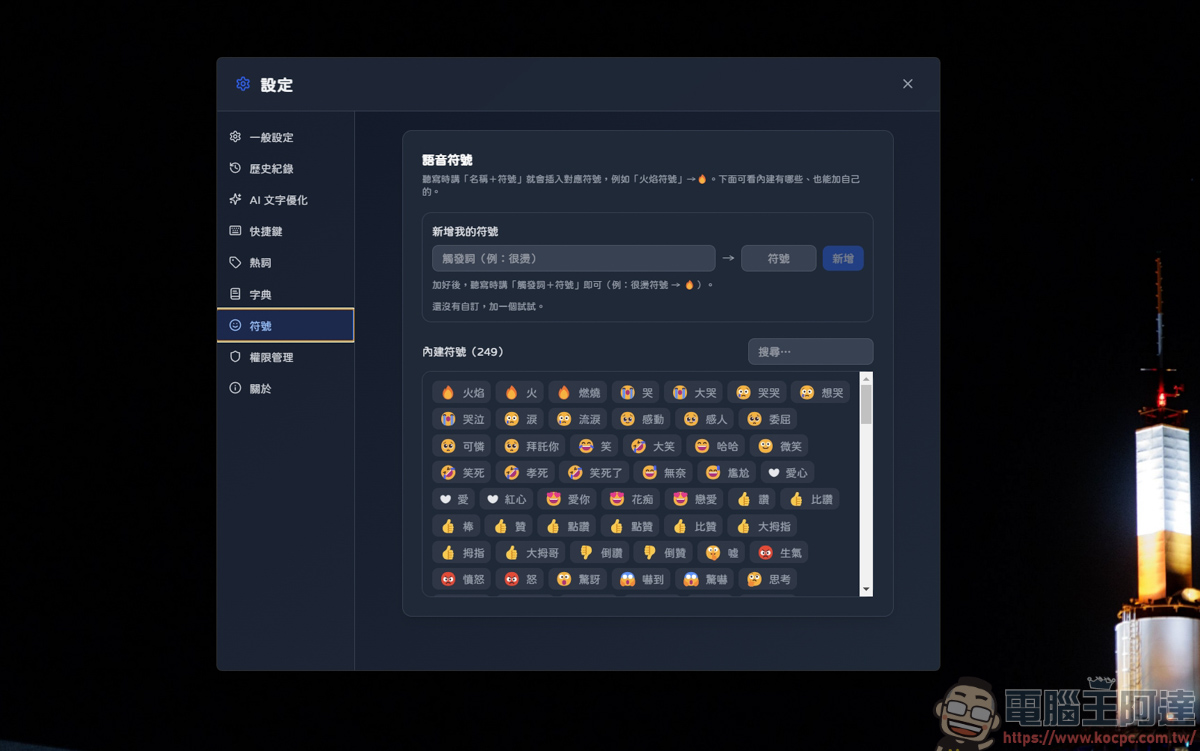
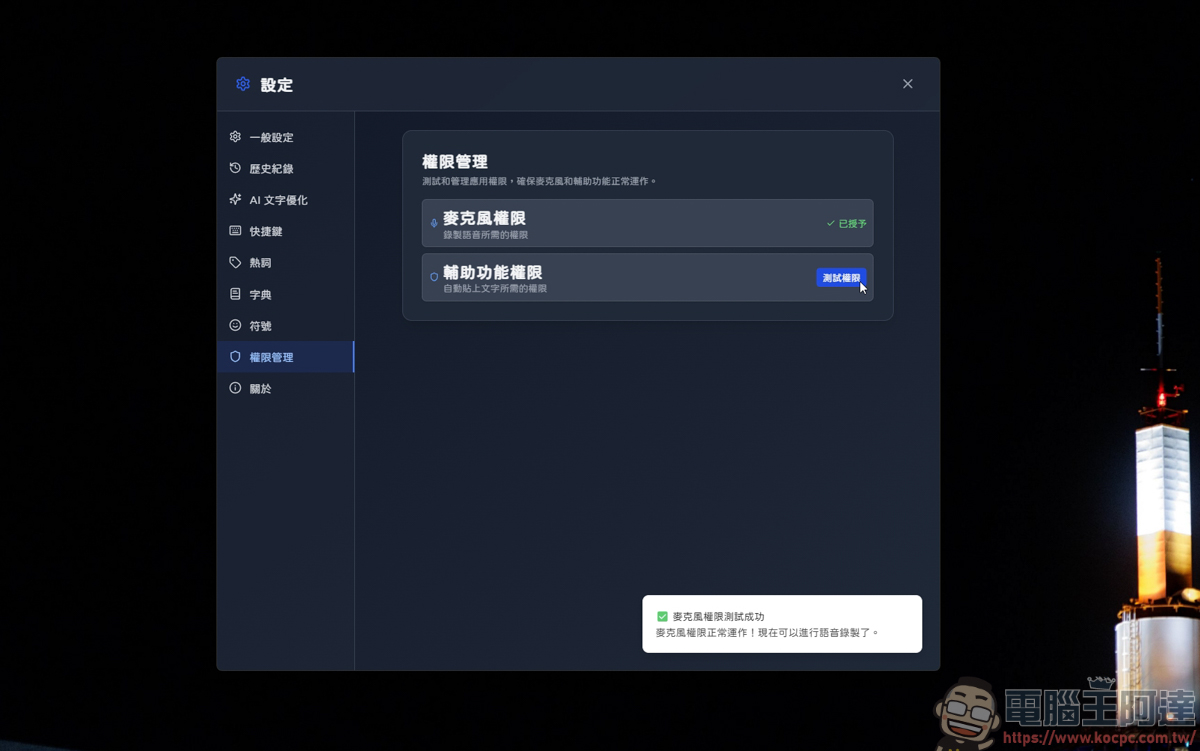
Before using the software, remember to go to the permission management side to turn on the permissions:
There are several ways to use it. The first one is the function of voice input and text recognition. Just press the button or shortcut key on the screen to start recording:
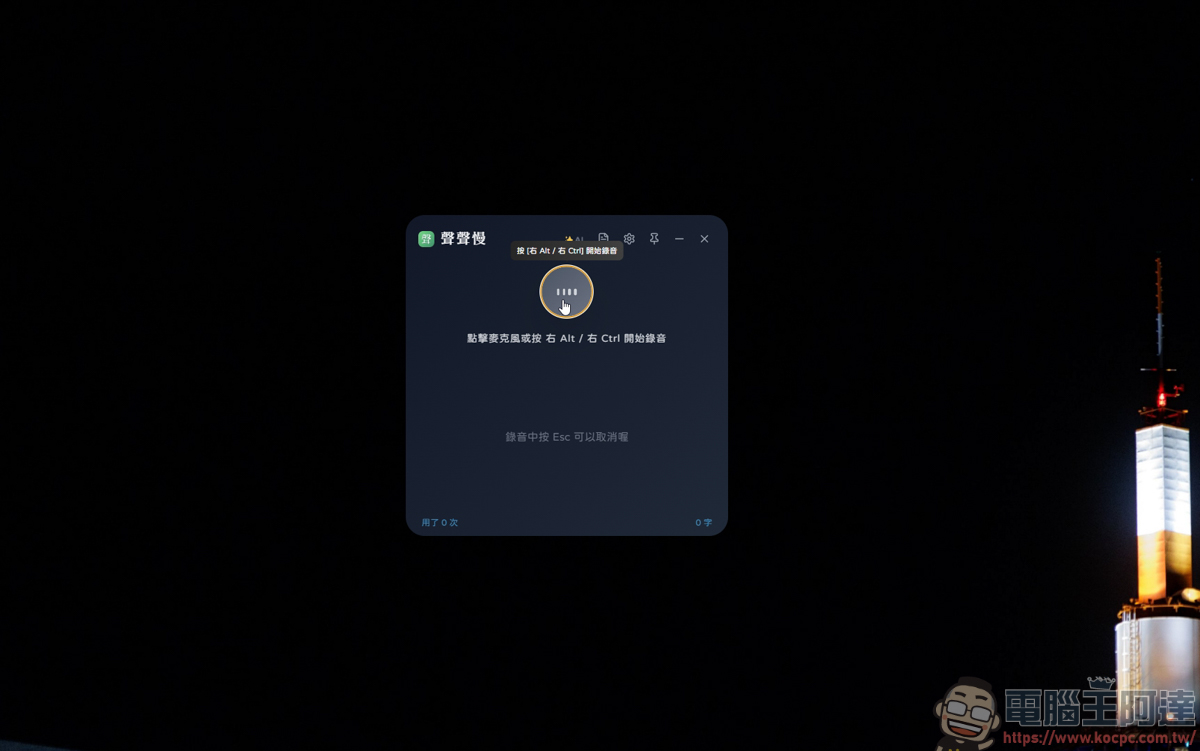
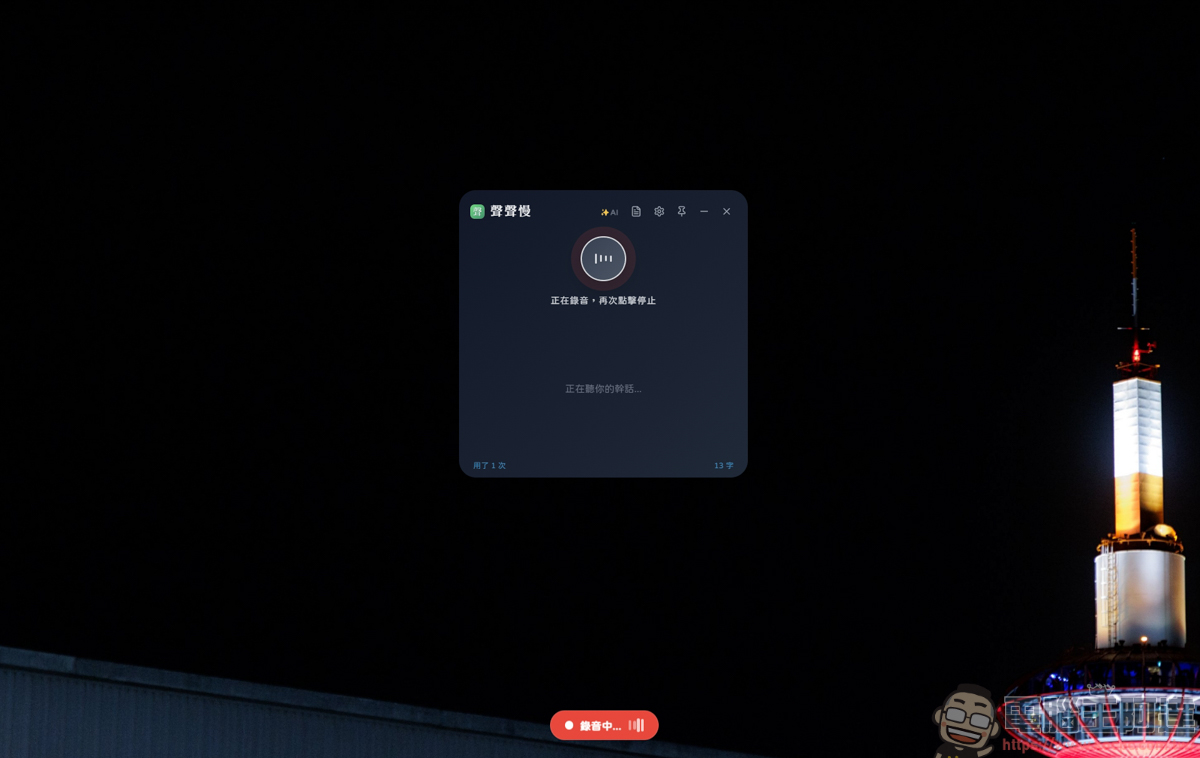
After you finish speaking, press the switch again to end the recording, and the words you just spoke will appear in the column below. To be honest, the recognition speed is really fast. certainly! The accuracy of the recognition is not 100% (it may be that my reading is not standard enough), but the recognition speed and accuracy are actually quite good. After all, it is free software 😐
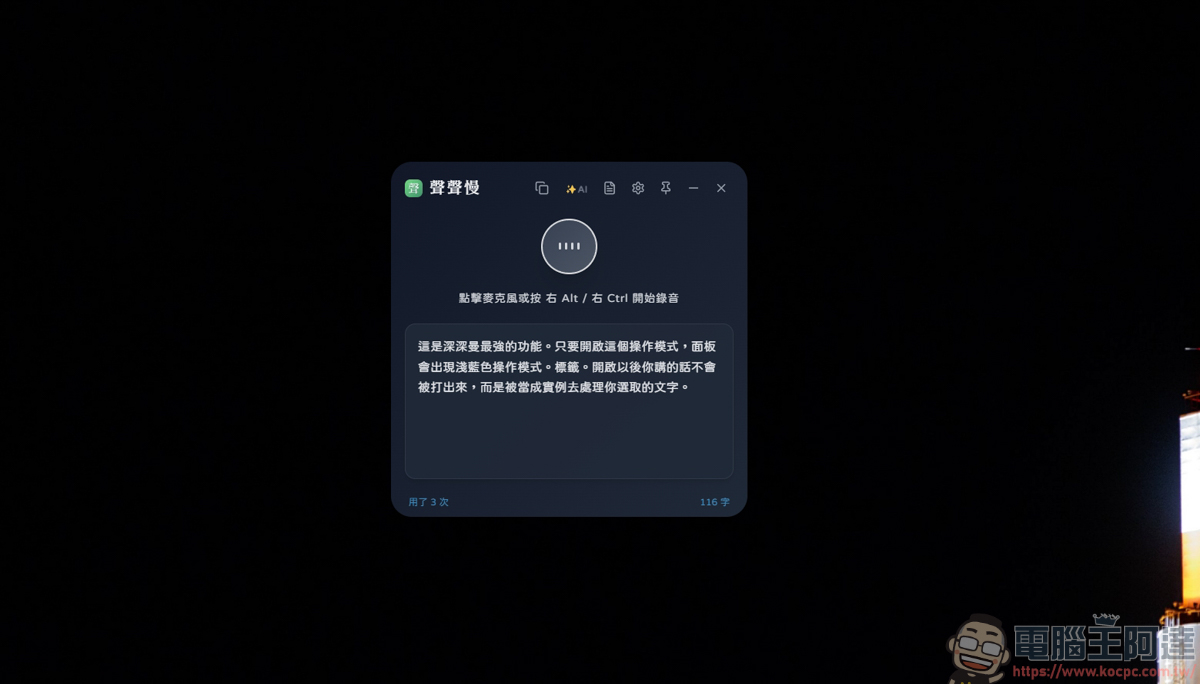
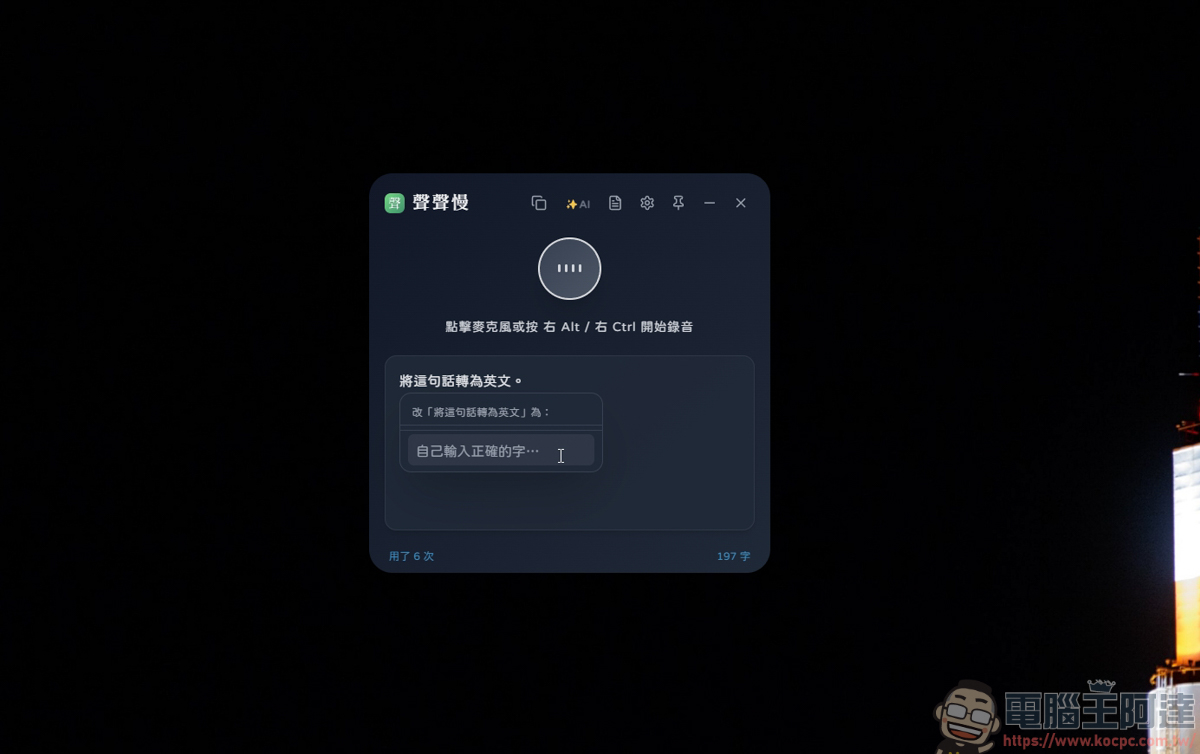
If the text recognition is wrong, you can also directly highlight the text, and a window to modify the text will appear:
At the same time, it also has the function of giving voice commands. Press Ctrl+Shift+K to enter the operation mode:
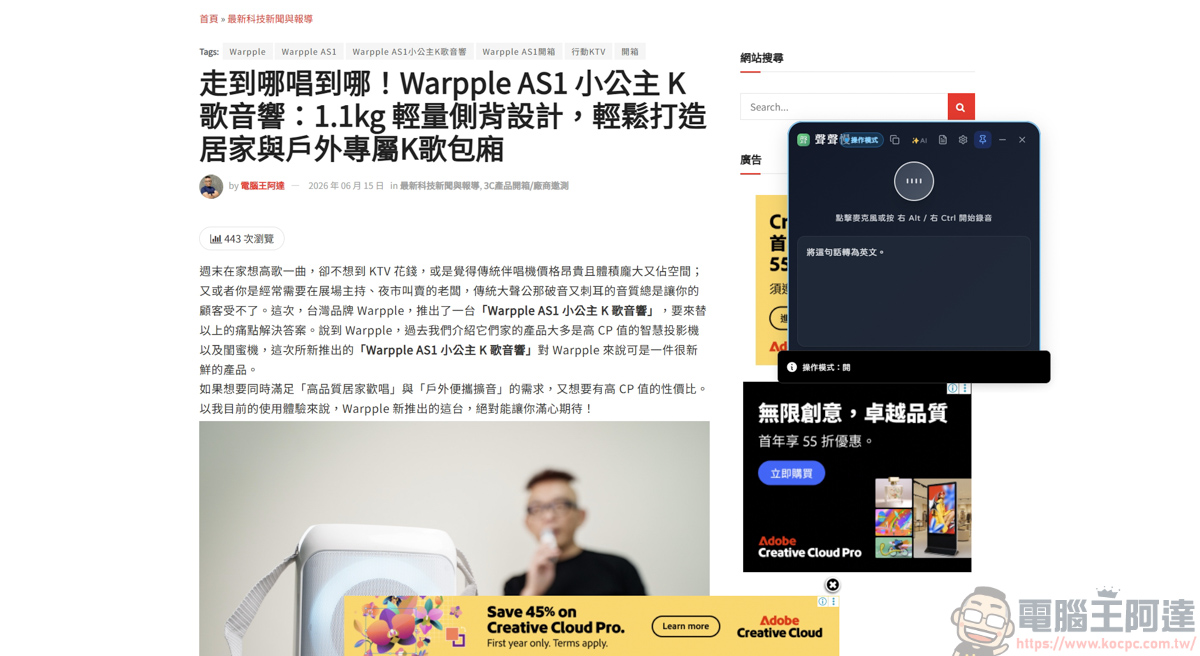
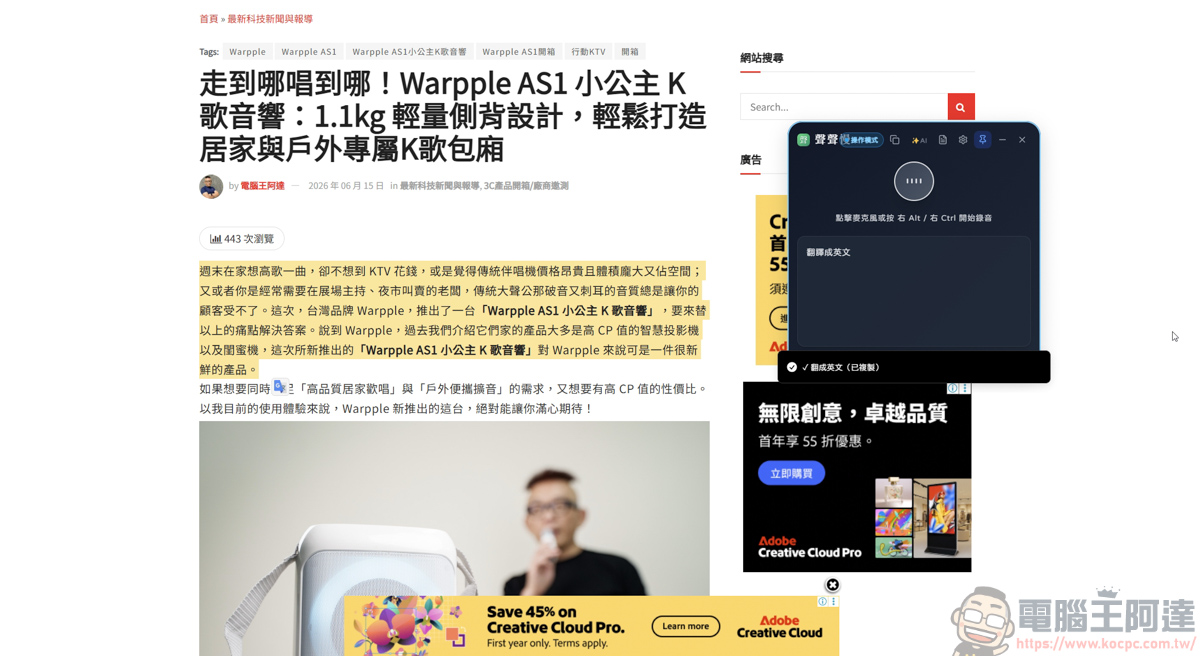
In operation mode, you can call it translation, summary, summary key points…etc. The method of use is also very simple. After turning on the operation mode, for example, if you want to translate, highlight the text you want to translate, and use your voice to say to the software, please help me translate it into English:
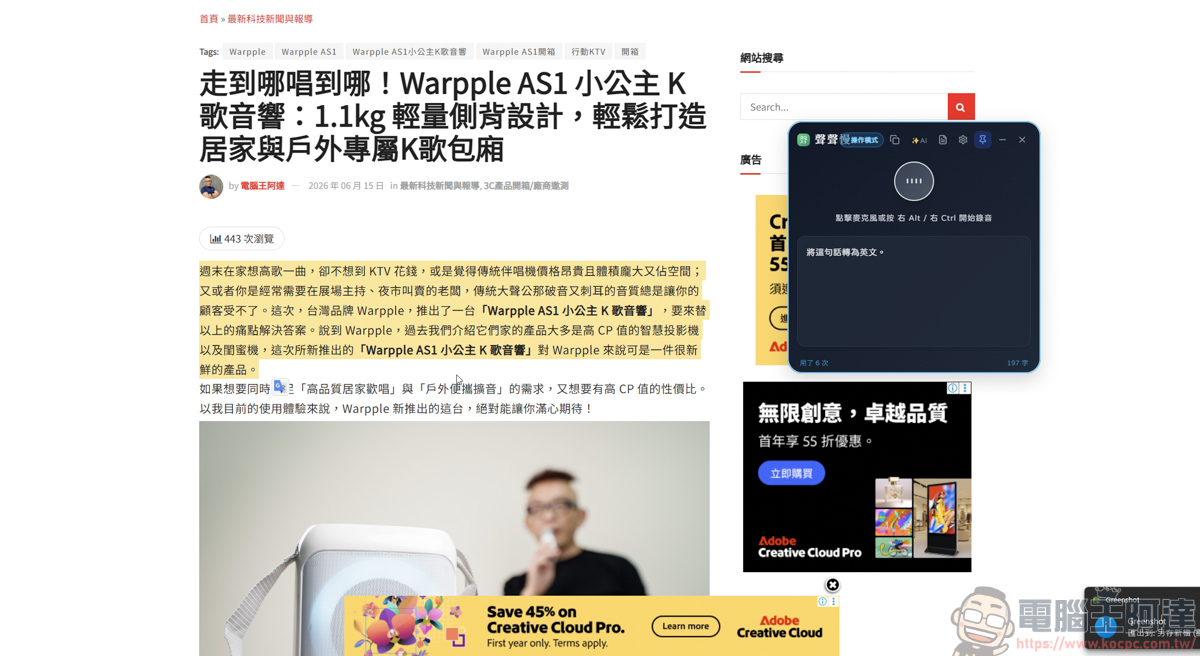
After the translation is completed, the translation into English (copied) will appear at the bottom of the software window:
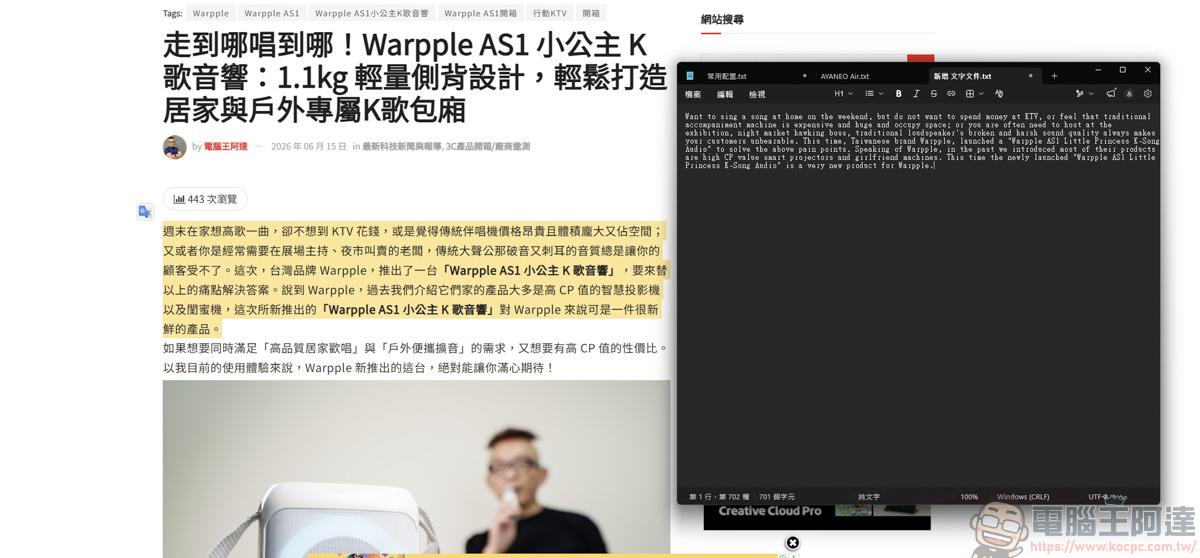
Then you can just find a file and click Paste, and you can paste the text you just translated. It’s very useful:
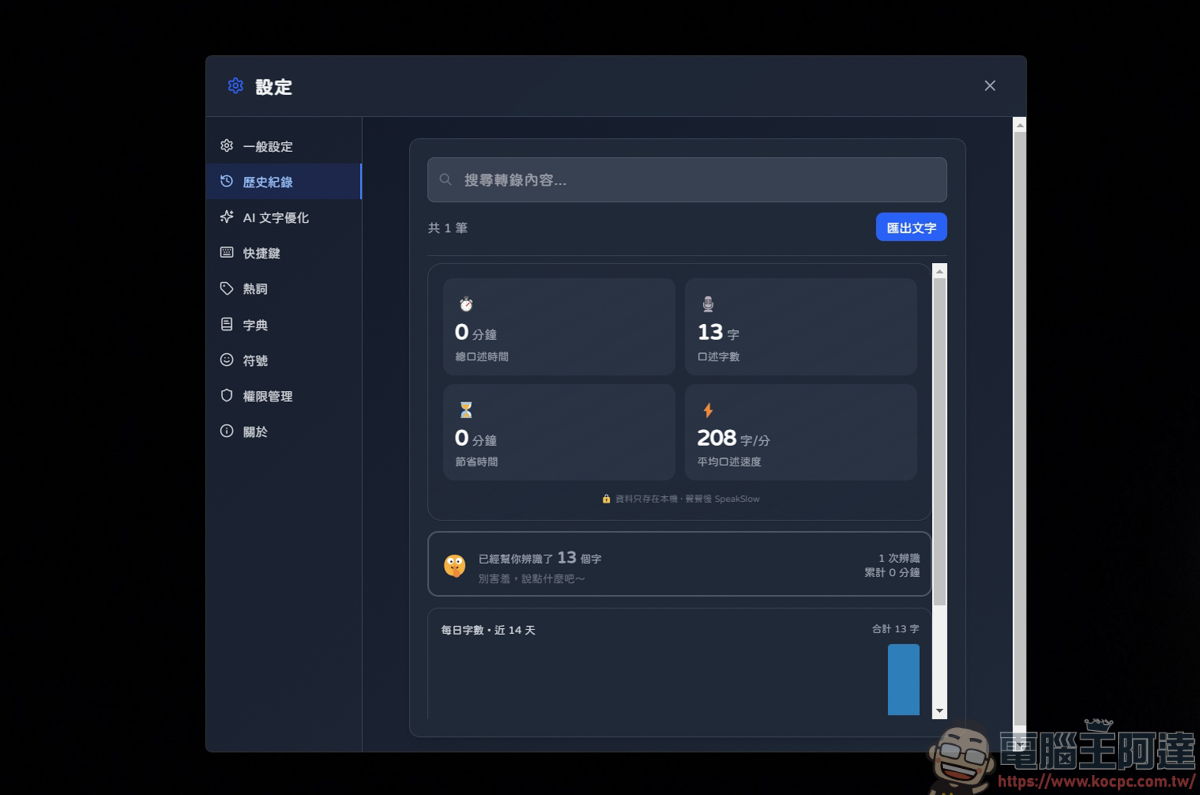
In the settings, you can also see through the history records how long you have been using it and what your average dictation speed is:
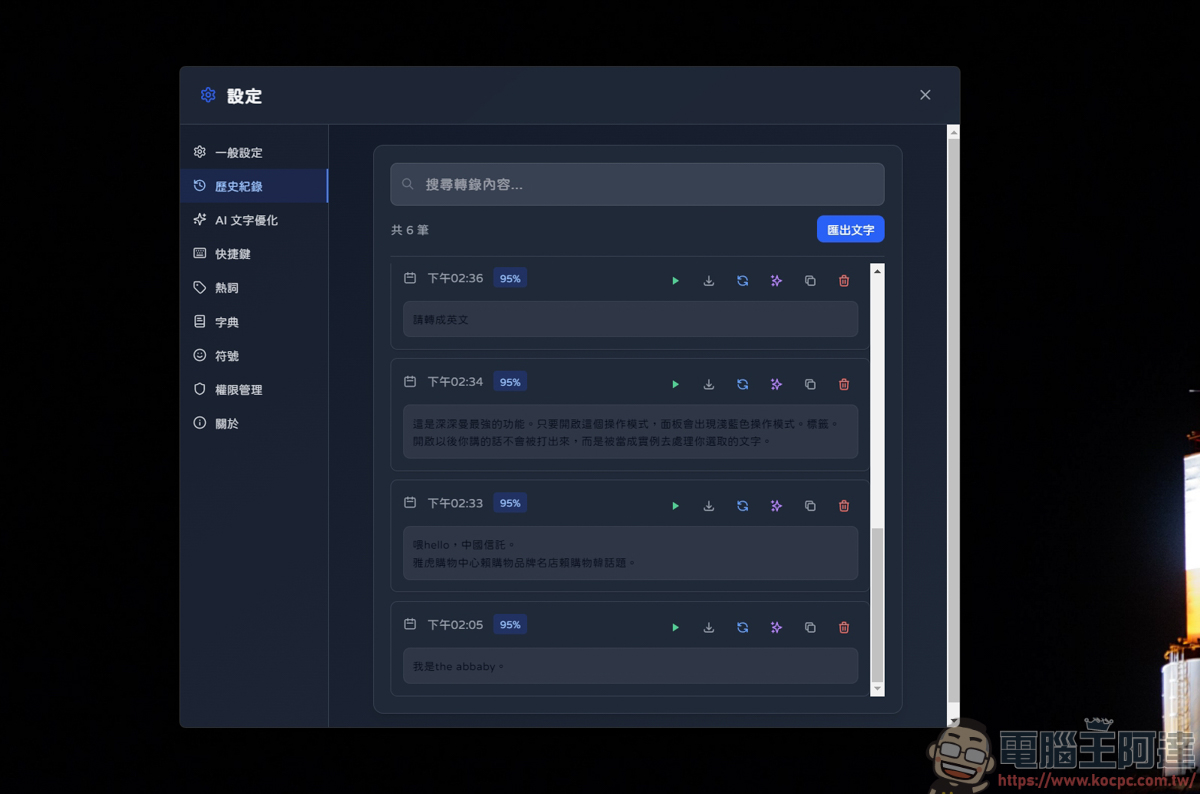
Even words that have been said can be re-viewed, re-played, downloaded audio files, and re-translated. There are quite a lot of functions:
Another function that is more practical for me is the verbatim & subtitle SRT function, which supports video MP4, MOV, WEBM and audio files MP3, WAV, m4a, ogg, flac… and other files:
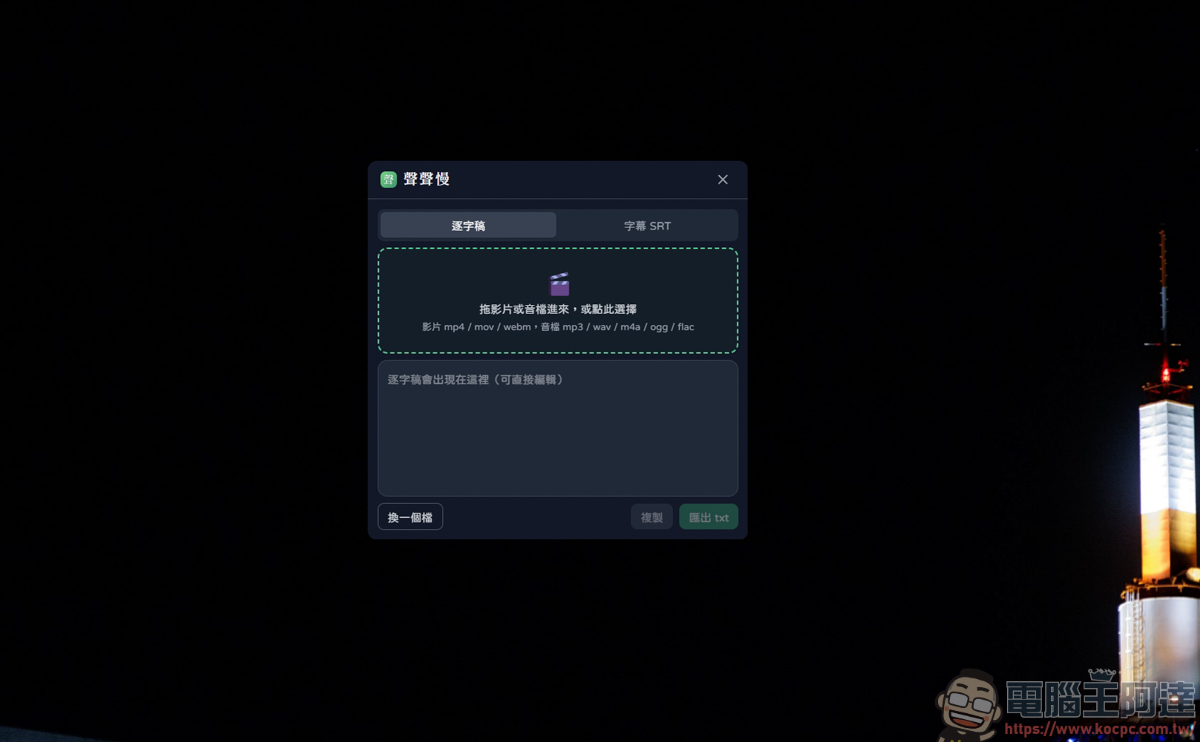
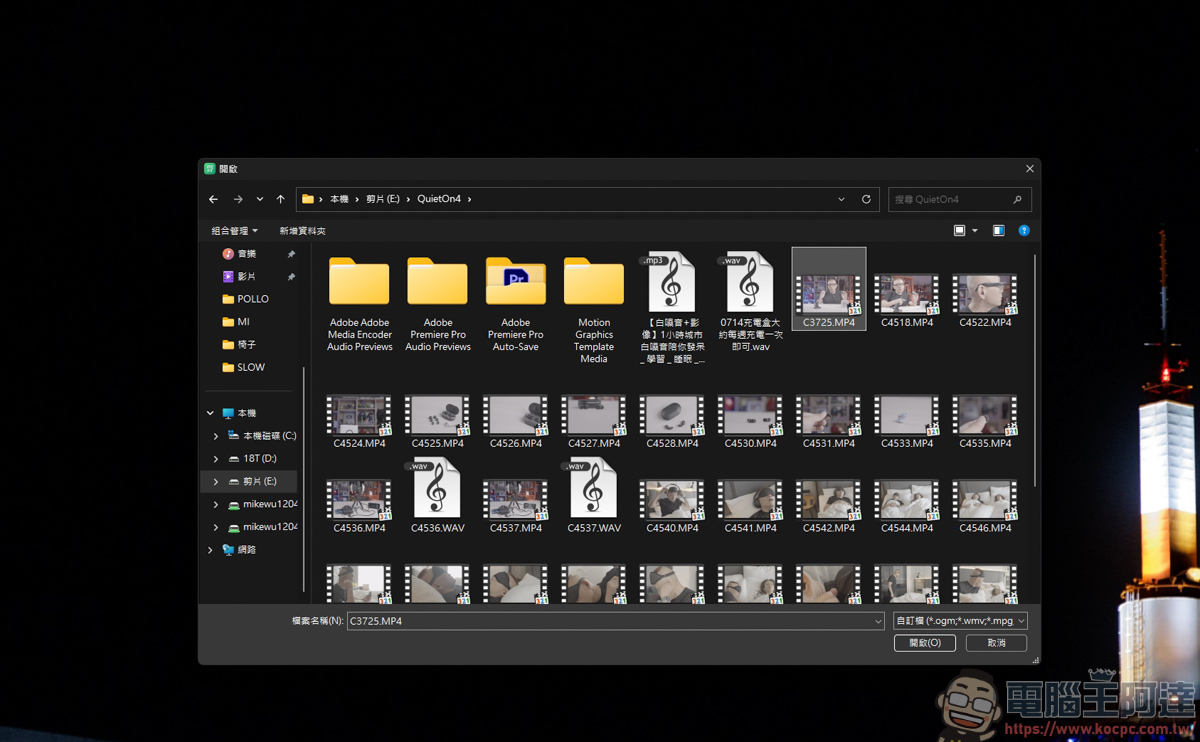
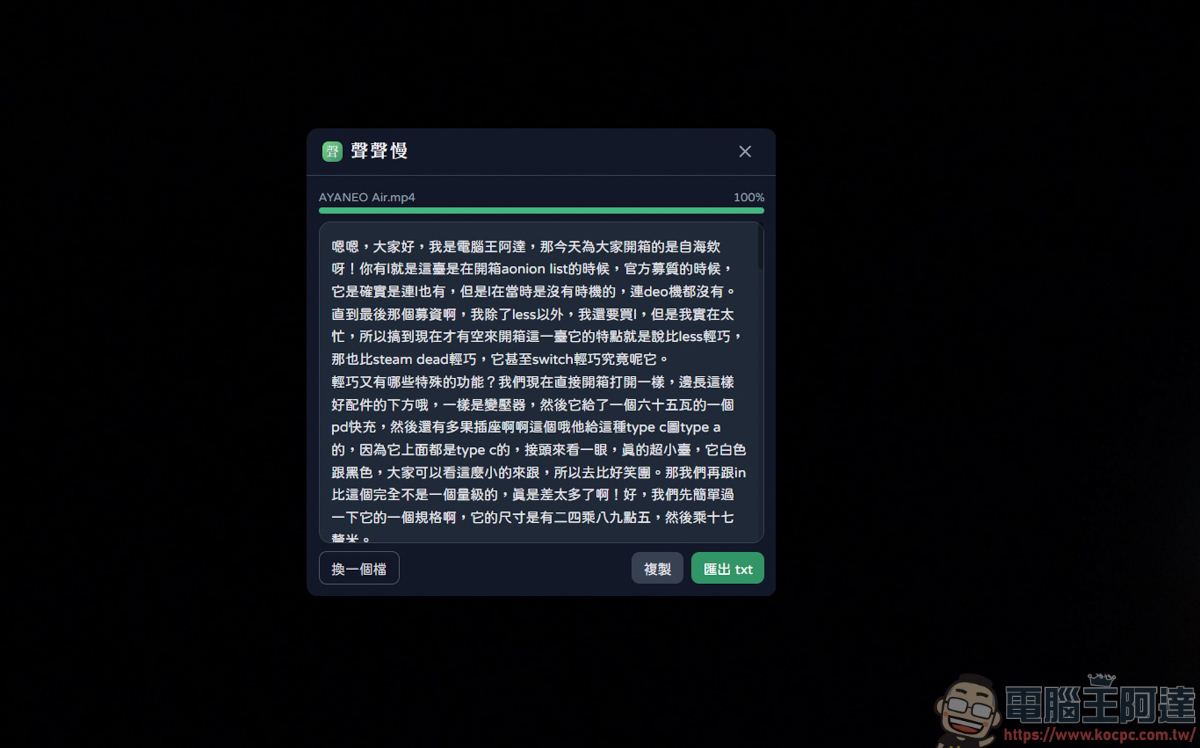
In terms of recognition speed, I personally think it is faster than the previous WhisperDesktop, which is also local, but the recognition is much worse than WhisperDesktop, especially the English part. But basically Chinese has relatively few typos. The only thing that bothers me is that it will replace the number 123 with the Chinese character 123. You have to spend time to deal with this part yourself:
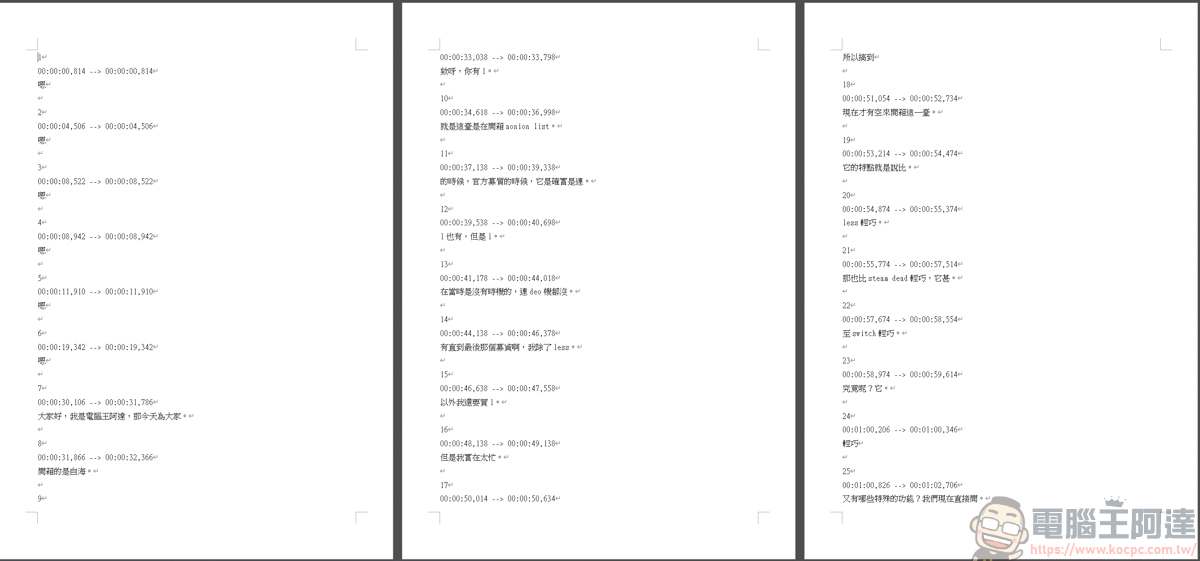
There is no problem with the SRT recognition function test:
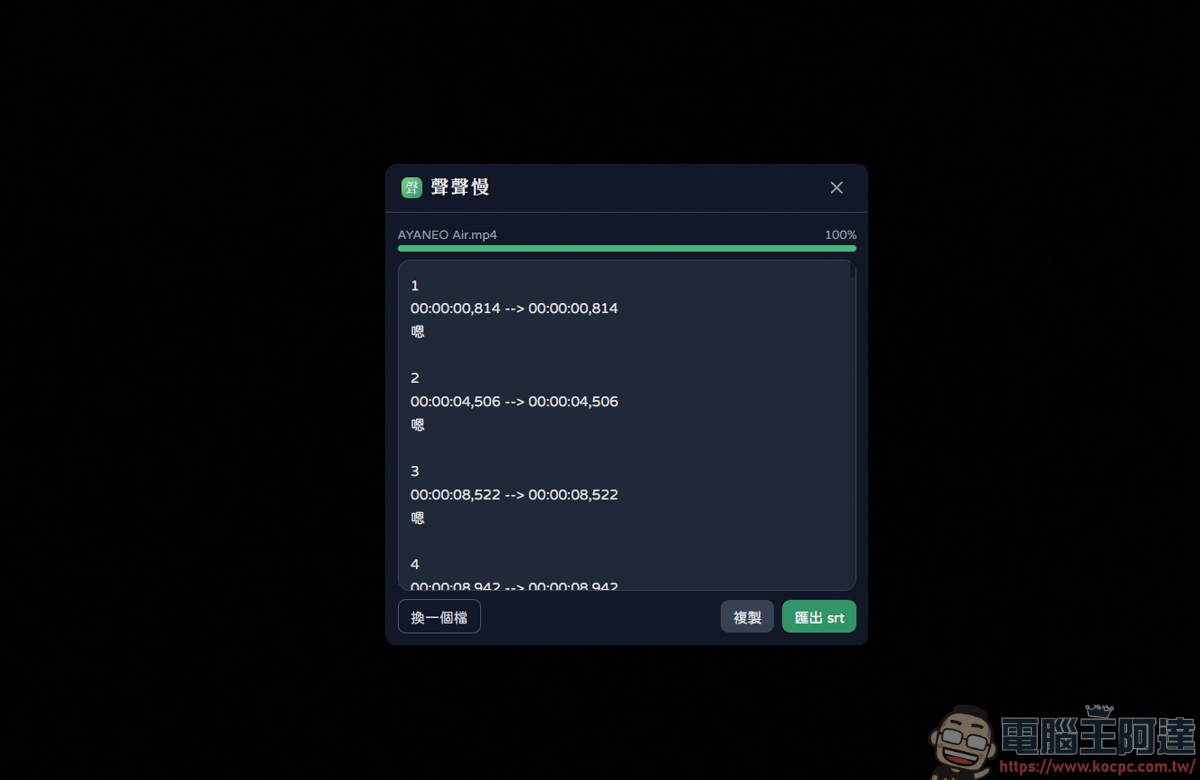
It’s just that in some videos, it will automatically figure out the spoken words and gaps. If compared with WhisperDesktop, WhisperDesktop’s recognition accuracy will be much better than this, but the relative speed is slower:
User experience
After briefly testing this software, I will briefly talk about my experience in using it. Compared with WhisperDesktop, which is also a local version, the translation speed of Shengsheng Slow is extremely fast and the Chinese recognition performance is good. The disadvantage is that English recognition is slightly weak, Arabic numerals are automatically converted into Chinese (for example, 123 becomes one, two, and three), and there are occasional mistakes in the video when there is no sound, and the accuracy is slightly lower. However, the software itself also supports the expansion of API KEY. Taking advantage of this can actually improve accuracy. Another feature is that its overall file size is smaller than WhisperDesktop (but it also depends on which model you choose), which is very attractive for users with smaller computer space. Overall, this is an efficient free tool that can significantly save creators time.
Source: KOCPC Chinese