


I believe everyone has heard of Shazam, a powerful music recognition application. In the past, if you wanted to use your computer, you had to install the software or open the official Shazam website. But a while ago, the official officially launched the Chrome extension, which means that if you want to recognize music in the future, you only need to open the extension in the upper right corner of the browser. The operation is simpler, and both Chrome and Edge support it.
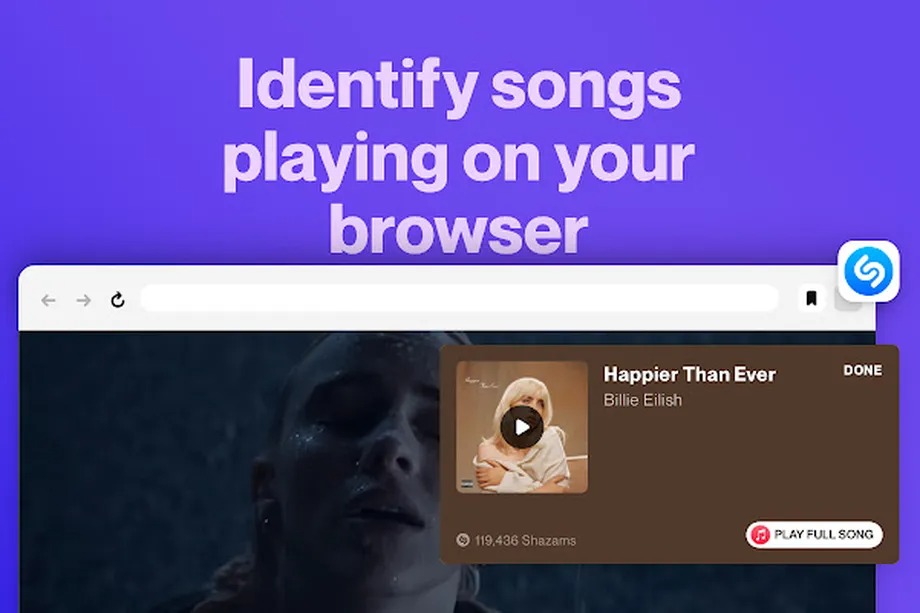
Introducing the Shazam Chrome extension
This extension can be installed on both Chrome and Edge. I will use Edge as an example below, and the operation methods are the same. After entering the Chrome extension store page, click “Add to Chrome” in the upper right corner:

This prompt will pop up, click “Add new extension” to install:

Displaying this message means the installation is complete. If the icon does not appear later, please go to the extension management to open it:
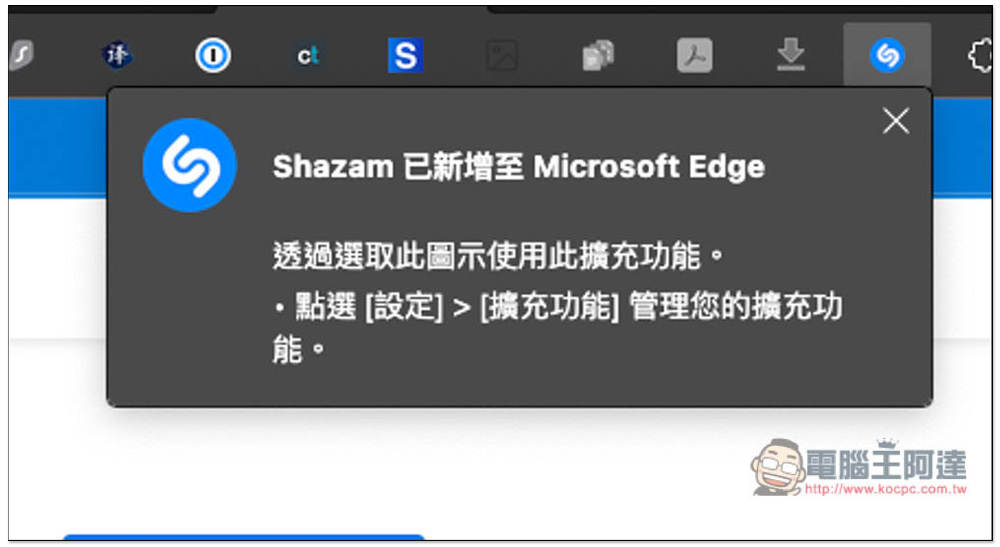
When you want to identify music in the future, just open the Shazam extension icon and press the icon on the left to start identification:

Just like the app version, the recognition accuracy is very high, even for new songs that have just been released. In addition, it also provides the function of jumping to Apple Music music playback (lower right corner):
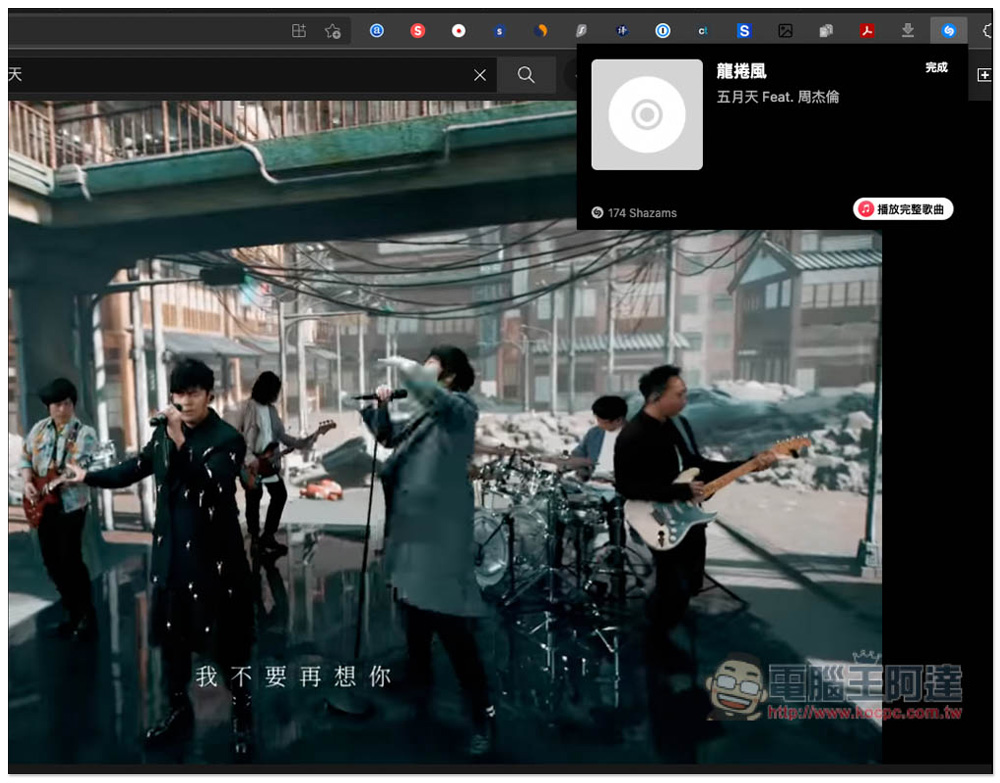
If you have never applied for Apple Music in the past, Shazam currently also offers a free trial. In addition to the 3 months originally provided by Apple Music, you can get up to 5 months free:

Therefore, if you have Shazam installed on your computer, you can delete it and it will no longer take up space in your application list. I tested a lot of music and Shazam Chrome can accurately recognize it. The only thing to note is that according to the reviews in the Chrome store, this feature may have just been launched, and sometimes it may fail or not be recognized. It should become more stable over time.
Source: KOCPC Chinese