


Sometimes you will encounter situations where you need to adjust pictures, and your computer may not have relevant software. Although there are many free photo editing software on the Internet, it is still quite troublesome to install it on your computer, especially if you only use it occasionally. In fact, there is no need to install it. If you just need basic adjustments such as enlarging, cropping, compressing, and rotating, this free online tool called ImageResizer can satisfy you. You can adjust it on the web page after uploading the image, and it also supports reading the image URL.
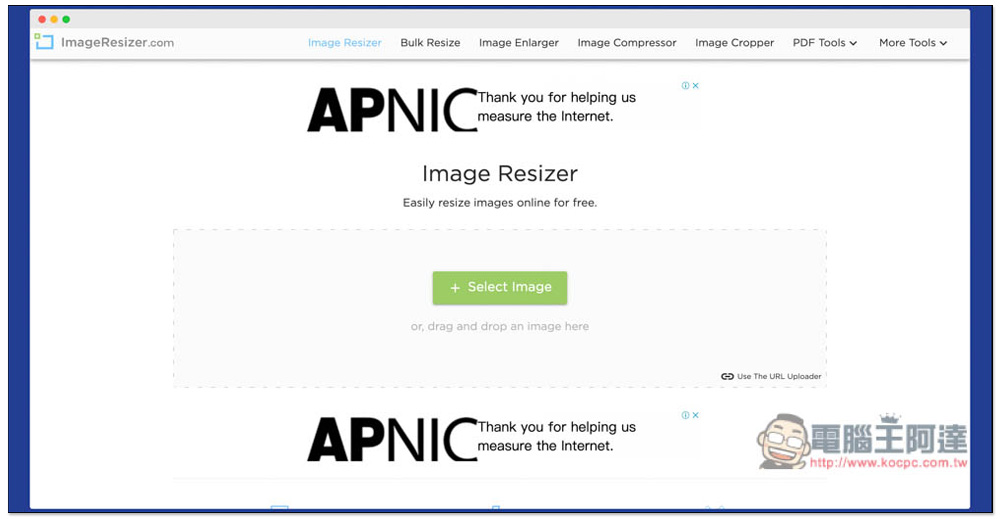
ImageResizer Free Image Modification Online Tool Introduction
ImageResizer is a foreign online tool. Although it does not have Chinese language, it is quite easy to operate. After entering the website, the default image resizing function is used, so drag the image you want to modify to the web page:
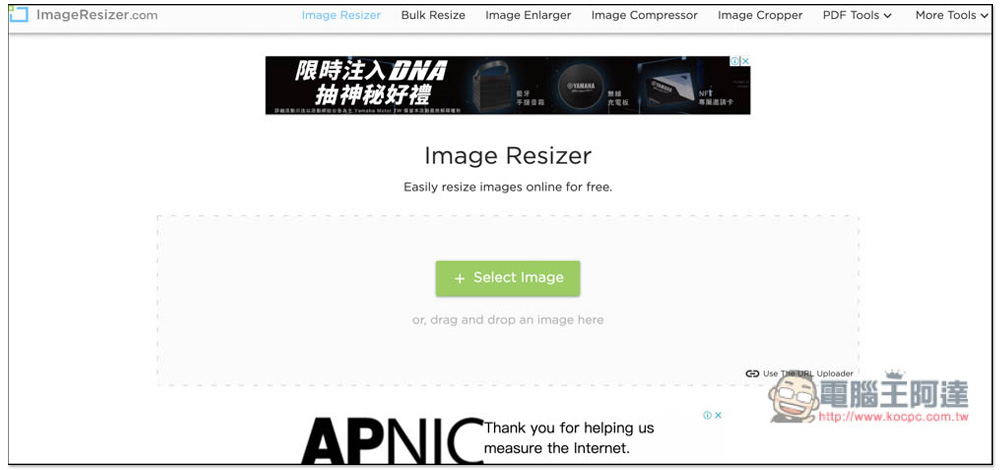
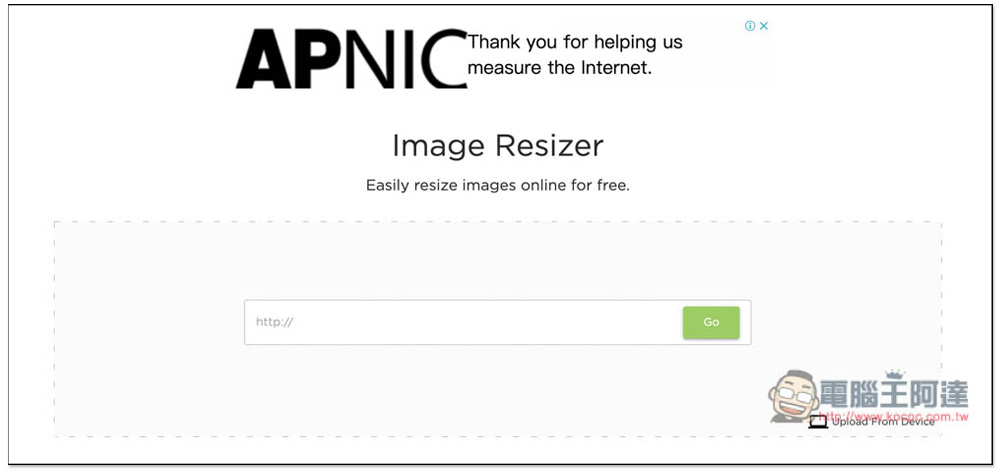
Click Use The URL Uploader in the lower right corner to change it to read web images. Every modification function supports web images, which I think is pretty good:
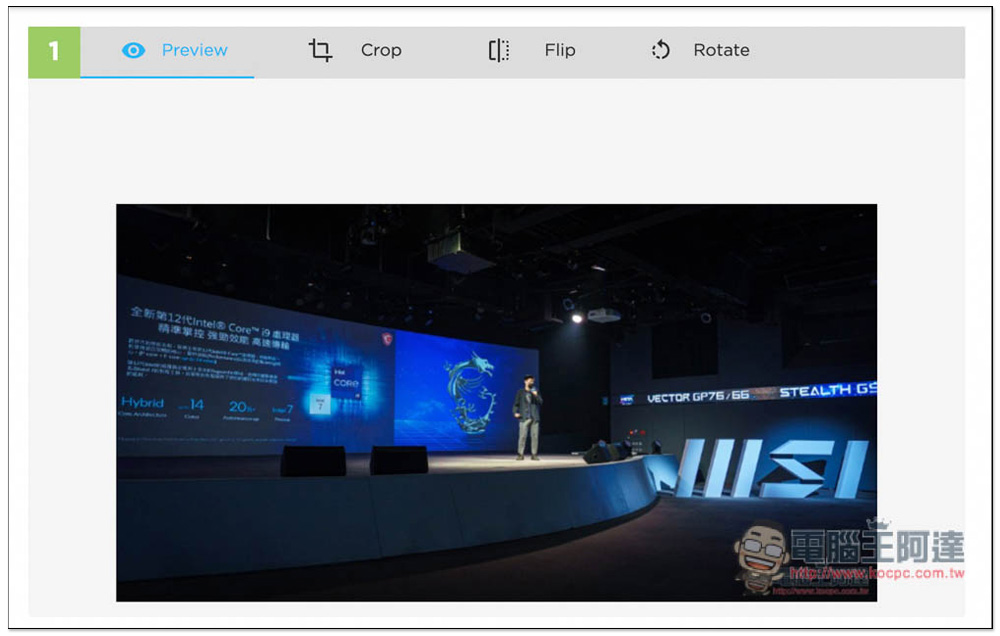
After entering the adjustment interface, there are four functions, preview, crop, flip and rotate:
Below you can also specify the width, height, percentage, and storage options of the image. If you want to compress the image size, you can enter the number of KB you want in Target File Size. There are two storage format options: JPG and PNG:
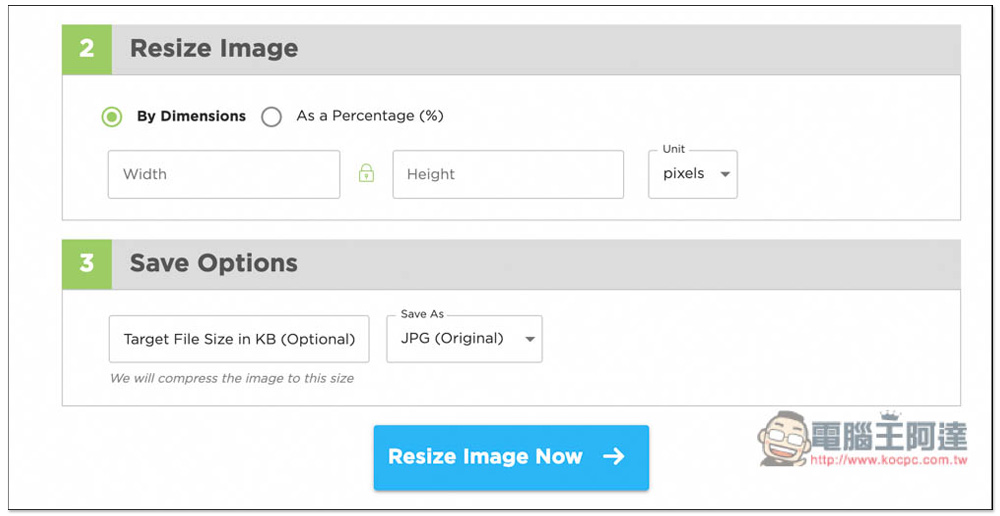
Image Enlarger is the image enlargement function. I have not tested the effect:
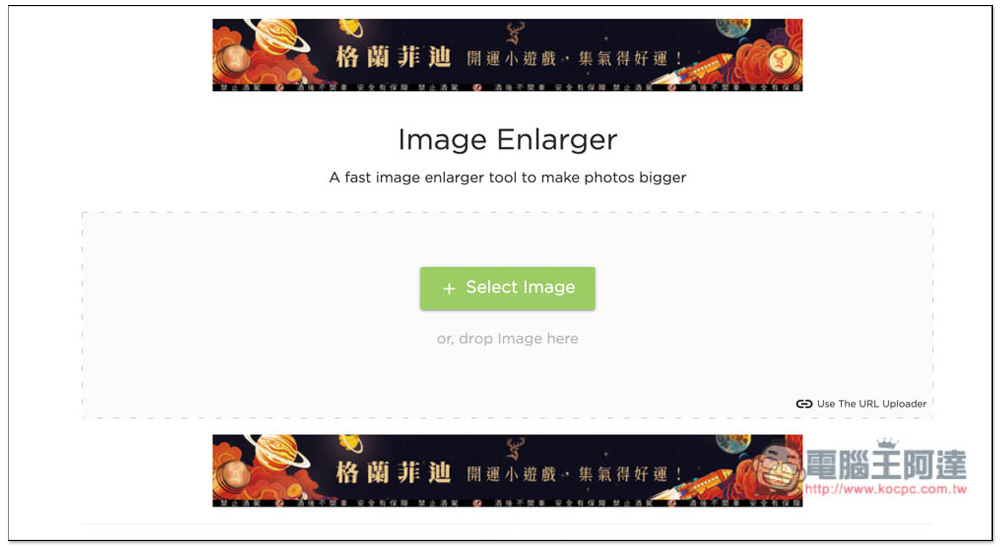
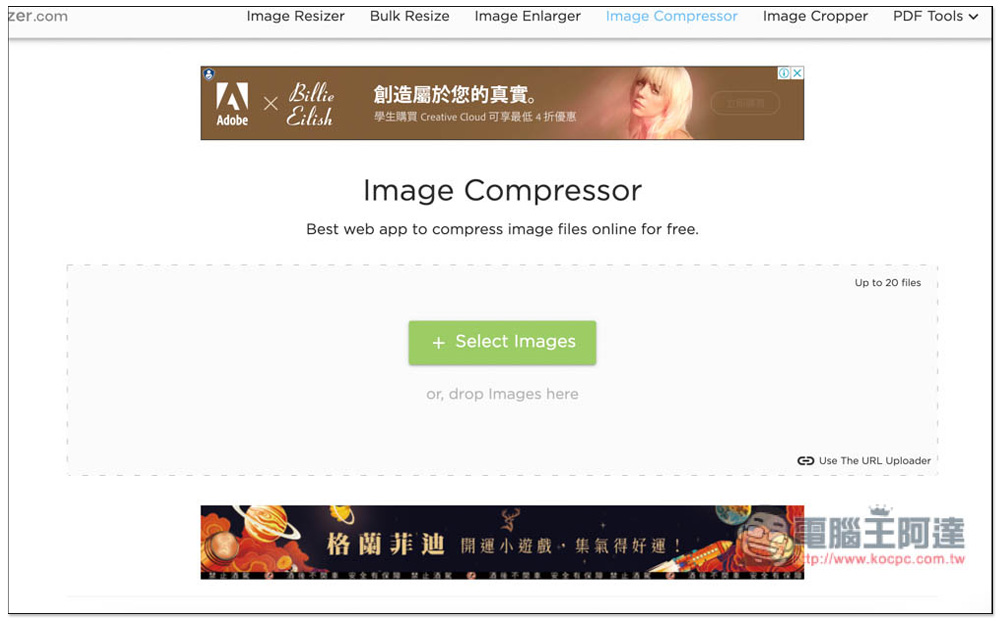
Image Compressor compresses images, which can greatly reduce the file size of images, and the compression effect is very good:
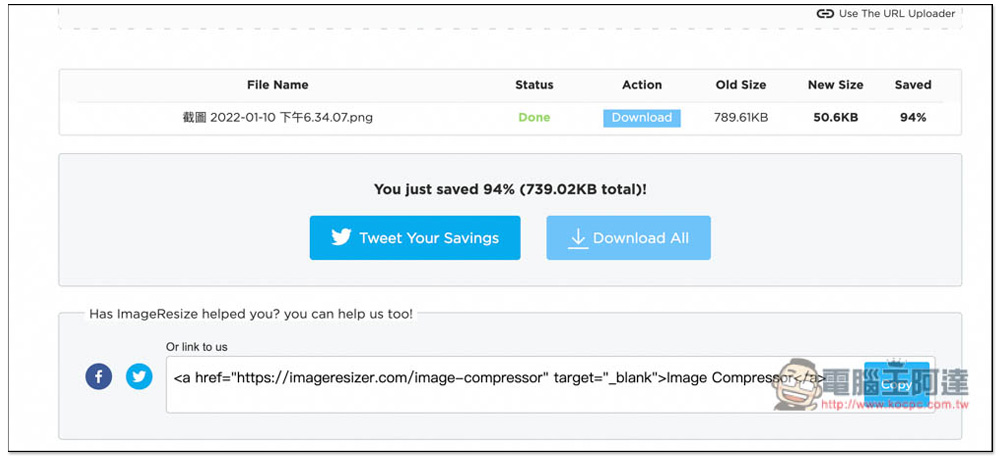
I tested this image. It was originally 789.6KB. After compression, it became only 50.6KB. The compression is as high as 94%:
This is indeed the case after downloading and comparing, the size is still maintained at 1958×1212:
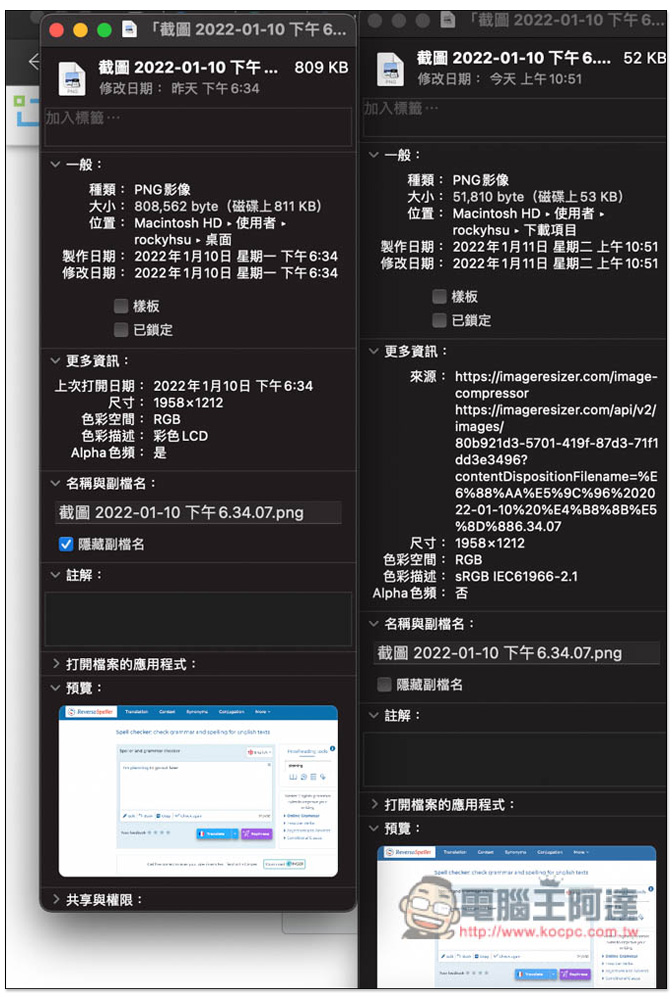
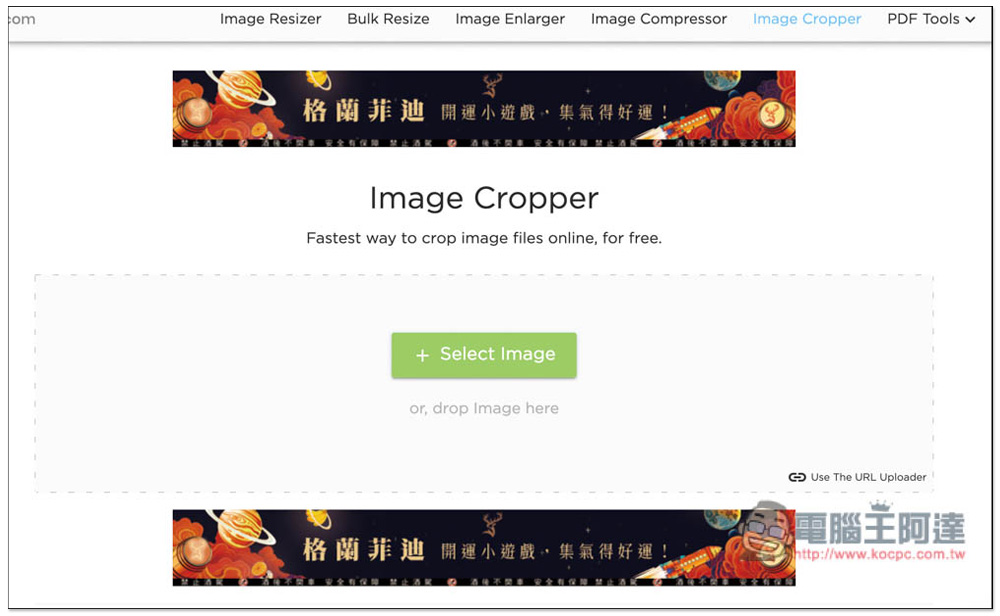
Image Cropper provides image cropping functions:
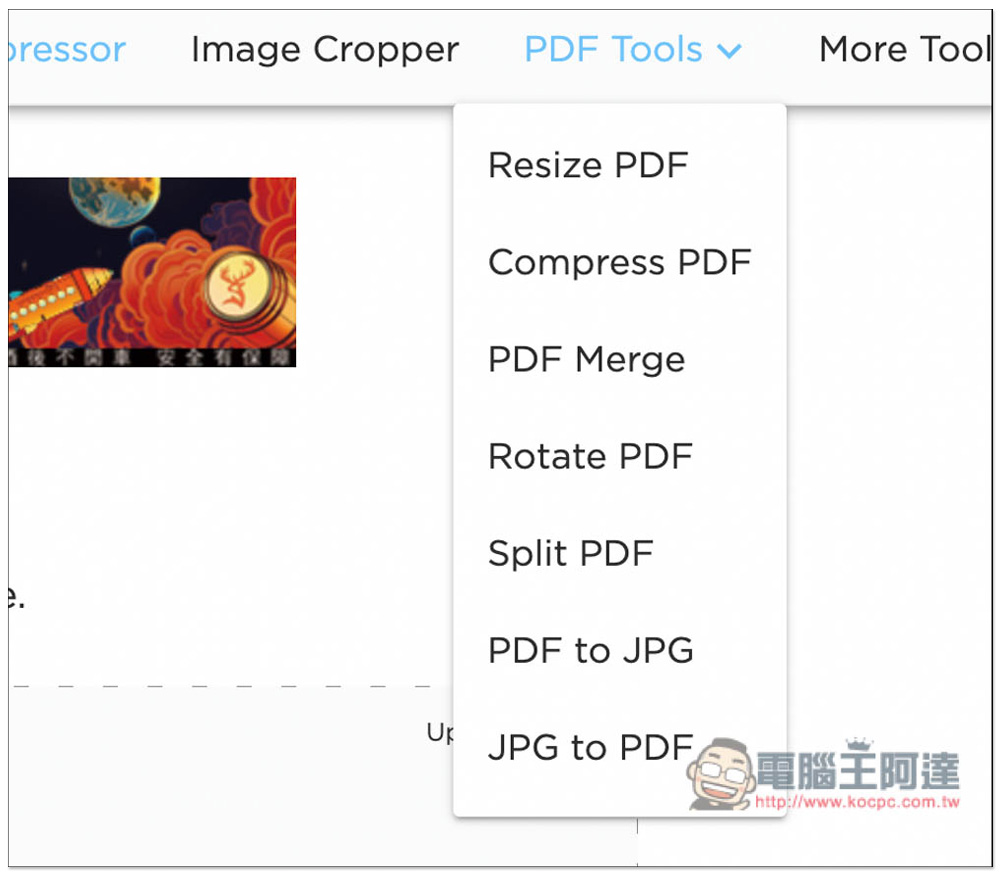
In addition to image adjustment tools, this website also has many PDF tools, including compression, merging, rotating, splitting, etc. Those in need can also try:
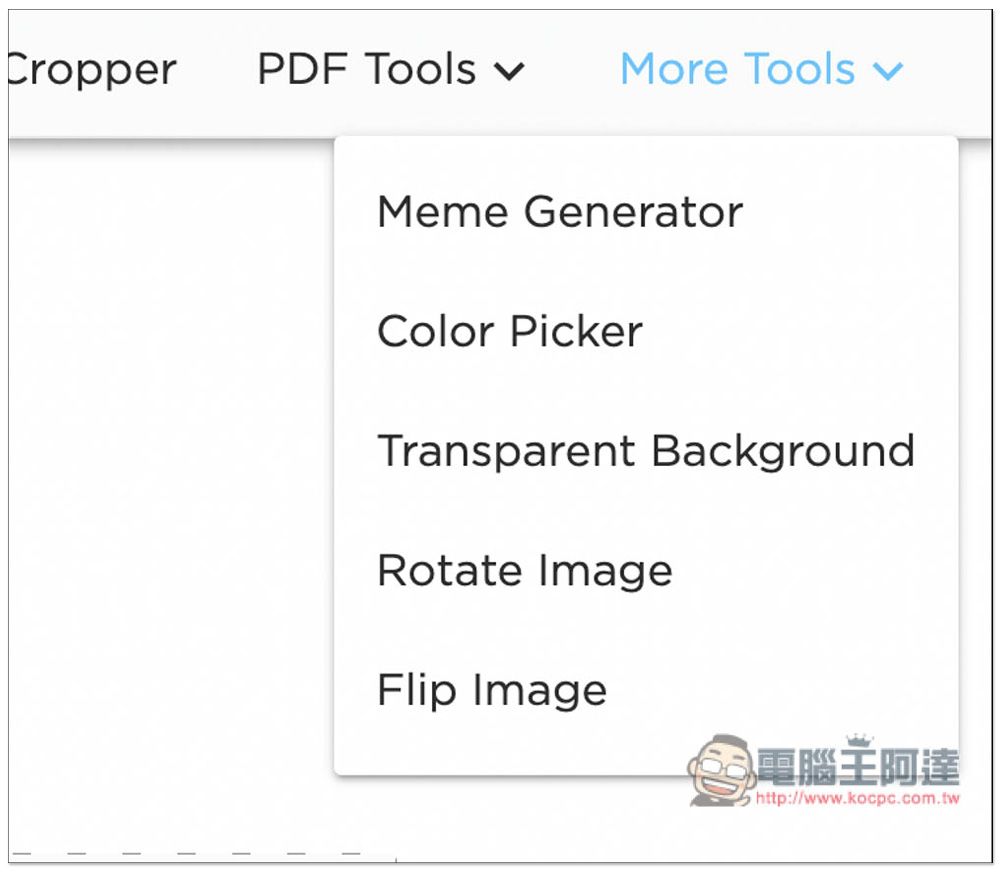
There are also meme generators, color selection tools, and more:
Source: KOCPC Chinese