


Affected by the epidemic, more and more people are downloading Microsoft Teams on their mobile phones or tablets for video conferencing at work or school. Google recently issued a notice to Android mobile phone and tablet users who have not updated the latest version of the Microsoft Teams application, reminding users to update immediately to avoid the problem of being unable to make emergency calls.
Why are Android users unable to make emergency calls after downloading Microsoft Teams? The following is an explanation:
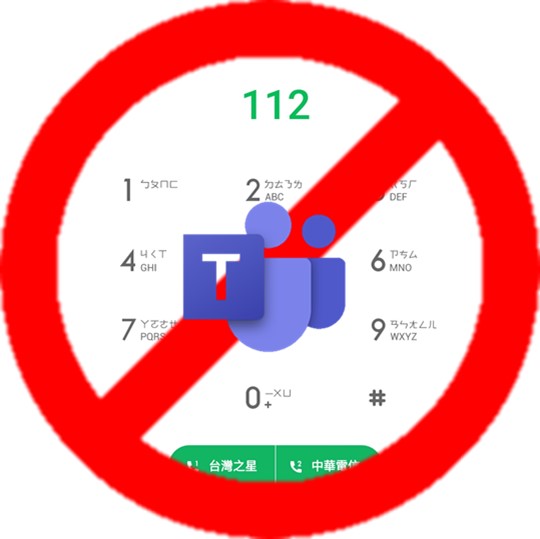
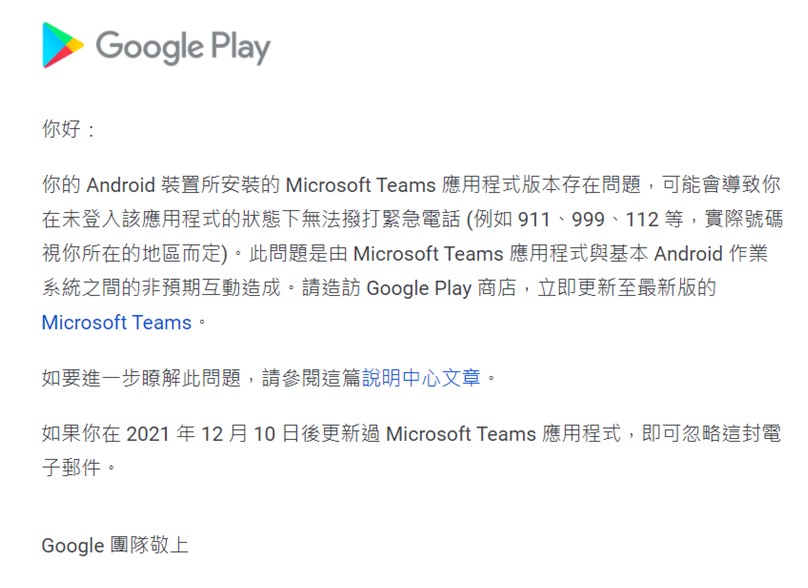
Google issued an announcement for mobile phone and tablet users using Android 8.0 or above: Unexpected interactions between the Microsoft Teams application and the basic Android operating system will cause users to be unable to make emergency calls (such as 911, 999, 112, etc.) without logging in to Microsoft Teams. You must visit the Google Play Store and update to the latest version of Microsoft Teams (1416/1.0.0.2021194504 or above) immediately.
Since “112” is an internationally accepted emergency rescue number, it is suitable for use in emergencies. If the reception at the location of the mobile phone is poor and neither “110” nor “119” can be dialed, you can use “112” and after dialing, you will be directed by voice to be transferred to “110” where you need to report a crime or seek help in an emergency.” Unforeseen circumstances may arise, so Android users are advised to update as soon as possible!
How do you know whether the Microsoft Teams version you downloaded is 1416/1.0.0.2021194504 or above? There are two ways:
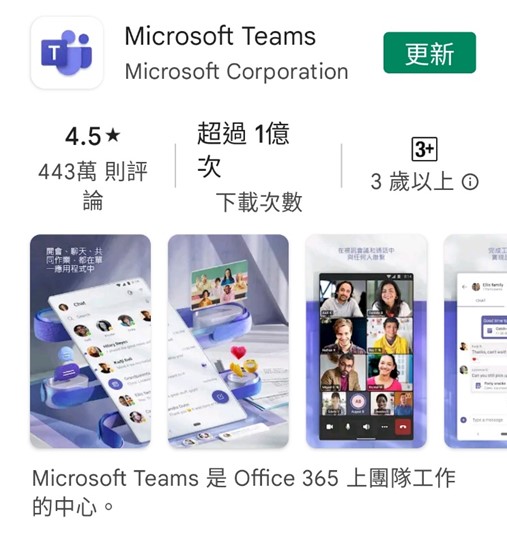
1. Update your phone immediately Microsoft Teams app. Learn howUpdate Android apps via the Google Play Store。
2.Check if the application is the latest version: 1416/1.0.0.2021194504 or above.
- Find the Microsoft Teams app on your device.
- Long press on the app.
- Tap the “Information” icon.
- Scroll down to the bottom of the page and confirm that the application is version 1416/1.0.0.2021194504 or above.
Source: KOCPC Chinese