


Have audio files you want to transcribe, or want to turn your recordings into text? Whisper Web is a great option. Hosted on HuggingFace, it’s completely free to use and offers a variety of Whisper AI models, so you can choose the one that fits your content. It’s also very easy to use.
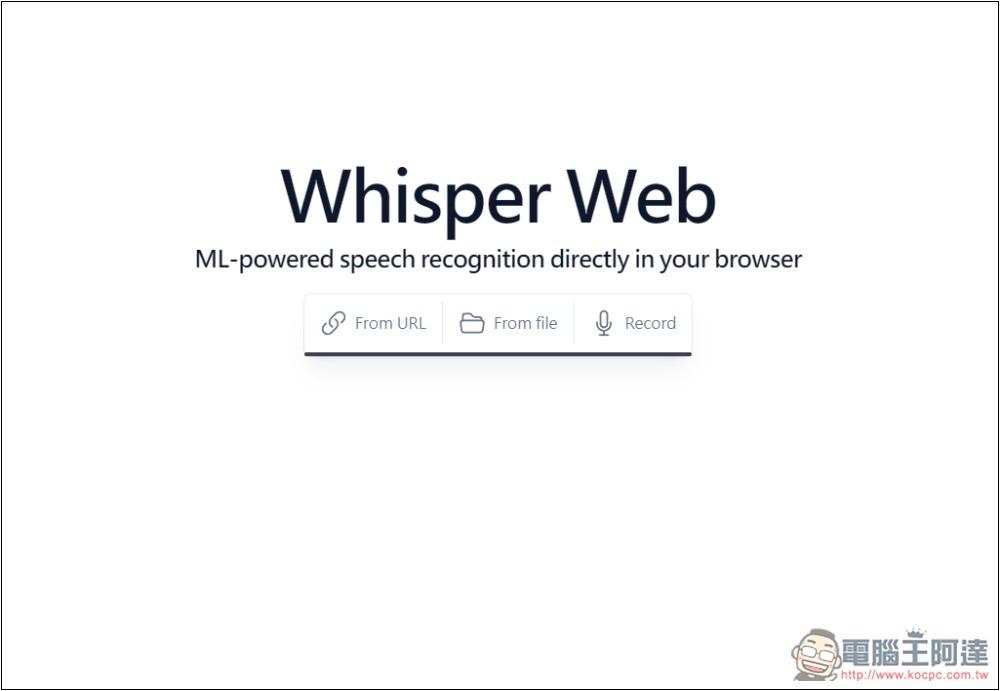
Whisper Web is a free online tool for converting speech to text.
Whisper Web is an online tool, so there’s no need to install anything—just open your browser and it’s ready to use. Although it was set up by a foreign developer on Hugging Face and doesn’t have a Chinese interface, it’s very simple to use and only takes three steps:
- Import audio
- Designated model
- Start conversion
However, because it uses shared CPU or GPU, choosing a larger model will result in slower conversion speed. Smaller models are faster, but their accuracy is not as good as larger models. So if you truly need both precision and speed, installing locally is still the best option.
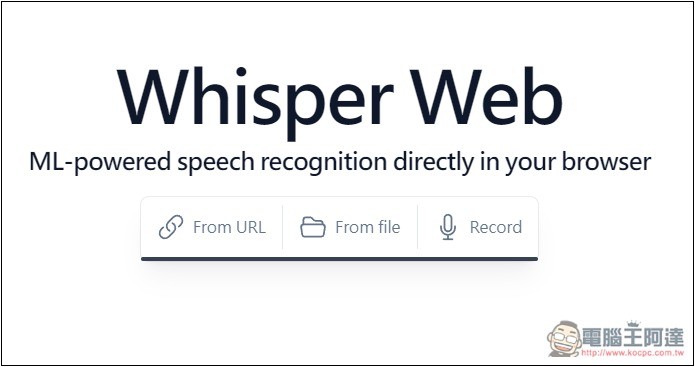
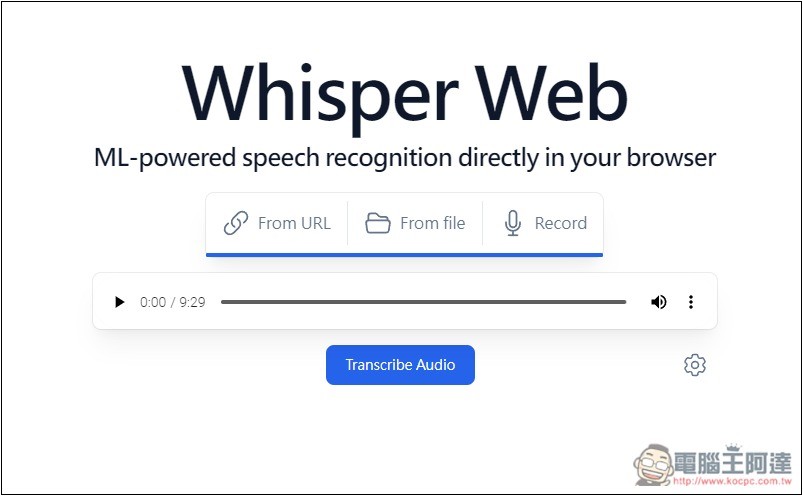
After clicking the link above to enter Whisper Web, choose how you want to import your audio file: you can enter a URL, select a file, or record. I use the file selection option. The URL field is for audio file URLs; it does not support video URLs like YouTube:
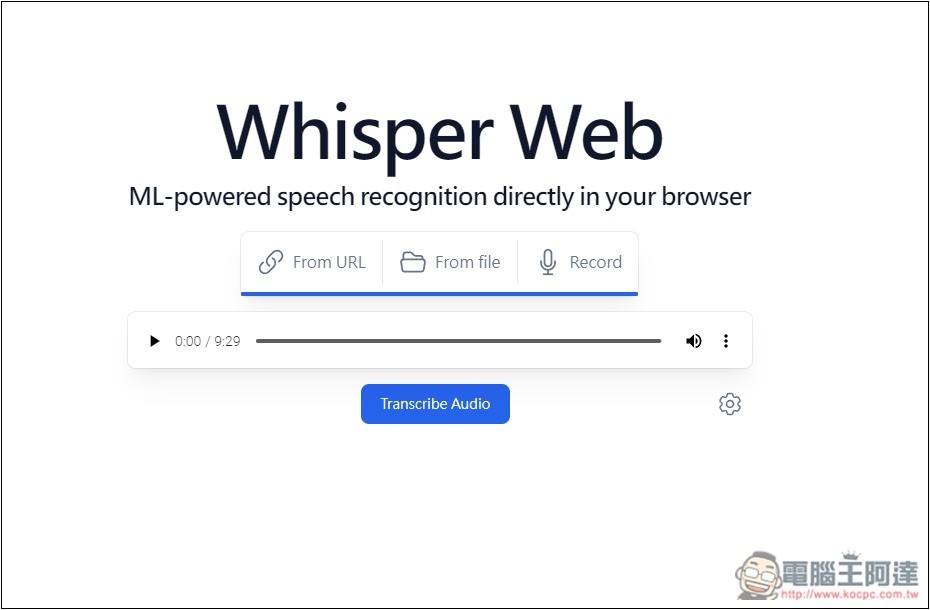
After importing, you can listen to a preview to check if it’s correct, then click the settings gear icon in the bottom-right corner:
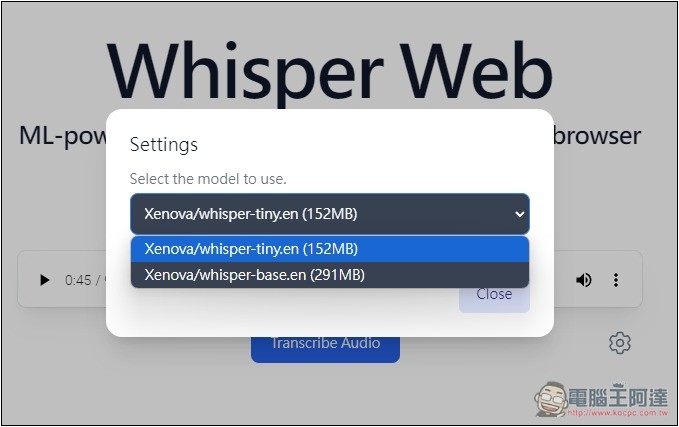
This option will appear, with the default being the English-only models “Whisper-tiny.en” and “Whisper-base.en”:
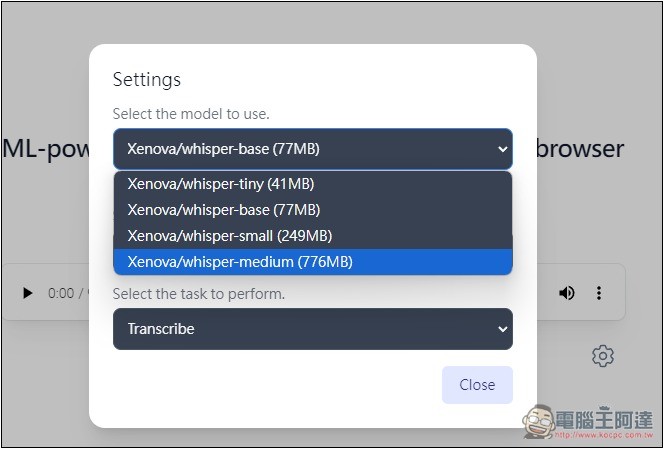
Remember to check Multilingual, this will switch to the multilingual Whisper model: If you want a larger Whisper model, you can also check Quantized on the right:
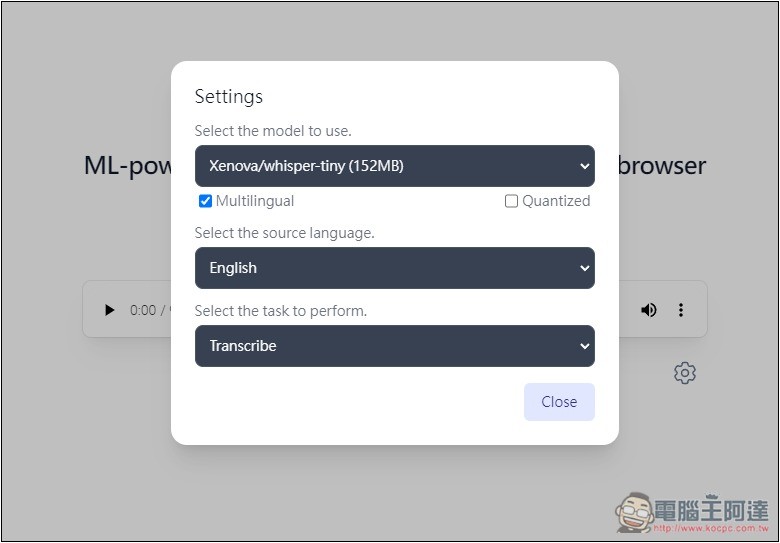
This way you can choose Small and Medium models. On the right, it shows the capacity; the larger it is, the bigger the model, but the slower the conversion speed. For the largest, Medium, the conversion time may be longer than the original audio duration, but if it’s base or tiny, the time will be much shorter:
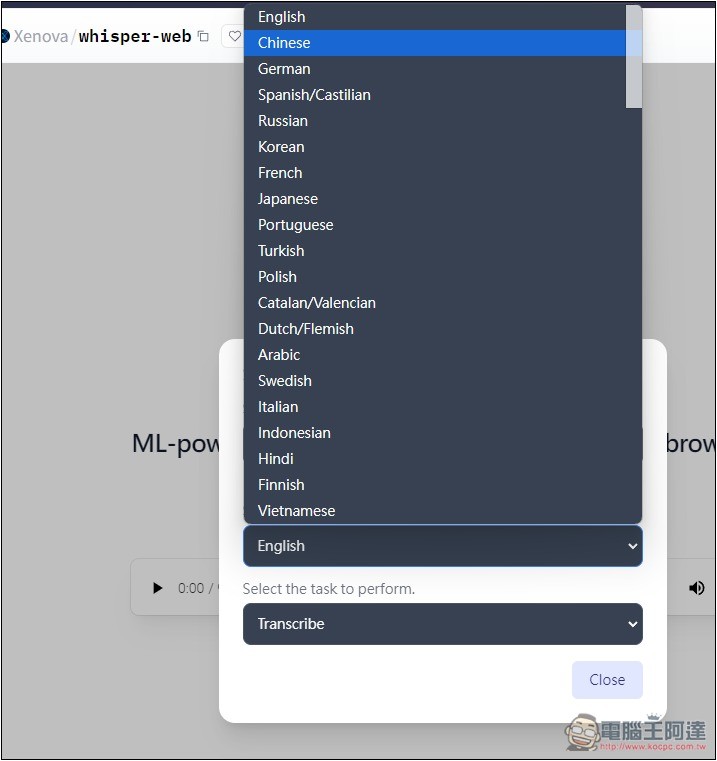
Language: Choose the language of your audio file. If it’s Chinese, select Chinese.
After everything is set up, press the Transcribe Audio button below to start.
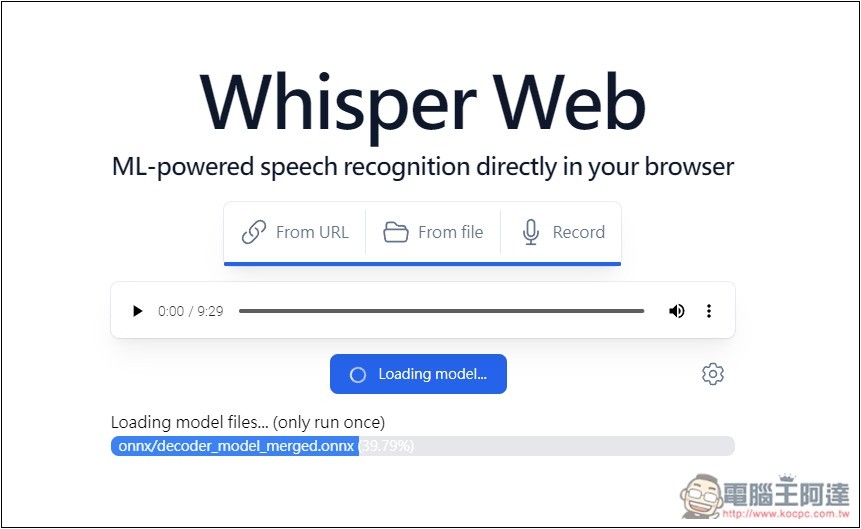
On first use, it will read some necessary files; this only happens once and will finish quickly:
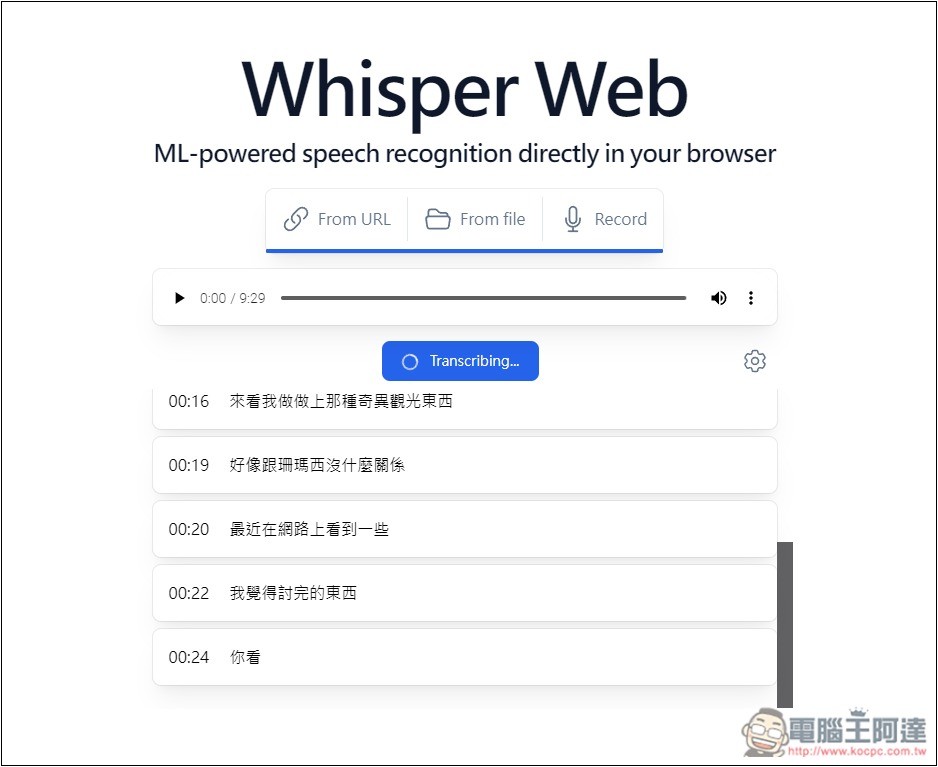
Then you will immediately see the transcribed text result:
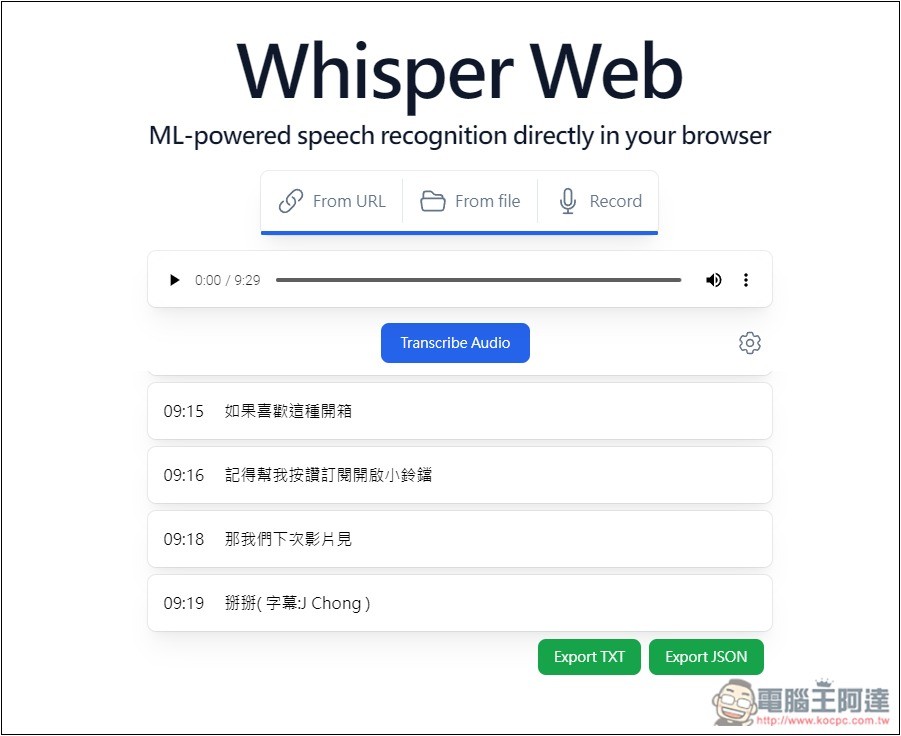
Once converted, there will be two download links below: TXT and JSON.
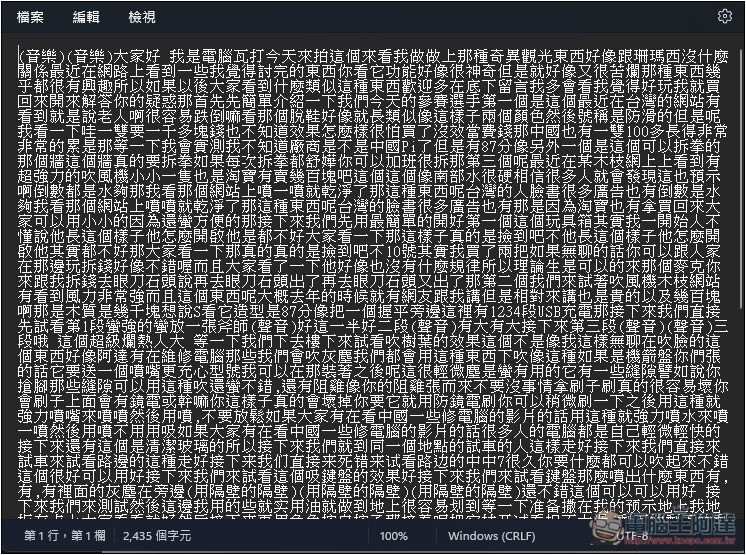
TXT is plain text, without timestamps or punctuation:
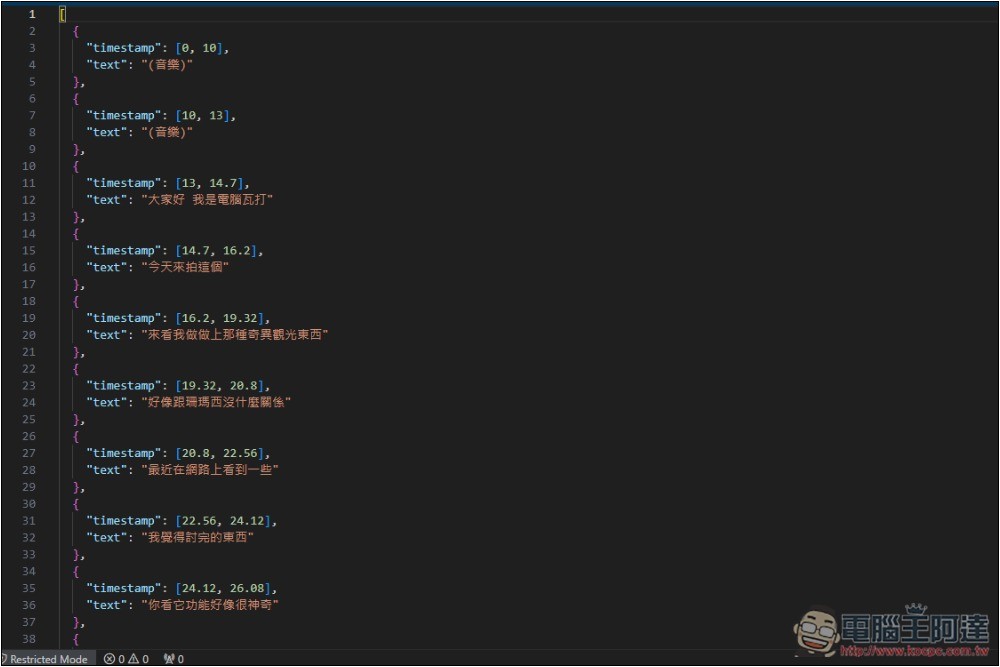
JSON, on the other hand, has a point in time:
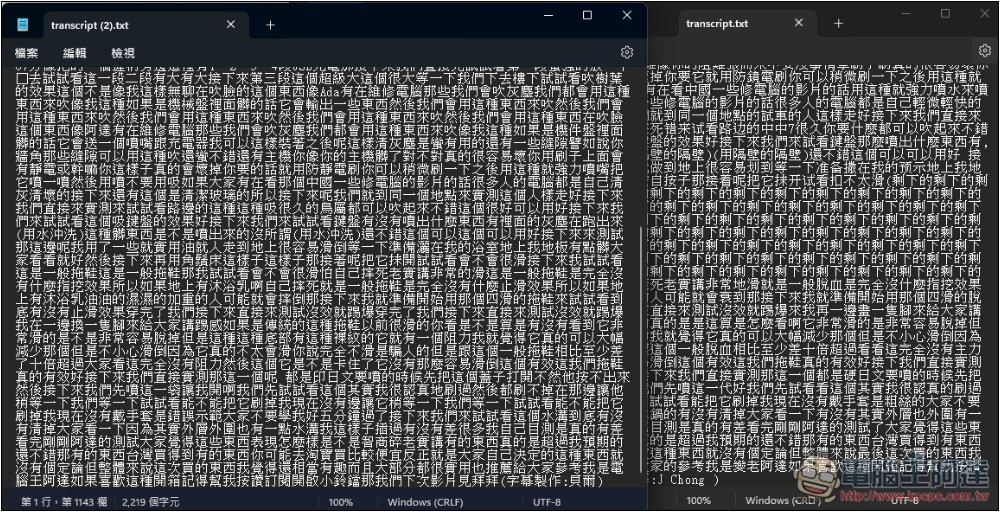
The figure below shows the difference between the converted outputs of Medium (left) and Base (right). Base exhibited hallucination, with a long passage repeatedly saying “the rest.” Medium didn’t have this problem, but the conversion time was very long:
Another downside is that this tool doesn’t have a pause function, so once it starts, you have to wait for it to finish before you can download the transcribed text.
Faster conversion option: Whisper large-v3-turbo
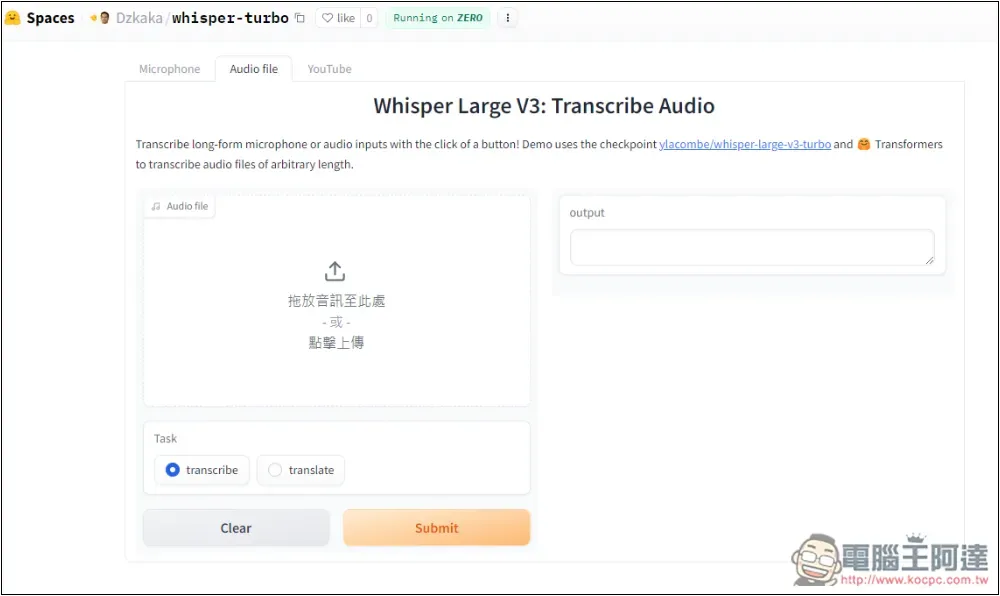
The Whisper models provided by this tool are relatively old. Early last month, OpenAI released a new Turbo model that can finish a video of over 14 minutes in less than 30 seconds—very fast. Those interested can read this introduction:OpenAI Whisper: A More Powerful Speech-to-Text Model
Source: KOCPC Chinese