


For MacBook workers, if there is no external second screen, the MacBook itself is really not enough. Even the 15-inch or 16-inch version is the same. The left and right windows are still too small. Therefore, if you need to check information online, you often have to switch back and forth. MenubarX is a very good auxiliary tool. You can browse the web directly in the menu bar in the upper right corner without blocking the current working window. More importantly, the current Pro The professional version is also free for a limited time. Readers who use Mac highly recommend it.
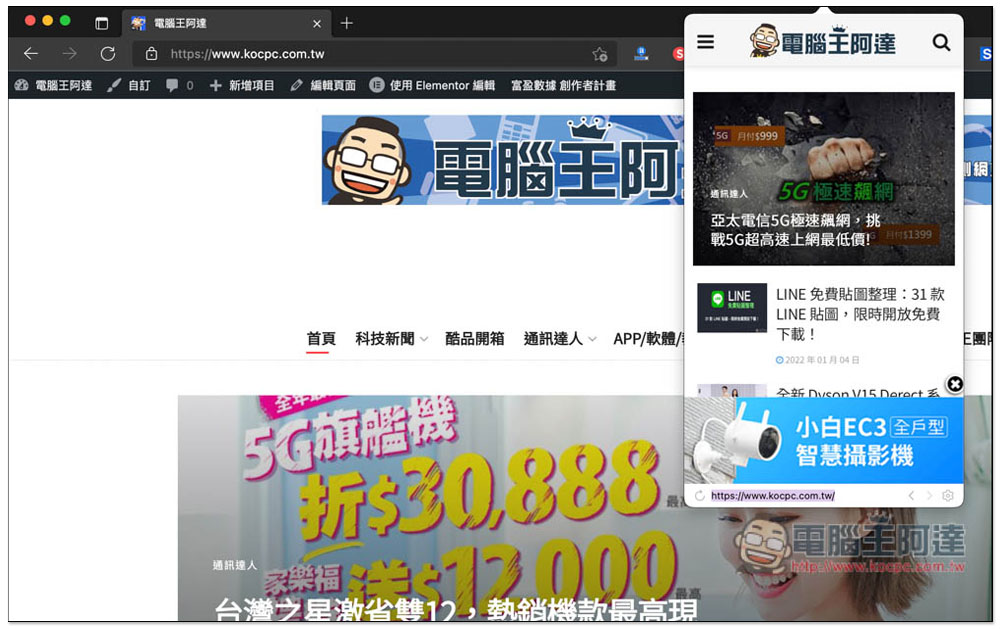
Introduction to MenubarX, a gadget that allows you to browse the web in the Mac menu bar
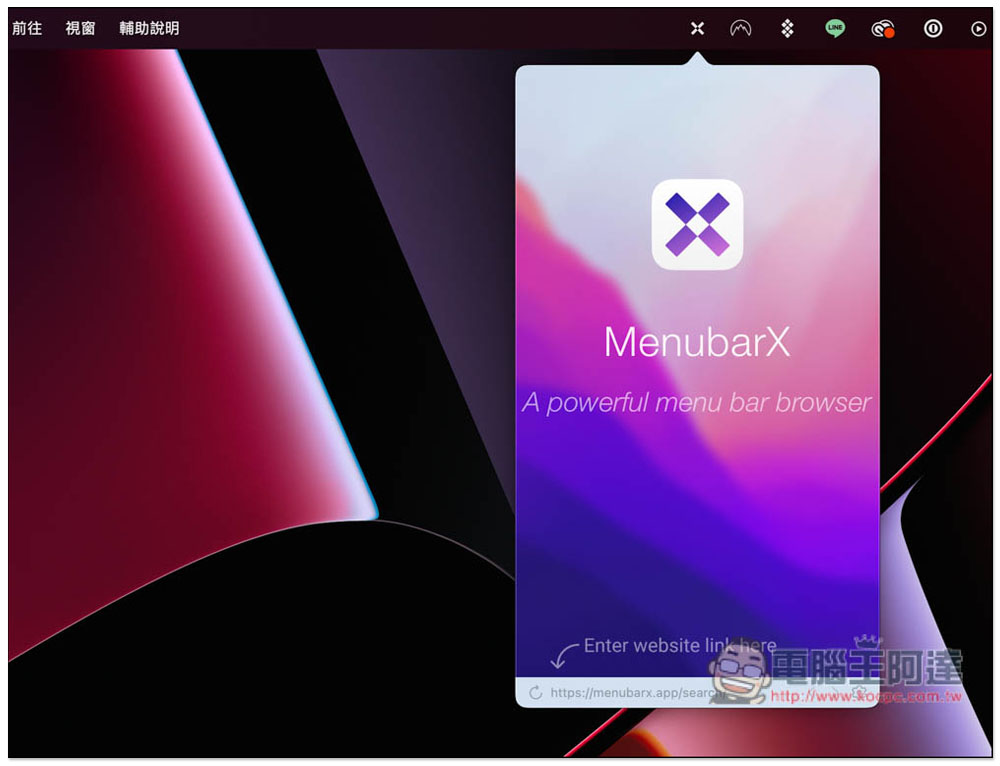
After installation, open it and you will see a small icon of this product in the menu bar in the upper right corner. Please enter the URL of the webpage you want to browse in the bottom address bar. It is also a pity that this address bar does not support search function, which means that you must enter all the URLs:
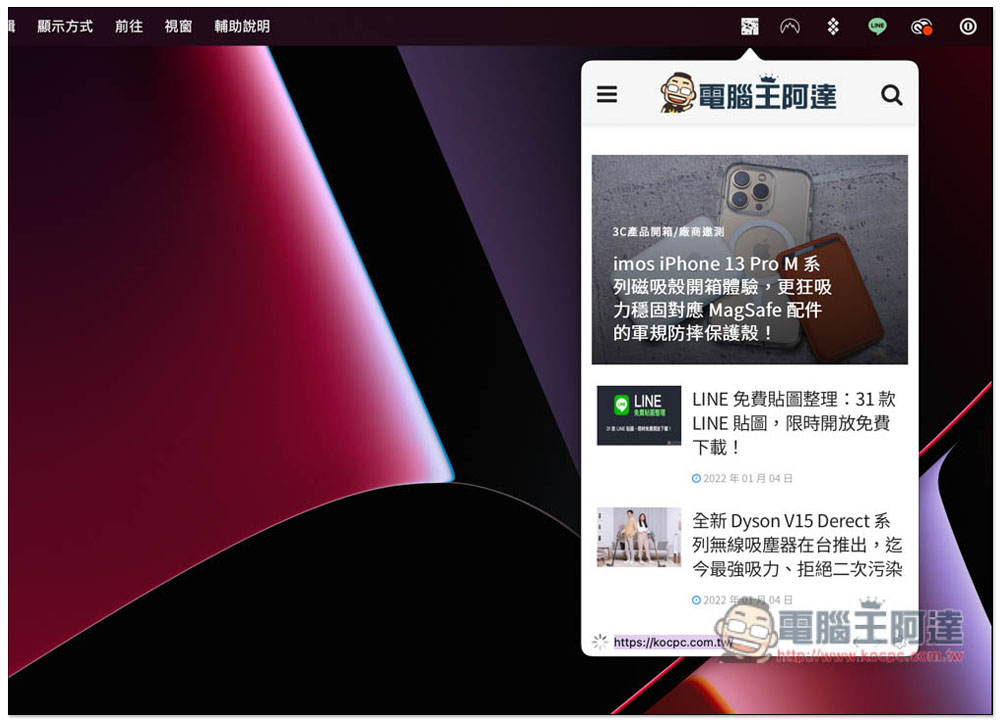
Like this, after I enter the Computer King Ada website address, I will enter our website, and then I can start browsing the web:
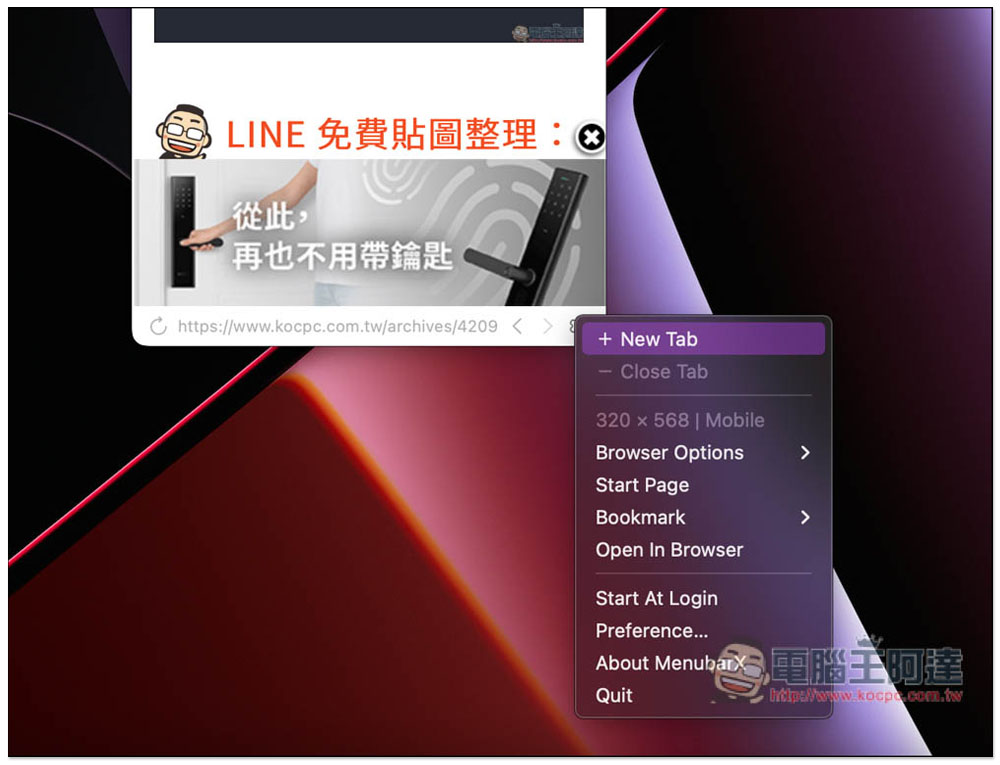
If you need to open a new tab, click Settings in the lower right corner and press Net Tab:
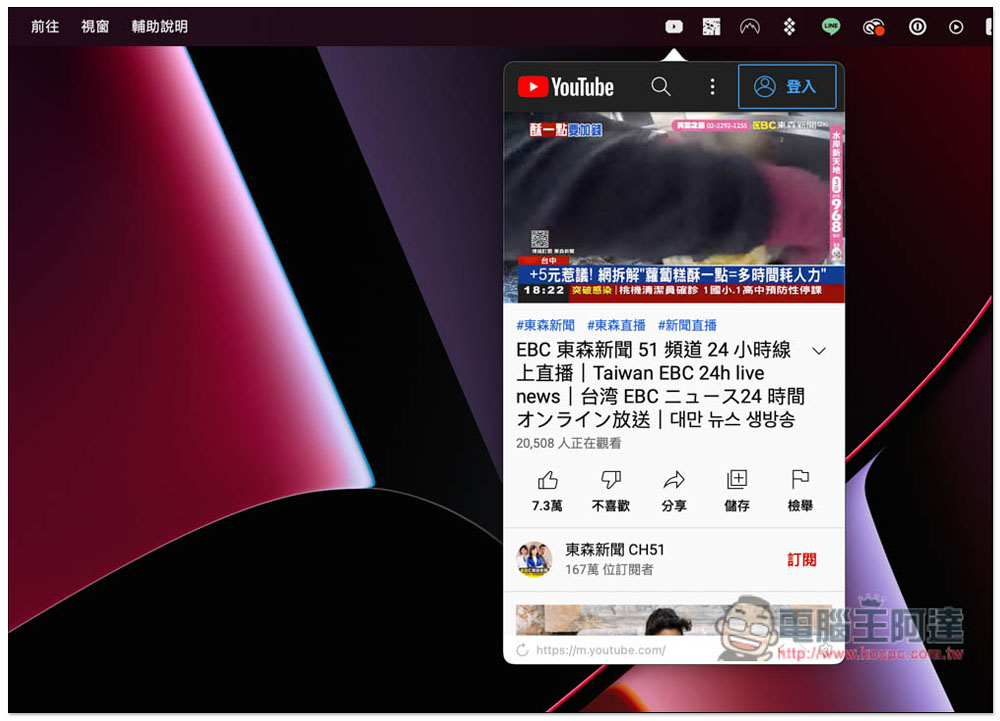
After opening a new tab, there will be a small icon in the upper right corner. Press the small icon to switch tabs. I tested YouTube and it had no problem watching videos, but it does not support background playback. As long as you click elsewhere on the screen, the video will automatically stop playing:
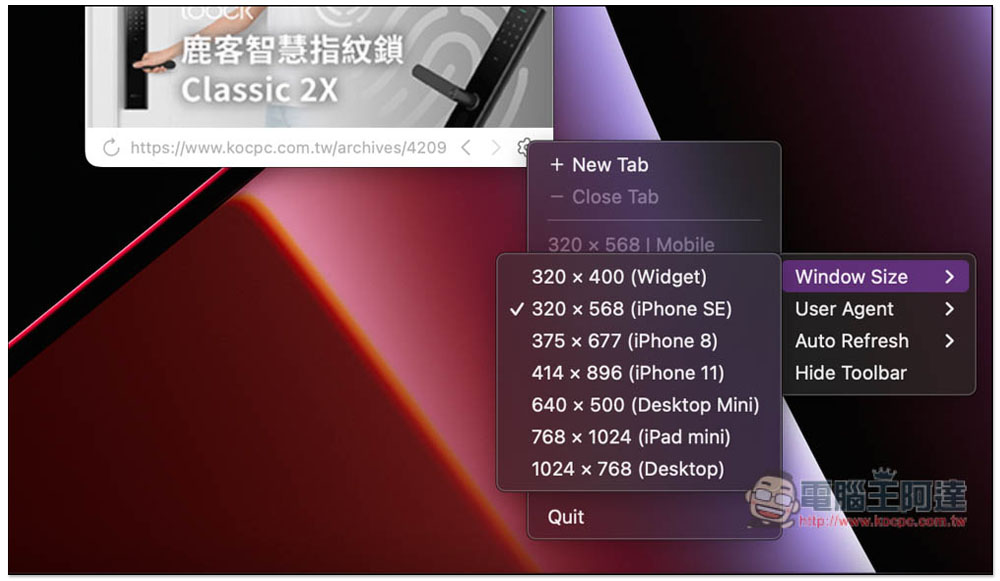
The default device of MenubarX is iPhone SE. If you think the screen is too small, you can change it to other devices, such as iPhone 8, iPhone 11, Desktop Mini, iPad mini, etc.:
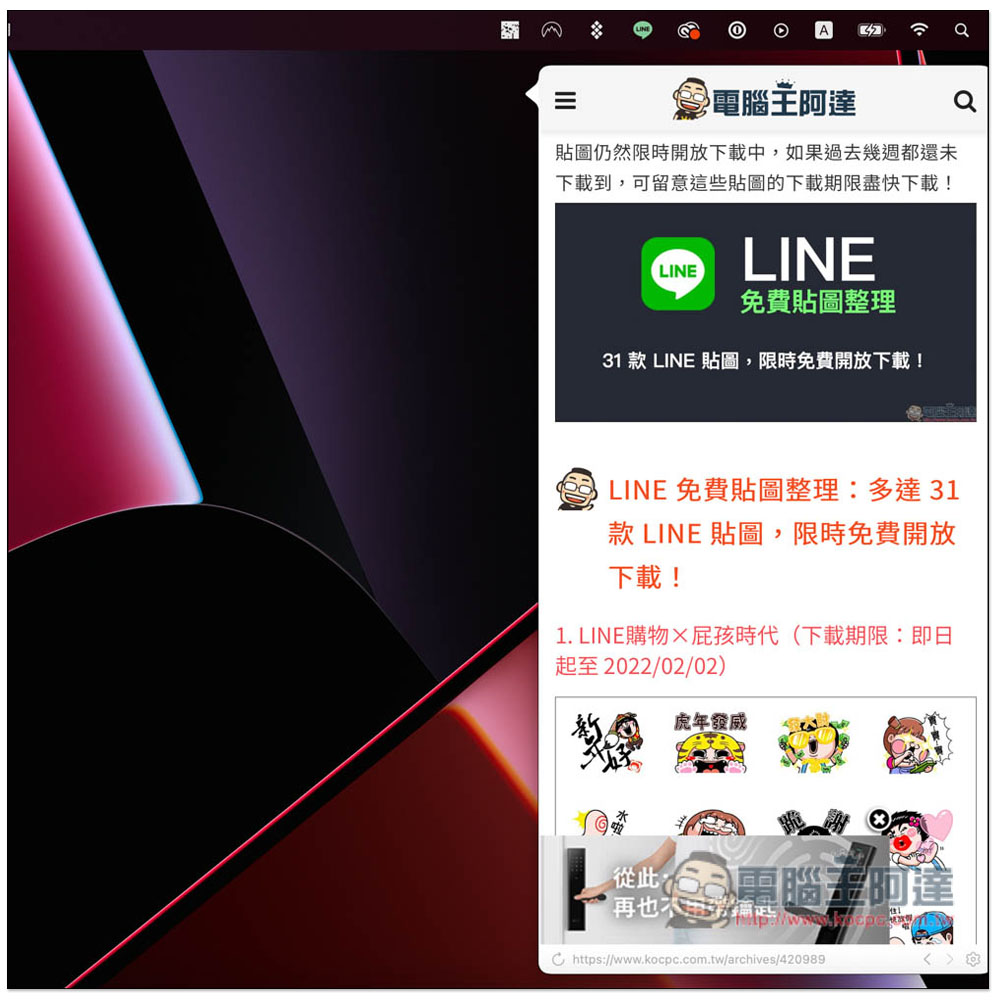
After I changed to iPhone 11, the screen became larger:
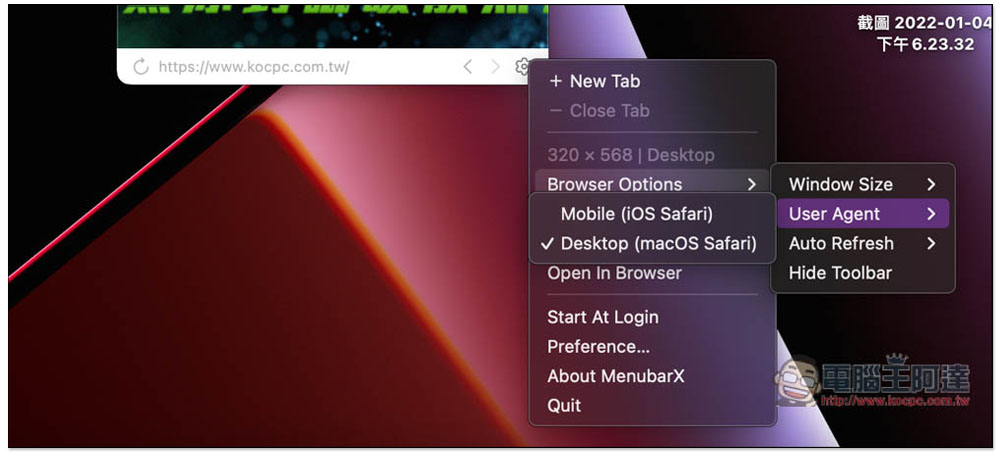
Desktop and mobile web pages can also be changed:
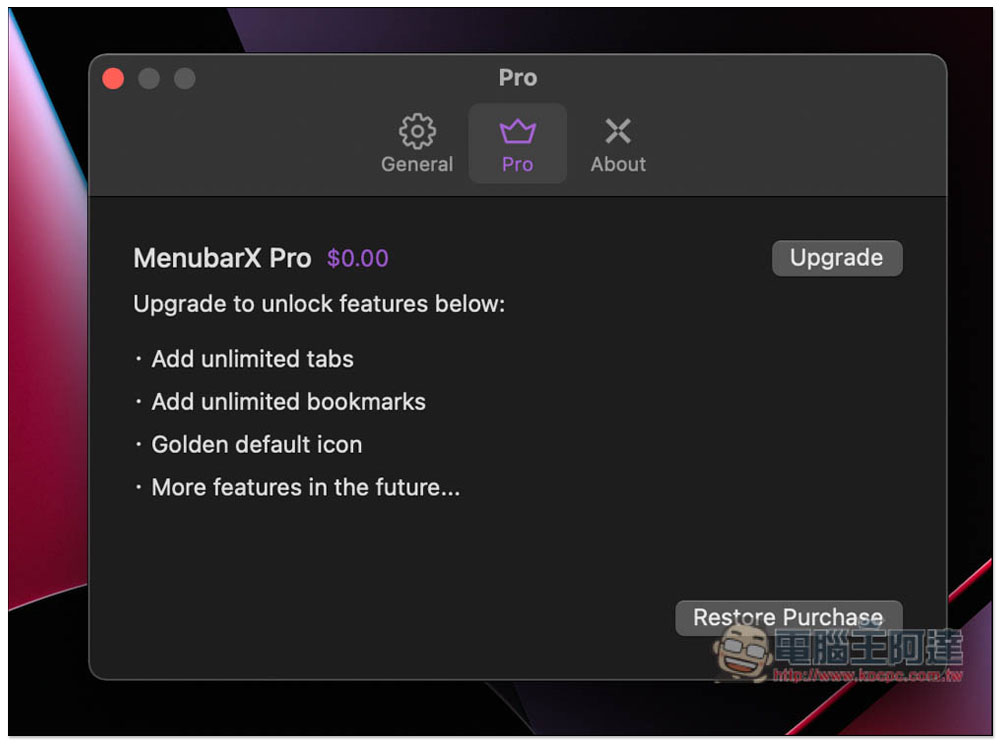
Go into the settings and you can find the Pro professional version option. There is currently a free event and the price becomes 0. Click the upgrade on the right:
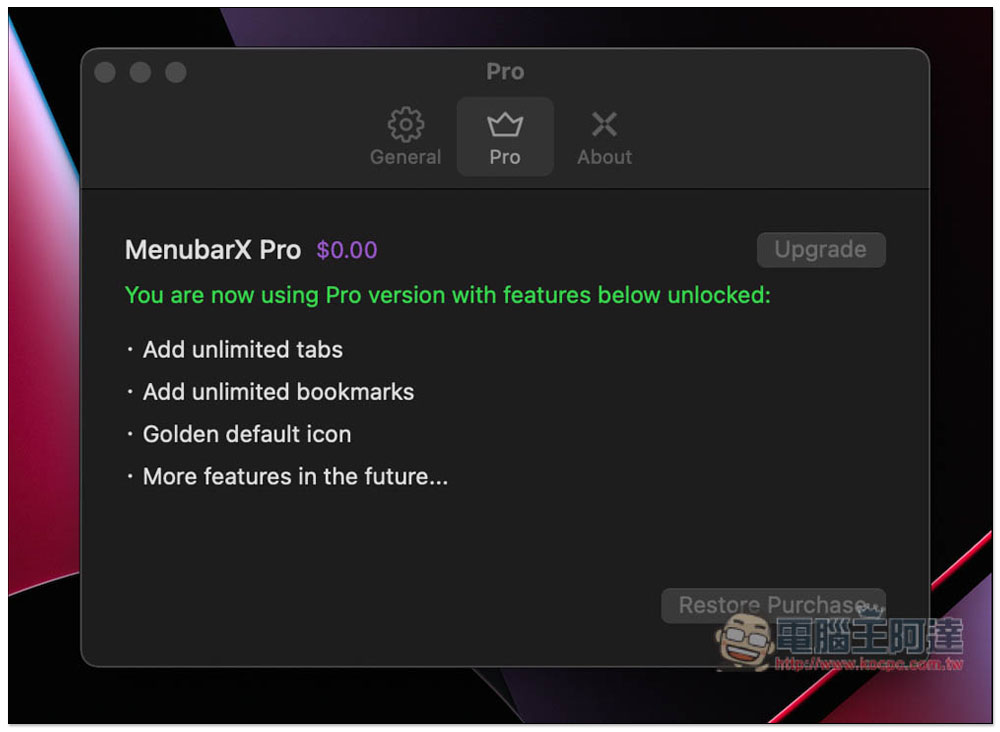
I successfully tested it and got it, and it’s the lifetime version:
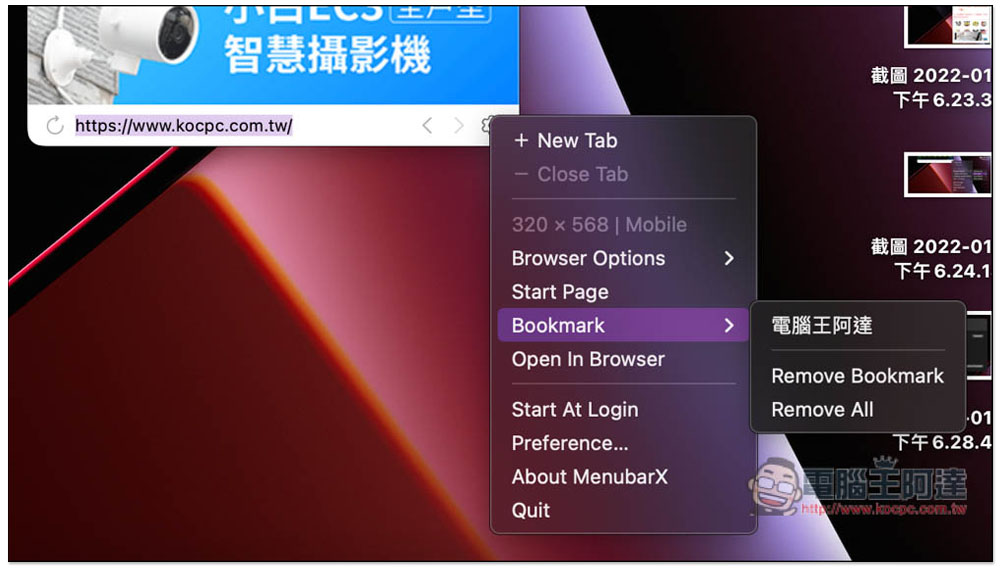
It is recommended to add frequently visited web pages to your bookmarks, so that you don’t have to enter the URL yourself in the future, which is much more convenient:
Source: KOCPC Chinese