


A while ago we introducedCross-Language Search Power Tool BiLin AIOne-click search of global website information, plus bilingual comparison translation. Today I’m introducing another AI search engine, “Perplexity,” which helps users quickly and accurately retrieve information and explore knowledge. Unlike BiLin AI, Perplexity can directly organize the information you want—you don’t need to click into each webpage to understand the content. Let’s take a look at how to use this free AI search engine, Perplexity~
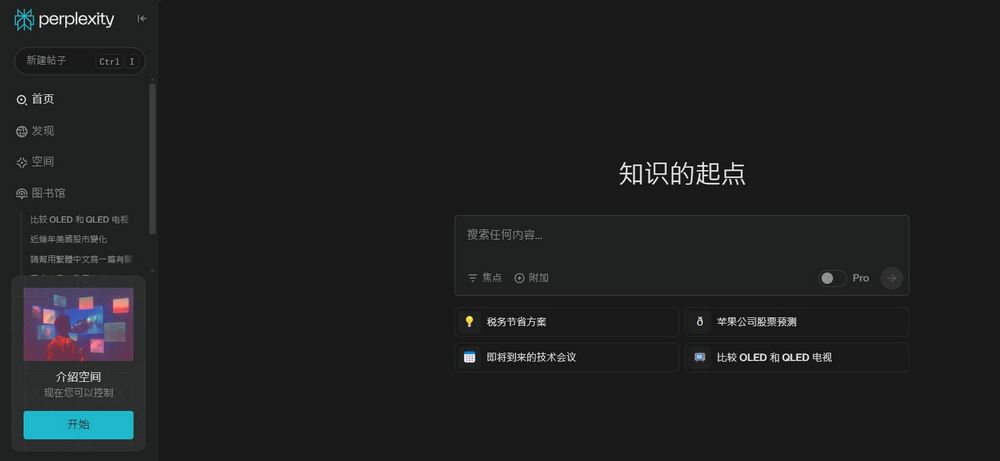
Super handy! AI search engine “Perplexity”: One-click integration of global information to improve search efficiency
Today I’ll introduce “Perplexity,” an AI search engine that combines large language models with real-time web search technology. Perplexity can understand users’ questions and provide detailed, bullet-point answers, and every answer it provides comes with sources. You can use Perplexity to quickly find and organize information when you want to learn about something, research a company, or prepare materials for a report or PPT.

Go use the AI search engine Perplexity
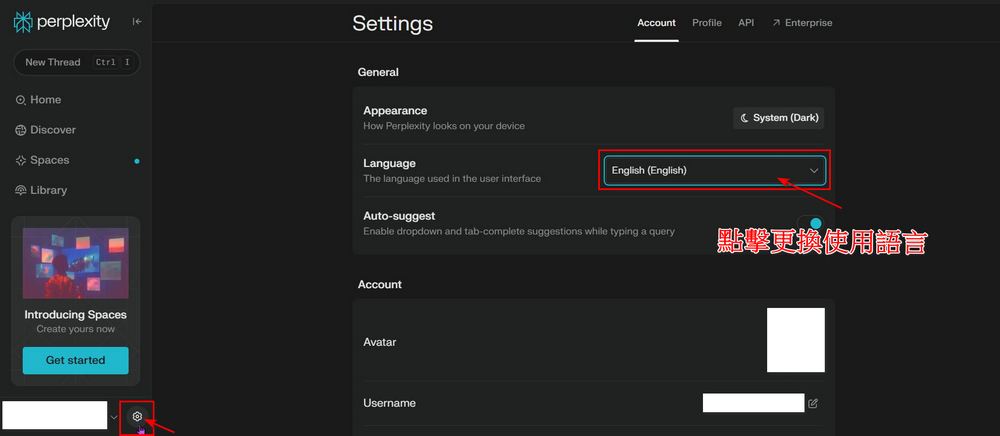
After clicking the link above to go to Perplexity, you’ll first need to register or log in—just choose the account you want to use. Before getting started, you can visit Perplexity’s settings to change the language; it supports a wide range of languages.
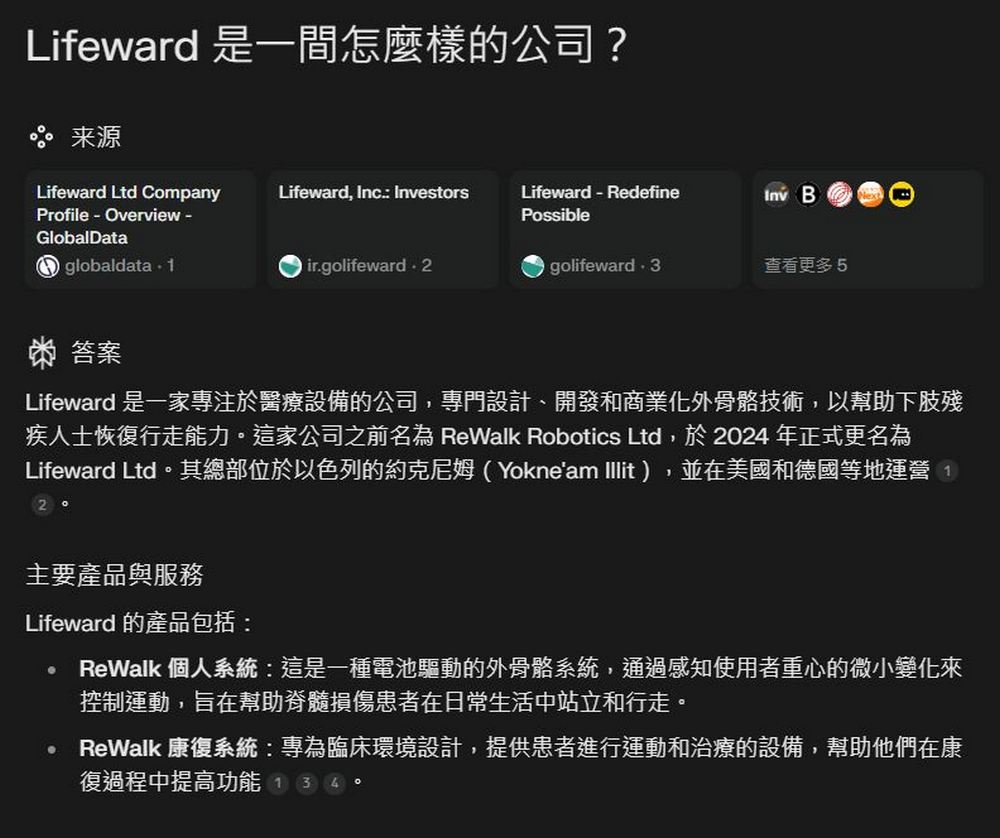
After logging in, you can start using Perplexity to search for information. For example, if I need to write a university report about the company Lifeward, I can search “Lifeward” directly on Perplexity, and it will compile all the information for me at once—where the company is from, what industry it operates in, its main products and services, company growth, market positioning, and more.

If you’re not confident in the answers Perplexity has compiled for you, you can also click on the webpage provided by Perplexity above to verify. With Perplexity, data that would normally take several hours to organize can now be collected in just a few minutes.
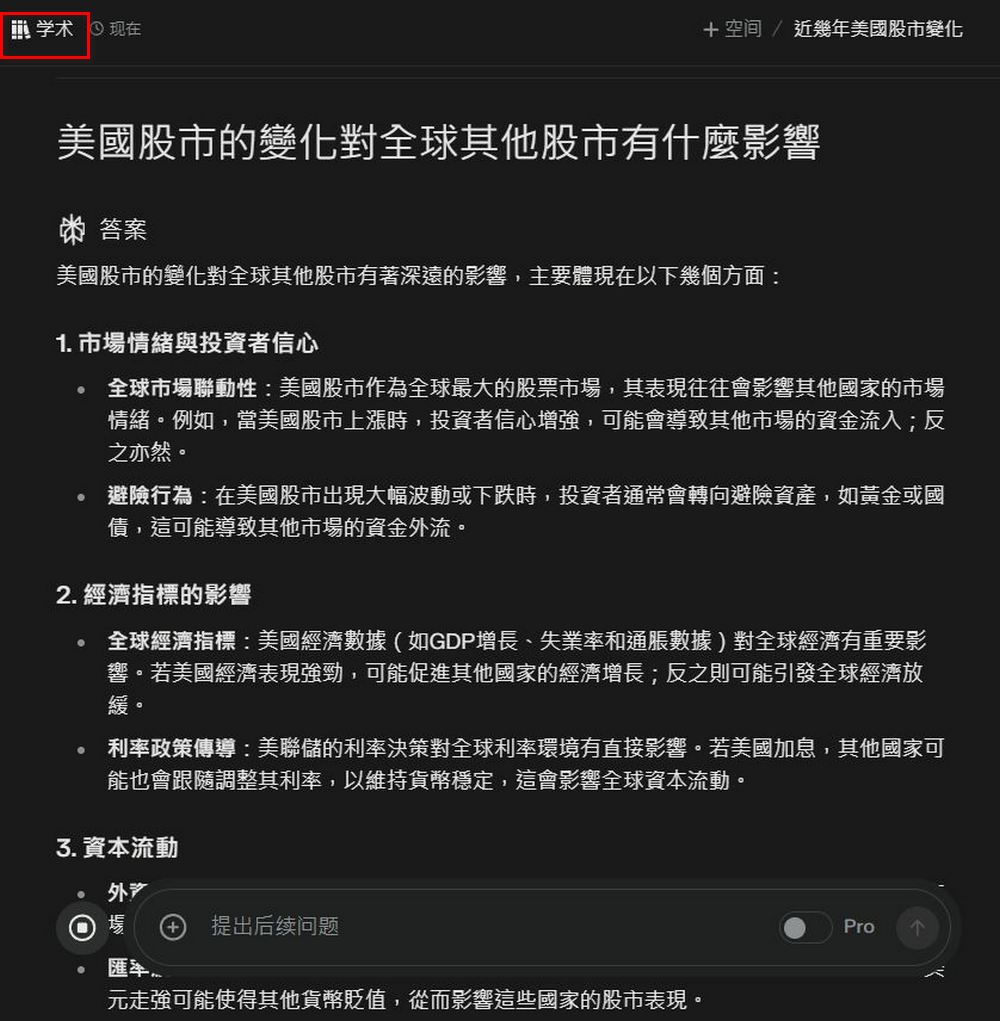
Besides searching for information, Perplexity can also be used to search for academic papers, solve math problems, generate text, and more. On the homepage, just select the content you want to search under the “Focus” section.

This way, when you’re working on your graduation project or thesis, you can quickly find relevant academic papers and get a general sense of writing direction, without having to search for the information you need like looking for a needle in a haystack.
You can also use Perplexity to generate text. For example, when I was in college, I needed to read English novels and write reading reflections, character development analysis, and so on. Back then, there were no tools, so I had to read page by page, and after finishing, I would go back and organize the content before writing my reflections. But just now, I simply used Perplexity to enter the novel’s title and the type of content I wanted, and Perplexity generated the rough content I was looking for. It’s a bit of a shortcut, but it’s really convenient. Of course, don’t just copy it directly—you should still rewrite it based on your own understanding.

That concludes the tutorial for the AI search engine “Perplexity.” If you’re interested, you can try it out yourself. However, Perplexity uses AI to help summarize content. Although testing so far shows a low error rate and it has good reviews online, AI can still sometimes have hallucinations. When using it, you should still pay attention to the content Perplexity compiles. It’s best to read the website content yourself and not blindly trust the information Perplexity provides.
Go use Perplexity, the AI search engine.
Source: KOCPC Chinese