


This year, AI tools have been constantly introducing new things. Earlier, I came across a rather interesting one called “MemenomeLM” that can convert long PDF documents into engaging short videos. I tested it and the results were quite good, and it also offers a free quota of 3 articles per day. The only downside is that it currently only supports English, but the developer mentioned that support for more languages will be added in the near future. I highly recommend that those interested give it a try first. I guess we won’t have to wait too long, since converting between languages is not a difficult task for AI.
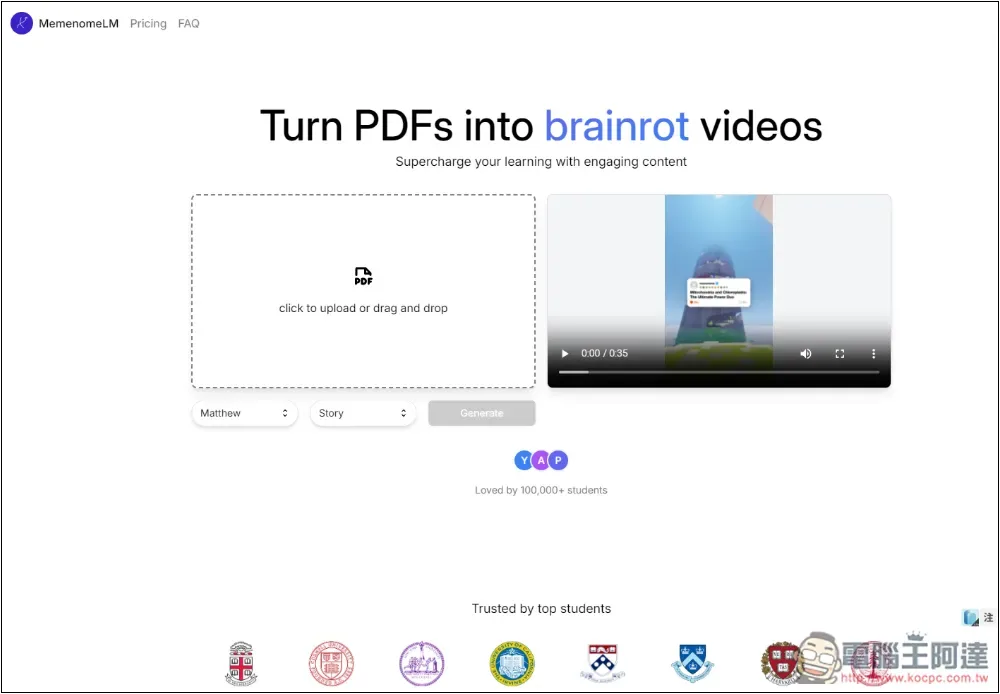
MemenomeLM is a free AI tool that can convert PDF files into short videos.
MemenomeLM has a free version and a paid version. The free version requires registration to use, offers a daily quota of 3 PDFs, and lets you choose basic AI voiceovers, but the short videos generated will have watermarks. Paid members can unlock features such as no limit on the number of PDF documents, more AI voiceovers, and no watermark.
After clicking the link above to enter MemenomeLM, it’s recommended to register an account first—otherwise, even after uploading and hitting generate, you’ll be asked to register before you can continue.
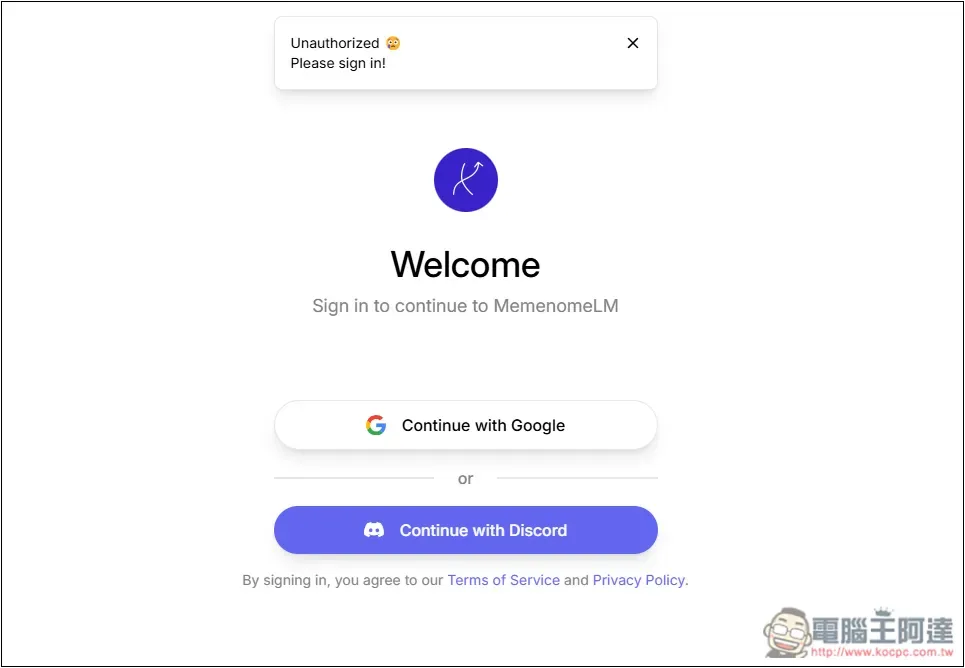
Currently, account creation is only available through Google and Discord, but I tested Discord and it seems to have some issues right now—it errors out, so only Google works:
After you upload your PDF file, there will be a preview on the left:
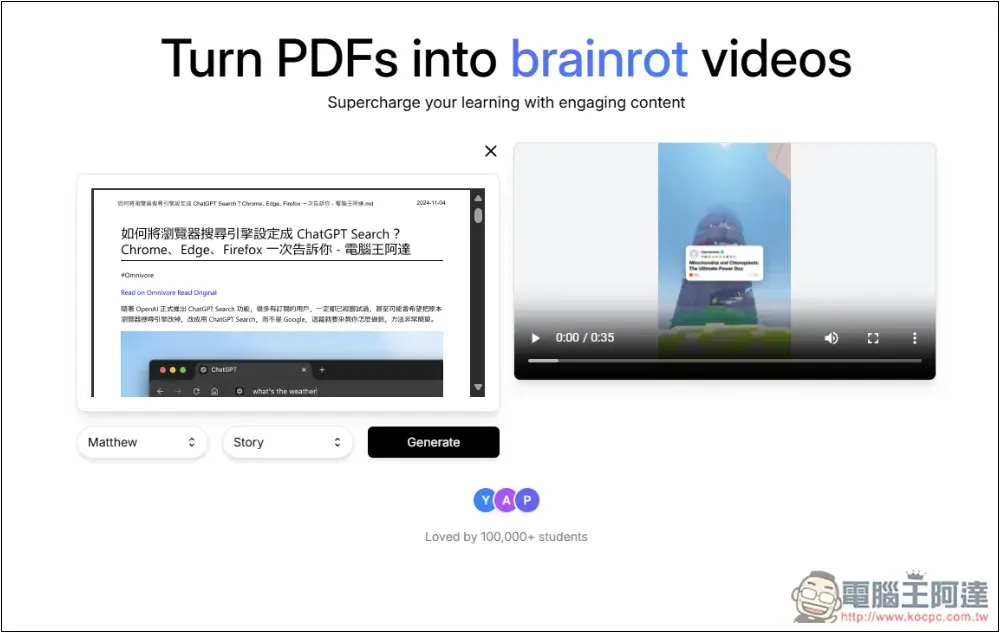
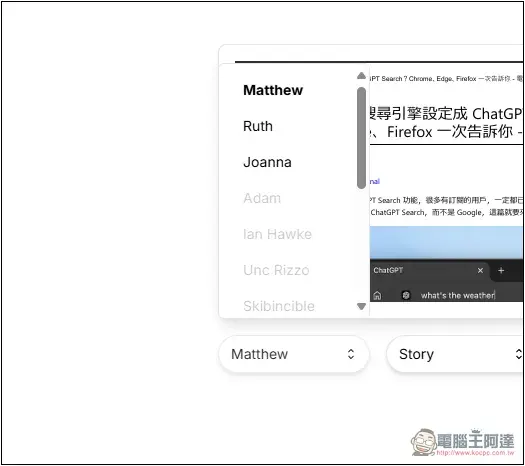
The free version has three voices to choose from: Matthew, Ruth, and Joanna. Unfortunately, there is no preview function, so I don’t know how these three differ:
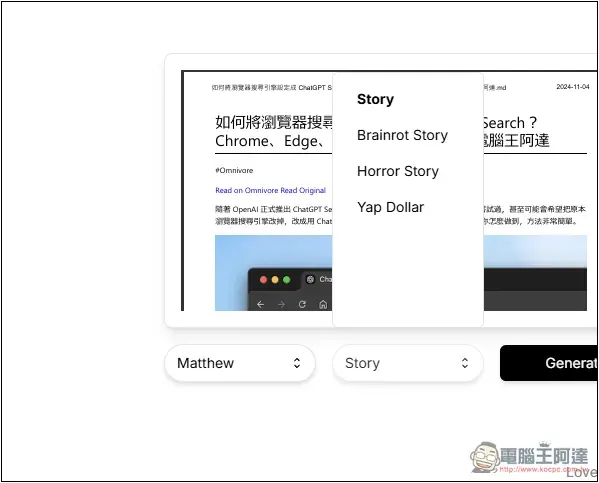
The right side seems to show the way content is presented, with options like Story, Brainrot Story, Horror Story, and Yap dollar. Not sure how different they are, but if you’re interested, you can try them out yourself.
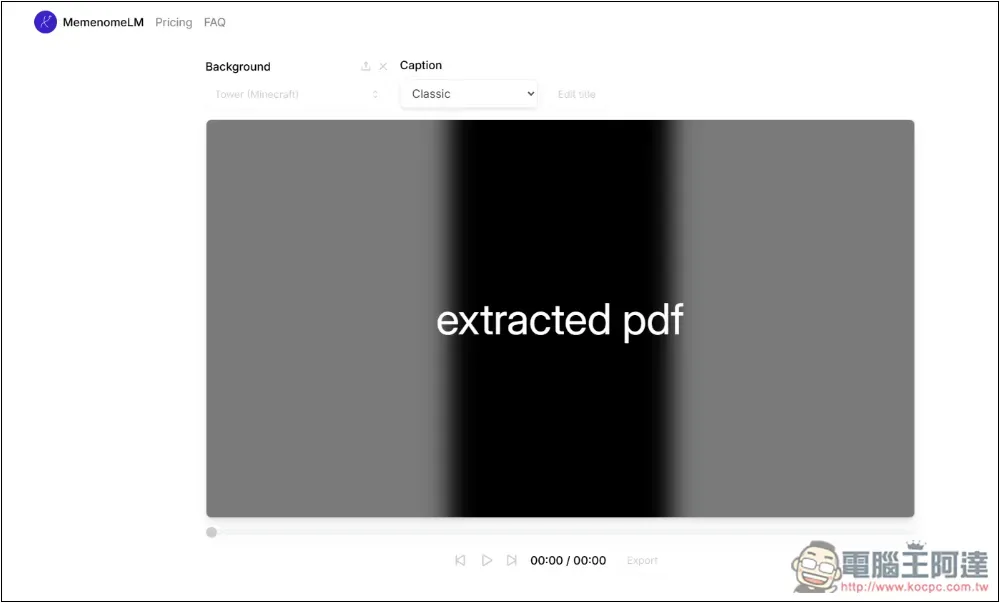
After clicking Generate, it will start decompressing the PDF, then read and generate content. I can input Chinese content without issues, and the AI will also read it, except that currently the generated content is only in English:
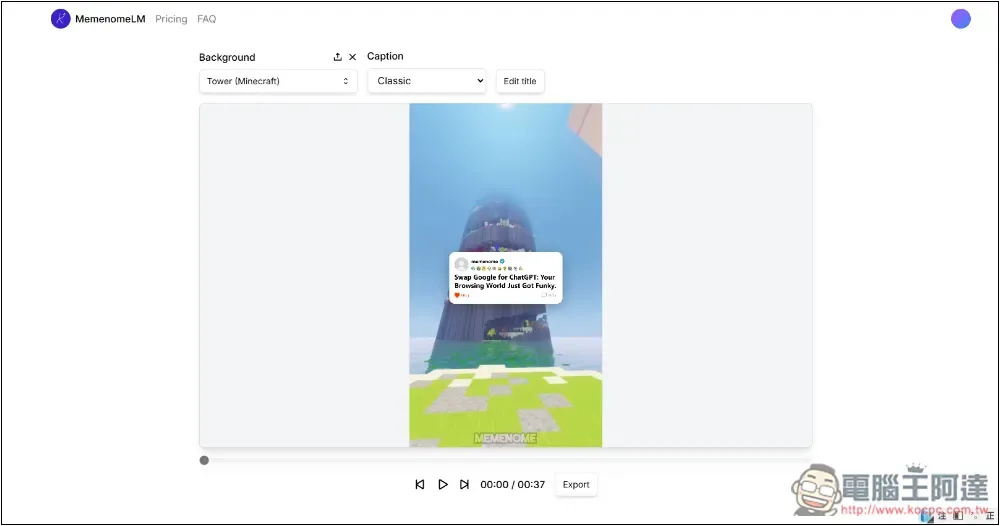
It takes about a few dozen seconds to complete, which is pretty fast. After it’s done, you can preview it online; if you’re satisfied, press Export to export and download it:
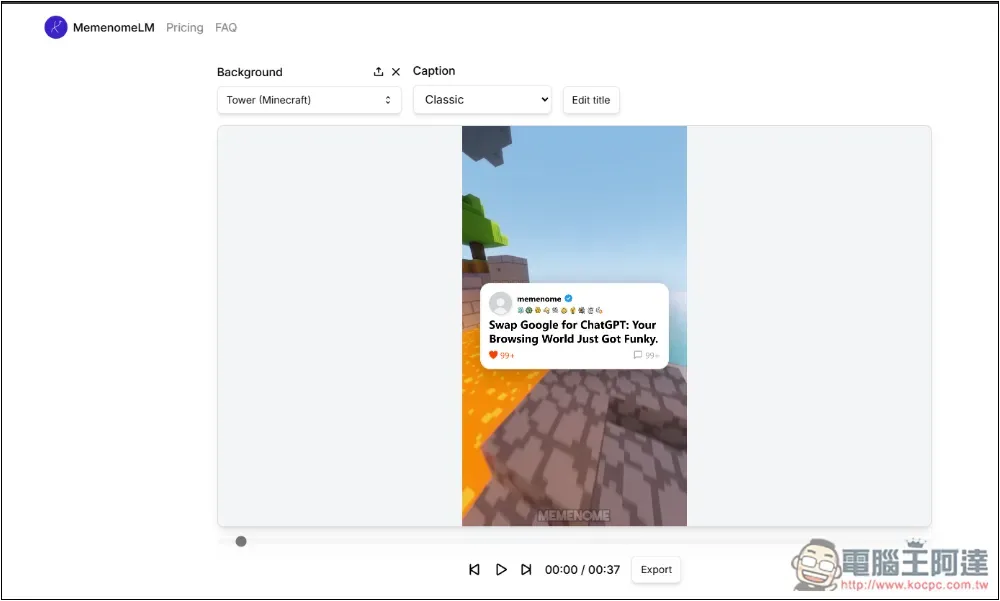
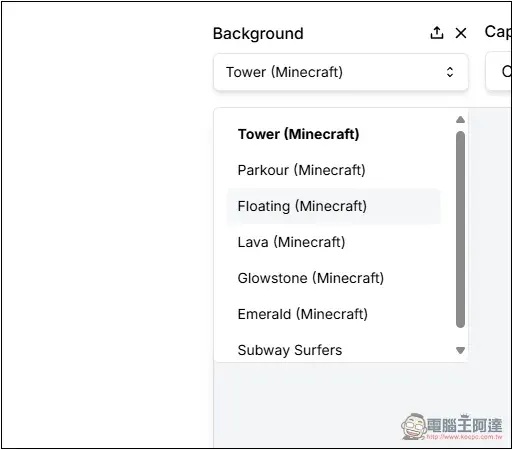
The background can switch between different Minecraft video content, and this part switches in real-time without needing to be regenerated.
And the PDF I sent contains this article:How to set your browser’s search engine to ChatGPT Search? Chrome, Edge, and Firefox, all in one guide.“The following is AI-generated video content, which I have translated into Chinese.”
把 Google 換成 ChatGPT,您的瀏覽世界將變得趣味十足!
是否厭倦了每天一成不變的 Google 搜尋?
試著把搜尋引擎改為 ChatGPT 搜尋,為您的日常增添新鮮感吧。
多虧 OpenAI 的技術,Chrome、Edge 或 Firefox 都能輕鬆升級為您的專屬 AI 智慧球。
想像一下,您的瀏覽器將不再只是被動的工具,而是您數位探索中的積極夥伴。
現在,您可以隨時選擇運用 AI 的魔力,或者繼續依賴 Google 的隨機資訊。記住,
靈活才是王道,或者如 OpenAI 所說,適應即是新時代的自動化。
所以,還在等什麼?給您的瀏覽器來一場 AI 改造吧!
The short video is as follows:
Source: KOCPC Chinese