


When watching YouTube videos, subtitles can help viewers understand the current content of the video more quickly. Especially when the sound playback cannot be turned on, if you can play the video with subtitles, you will not be afraid of not being able to understand it! However, when users want to watch two subtitles at the same time when playing foreign YouTube videos, the current built-in YouTube system cannot support it. Therefore, this time I will share with you two Chrome extension plug-ins to easily achieve the effect of dual subtitle playback.

Tutorial on setting up dual subtitles on YouTube, easily accomplished with two Chrome extension plug-ins!
For users who want to play videos from other countries while learning a foreign language, if only a single foreign language subtitle is turned on, they may encounter a short wall in the initial stage of learning a foreign language. If they want to get into the situation faster, using dual subtitles to speed up learning is also a good way.
Today I will share with you two Chrome browser extensions that can turn on “dual subtitles” when playing YouTube videos.
YouTube™ dual subtitles
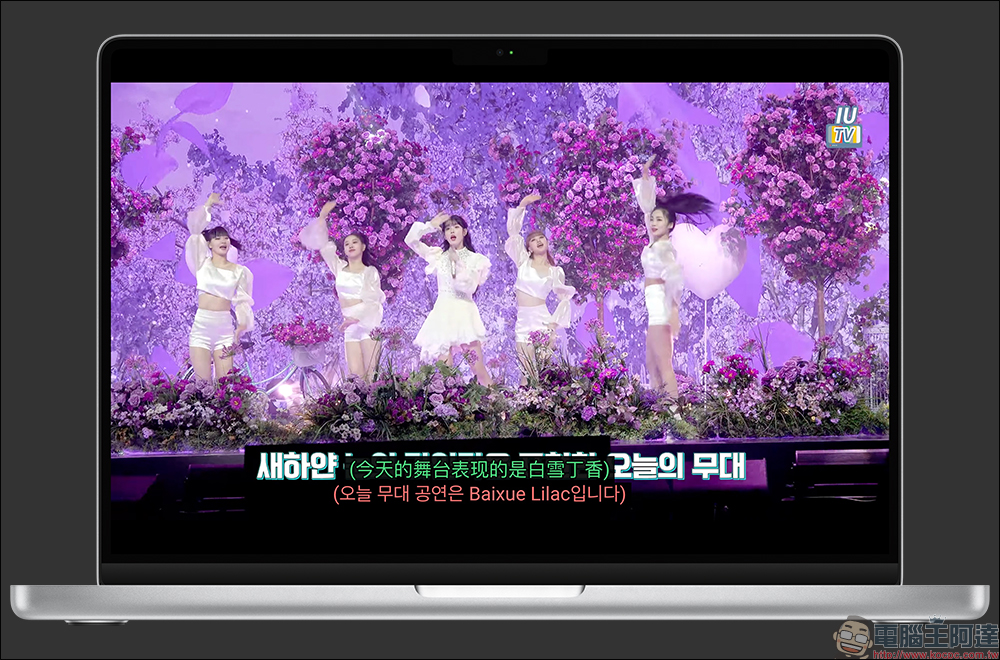
The actual playback effect of the first “YouTube™ Dual Subtitles” is as follows:
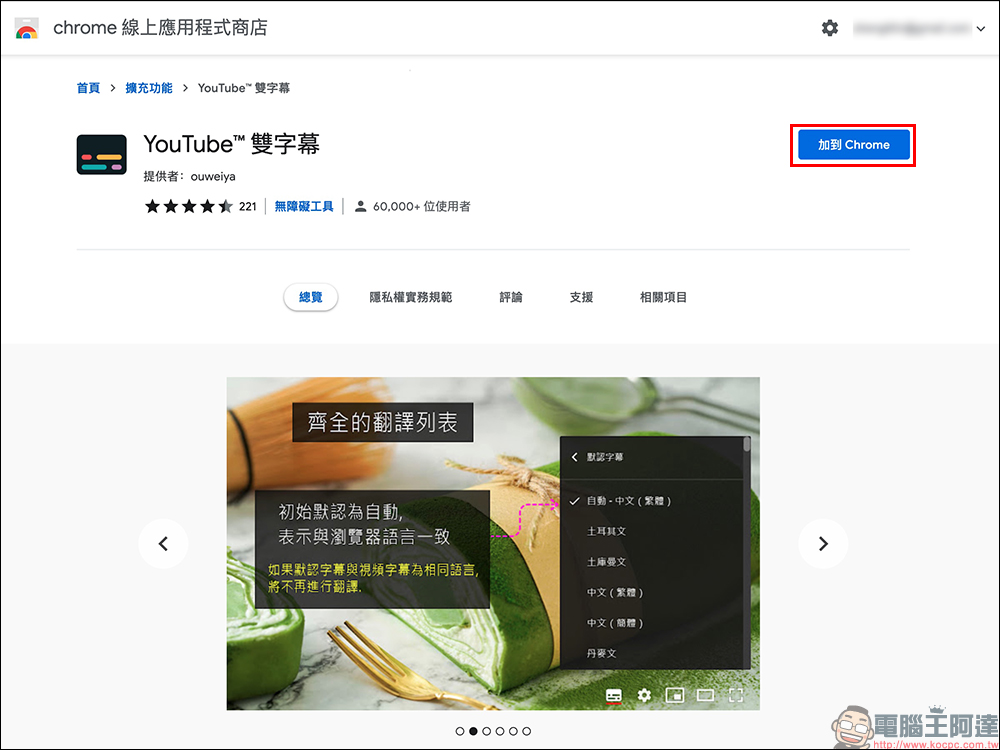
First, go to the chrome online app store to download “YouTube™ Dual Subtitles”, then use the Chrome browser to open YouTube to play videos.
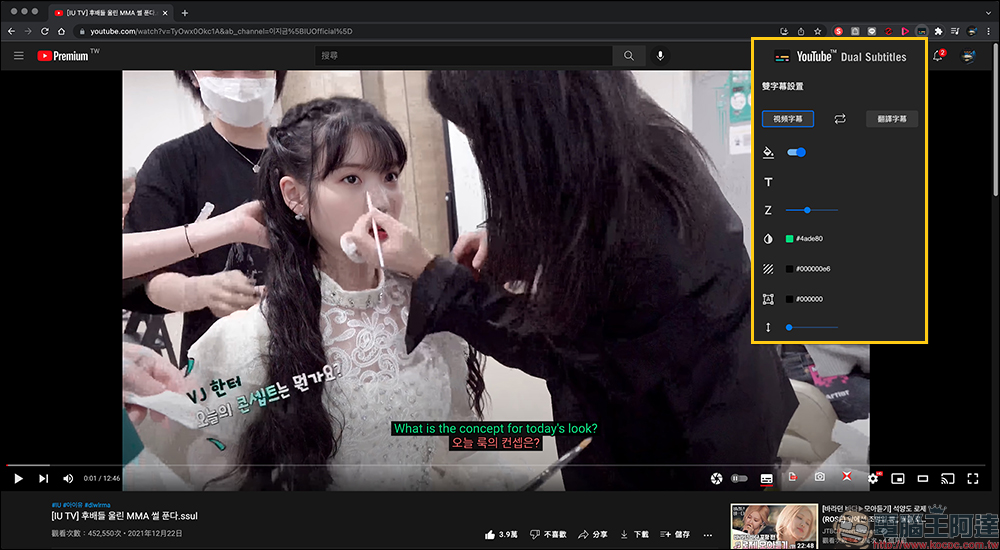
Users can make various settings for dual subtitles in the toolbar, including the subtitles’ color, size, transparency and other settings that can be customized and adjusted.
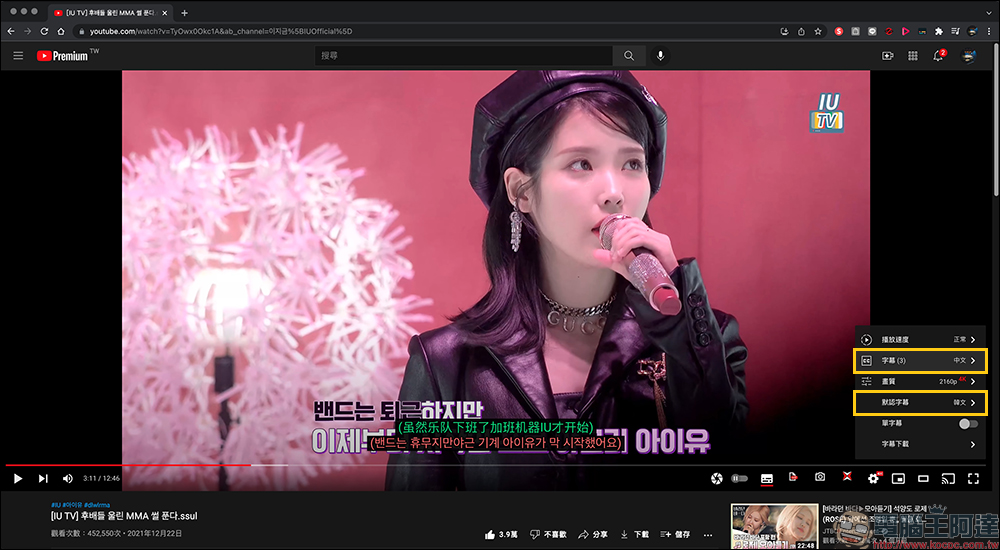
Then select the language of “Subtitles” and “Default Subtitles” respectively, and you’re done!
In addition, “YouTube™ Dual Subtitles” allows users to adjust the position of the subtitles on the screen, whether it is below, left, right, or at the top of the screen.
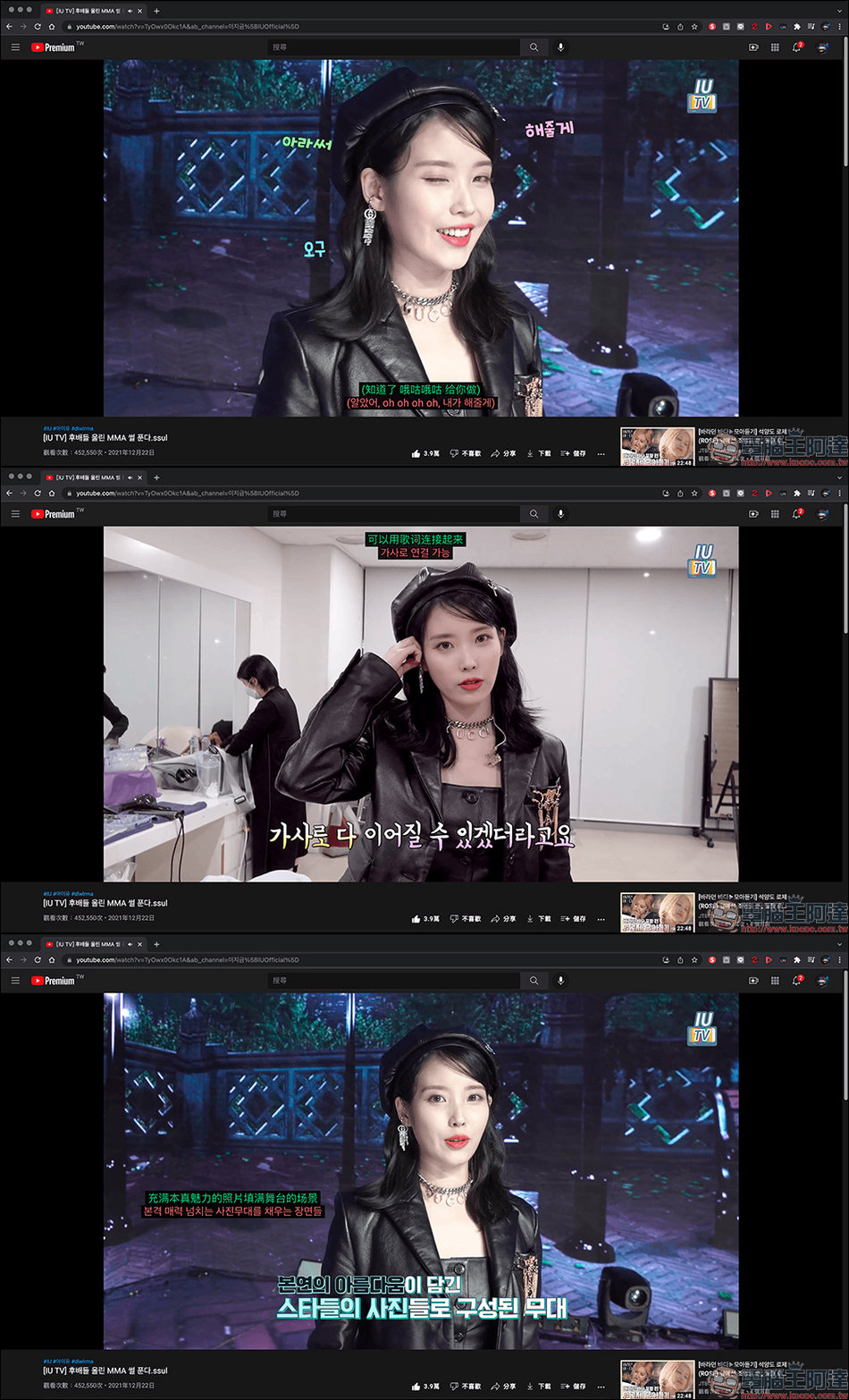
YouTube™ Dual Subtitles Chrome Extension:
Click here to download (chrome online app store)
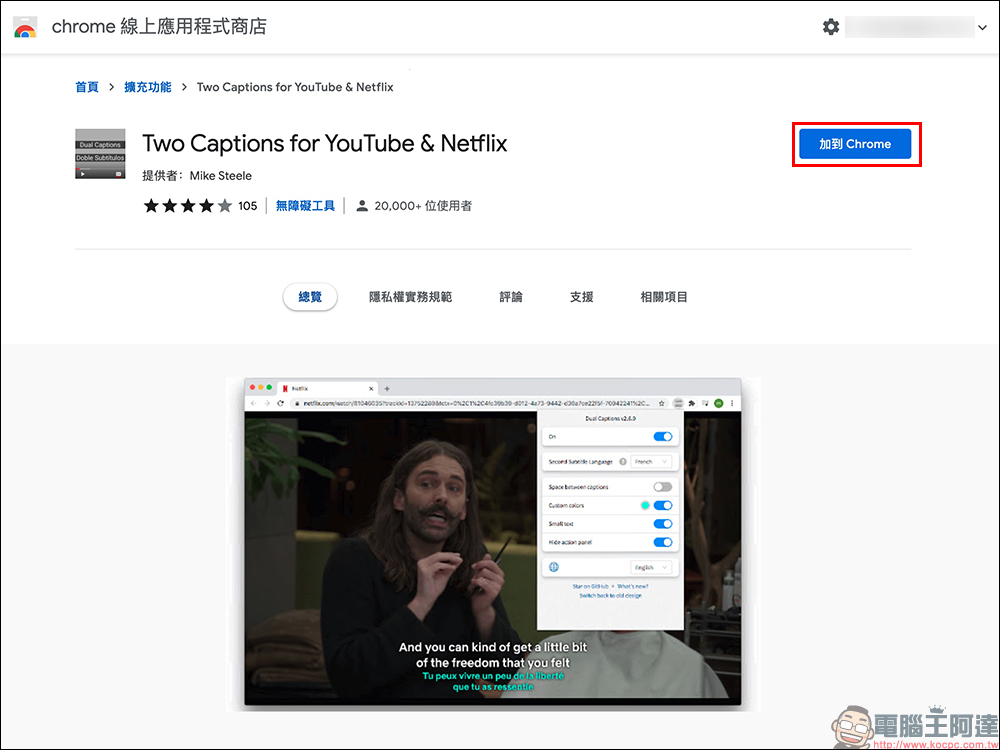
Two Captions for YouTube & Netflix
The second version “Two Captions for YouTube & Netflix” can also be downloaded from the chrome online app store, and then played on YouTube videos in the Chrome browser.
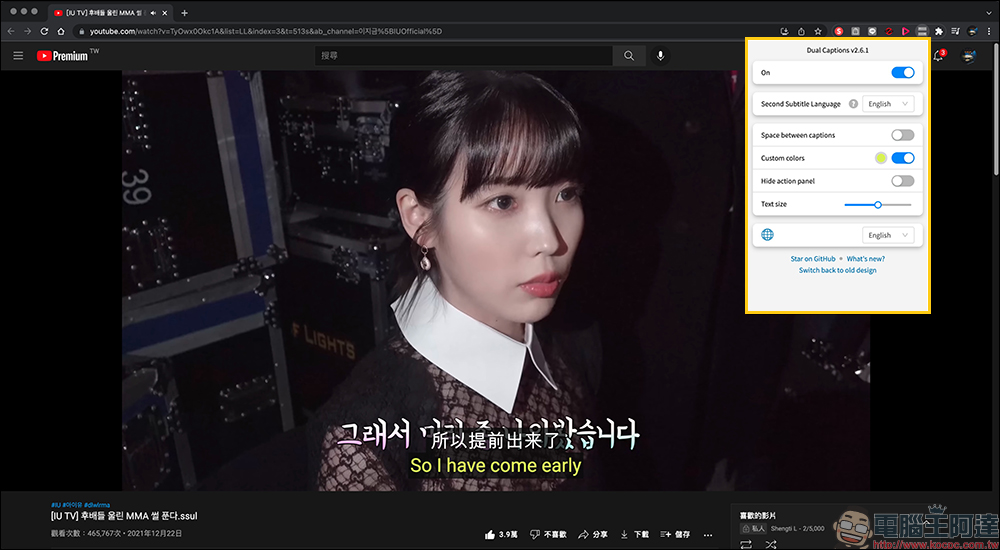
On the settings page, users must first set dual subtitles to “On” and then select the language of the second subtitles.
The color of the second subtitle can also be set by the user.
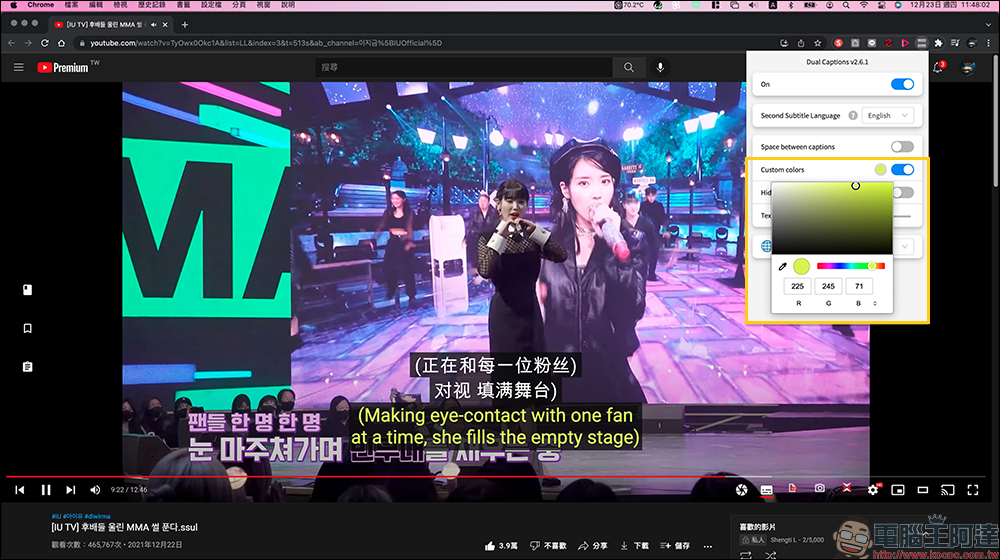
The double subtitle playback effect of “Two Captions for YouTube & Netflix” is as follows:
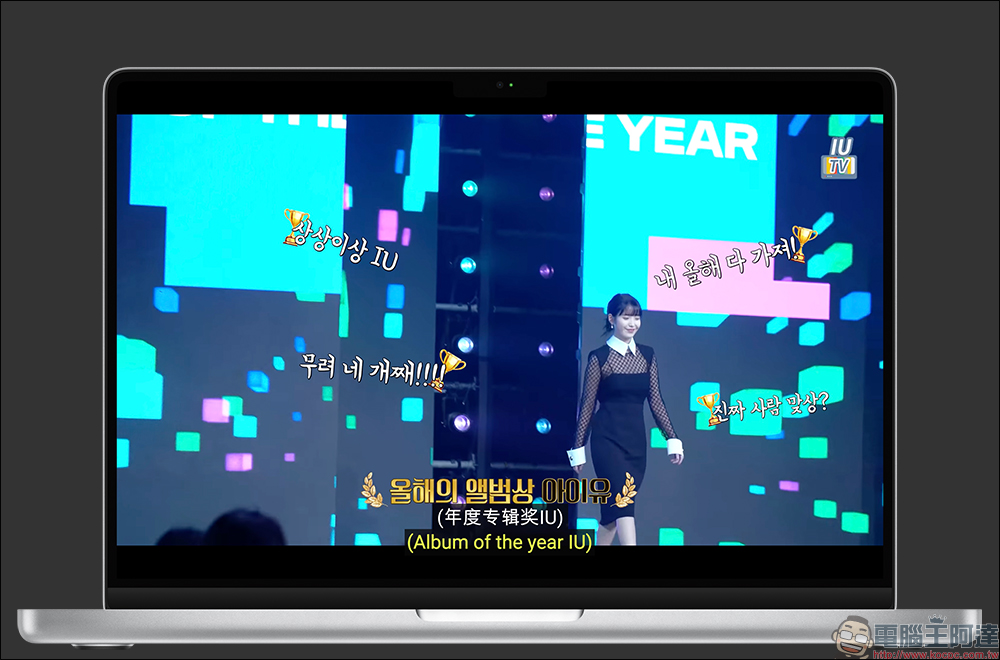
Two Captions for YouTube & Netflix Chrome extension:
Click here to download (chrome online app store)
Further reading:
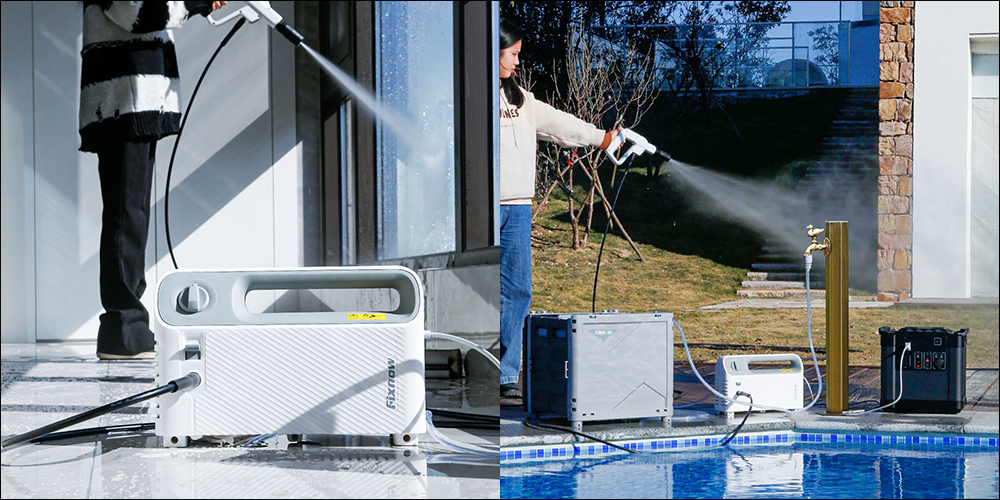
Xiaomi Youpin launches the ultra-compact Fixnow dual-purpose car cleaning machine, which weighs only 2.4 kg and supports a variety of water supply modes and usage scenarios.
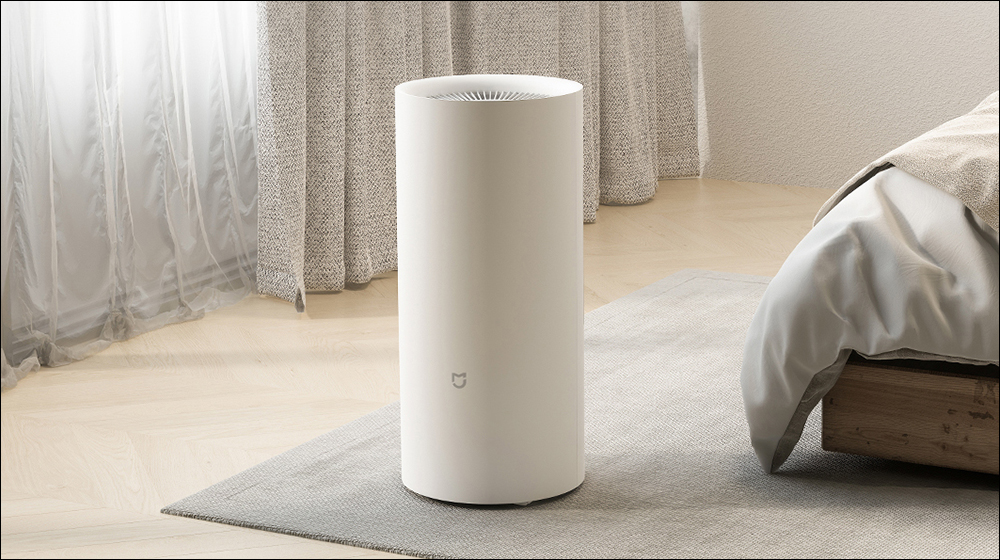
Xiaomi launches Mijia smart dehumidifier 22L, supporting three modes: smart, drying, and sleep
Source: KOCPC Chinese