


For those who like singing, they will definitely want to have unvoiced karaoke accompaniment. Although you can find some on YouTube, the sound quality may be too poor, or what you want is not available. This article will recommend a very useful free online tool called SongDonkey, which can help you separate the human voice from the music with one click, and the effect is very good.
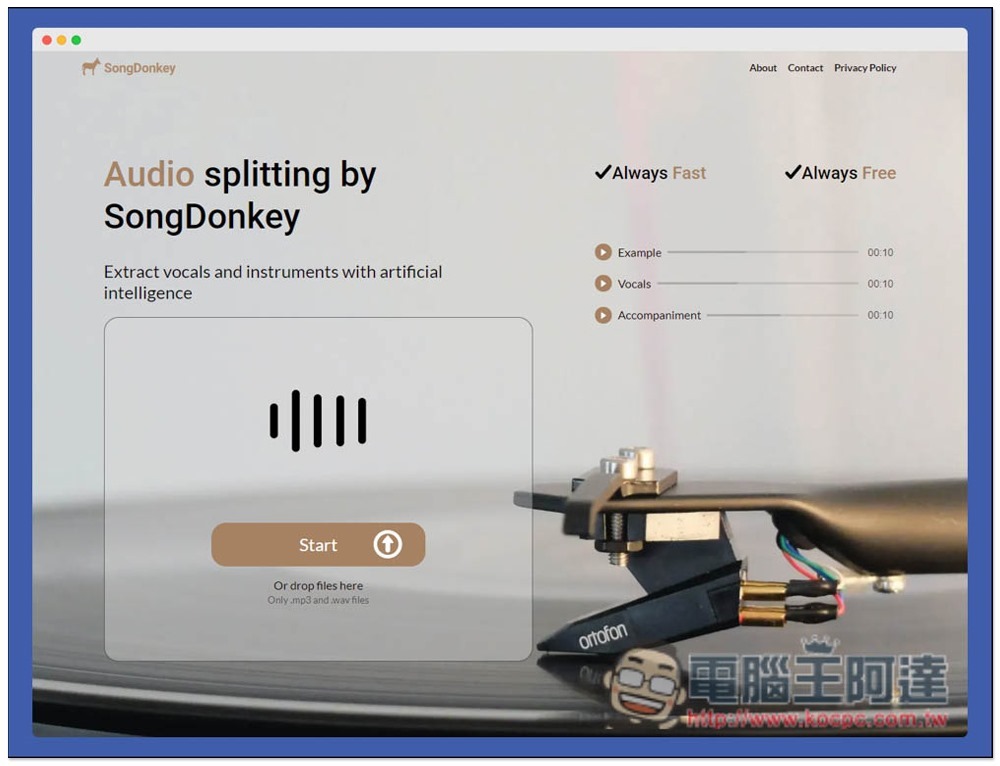
Introduction to SongDonkey, a free online tool that can separate vocals and music
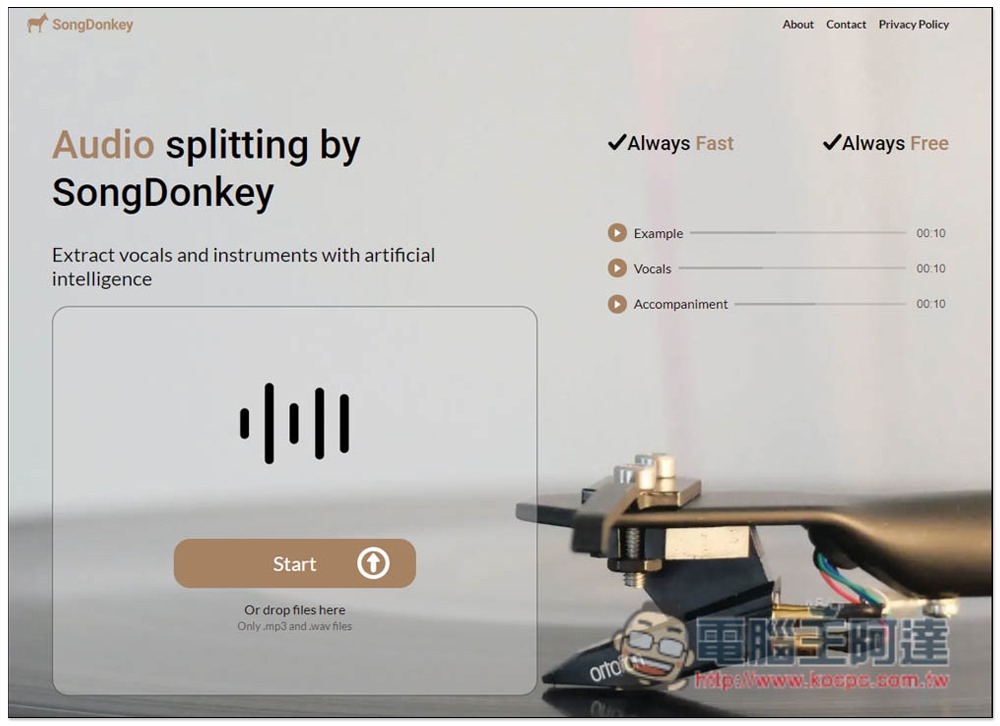
SongDonkey is a foreign website, but it is very simple to use. After entering the website, you can drag in the music files you want to separate, or click Start to select manually. It supports .MP3 and .WAV formats:
Showing Uploading means uploading, and the speed is quite fast:
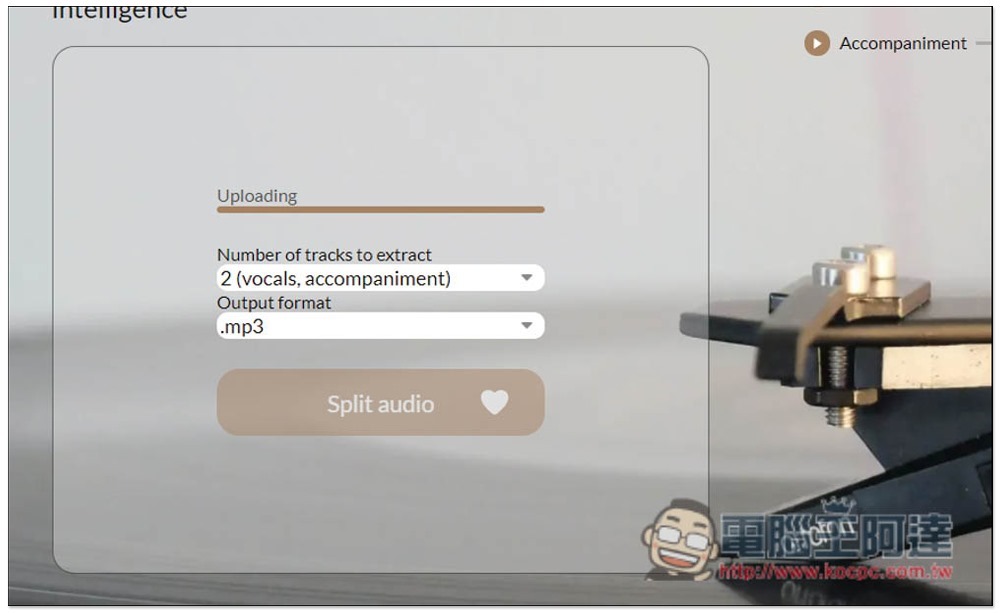
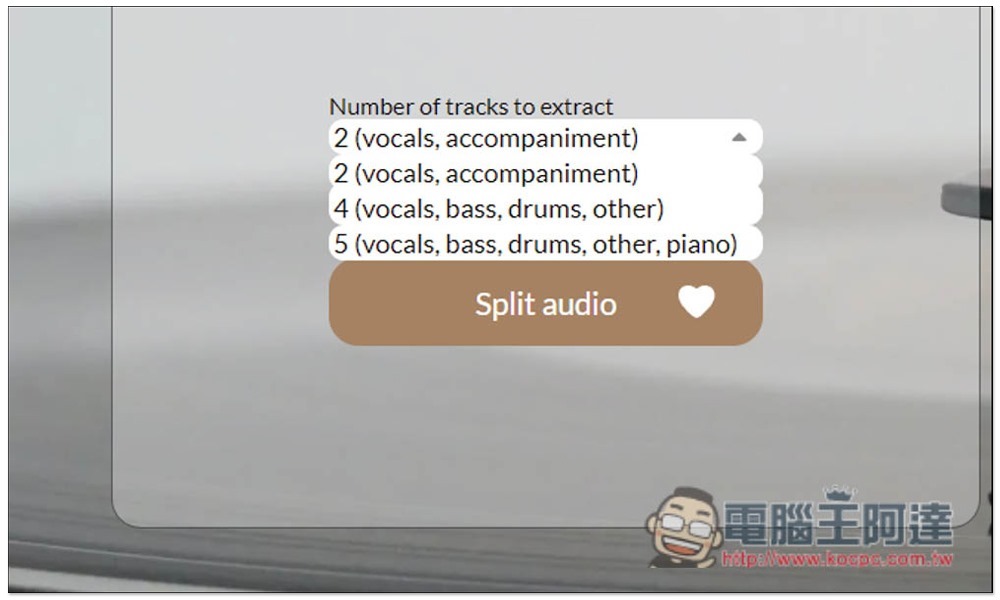
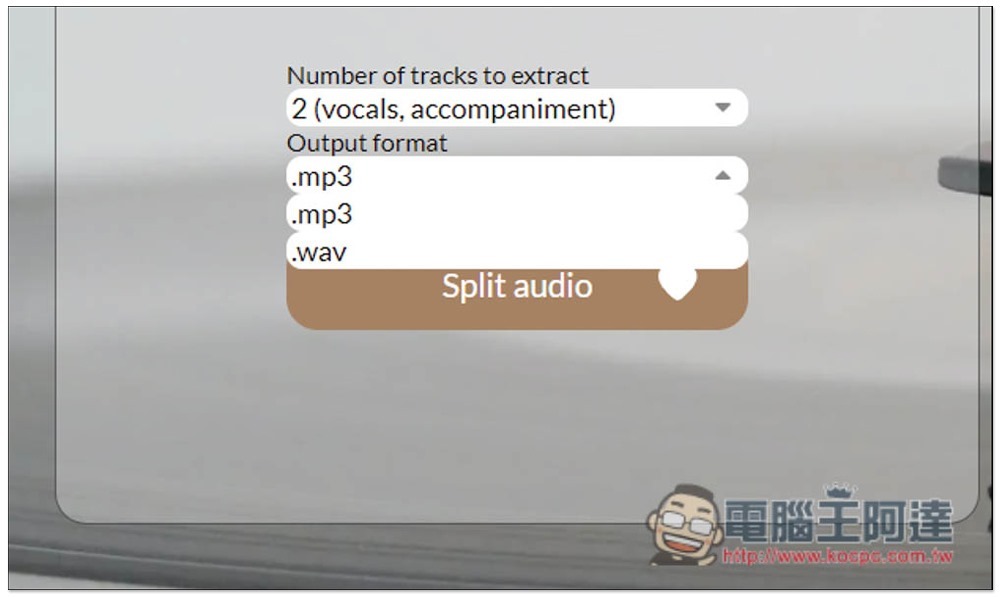
After uploading, you can select the part you want to separate. If it is vocals, the default 2 is enough without modification, that is, vocals, accent, 4 and 5 for other separate tracks:
The output format is also only .MP3 or .WAV. After selecting both, press Split audio:
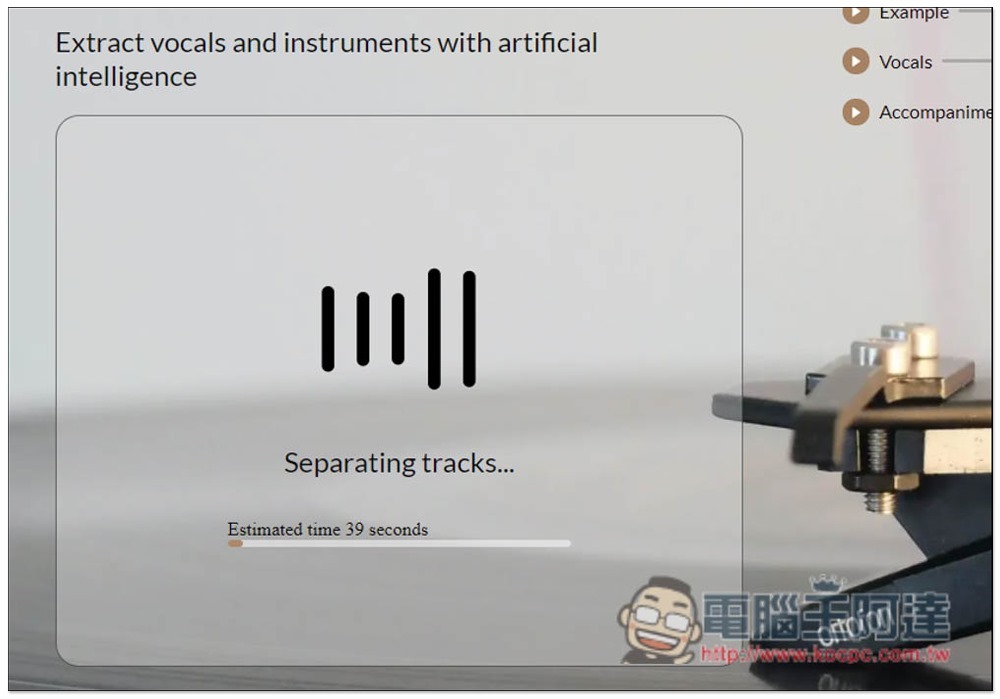
When separating, we will tell you approximately how long it will take. Basically, it will be completed within 1 minute, unless your music is too long:
After the completion, you will be asked to listen online. For the separated vocals, there will be three types: original music, pure vocals (Vocals), and accompanying music (Accompaniment). Click the play icon on the left to listen. If you like it, download it. You can download them individually, or click Download All to download them all at once:
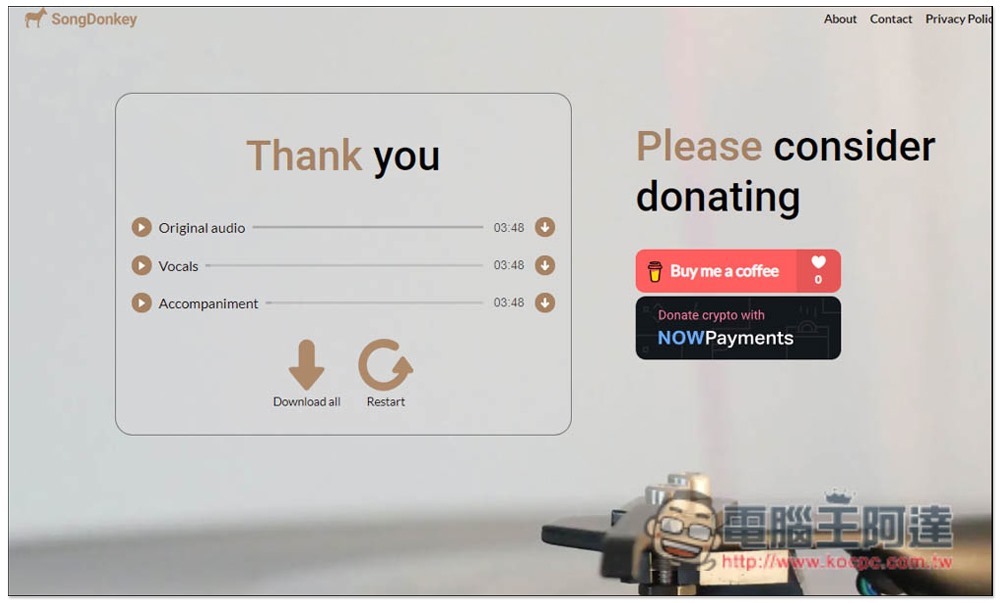
SongDonkey is a completely free tool, so you can separate as many songs as you want without any restrictions, and there are no ads on the web page, which is really quite heartwarming.
In addition, there are examples on the right side of the homepage for you to try. Friends who want to know the effect can try it first.
In addition to this one, we have previously introduced other free tools that can separate vocals and music, such as:AudioStrip、Lalal.ai、Moises.ai You can try them all to see which one works best.
Source: KOCPC Chinese