


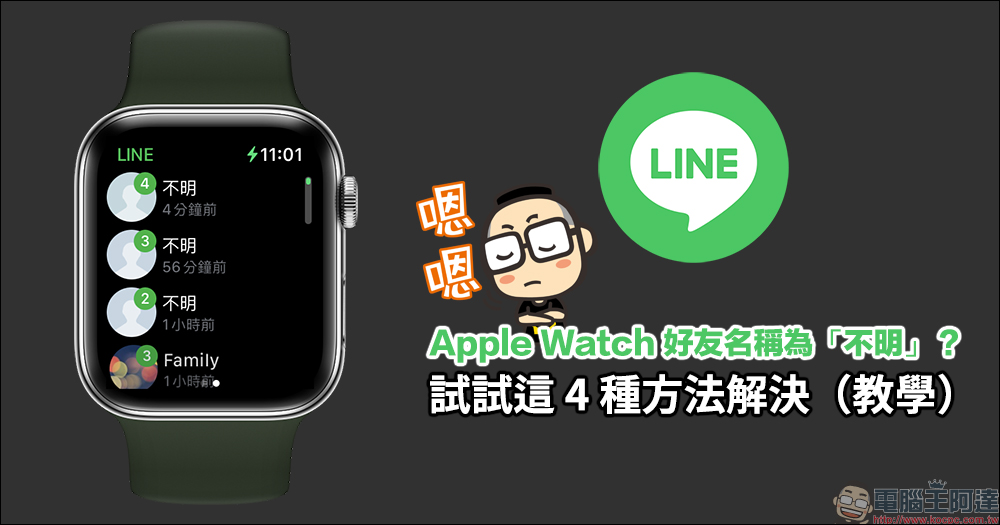
You can check LINE’s new message content through Apple Watch, which is very convenient for people who don’t have to pick up their iPhone at any time. However, recently some users reported that when operating LINE on Apple Watch, the names of friends in new messages are displayed as “unknown”, and unknown redemptions cannot display the photo sticker icon. If you have encountered the same problem, today I will share 4 tips to solve this problem!
LINE’s friend’s name on Apple Watch is “unknown”? Try these 4 solutions (teaching)
What should you do if you open the LINE App on Apple Watch and want to check new messages, but the following “unknown” screen appears? In fact, there is a way to solve this problem. Here are 4 solutions.
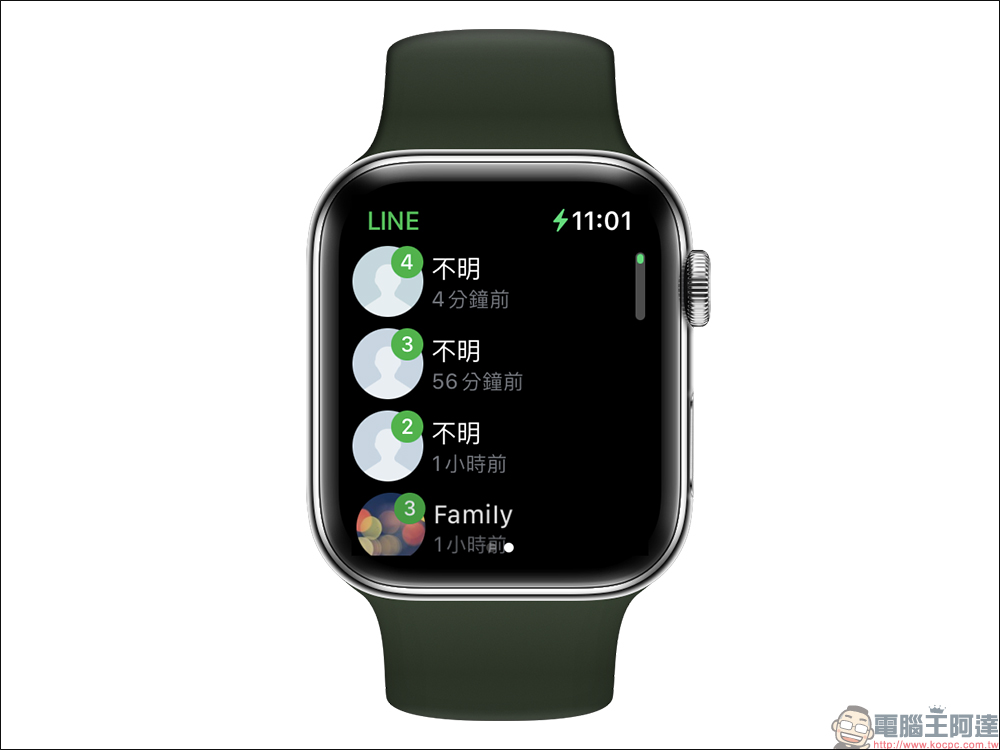
1. Continue to wait for LINE synchronization to complete
First of all, the first method is to do nothing. After turning on LINE on Apple Watch and waiting for a while for the LINE server synchronization to complete, you can solve the problem of “Unknown” display of friend messages on Apple Watch.
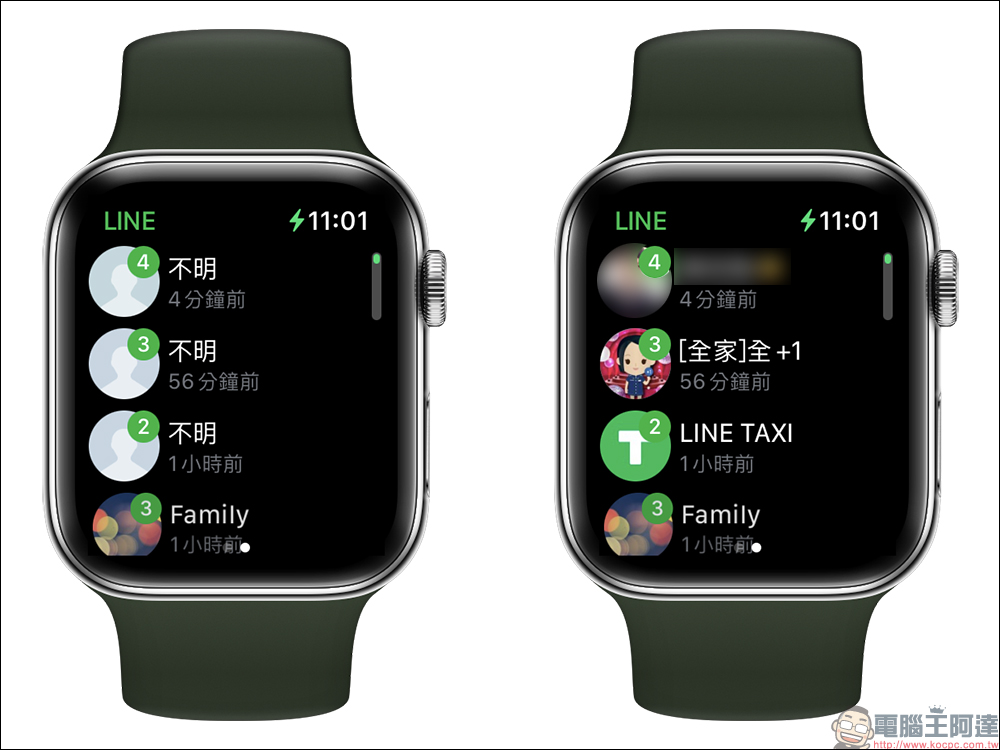
2. Restart Apple Watch
If the first method still cannot solve the problem, you can try to restart the Apple Watch first. Here are the steps to restart your Apple Watch:
- Press and hold the Apple Watch side button until the Power Off slider appears.
- Drag the “Shutdown” slider.
- After your Apple Watch turns off, press and hold the Side button again until the Apple logo appears.
3. Log in to LINE on Apple Watch again
Users can also try to log out of LINE on Apple Watch and then log in again, which may also solve the problem of “unknown” friend names.
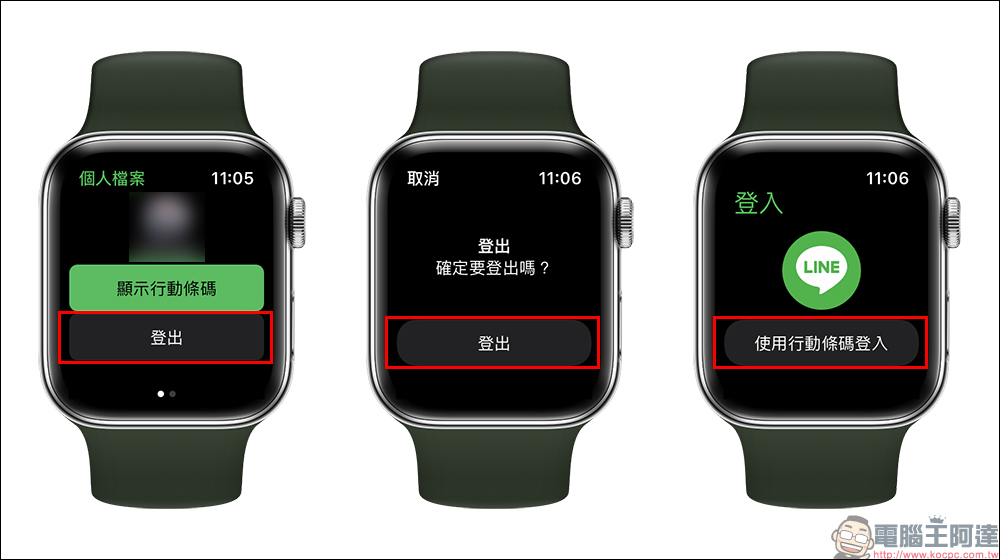
4. Reinstall LINE on Apple Watch
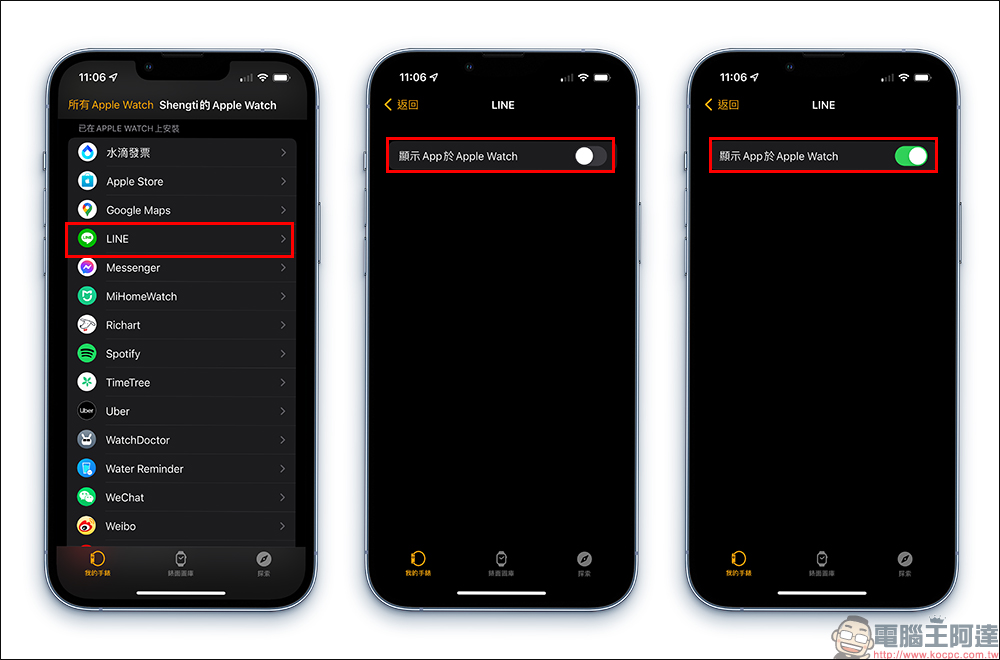
The last method is to remove the LINE App from the Apple Watch and then reinstall it (there is no need to remove the LINE App from the iPhone itself). Users can go to the “Installed on APPLE WATCH” menu in the Watch App on iPhone, close and then reopen the LINE display app on Apple Watch, so that LINE can be reinstalled on Apple Watch first.
After reinstallation, users must log in to the LINE App again on the Apple Watch before it can be used. This method may also solve the problem of “Unknown” displayed in the LINE friend list.
Further reading:
LINE free sticker collection: 26 super cute stickers for free download for a limited time

Source: KOCPC Chinese