


OpenAI already opened up the ChatGPT Search feature for trial (or SearchGPT) a few months ago, but only to a small group of users. Many people are probably wondering whether it can really replace established search engines like Google and Bing, and compared to Perplexity, which one is better? Now, as long as you’re a Plus or Team user, you can try it yourself! And it will also be opened to free users in the future.
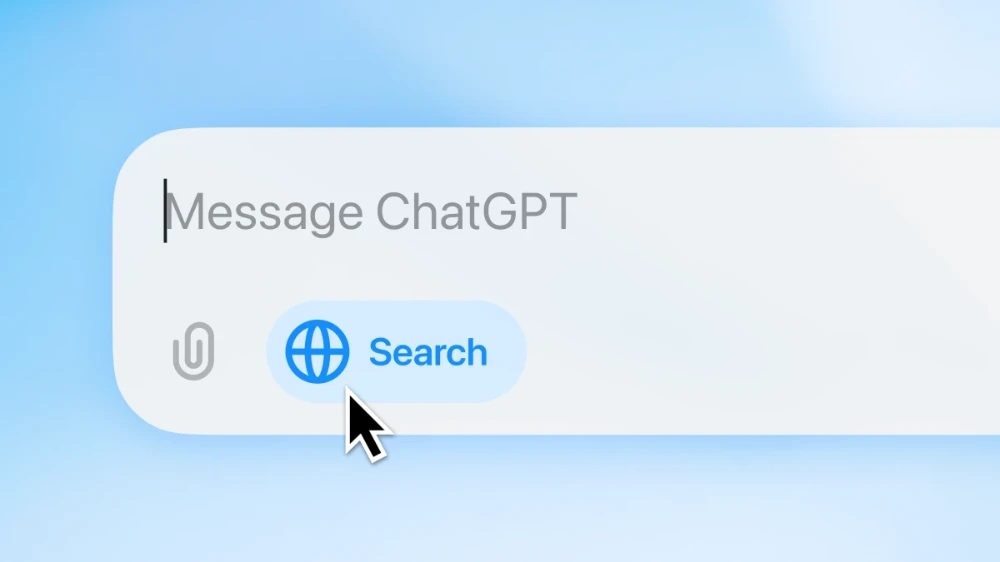
Plus and Team users can now use the ChatGPT Search feature.
Earlier, OpenAI announced on its official website the launch of the ChatGPT Search feature, which can be used in two ways. The first is that it will automatically decide whether to enable the Search feature based on what you ask about. The second is to manually enable it—a globe icon will appear on the left side of the ChatGPT chat input box, and you can simply click it to activate the feature.
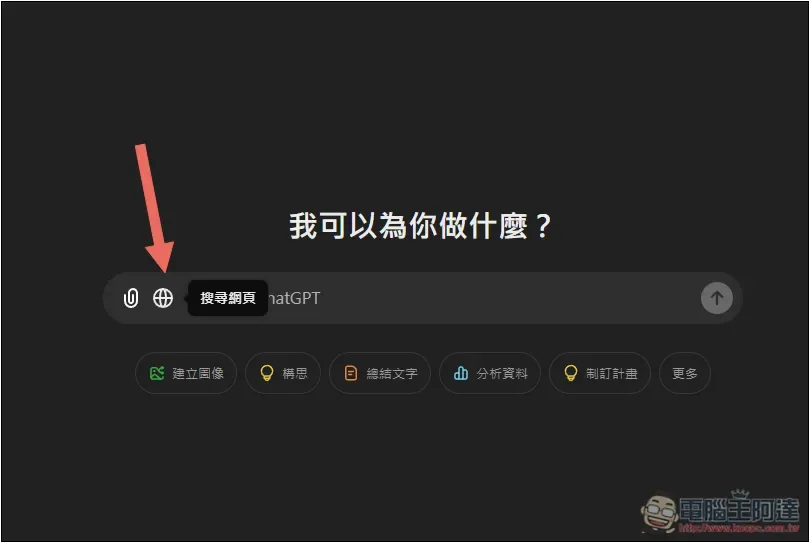
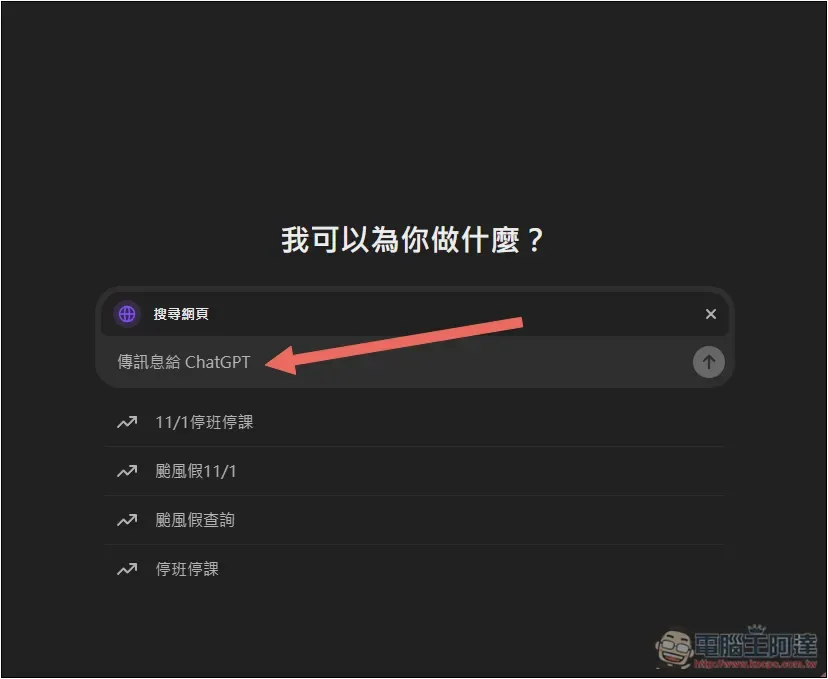
Once enabled, the search webpage will appear at the top, and you can then enter what you want to search for in the message box. Below the message box, recent trending search topics will also be displayed, and they’re all related to the typhoon days off from the past few days—looks like they’ve optimized for local relevance too.
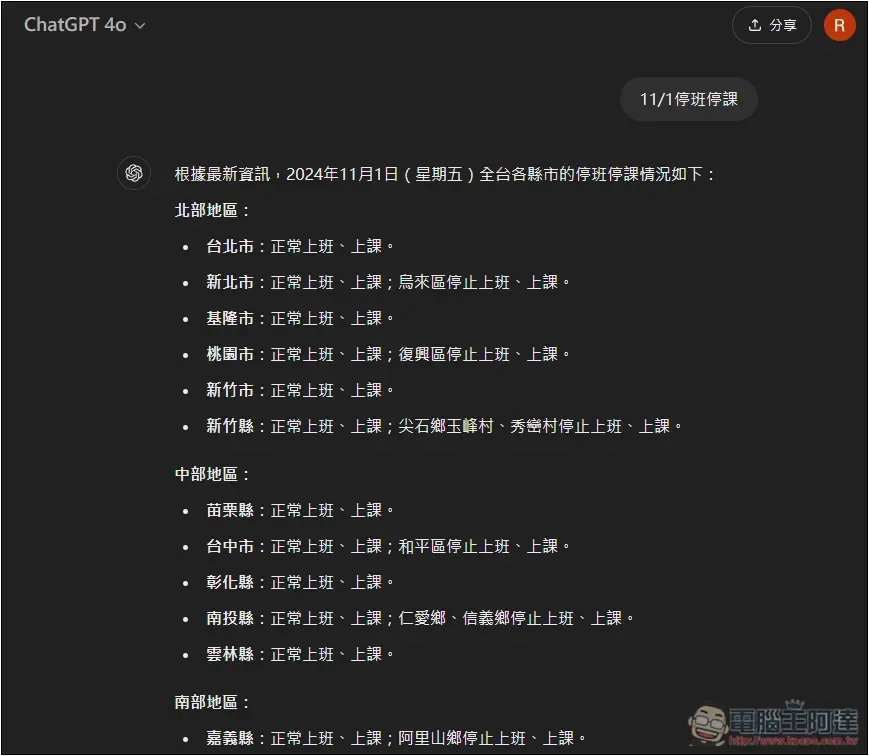
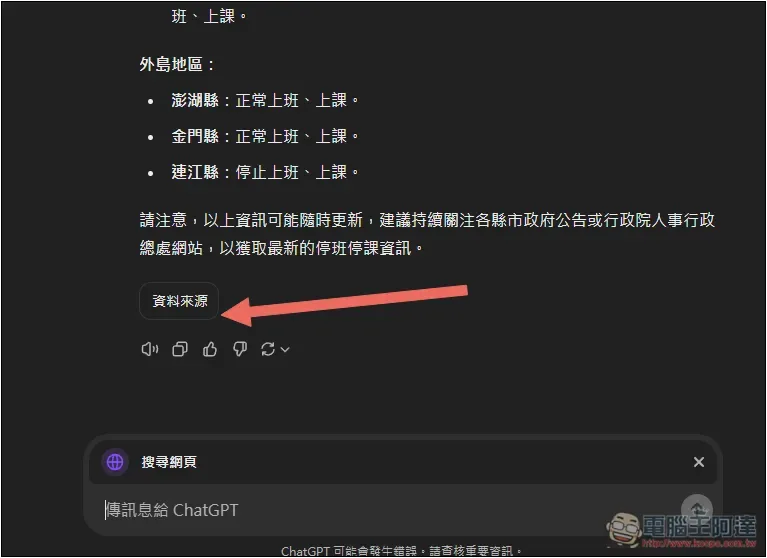
Then the AI compiles the search results and directly provides an answer. I searched for work and school cancellations on 11/1, and while the information it compiled was quite accurate, it wasn’t the latest. The Directorate-General of Personnel Administration had also announced additional school closures for elementary and middle schools:
If you want to view the sources of the information, click “Sources” at the bottom:
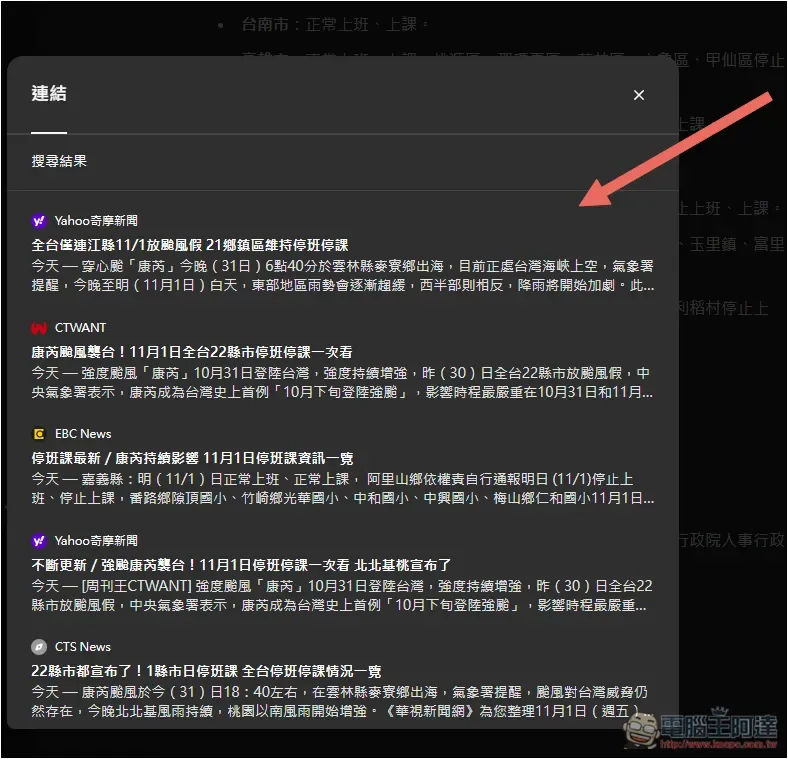
It opens the search results page; this is the list of search sources it has compiled. If needed, you can click the links directly to read the original articles. The search results don’t include the Directorate-General of Personnel Administration, Executive Yuan — no wonder a lot of the elementary and secondary school suspension information is missing:
I also compared it against Perplexity. The question I asked was, “What are some AAA games that can be played on Mac?” ChatGPT’s answer was more accurate—the games really can run directly on Mac. Many of the AAA games Perplexity listed don’t run natively:
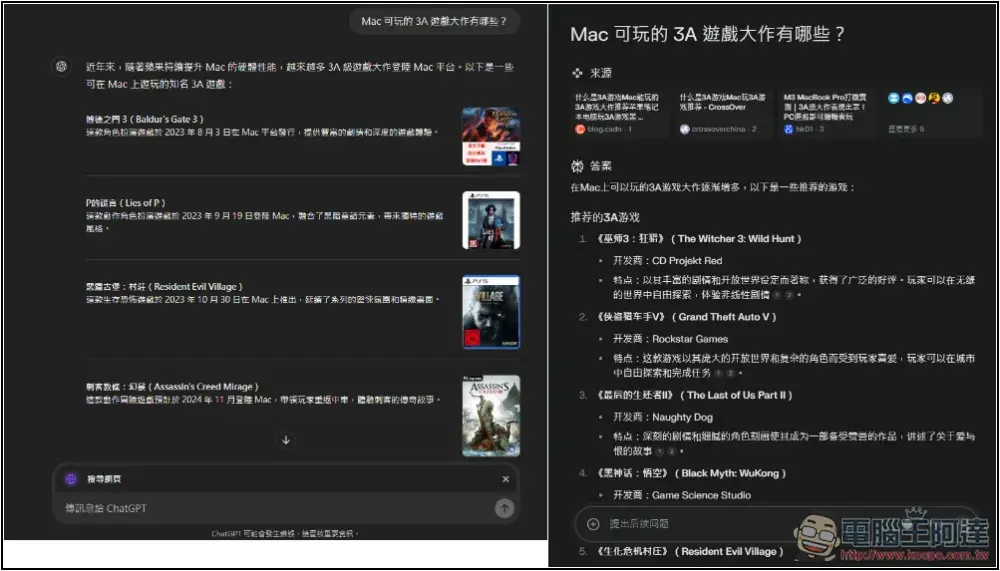
Of course, that doesn’t mean ChatGPT’s search feature is better than Perplexity—more detailed testing is needed to know for sure.
However, one thing where Perplexity is currently better is that for some information I want English search results. When I ask ChatGPT to search in English, the final compiled results are still all from Chinese websites. When I ask Perplexity to search in English, the answer it gives is compiled from English websites.
Which model does ChatGPT Search use?
According to the official website, the ChatGPT Search feature uses a fine-tuned version of the GPT-4o model, including outputs distilled from OpenAI’s o1-preview. The ChatGPT search feature utilizes third-party search providers, as well as content directly supplied by partners, to provide users with the information they need.
ChatGPT Search Upcoming Launch Plan
OpenAI revealed that Enterprise and Edu users will be able to use it within the next few weeks, while free users will have to wait a few more months.
In the future, we also plan to bring search functionality to Advanced Voice, canvas, and the version of ChatGPT that doesn’t require registration. If you want to get an early try at using ChatGPT as a search engine, you can go ahead and use it now.The following methodTry it, though this method doesn’t search online, just so you know.
Source: KOCPC Chinese