


There are quite a lot of online memorization tools at present, and you can find free memorization websites at any time. However, many of the memorization websites require you to register as a member before you can use it for free, and there are restrictions on the number of times you can use it. Otherwise, it is free but limits the number of downloads. Users will be very angry after editing carefully online only to find out that they need to pay to download. However, the PicWish online memorization tool introduced to you this time can be used immediately without registration, and there is no limit on the number of edits and downloads, and it can be completed super fast.

PicWish free online photo removal tool
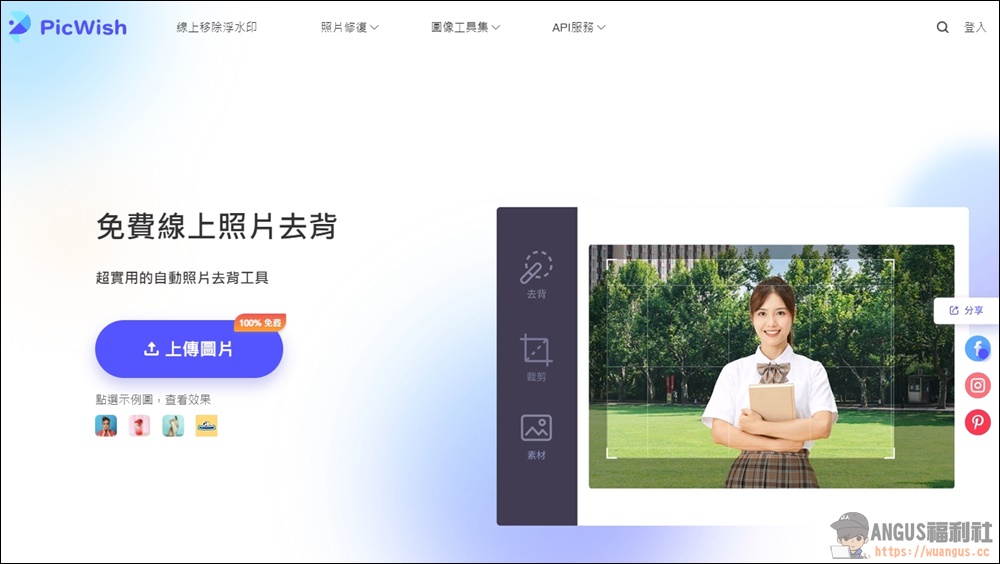
First, enter the “PicWish” online memorization tool, then click “Upload Image” on the left to upload the image you want to memorize.
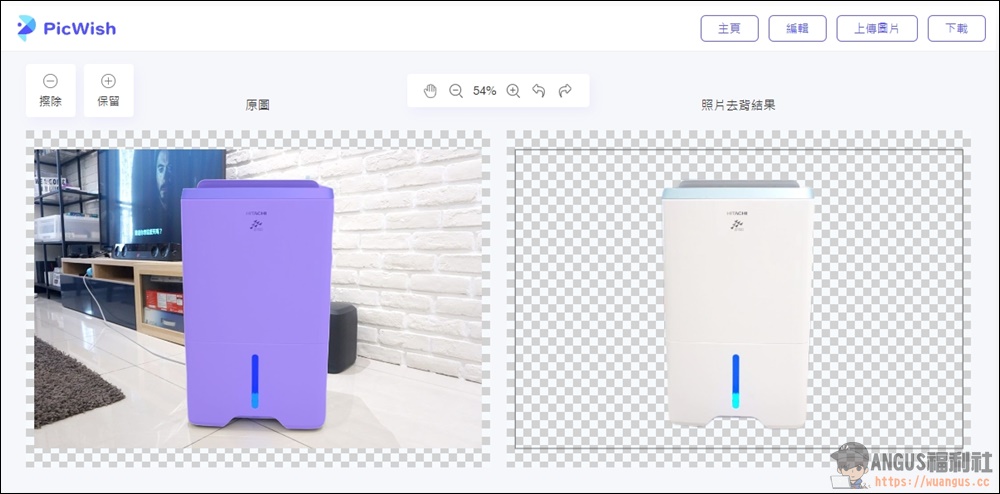
After the upload is completed, you can see the “original image” and “photo de-memorization results”. The system has perfectly helped the user to complete the memorization. You can download it directly without even editing.
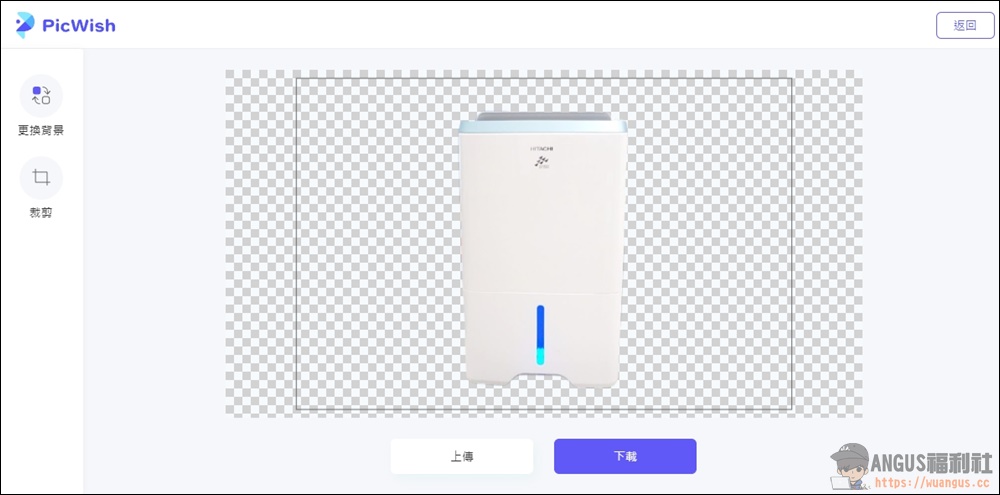
Users can also enter the editor to change the background and crop the image size. If there are no problems, they can directly click “Download” below.
The system’s built-in background replacement also has many preset beautiful pictures that can be replaced. You can directly apply it and complete it immediately. It is professional and fast.
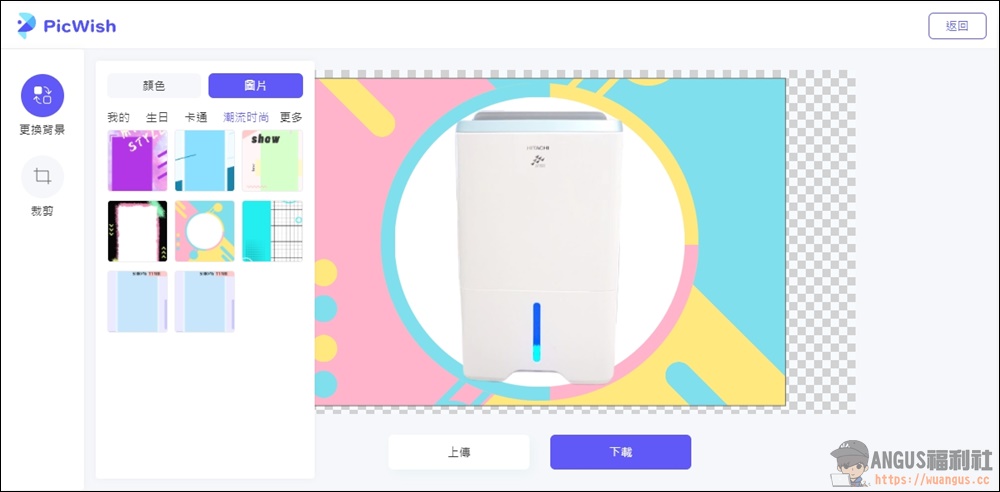
Take a look at this picture that took only 15 seconds to remove the back and add a background. It looks super high-quality and professional. Please go and use it quickly.
- PicWish free online photo removal tool:Click here to use
Source: KOCPC Chinese