


Nowadays, PDF can be said to be the most commonly used document format, so occasionally you will encounter situations where you need to convert, compress, or even split or decrypt. If your computer does not have relevant software, it doesn’t matter. Speedpdf is a free online PDF tool that is very useful. It provides up to 25 PDF functions, including converting PDF to various document formats, compressing and merging PDF, and converting other document formats into PDF. Those who need it can collect it.
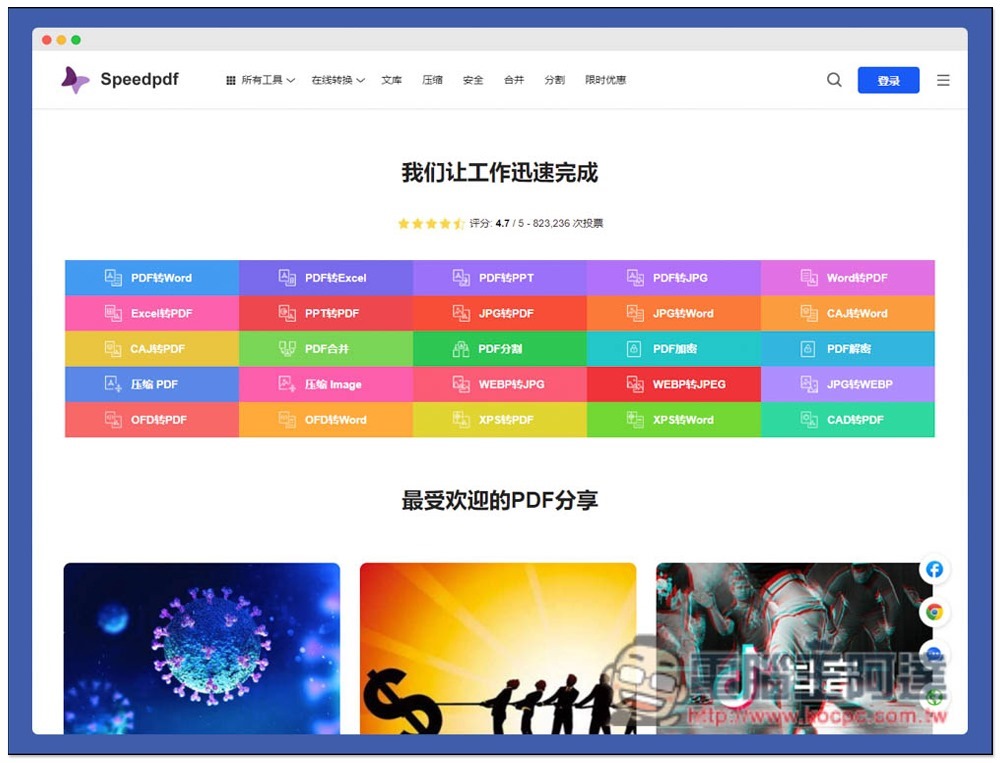
Introduction to Speedpdf online PDF conversion and compression free tool
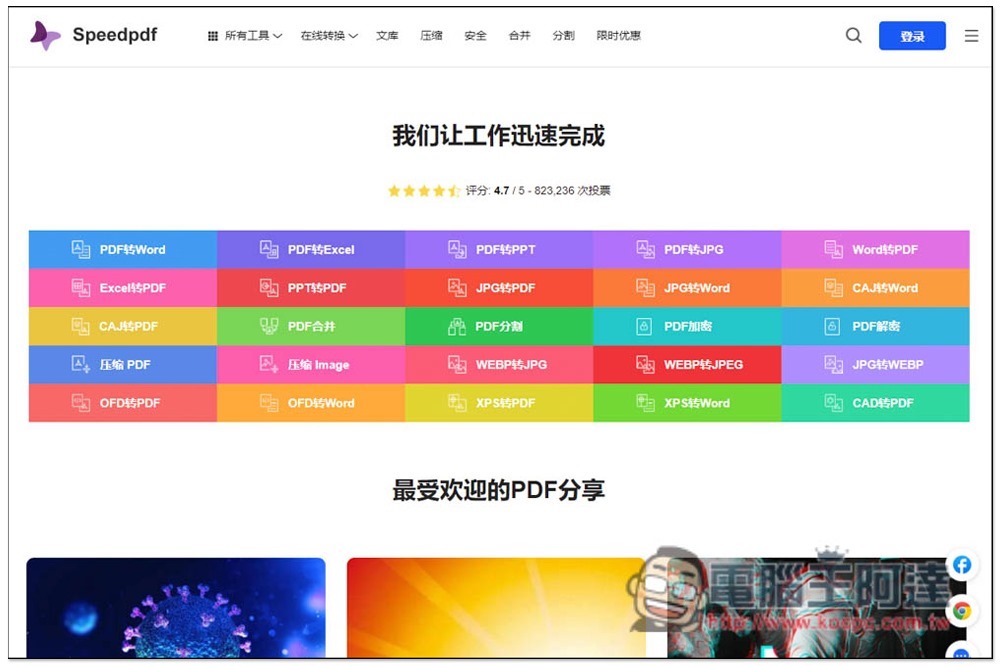
After entering the Speedpdf page, you can see all PDF functions in the middle, including PDF to Word, Excel, PPT, PPT, JPG (or vice versa), PDF merging, PDF splitting, PDF encryption and decryption, PDF compression, etc. Click on the function you want to use, and you can use it without registering. In addition, the free version has a limit on usage and file size, so be careful when using it and use it again if necessary:
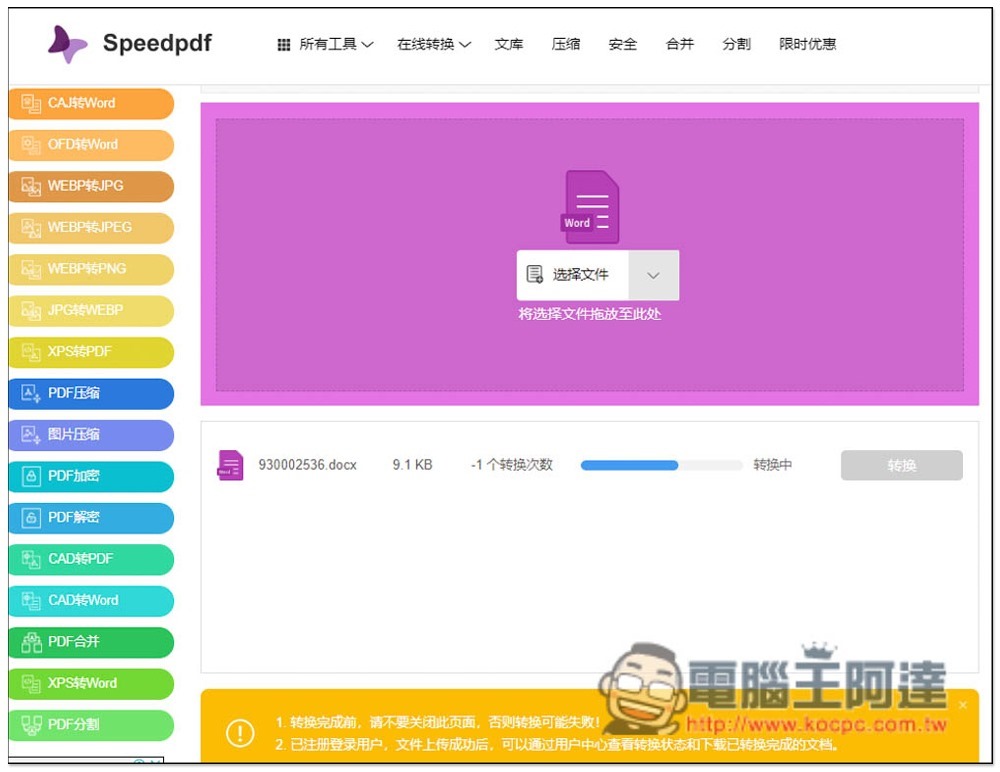
I use Word to PDF as an example. After entering the inner page, drag in the file you want to convert. Multiple files can be processed at the same time, and then click Convert below. If the file is too large and exceeds the limit of the free version, VIP conversion will be displayed and you must upgrade to the paid version:
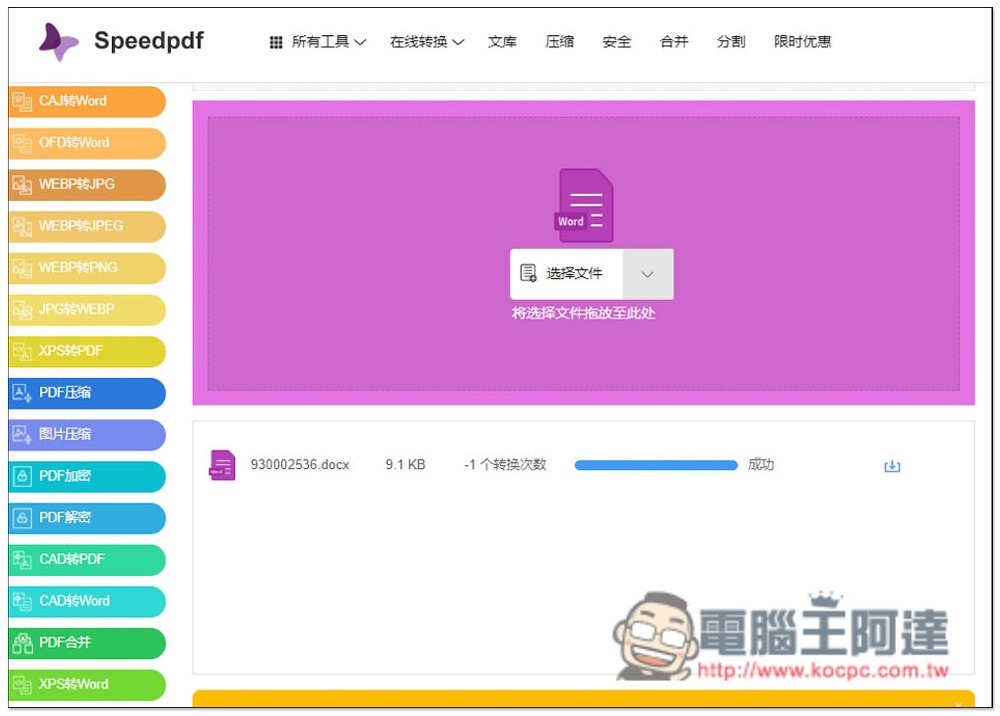
The conversion will take a while, just wait for it to finish. After completion, the “Download” icon will be displayed on the right side. Click it and it will download:
I tested this online tool and the conversion effect was very good. Even when converting PDF to Word, the Chinese format was not lost. However, I would like to remind you that after all, the files need to be uploaded to the server of this website. If it is more important and private content, it is recommended to use the offline version of the software for safety, rather than using online tools.
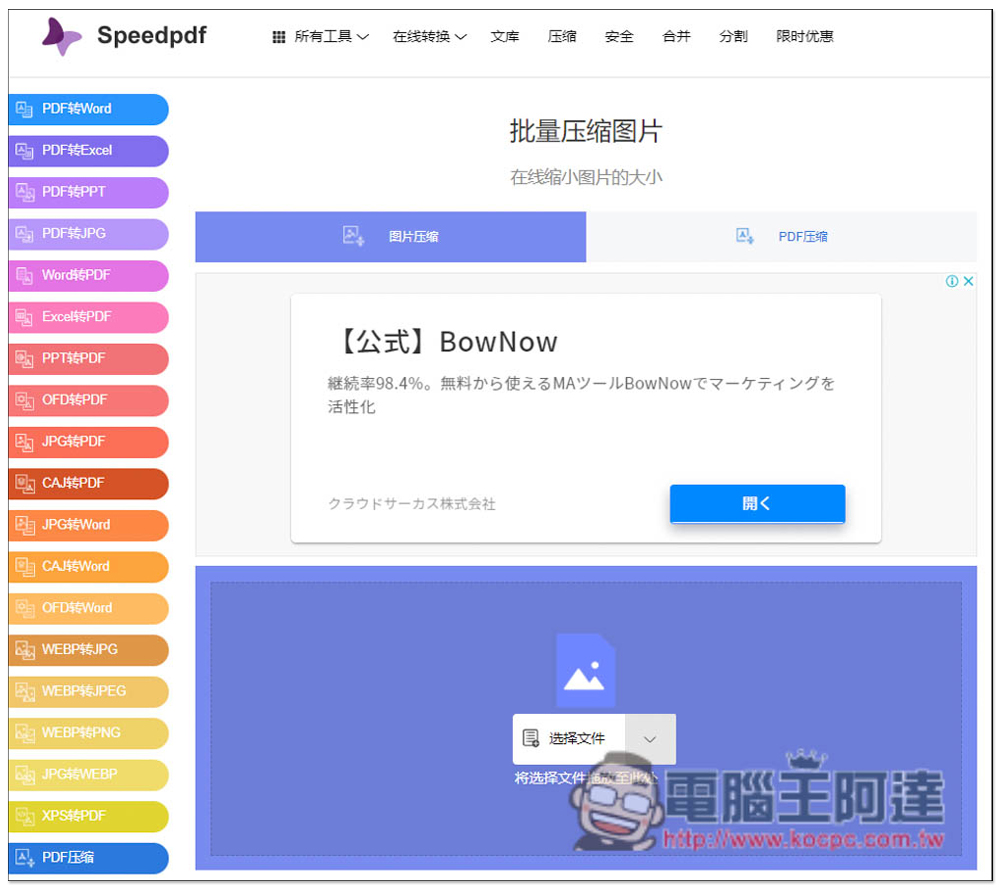
In addition to PDF, if you have JPG image compression needs, this one is also available, but it also has a limit on the number of times, which is a little more troublesome:
Except this one,Adobe’s own series of PDF online conversion toolsNot bad, it’s also completely free, and there is no limit on the number of times, you just need to register as an Adobe member.
Source: KOCPC Chinese