


I have seen that there have been cases abroad due to Android Car Crash Detection.News that saved the life of a stranded driver(Although it is not a common car…), but are you sighing silently because it is not yet open to use in Taiwan? You no longer need to be so pessimistic from now on, because with the launch of the latest feature of Google Pixel mobile phones, Google has officially announced that it has introduced this feature to three countries and regions including Taiwan (the remaining regions also include Italy and France). Continue reading Android car accident detection officially supports Taiwan, start now to add extra protection to your safety! (Start usage tutorial) Report content.
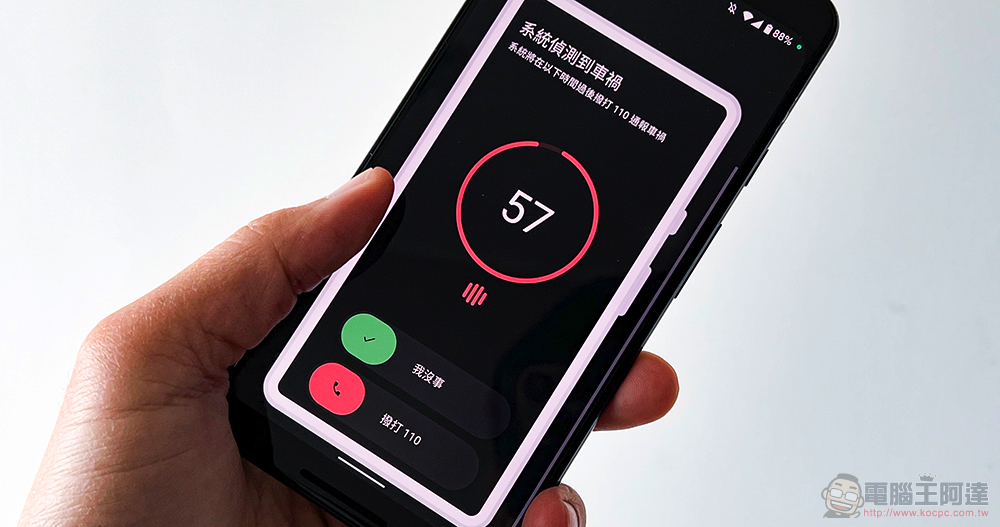
Android car accident detection officially supports Taiwan, start now to increase your safety! (Start usage tutorial)
I believe that just when you saw the title, you immediately rushed to get your phone to confirm the update. However, this can theoretically support Pixel 3 and above models. A detection function that knows how to detect the location of the mobile phone, motion sensors and nearby sounds to determine whether the user has encountered a serious car accident and call the police. Look at the returns for Pixel phone owners in Taiwan. At present, it seems that Google has not fully pushed this feature when the news was released – but the Pixel 3 XL in my hand got it very quickly (pull the bow).
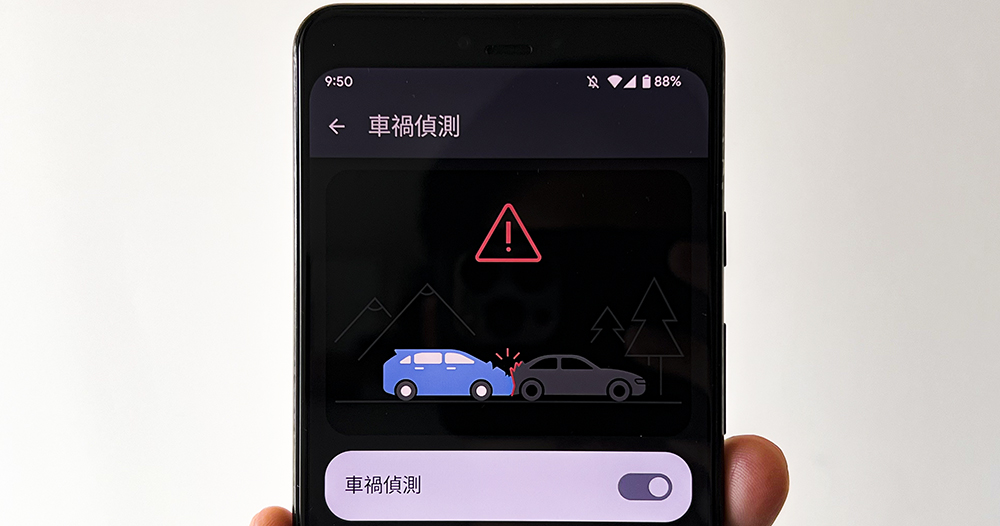
It can only be said that although this news was announced together with the new Feature Drop, and the old Pixel 3 XL in my hand basically no longer supports such updates (really old Orz), it isWithin the officially announced support rangeAlso received support. Therefore, it is estimated that the activation of such functions may be gradually pushed from the server side. So, if you haven’t received it yet, please wait patiently! Below we also teach you how to confirm whether you have received this function.
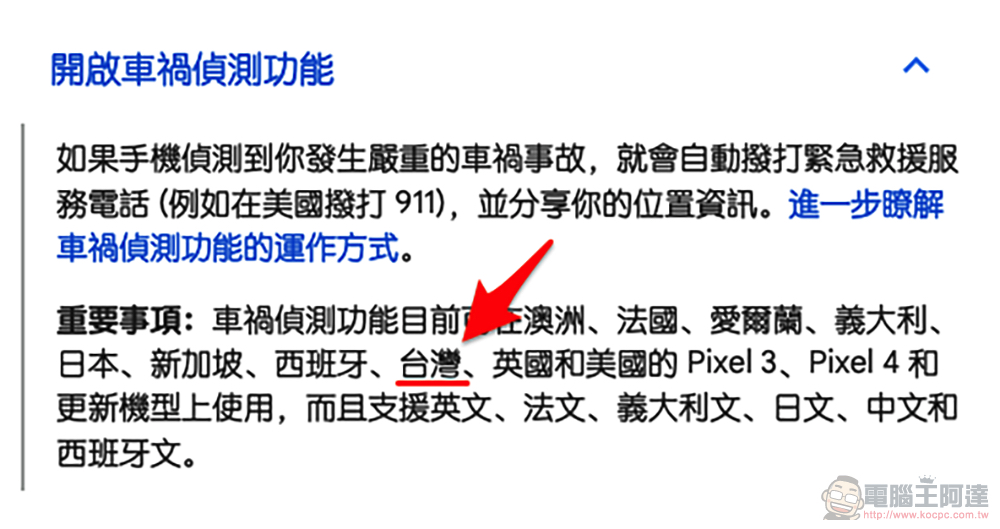
How to activate and use Android car accident detection feature
In fact, if most Pixel phones are updating the Android system, this feature has already been placed in the “Safety and Emergency Assistance” settings (you can find it by searching for “Car Accident Detection” in the settings).
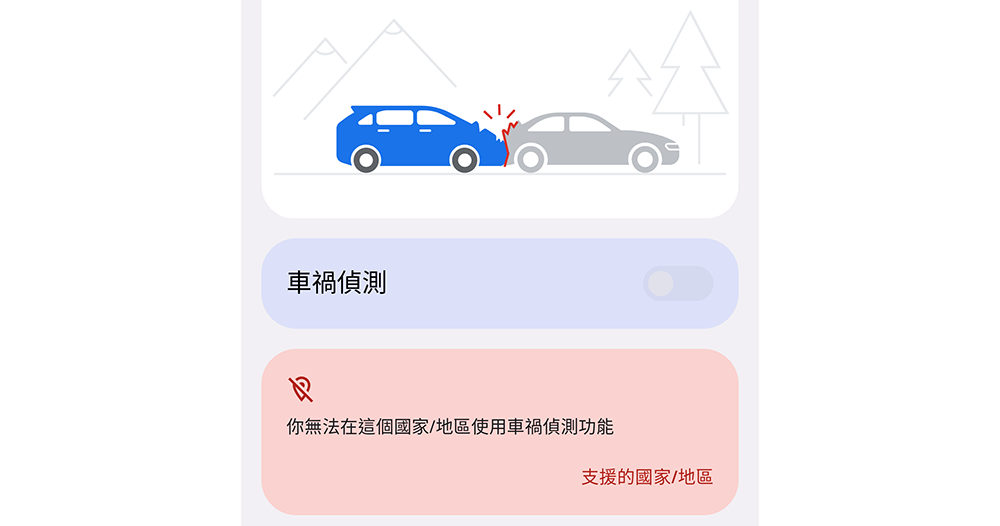
If you click in and find that it says “You cannot use the car accident detection function in this country/region,” you can check whether there is a text prompt to install a SIM card. Because inserting one of the mechanisms that can confirm whether you are actually in the support area isA local SIM card must be insertedThis.
For example, on the Pixel 3 XL in my hands, although I saw a text prompt that it is not supported, car accident detection can be activated after inserting the telecommunications card. Interestingly, after confirming and then removing the SIM card, this function can still be turned on and off normally according to my current test (Update: If the SIM card is not inserted for a period of time, it will prompt that the car accident cannot be detected and automatically turn off this function, so inserting the SIM card is still necessary).
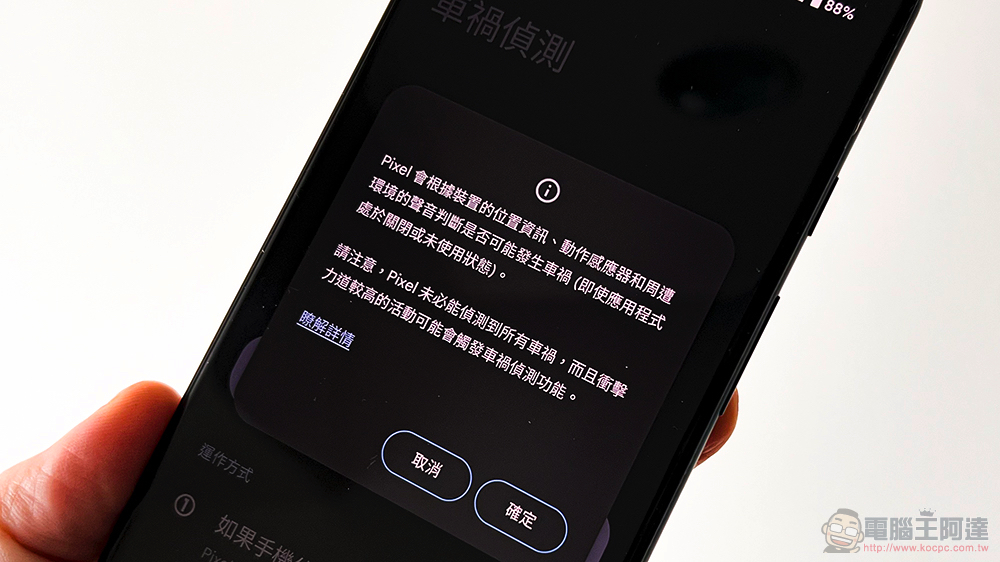
When you turn on this feature, you will see some system instructions, which basically state that there is a possibility of detection errors – but the detection logic should be gradually improved after receiving feedback from users. You can also activate the demonstration mode provided by the system to understand how it operates.
To put it simply, this vehicle accident version of the fall detection function, when it detects that you may encounter a car accident, the system will push a countdown screen and vibrate your phone + voice to ask you whether you want the situation to be “emergency” or “cancel” the emergency alarm (but if you turn on mute, you will not hear this prompt XD). Depending on the urgency of the situation, you will be able to respond via voice or drag the options at the bottom of the touch screen to select the function.
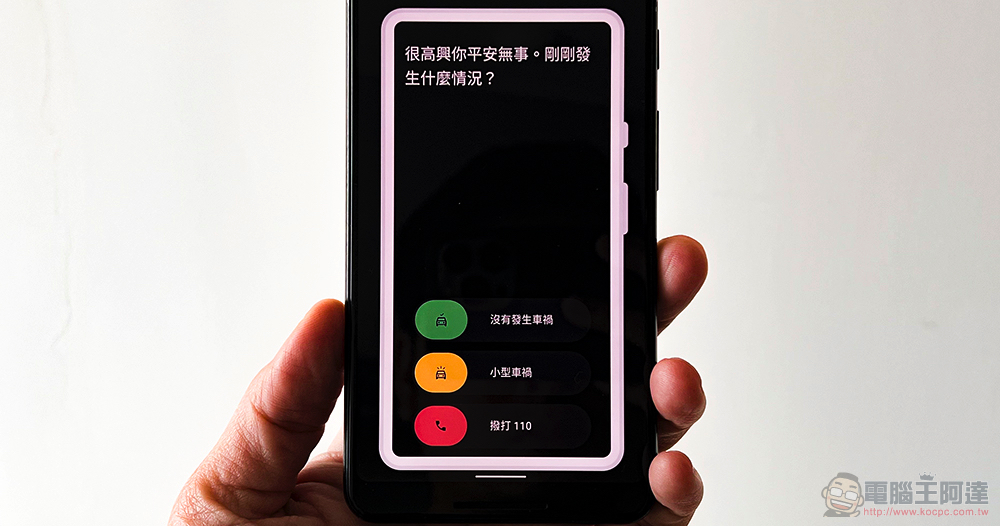
That is to say, even if you select “I’m fine”, the system will actually ask you related questions about possible accidental triggering of car accident detection. However, it should also be considered that the user may be confused due to the car accident and clearly wants to call the police but still accidentally slides to the cancel option, so there is still an option to “dial 110” at the bottom – this is really thoughtful, thumbs up!
iPhone users who don’t have this feature shouldn’t be too sad, because according to foreign media reports, this featureIt should be available on iOS soon.(It should be).
Further reading:

Does this robot with extremely vivid expressions have a chance to cross the uncanny valley? (video)
Source: KOCPC Chinese