


I believe that when you use LINE, in addition to discussing official matters with colleagues and clients, you also have more time to chat and talk trash with friends, right? Sometimes it is inevitable that people will joke or use direct words in their private conversations. Although the relationship between the two parties is good, it may not be a problem. However, if the other party in a group chat or one-on-one chat room wants to take a screenshot of the conversation and back it up, forward it and share it, he may accidentally cause his own gaffe crisis!
Therefore, if you want to use some vulgar words or some sensitive words when chatting on LINE, you can actually use “mosaic” to cover it up, so you don’t have to worry about being betrayed by your friends!
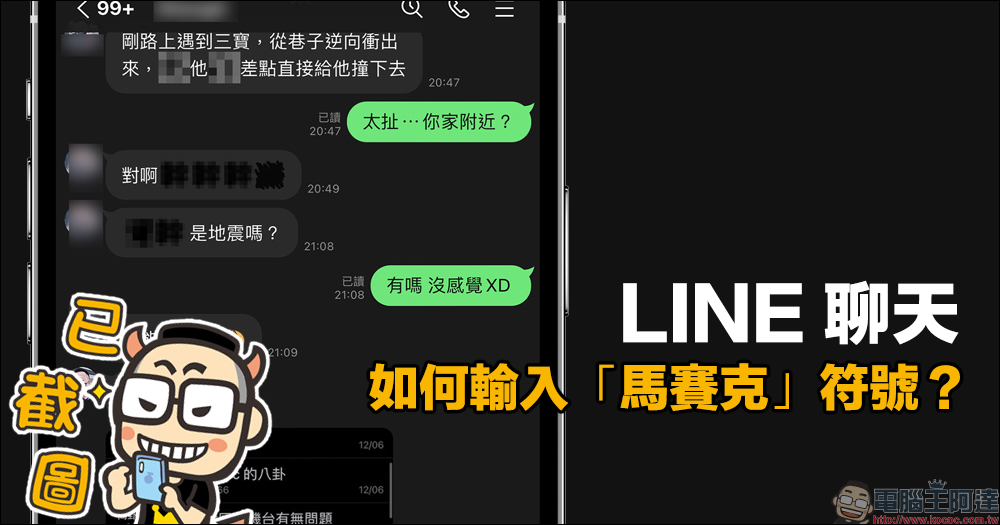
How to enter the “mosaic” symbol in LINE chat? Once you learn this trick, you won’t be afraid of being betrayed by your friends’ screenshots!
Chatting, spanking, and trash-talking among friends is a daily routine for many people in their spare time, right? Although the chat dialogue may be funny, the wording is inevitably more explicit. If a friend wants to take a screenshot of the conversation and share it with others, but forgets to hide and code the important speakers, it may cause all the private remarks to be seen. Of course, if the other party wants to ruin his reputation, he may take advantage of this moment to make the screenshot of the chat conversation public.
Therefore, in order to protect yourself and not ruin the atmosphere of everyone’s chat, today I’m going to share a simple method to create mosaics on your own when chatting on LINE!
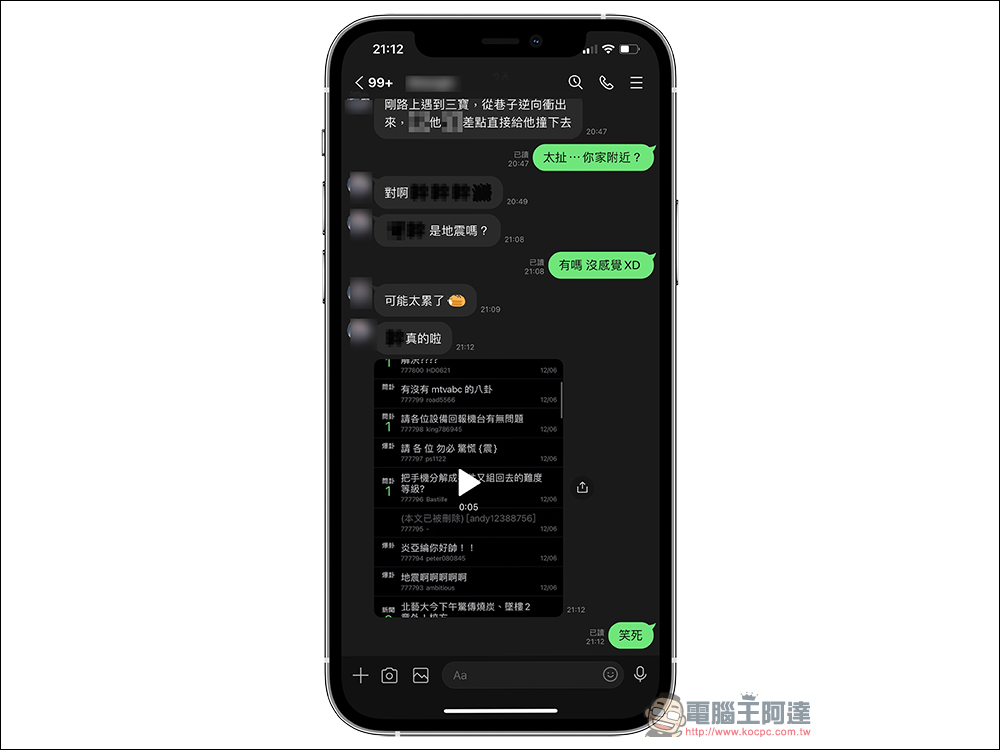
This trick is actually to make full use of the “LINE emoticons” launched by LINE. After the recent update, LINE static/dynamic emoticons have been supported in LINE mobile and computer versions. You only need to go to the LINE sticker shop and search for keywords such as “Secret emoji” or “mosaic” to find a variety of “mosaic” LINE emoticons posted by different creators.
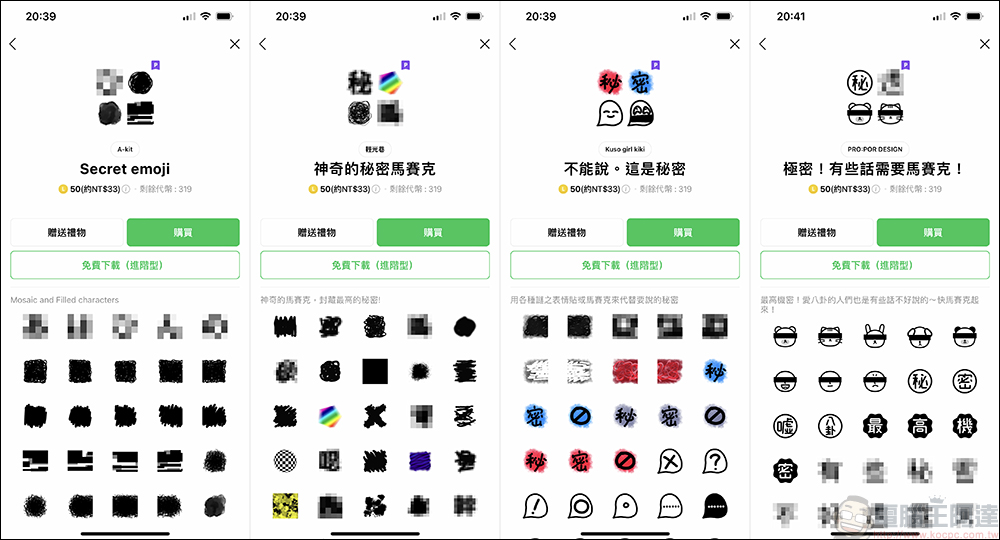
The following is a simple collection of LINE emoticons related to the above mosaic themes, so that you can quickly go to the page to download:
- Secret emoji:Click here to go
- Magical secret mosaic:Click here to go
- Can’t say. Here’s the secret:Click here to go
- Extremely secret! Some words need mosaic! :Click here to go
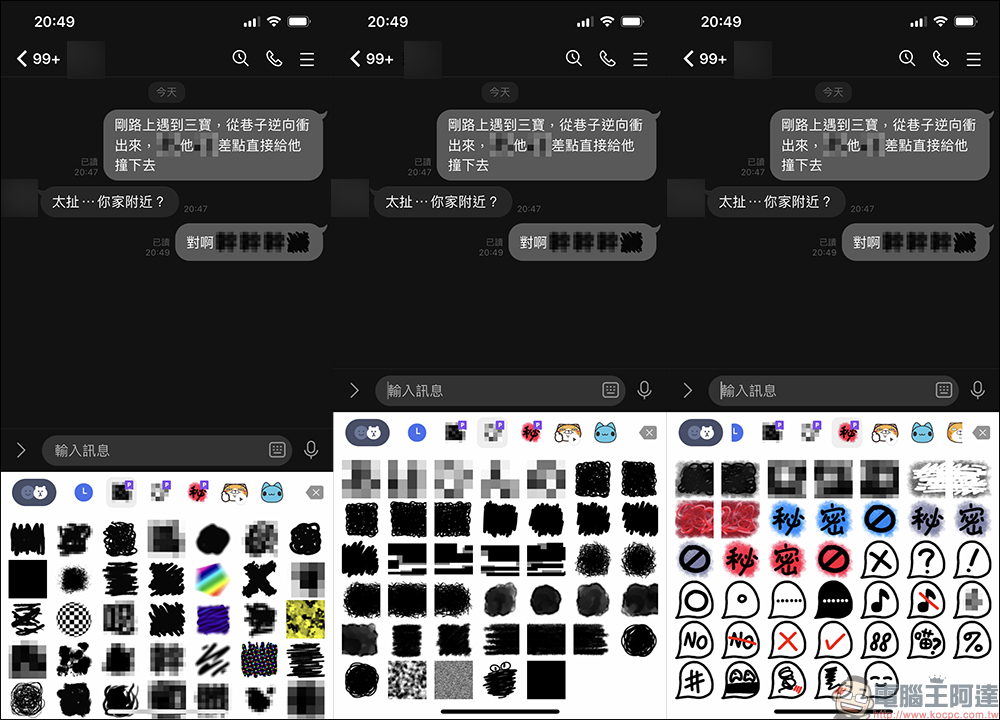
After the download is complete, you can enable the sticker function in the LINE chat room and select these LINE emoticons to be interspersed in text messages!
Don’t want to spend too much money to buy LINE emoticons or LINE stickers, but do you want to use these cute and practical LINE emoticons at your convenience? In fact, it is recommended to choose the “LINE Sticker Super Value Plan” to use these millions of sets of stickers and emoticons! Especially if you want to use the “Mosaic” series of LINE emoticons introduced this time, you must choose the advanced plan, which can include both LINE stickers and emoticons (the basic version only has LINE stickers).
LINE officials also give users a free trial period of 1 month when using it for the first time. Later, they can choose a monthly plan, a student plan or an annual plan, allowing you to choose the most cost-effective plan.
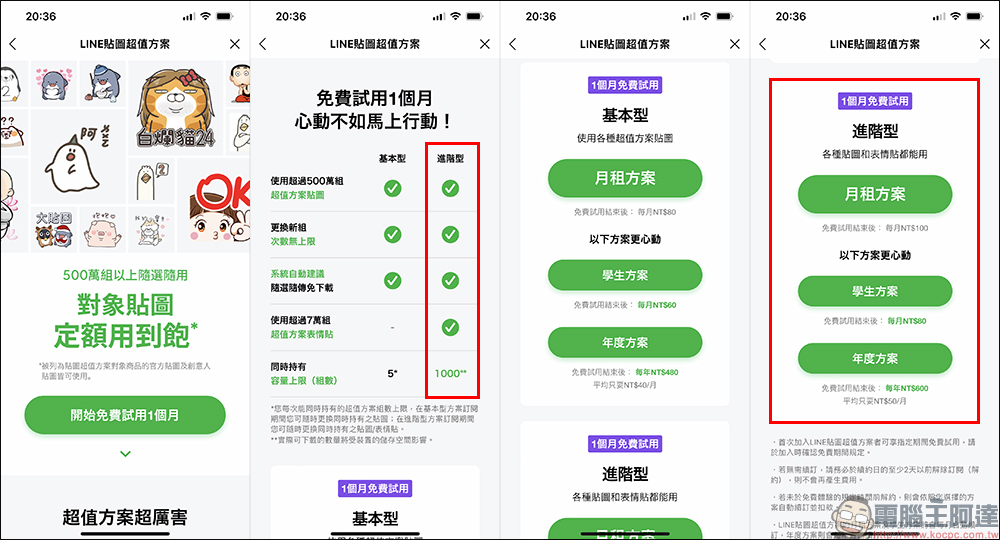
For more information about LINE’s value-for-money sticker plans, please refer to the official introduction page:Click here to go
Further reading:
Xiaomi 27 computer screen 4K version launched: 4K high image quality, multi-functional Type-C interface, multi-angle adjustment bracket

The new 2021 14-inch and 16-inch MacBook Pro are officially on sale in Taiwan!

Source: KOCPC Chinese