


Coming with iPhone 12 MagSafe magnetic chargerWhen it was launched, many people found that it has very strict control over the charging temperature, and because of this, someMany people try to enhance heat dissipation to continuously maintain its charging efficiency at the highest level. Now it seems that the problem can be solved more fundamentally. The official firmware update, which can provide lower heat and maintain stable charging power, has also been officially launched a year after the launch of this accessory. Continue reading MagSafe charger can also upgrade firmware! Quick update to make iPhone magnetic charging more stable (teaching) Report content.
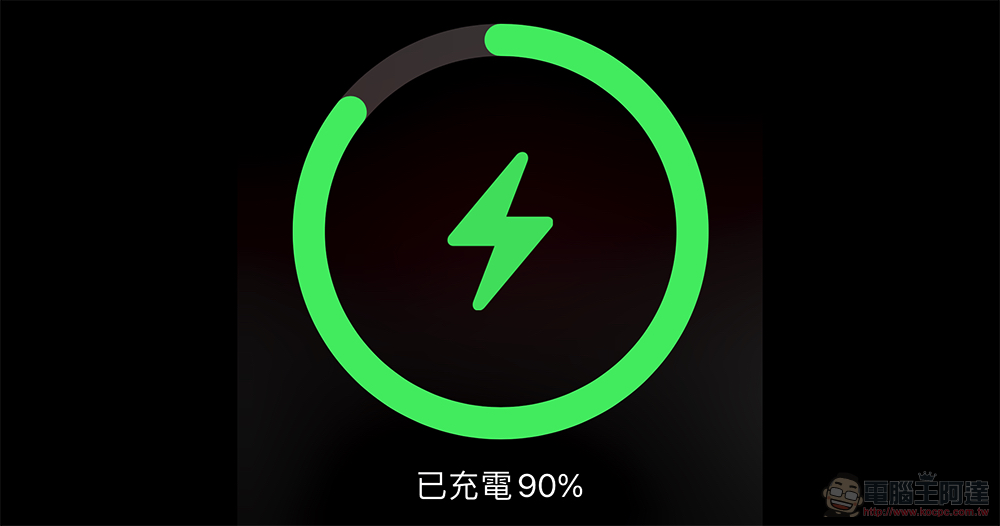
The MagSafe charger can also upgrade the firmware! Update quickly to make iPhone magnetic charging more stable (tutorial)
Frankly speaking, when I first saw this news, my thoughts were very similar to those of you, but I never thought that it felt like just an ordinary magnetic wireless charger, but it could actually be updated with firmware! And if you want to confirm whether the latest 174 update pushed by Apple has been installed on your MagSafe charger, you can now go to the Apple MagSafe charger under “Settings > General > About This Mac” and you will see the page below – remember to keep your phone on the MagSafe charger.
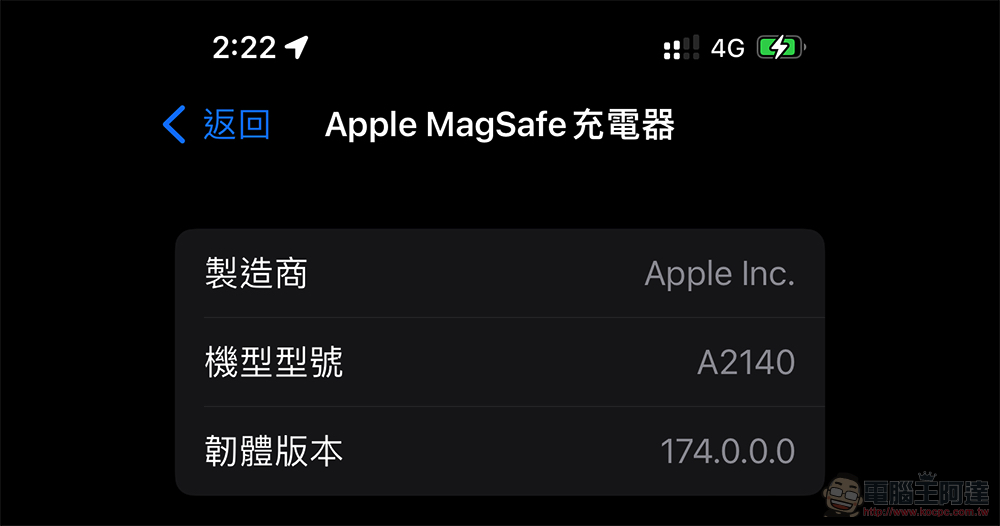
I heard that it can charge more stably and quickly, I believe everyone wants to update it quickly, right? As for the update method, it is said that as long as the iPhone is placed on the magnetically charged iPhone and connected to the Wi-Fi network, the update should be automatically installed in a certain period of time. But the strange thing is that the author’s MagSafe charger has been used in the car recently, so in theory it should be difficult to connect to Wi-Fi, but I just checked and it has been updated. So maybe it’s not so necessary in a Wi-Fi environment (or maybe I’m lucky).
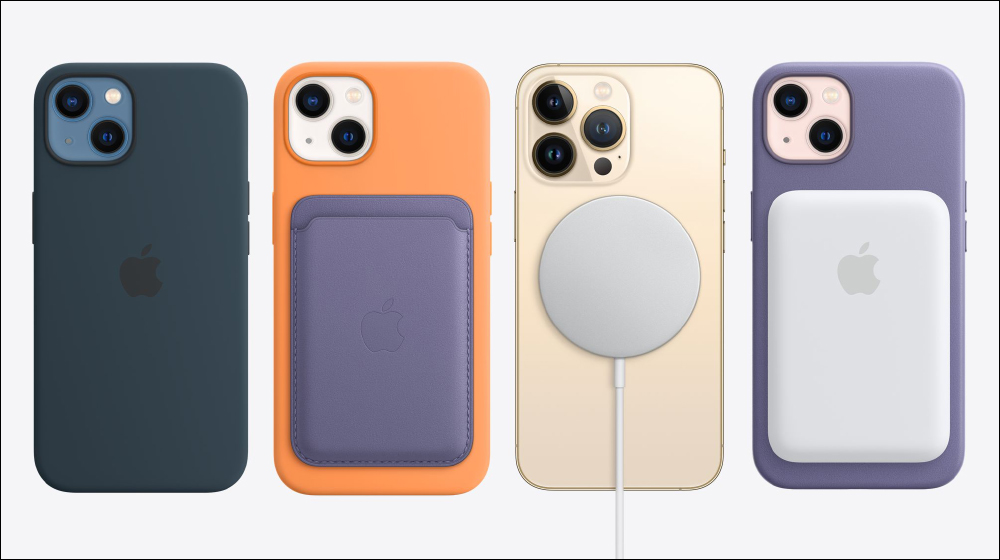
If you can’t wait and want to confirm that the MagSafe charger has been updated as soon as possible. It is reported that you can also consider connecting the USB-C end to a connected Mac computer or iPad. There is a chance that the firmware update from 170 to 174 will be automatically completed in about ten minutes – it seems that you can use the “System Report” on Mac to confirm whether the upgrade is completed. Otherwise, just work hard and check the version number of your iPhone regularly.
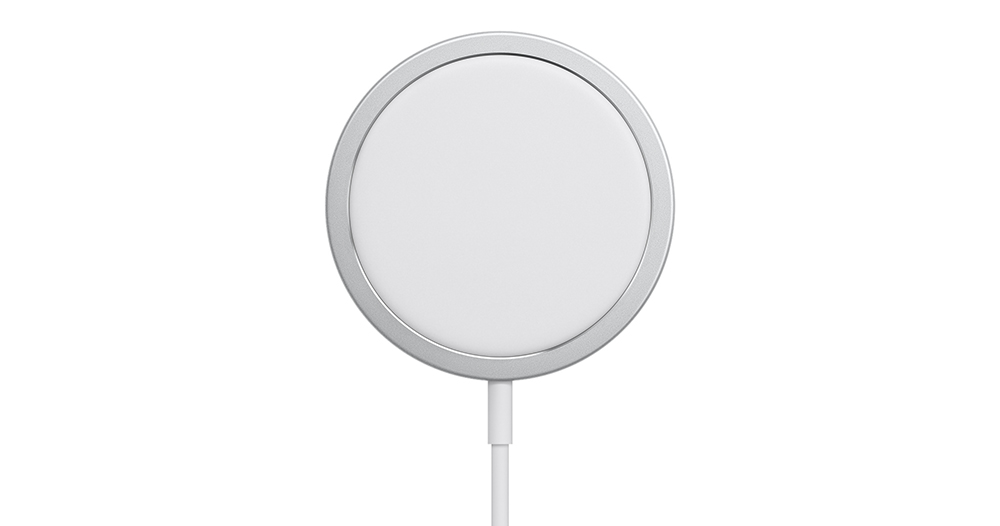
▲Image source: Apple
Although the editor seems, suspects, or may feel that MagSafe charging has become faster recently. But like you all, I am also very curious about how much charging efficiency changes with the new version of firmware.
according toTest of charging head network, also on the iPhone 13 Pro Max, the new version of MagSafe can shorten the charging time by about 15 minutes; the 12 Pro Max can be charged 25 minutes faster. Although it still takes more than 3 hours to charge from 0, it doesn’t seem to be a fast charge. However, as charging becomes more stable, people should be more willing to use MagSafe chargers for charging, right?
Further reading:
Not only will the 4-motor Tesla Cybertruck be upgraded, it can also “walk sideways”

Source: KOCPC Chinese