


Although everyone’s favorite Android Auto has officially retired from mobile phone screens (Sad… OkayYou can still see the settings), but a new generation of “Google Assistant driving mode”, but it makes people feel that it is very troublesome to start. Unlike in the past, there were exclusive shortcuts to use. Although Google wants you to use voice control to start it, the editor’s official recommendation of “Ok Google, let’s drive” still fails to start (probably not yet).Has full official support for Taiwanrelationship? ).
In short, it is now discovered that this embarrassing situation will be solved through a dedicated startup shortcut (finally…). Continue reading Google Assistant driving mode finally has a desktop shortcut… (see here for how to set it up) report text.
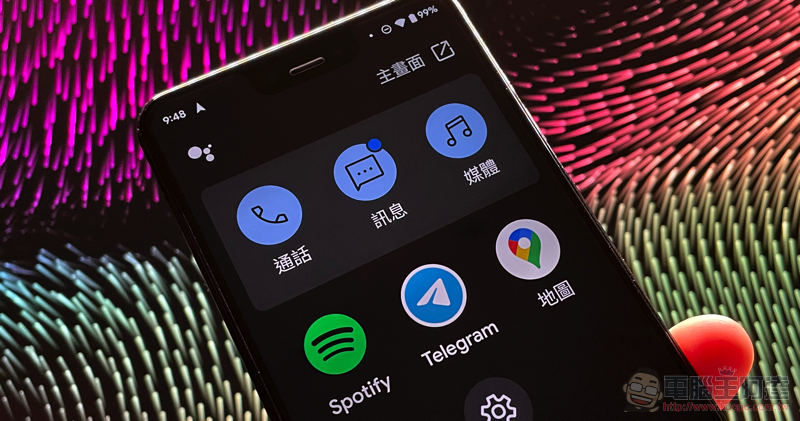
Google Assistant driving mode finally has a desktop shortcut…(How to set it up here)
It seems that there is no room for change in the policy that Android Auto has become “car only” and is not allowed to be used. I think everyone must have adapted quickly recently and activated the driving mode interface supported by Google Assistant directly in Google Maps, right? That is to say, although you can set it to activate this function more quickly when connected to a car Bluetooth device or by voice (although I cannot use it). But overall, it’s still not as fast and smooth as using Android Auto to open it directly. However, this situation should be improved in the next update.
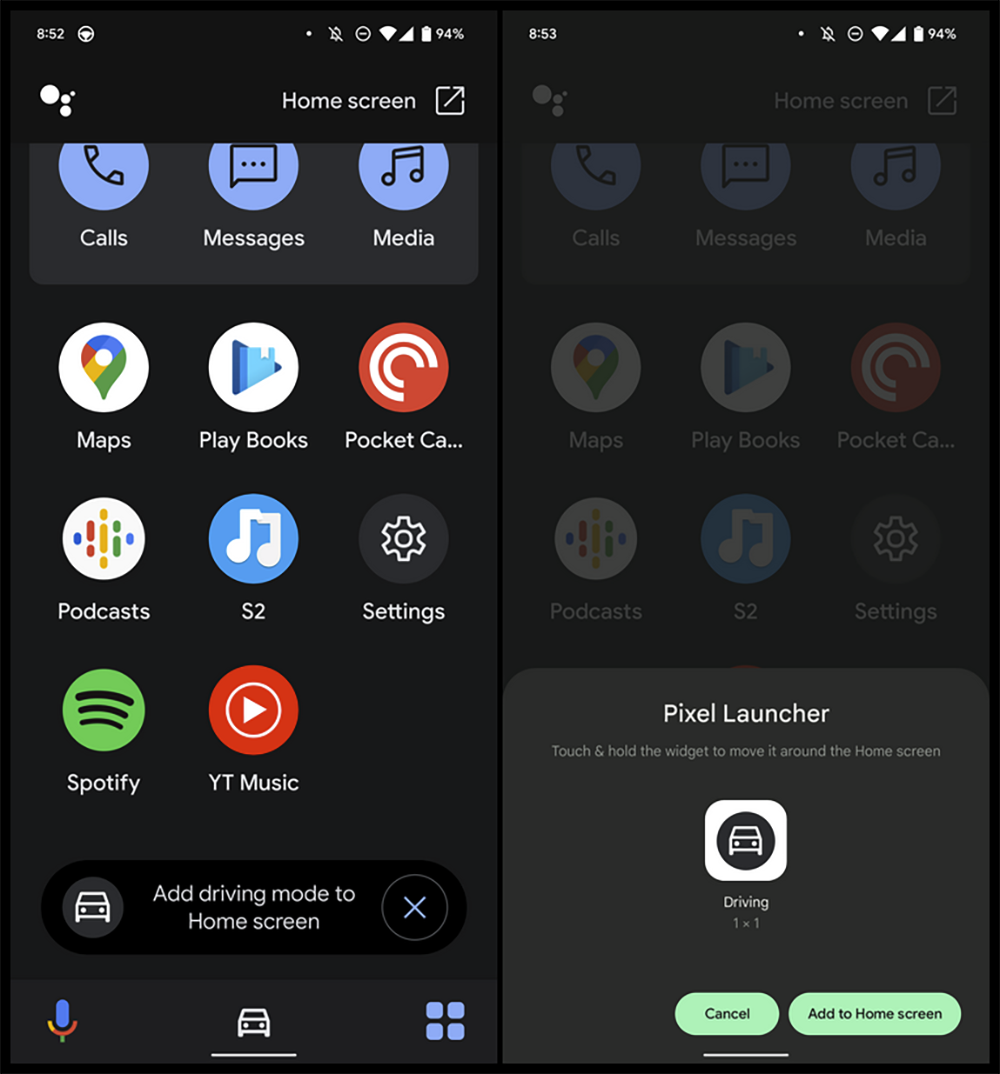
▲Image source: 9to5Google
Foreign media 9to5Google discovered that after updating the latest test version of the Google app (version 12.47. Don’t ask me why it’s not Google Maps), when you click the App button in the lower right corner of the Google Maps navigation to start driving mode, a question button pops up to add a desktop shortcut. Then, you can add the “Driving” shortcut to the desktop.
After joining, you can easily launch this driving interface that integrates calls, messaging, music, and many apps with one click. The editor checked the map and Google app gadgets. The closest thing to this function that has been updated is probably the “driving mode”, but it cannot be activated. So it is estimated that we still have to wait for the official version to be updated before we have the opportunity to see such a function appear. Please wait patiently a little longer.
Pictures/sources cited in this article
Further reading:

Source: KOCPC Chinese