


Although multi-function printers are not as popular in ordinary households as computers and mobile phones, this type of product is a very important office equipment in studios and corporate offices. Multi-function printers have functions such as printing, scanning, and faxing, so they can be said to be one of the important channels for document delivery and conversion. Recently, security researchers discovered that at least 150 models of multifunction computers from the well-known brand HP are affected by several vulnerabilities, even dating back to models eight years ago.
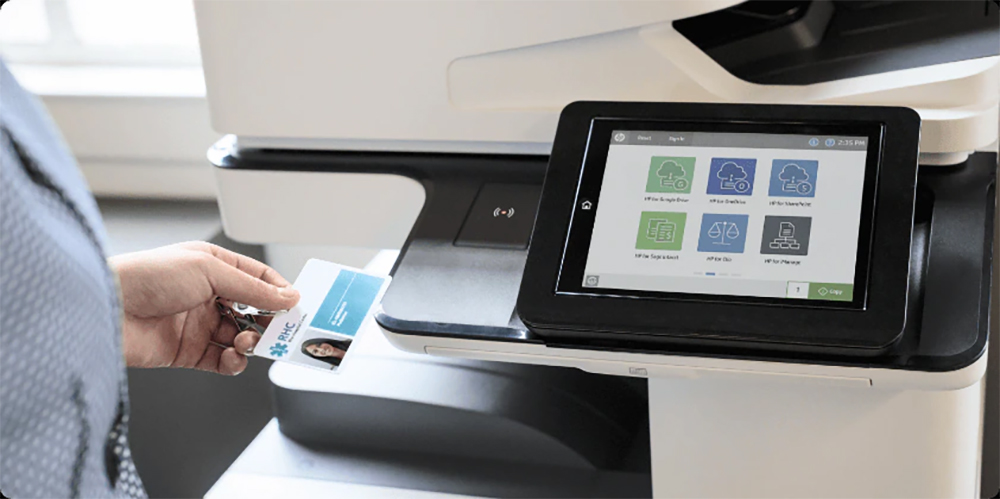
HP launches update to fix security vulnerability, affecting 150 of its multi-function machines
F-Secure The vulnerabilities discovered by security researchers Alexander Bolshev and Timo Hirvonen in HP multifunction devices extend back to 2013, which means that these vulnerabilities may expose a large number of users to the risk of network attacks for a very long period of time. HP has released fixes for the two most serious vulnerabilities in the form of firmware updates, namely CVE-2021-39237 and CVE-2021-39238. HP in itsOfficial website announces list of potentially affected models, due to the wide range of models, you can go directly to check.

One of these two vulnerabilities involves two public physical connection ports, allowing unscrupulous people to obtain full authorization of the device. Since actual contact with the machine is required to exploit it, it is also likely to lead to information leakage. The second is the issue with the font parsing buffer. This vulnerability is relatively serious, with a CVSS threat score of 9.3. Unscrupulous people can use this vulnerability to remotely execute program code intrusions, and can quickly spread from a printer to the entire organization’s network, becoming a security breach for the entire network.
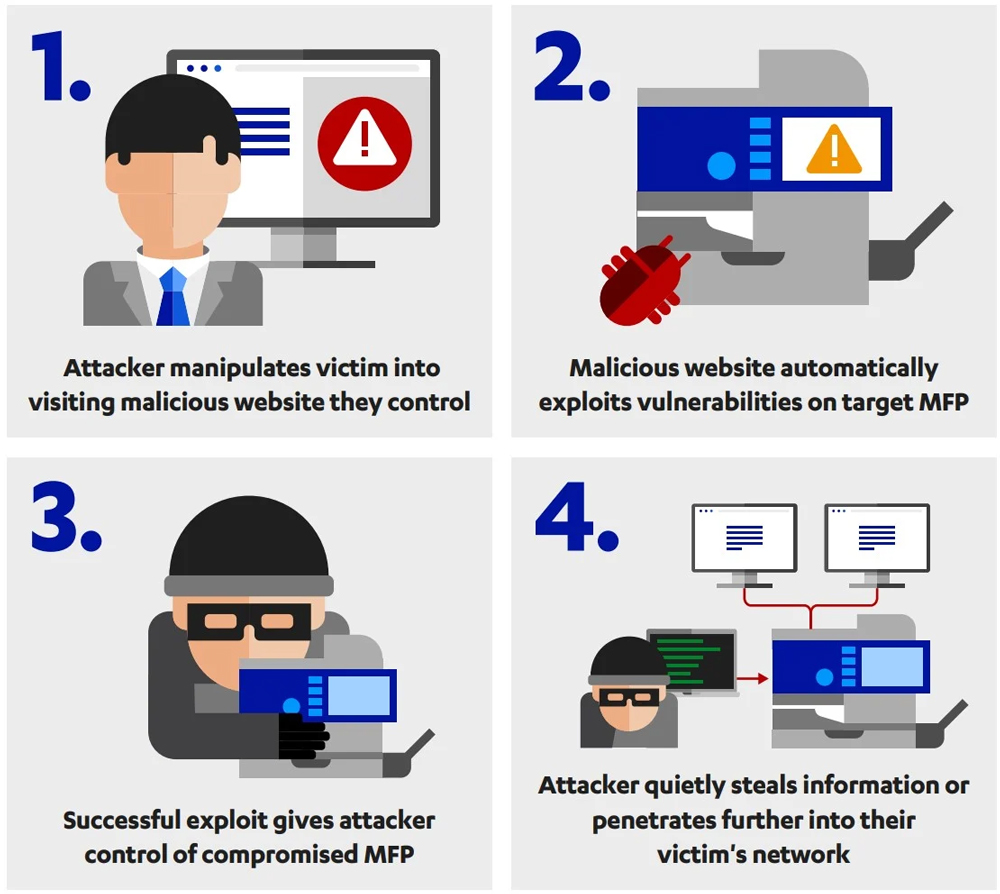
▲CVE-2021-38238 attack process
In addition to immediate firmware upgrades, if you are a system administrator in your company, you can take the following measures to reduce security risks:
- Disable direct printing from USB port
- Place the printer in a separate VLAN behind the firewall
- Only allow connections from printers to a specific IP list
- Set up a dedicated print server for communication between computers and printers in the company
Finally, let me emphasize that even if you don’t update and fix, you should at least follow proper network segmentation, and the possibility of being damaged by network intrusions will be greatly reduced.
◎Data source:F-Secure
Source: KOCPC Chinese