


Sometimes we all get images and photos with very small resolutions. If we resize them directly through software such as Photoshop, the quality will be very poor and completely useless. The Bigjpg artificial intelligence image enlargement we will introduce in this article claims to use the latest artificial intelligence deep learning technology to supplement the noise and jaggedness of the enlarged images and photos, resulting in nearly lossless enlargement. The actual measured effect cannot be said to be truly lossless, but at least it is much better than resizing.
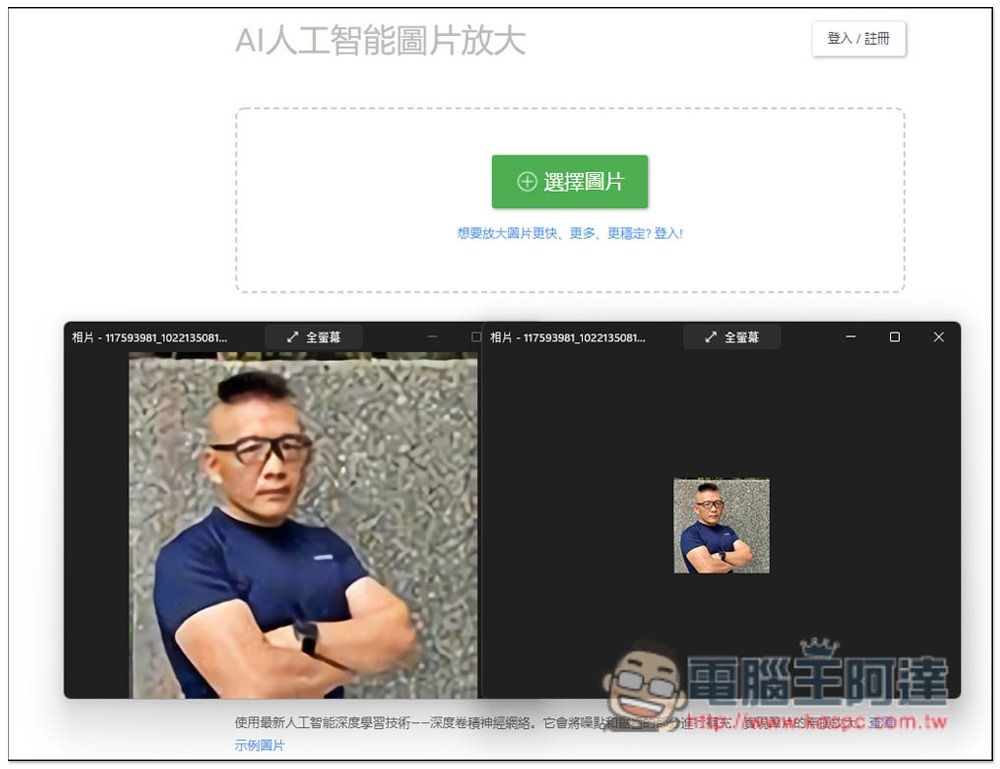
Introduction to Bigjpg, a free online tool for artificial intelligence image enlargement
After entering the Bigjpg website, you can drag in the pictures and photos you want to enlarge, or click “Select Pictures” to select them manually. This tool actually also provides an App application. There are download points for Windows, Mac, iOS and Android below. Those in need can try it:

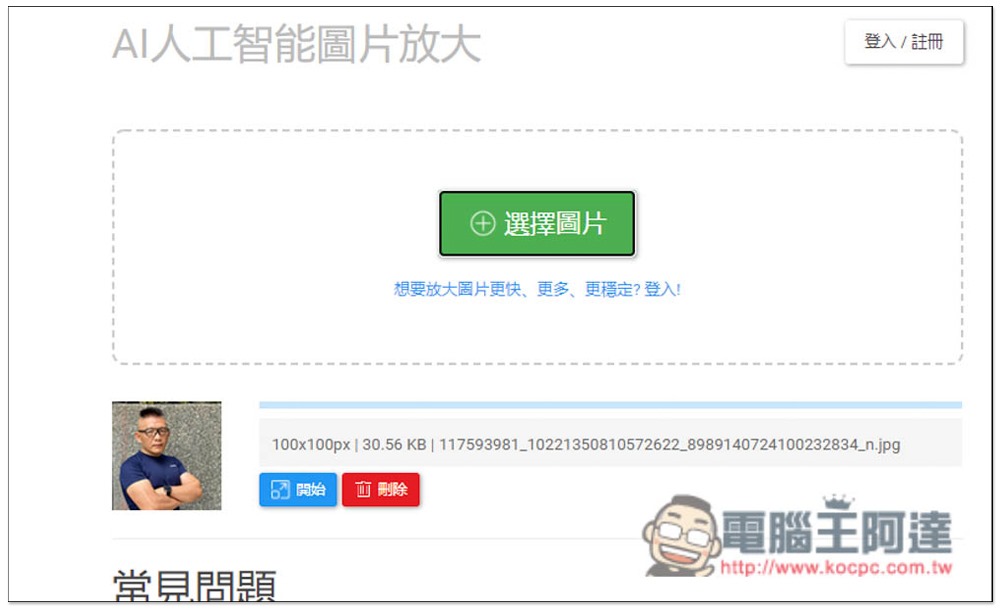
I take photos as an example. After uploading, there will be a small preview below. You need to click “Start” to enlarge it:
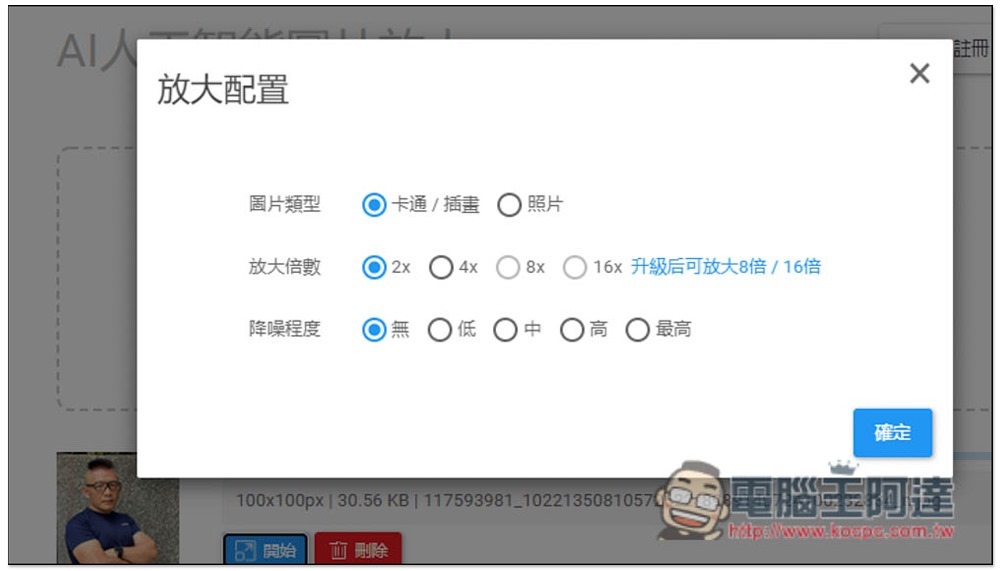
Then there are three options to set. The first is the picture type. Please select the content you want to enlarge, whether it is a cartoon or a photo. The second is the magnification. The free version can only go up to 4x. If you want to zoom in above 8x, you must upgrade to a paid membership. The last thing is the degree of noise reduction. If the image resolution is too small, I would recommend turning it on a little, such as: choose low or medium:
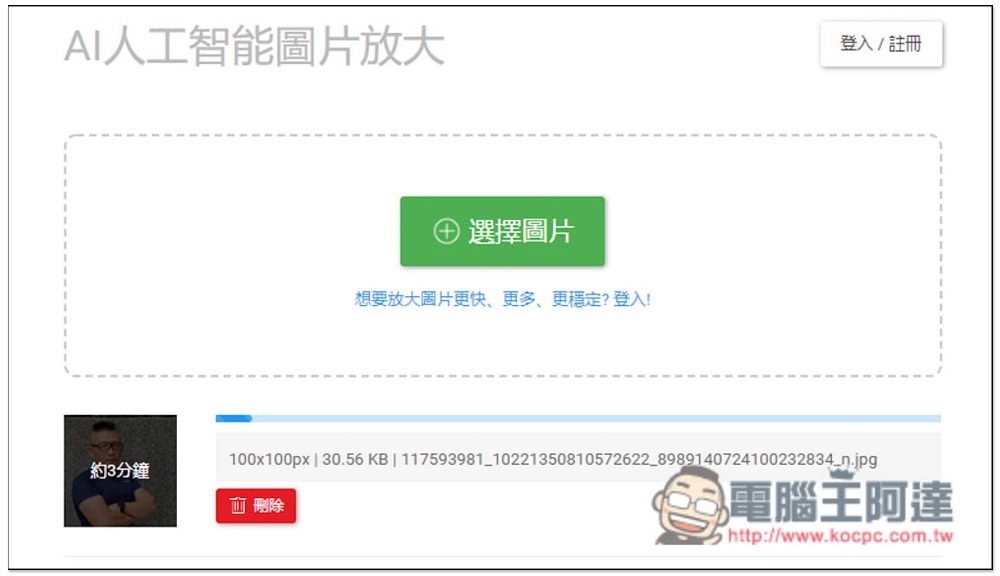
After starting the processing, the small picture will also show how long it will take. Although I took 3 minutes to write this, it should actually be completed within 1 minute:
When completed, a download point will appear on the right. Click to download without registering as a member:
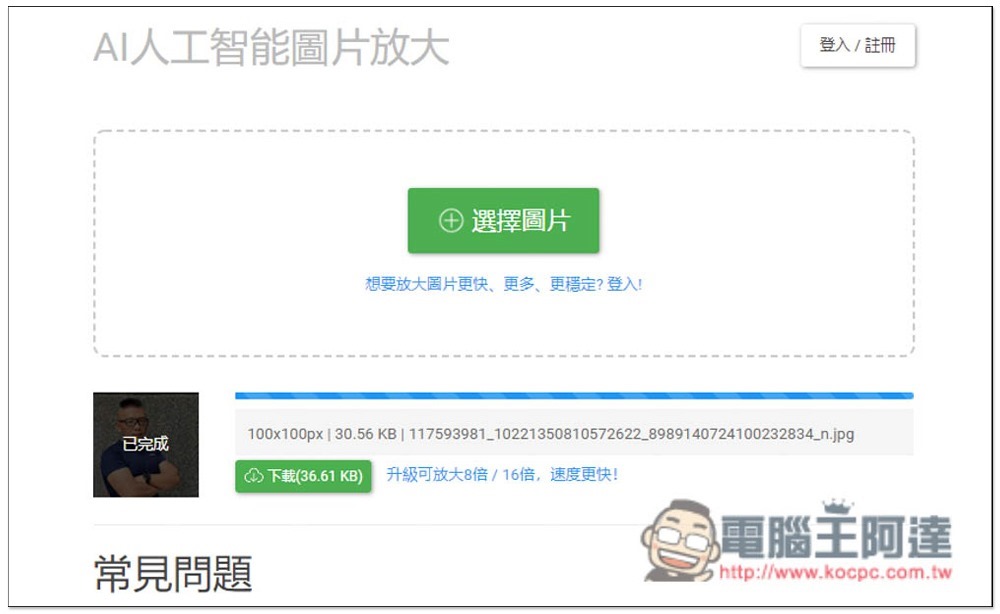
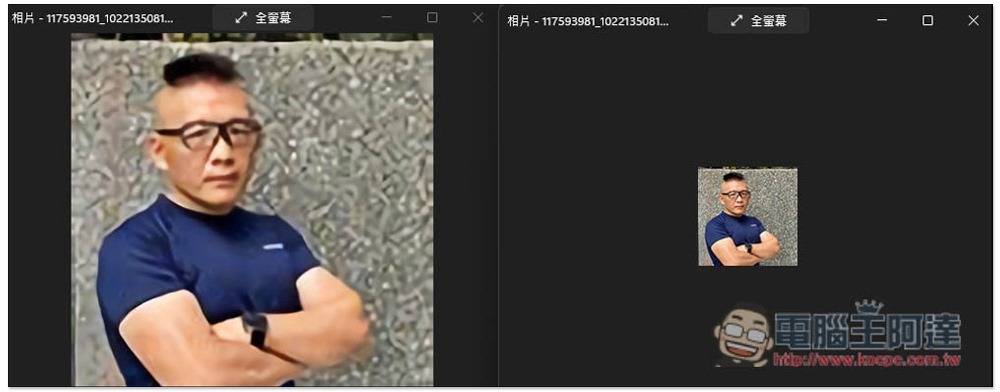
The picture below is a very small demonstration picture. The effect after enlarging it 4 times is acceptable to me. After all, it is 4 times larger than the original one:
Finally, I would like to remind you that this enlargement process will be uploaded to the server of this website. Therefore, if it is a very personal or important photo or picture, it is recommended to find an offline version tool, which is safer.
The description states that images uploaded and enlarged by users will be automatically deleted in 15 days. The image URLs are encrypted and saved. Unless the user actively shares them, others cannot find the image.
跟 Lightroom 一樣強大的 Luminar 3 專業圖片、相片編輯軟體限免活動,終生免費使用(Windows / Mac)
Source: KOCPC Chinese