


Although there are many online tools that can perform mosaic functions, most of them need to be uploaded to the server of the website. This part is more inconvenient, because usually the photos or pictures that you want to add mosaics must be relatively personal. This article will recommend a tool that can also add mosaics using a browser, but without uploading the photos. It is also completely free.
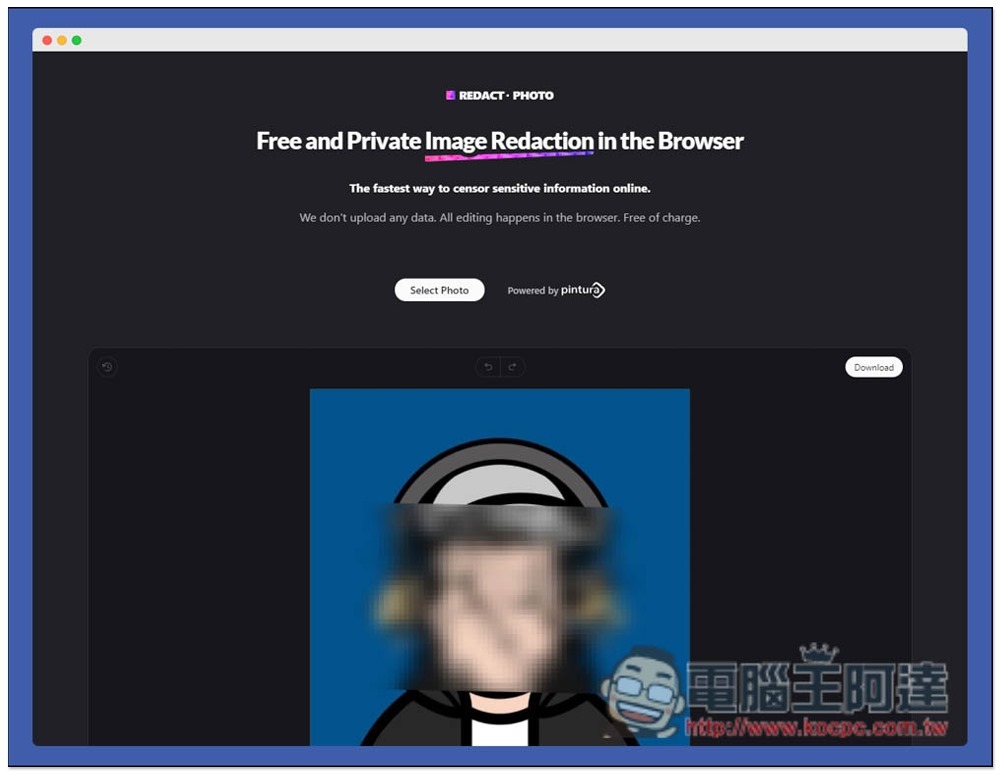
Introduction to REDACT.PHOTO, a free tool for adding mosaics to photos and pictures.
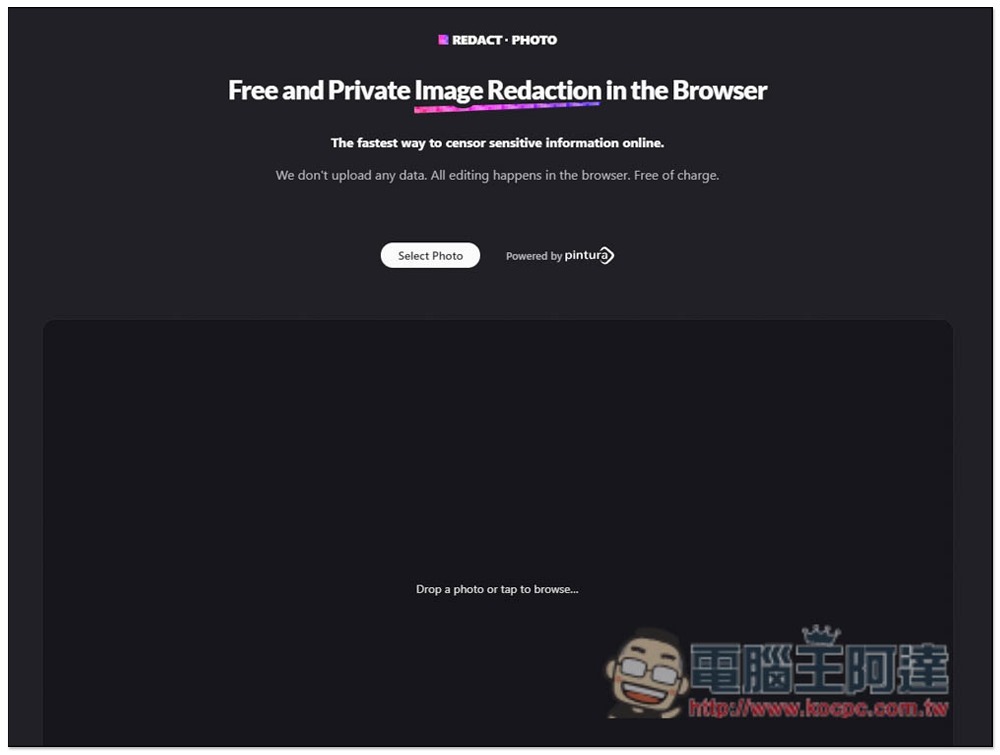
After entering the website, there is a note at the top that “We will not upload any data. All editing processes are completed in the browser and are completely free.” To put it simply, your photos and images will only be localized through JavaScript to achieve this effect, so you can use it with complete confidence. Drag in the photo you want to mosaic, or click “Select Photo” to select it manually:
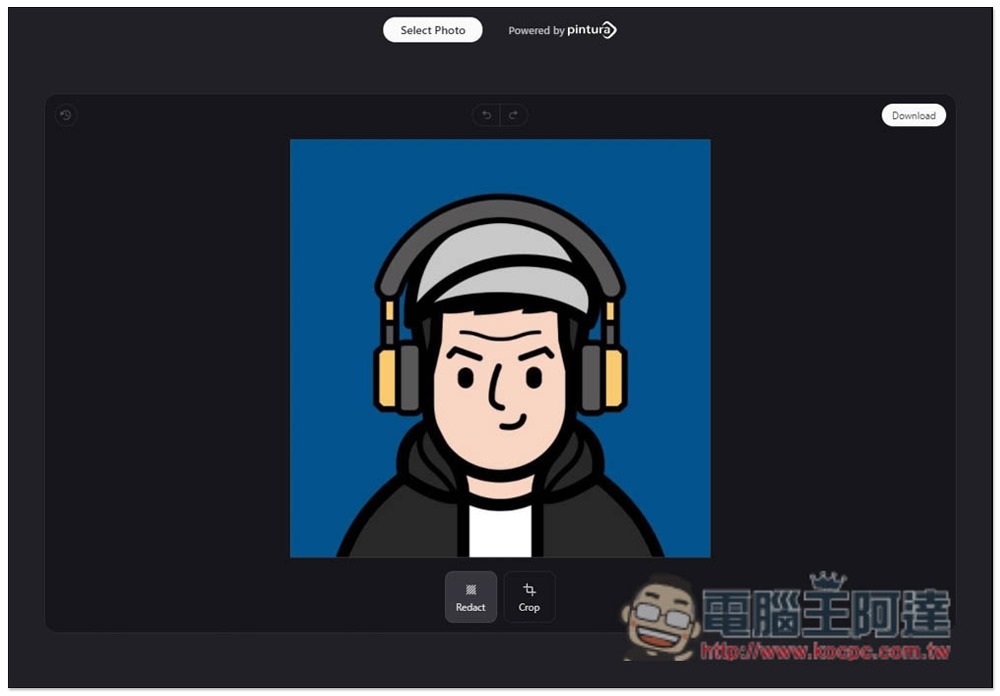
Then you can circle the area you want to mosaic. Redact is the mosaic tool, and Crop is the cropping tool:
As shown in the picture below, you can adjust the size of the mosaic at any time after adding it. Unfortunately, the mosaic only has a square shape and no other shapes. It is less flexible in use. After some objects are mosaic, it may affect the things next to you that you don’t want to block:
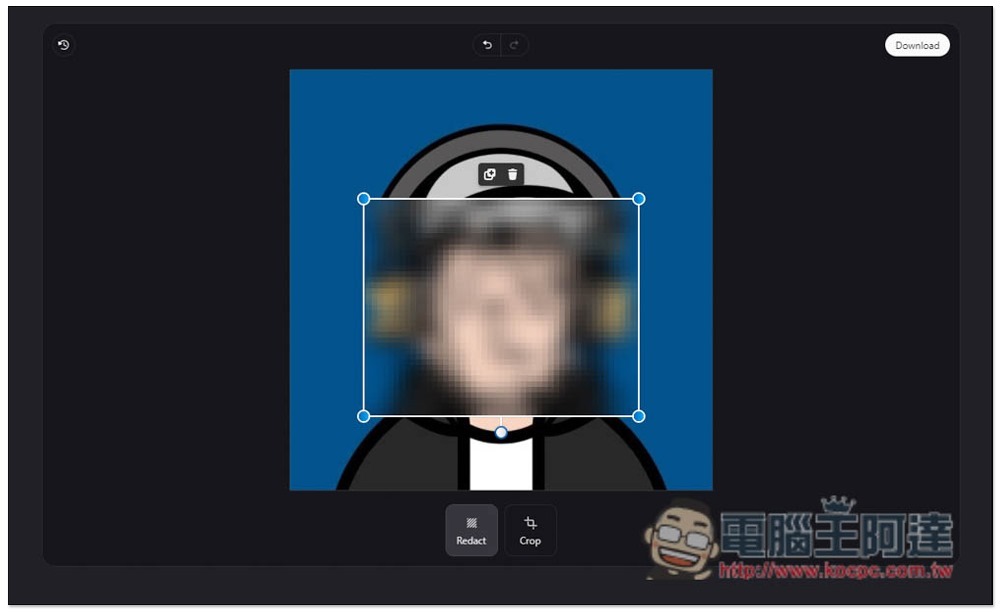
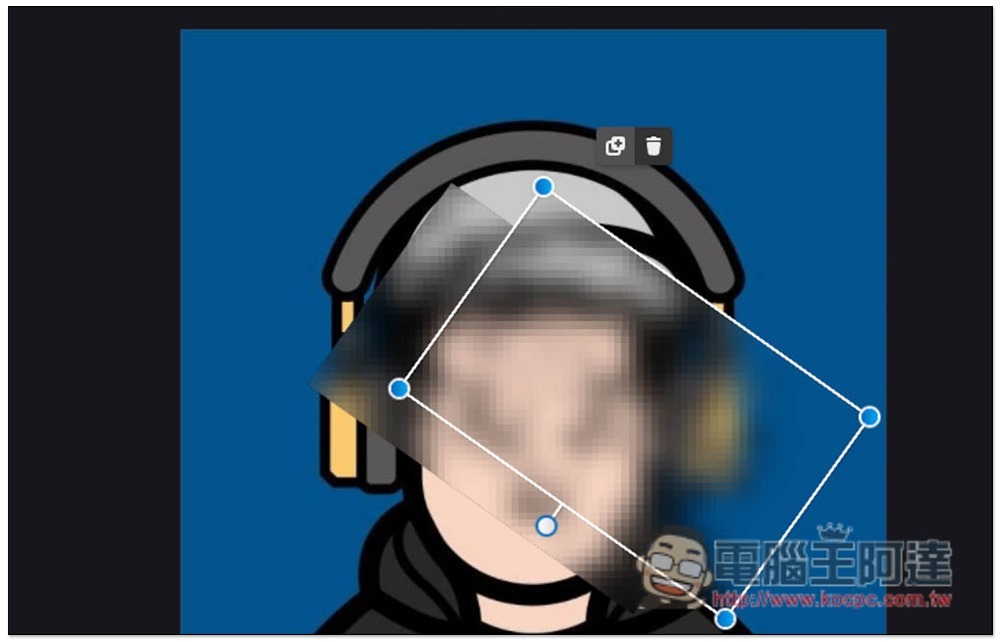
Can also be rotated:
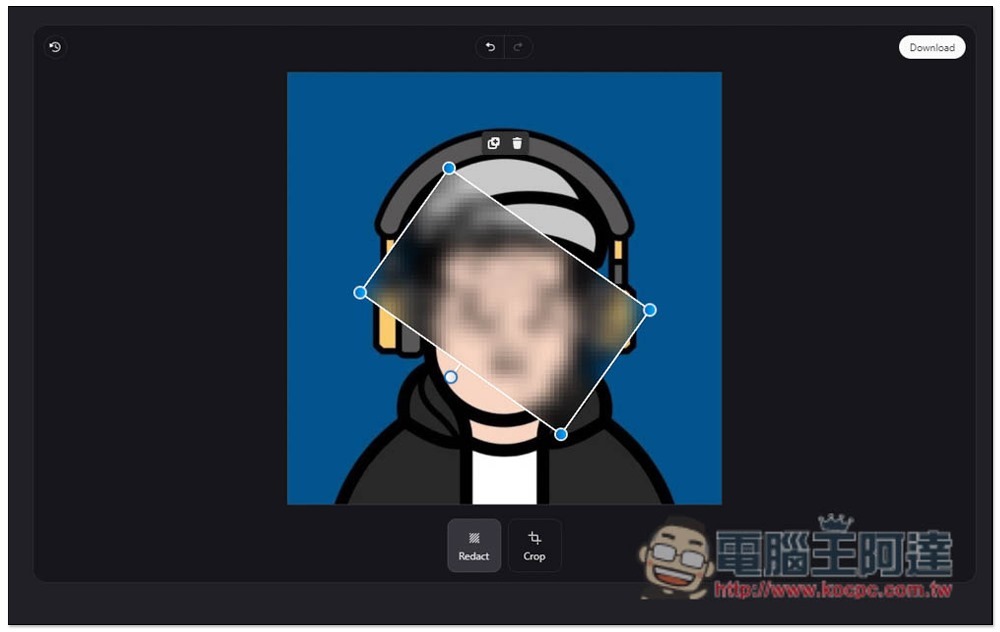
There are two small functions above, the left is to copy a piece, and the right is to delete:
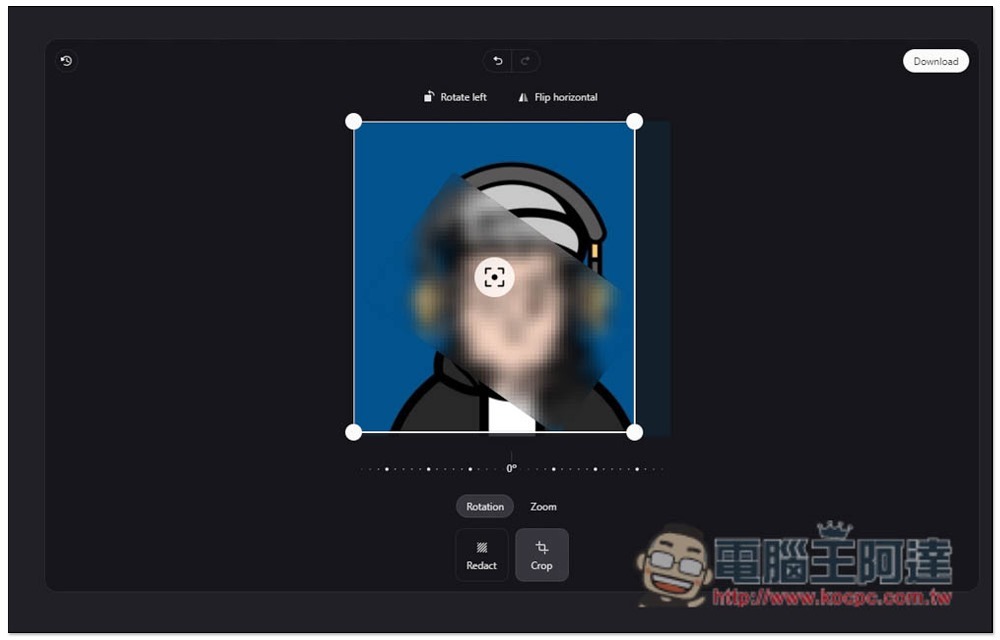
In addition to adjusting the photo and image range, the crop tool can also rotate and reverse. After everything is set, click Download on the upper right to download:
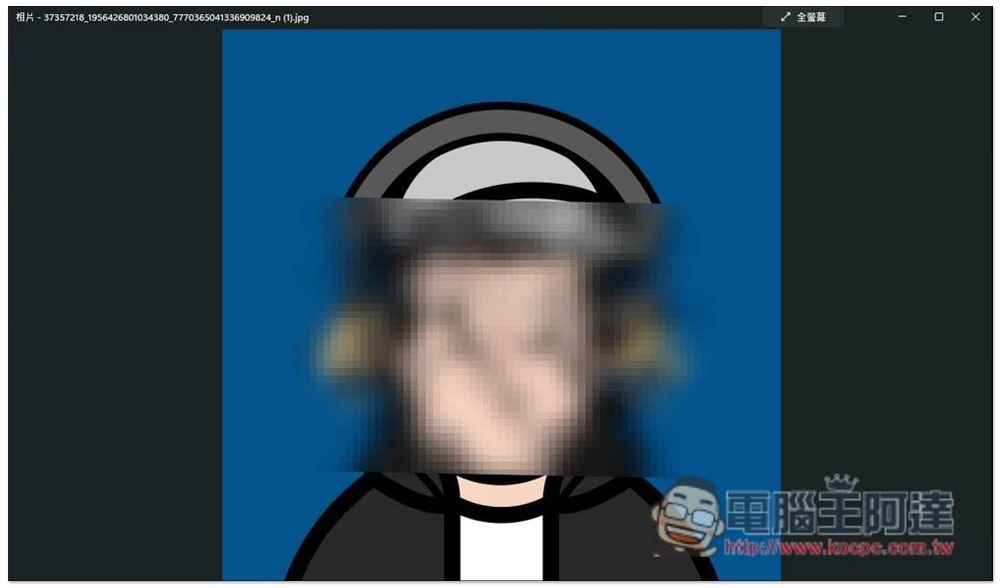
There is no watermark, and the image is still at its original resolution. If softening can be added to the four sides of the mosaic, it should look better:
Although all editing actions are performed locally and data will not be uploaded to the server, I tested that it still cannot be used if there is no Internet, and it must be connected to the Internet. If you encounter any problems during operation, there is also a form at the bottom of the website to inform the developer.
Source: KOCPC Chinese