


When it comes to the experience of installing apps on the Android platform, I have actually always liked to use the interface of the web version of the Play App Store to remotely install apps on my mobile phone – although it is not very commonly used, once I have used it once, I will say “this is really convenient!” When it comes to Google TV smart TVs, they have introduced the same very intuitive installation method in addition to the TV box system interface and the web page. Continue reading the text of the report. It is now possible to install apps for Google TV through Android phones.
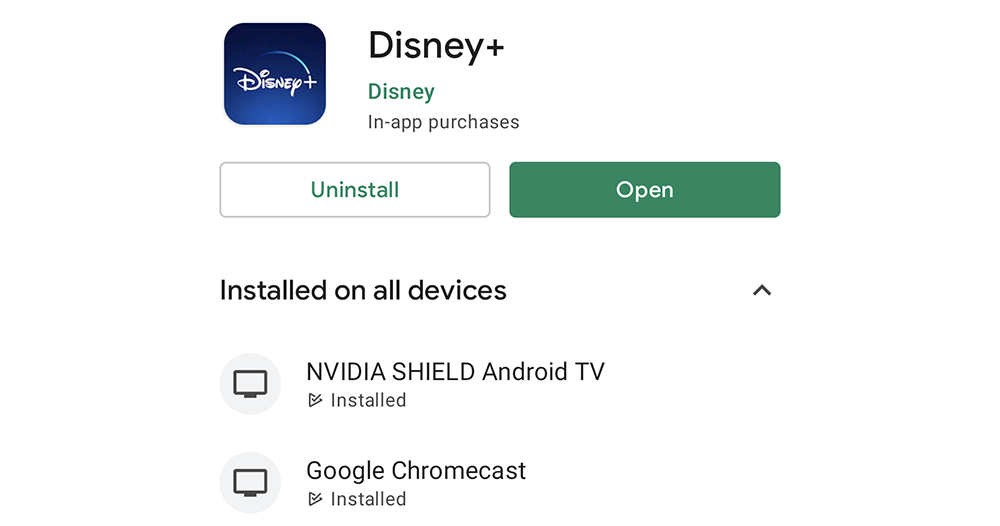
▲Image source: ausdroid
Now you can also install apps for Google TV through Android phones
It has to be said that being able to install applications for Android and even Google TV devices through the web interface is actually a very convenient way to use it – at least you don’t have to enter keywords slowly in the TV interface. But now it seems that Google plans to allow you to install the same applications directly on Google TV installed on your TV while using them on your Android device.
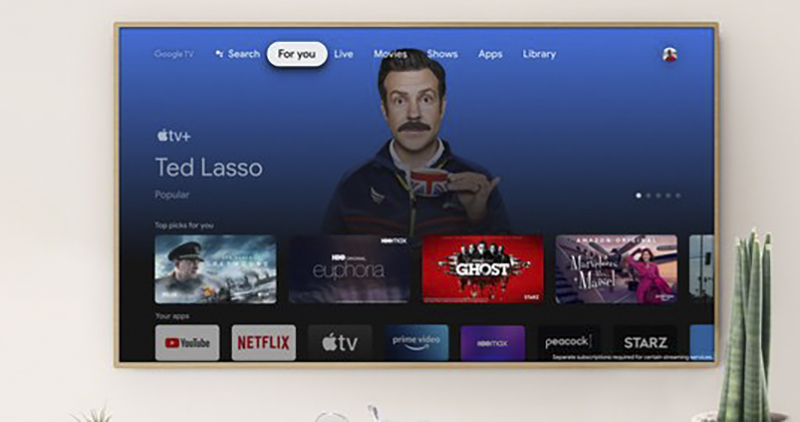
Similar to the experience of Wear OS, Google recently introduced the function of installing applications for Google TV system devices “by the way” in the installation interface of the mobile version of Google Play Store. To put it simply, it’s like you pick up your phone and want to install or researchThe recently popular Disney+ app At the same time, you can also choose to install this audio and video application directly on every Chromecast with Google TV or even NVIDIA SHIELD TV in your home through the expansion menu.
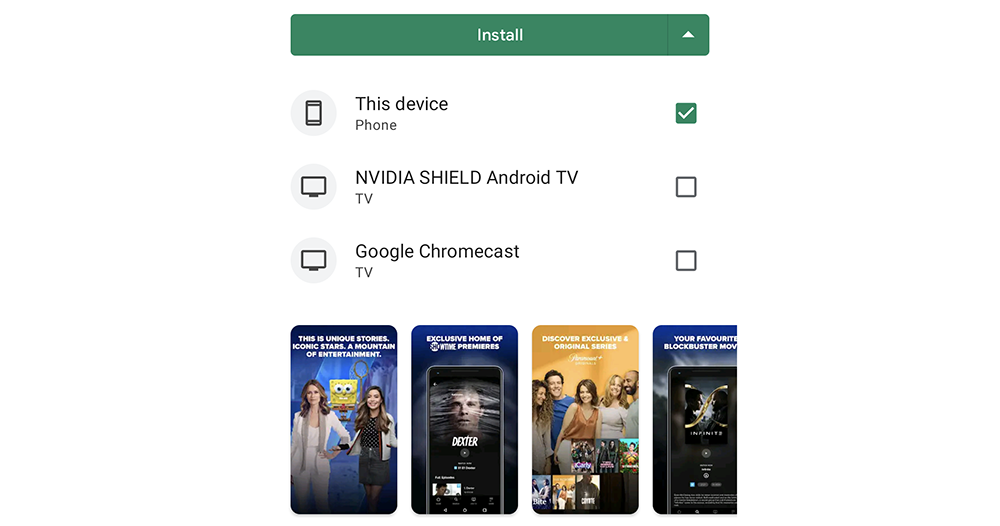
▲Image source: ausdroid
It is very simple to use. As long as you have a device that is compatible with Google TV, you will see a small triangle with a drop-down menu next to the install button of the Play Store app to expand the list of supported devices. At this time, you only need to check the device on which you want to install this application to start the installation process.
It is said that this feature has been officially launched in the Play Store. I wonder if anyone has discovered it?
Pictures/sources cited in this article
Further reading:
Older Pixel updates also get Pixel 6 series camera (some) features
Source: KOCPC Chinese