


Although many people are very happy, the iPhone 13 Pro and iPhone 13 Pro Max have begun to import, which is significantly helpful for close-up photography, with an ultra-wide-angle macro autofocus function that can focus as close as 2cm. However, the experience problem of frequent switching between the main lens and the ultra-wide-angle lens with digital zoom to 1x when shooting food on the plate or getting slightly closer to the subject is also an experience problem that many people feel immediately when they first buy the new generation Pro series iPhone.
Although Apple quickly provided a setting to turn off automatic switching through iOS 15.1, which added the ProRes video format, its practicality seems to be more troublesome than switching directly through buttons or modes (after all, it needs to be switched to 0.9x to use it). Now, Apple has added a useful “macro” button to the iPhone 13 Pro in the latest iOS beta version! In this article we also teach you how to start and use it.
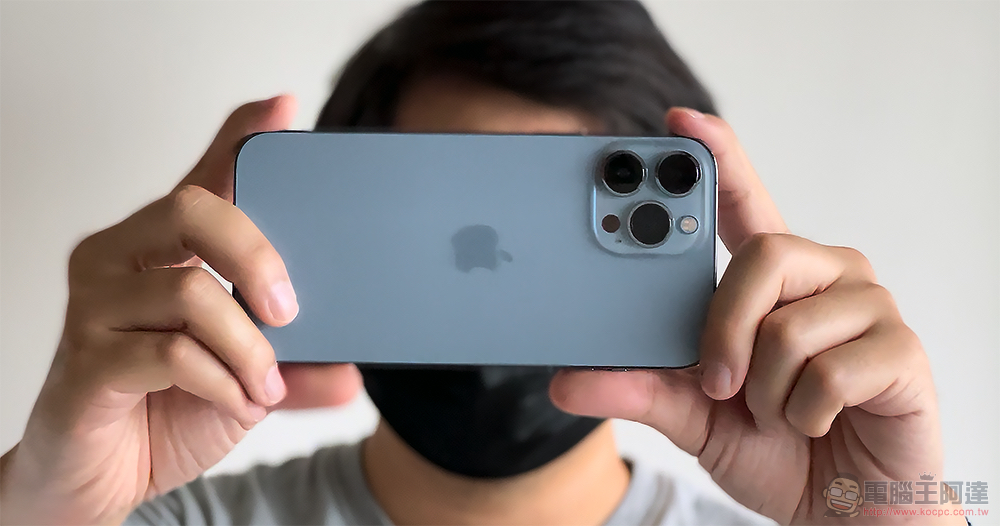
Apple adds a useful “macro” button to the iPhone 13 Pro in the latest iOS beta version (instructions on how to use it)
The new version of iOS 15.2 Beta 2 not only has more active countermeasures against unknown tracking of AirTags. Apple has also further enhanced the previous experience of using the “auto macro” function. Compared with iOS 15.1, the editor would prefer not to turn off this function. After this update, it provides a better switching experience in the closed state. will be changed toIt is recommended that everyone considerclosure「Auto Macro Setting” to activate the new small flower button interface。
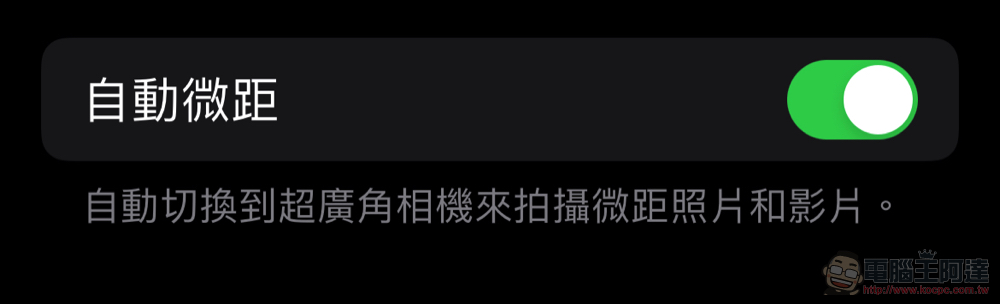
The auto macro function can be found in “Settings > Camera”.
Compared to iOS 15.1, this time iOS 15.2 Beta 2 is a public beta version. Apple has enhanced the macro experience with the iPhone 13 Pro series. Different from the previous “turn off” the automatic macro function, you now have to switch to a 1x lens or less to obtain the ability to take 2cm close-up shots. Now if you don’t let the phone switch automatically, the iPhone will also know how to display the “little flower” button that can be seen on many cameras when it detects that the screen is too close.
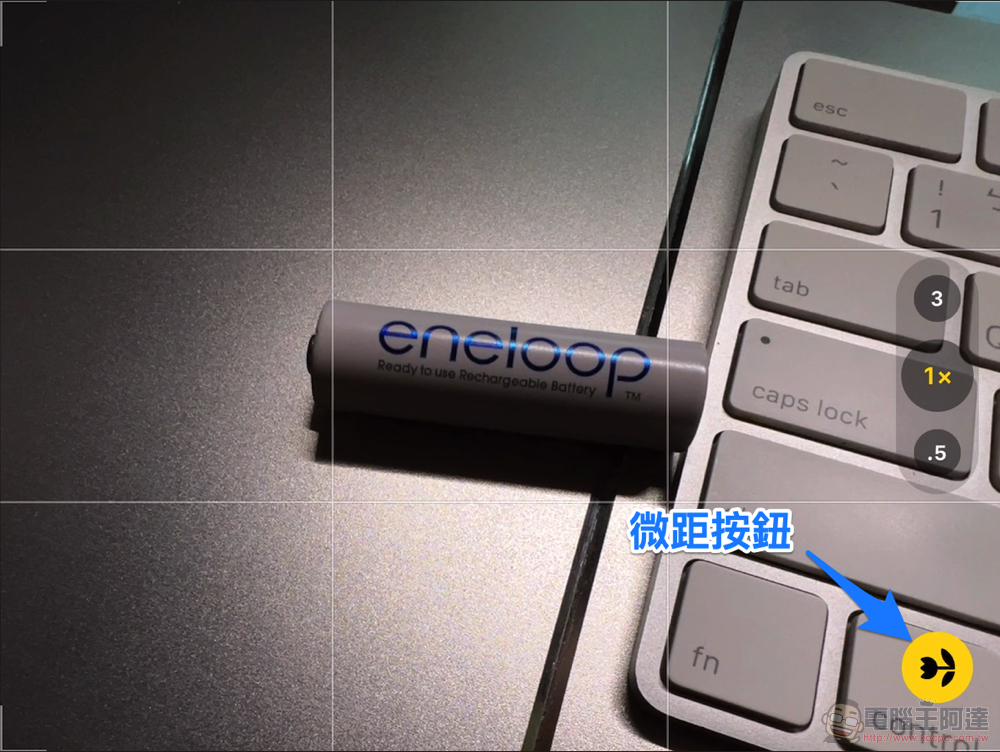
The function logic of the small flower button is actually a bit like a quick switch for automatic macro setting – but you have to “turn off automatic macro setting” to see it (I know it’s a bit confusing, but set it once and it’s OK).
When the little flower button on the shooting interface is lit, the camera will remain in the same state as when the iPhone 13 Pro was first launched. It will automatically switch to the ultra-wide-angle lens when the detection focus distance is shortened to the point where the main lens is out of focus; if it is turned off and appears gray, the ultra-wide-angle lens with a 2cm close-up distance will not be used to shoot – if you get too close at this time, it will be out of focus and blurred, but it can ensure that the shooting picture is not interrupted and the perspective is kept consistent.
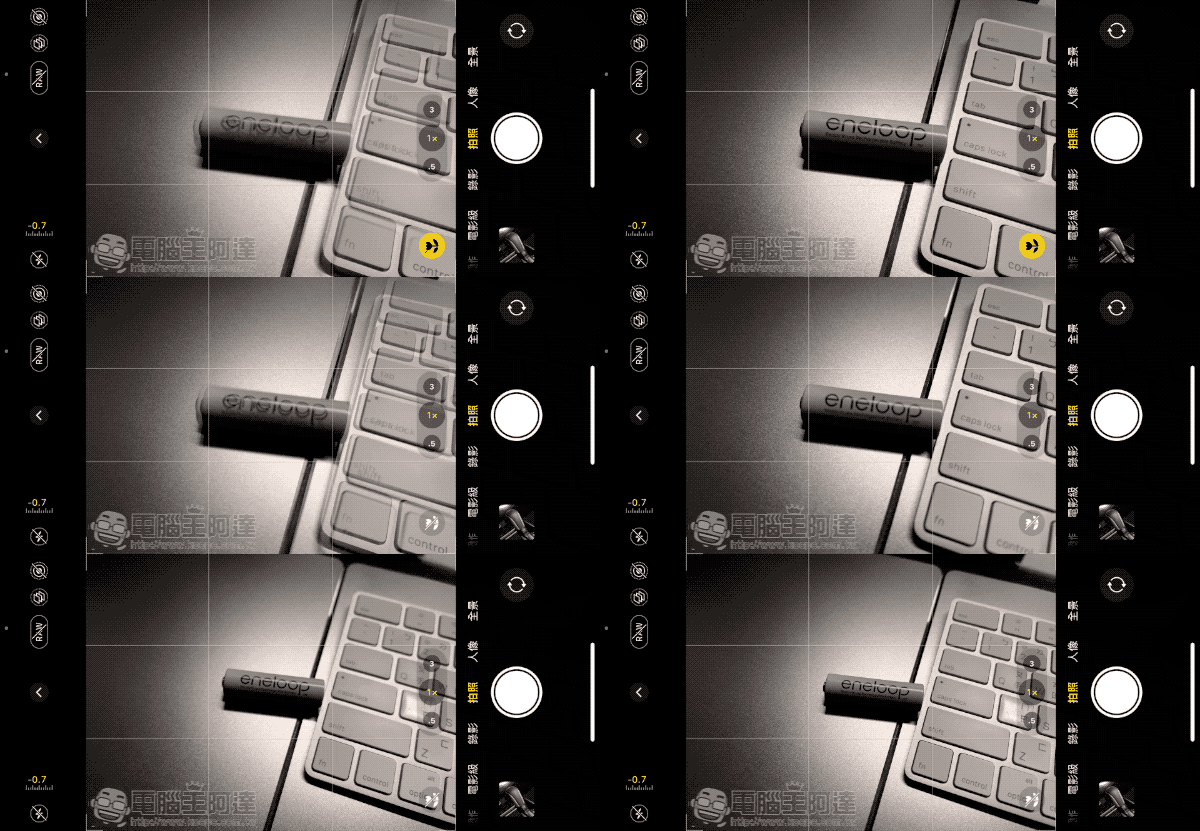
This part of the experience is actually similar to the iPhone’s night shooting mode. When the small flower button is gray, that is, the automatic macro mode is turned off. If you encounter a situation where the system recommends you to turn on the macro lens, you will see a gray flower button in the lower right corner to prompt you to turn it on. Click it at this time and it will quickly switch to an ultra-wide-angle lens with a closer focusing distance.
This switching process is quite smooth – although the angle of view is still a bit offset, compared to the previous uncertainty, the experience of manually switching lenses at a fixed distance is better personally.
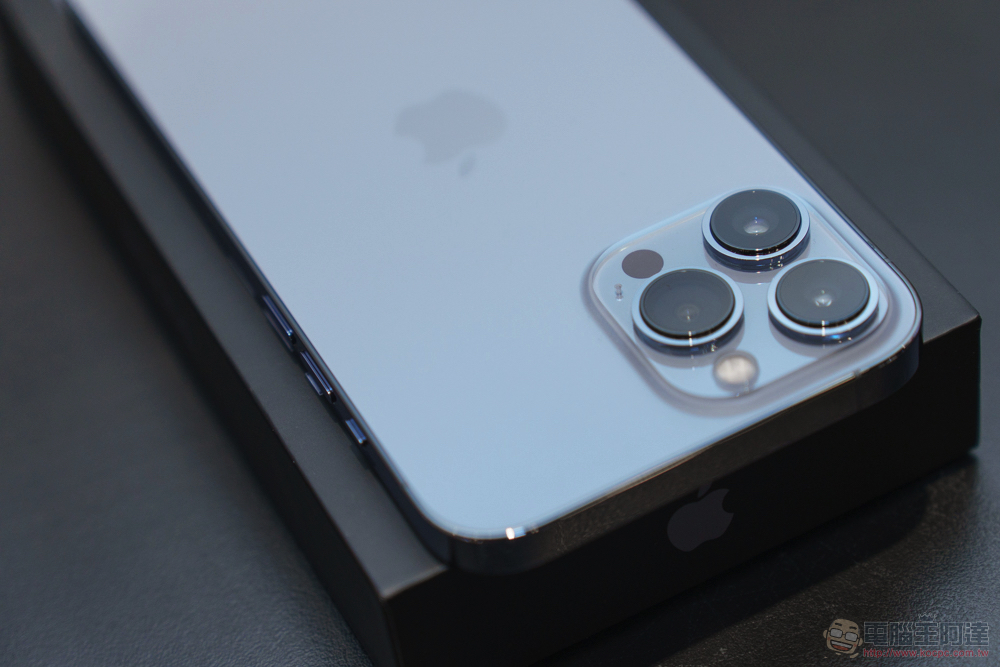
The last thing I want to mention to you is. When shooting with a 3x telescope, you will still switch to the 1x lens for shooting according to the focusing distance (which is similar to the switching logic of activating auto macro), and will not be forced to be fixed at the 3x lens because you turn off auto macro. For friends who like to use the telephoto lens of iPhone to create, this will be something that needs to be paid attention to.
Further reading:
iPhone 13 Pro photography long-term test experience: “Movie-level” is just the beginning
Unable to stop the chip shortage, some new Tesla cars don’t even have USB charging ports
Source: KOCPC Chinese