


Nowadays, content farm websites are not as rampant as before, but you still occasionally click on them accidentally when looking for information or Facebook links to share. These websites are almost plagiarized, cut and pasted, and pieced together to quickly produce articles and earn advertising revenue. The quality of the articles is very unstable, and there are even many incorrect contents and malicious programs, which are harmful to both readers and creators. In order to prevent people from entering the content farm by mistake, some netizens have developed the “End Content Farm” extension. After installation, as long as you enter the content farm website, a prompt will automatically pop up, allowing you to avoid it as soon as possible. Chrome and Edge are both supported.
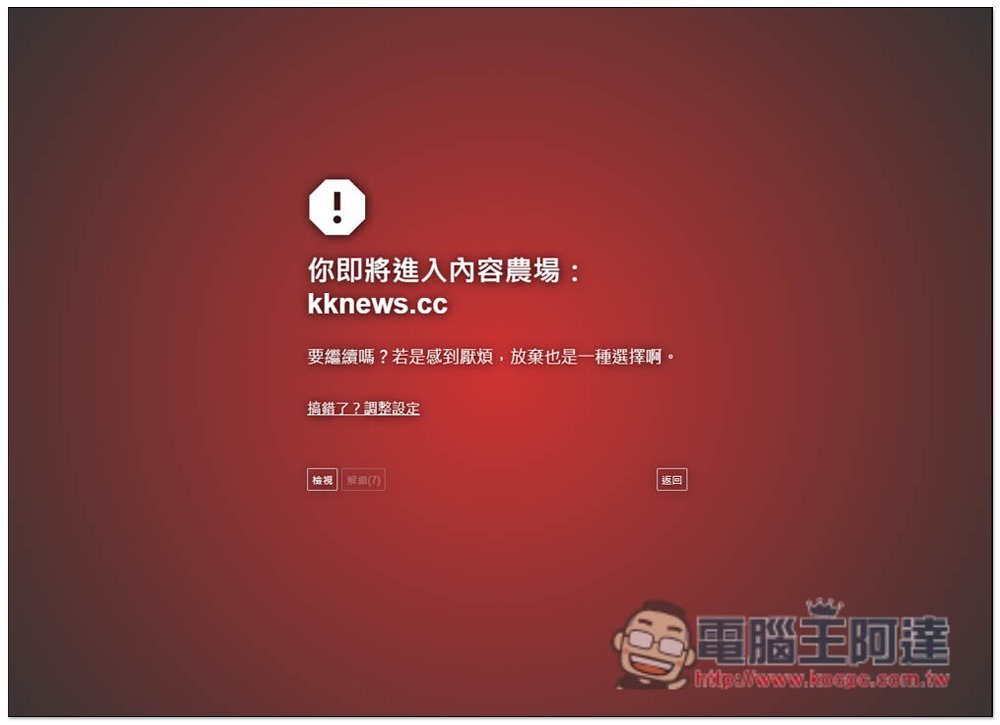
“End Content Farms” free extension function introduction, so that you will no longer mistakenly enter content farm websites
Although “End Content Farm” is an extension of Chrome, it can also be installed on Edge. I will use Edge as an example below, and the operation methods are the same.
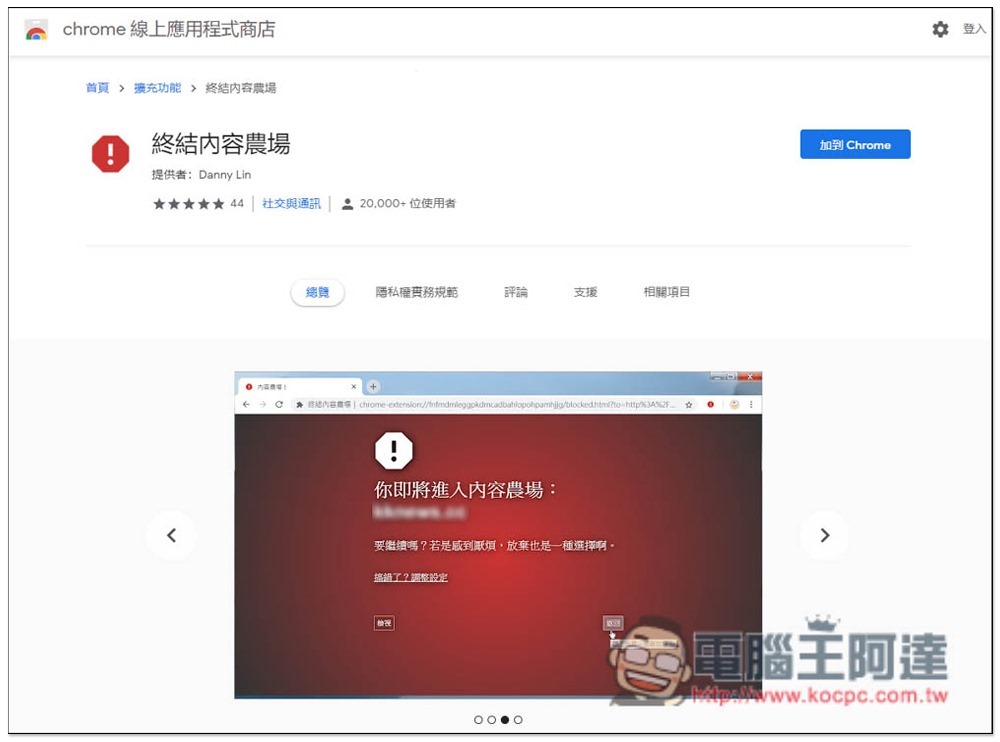
After entering the extension store, click “Add to Chrome” on the right:
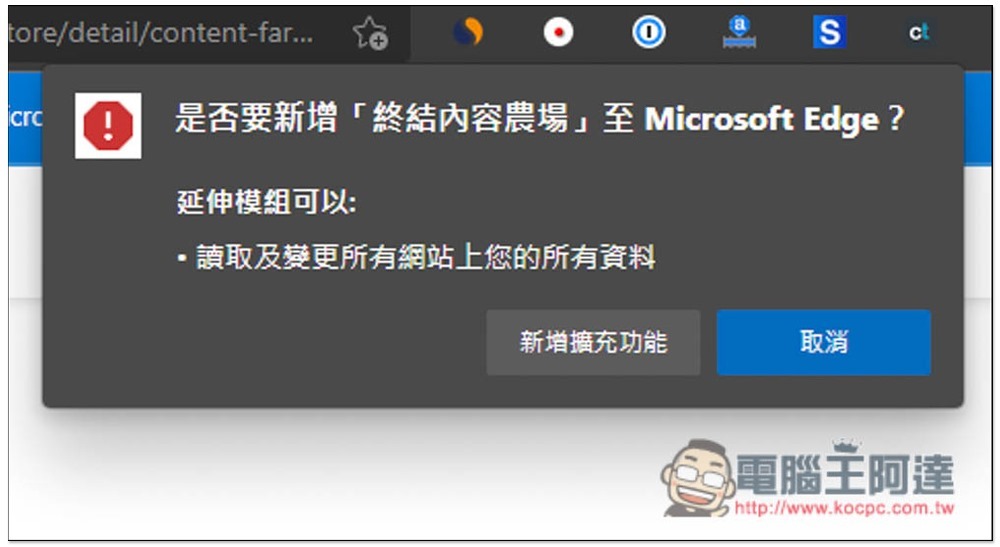
This message will pop up at the top, click “Add extension”:
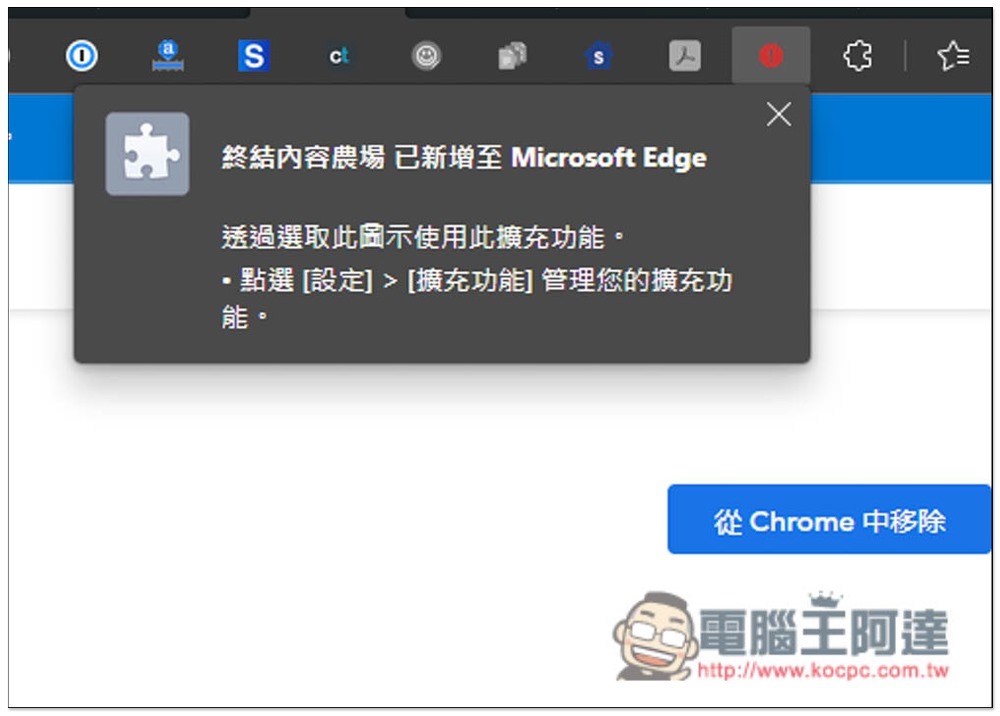
The installation is now complete. Basically, there is no need to set anything. It already has a preset list of common content websites, which will be blocked when opened:
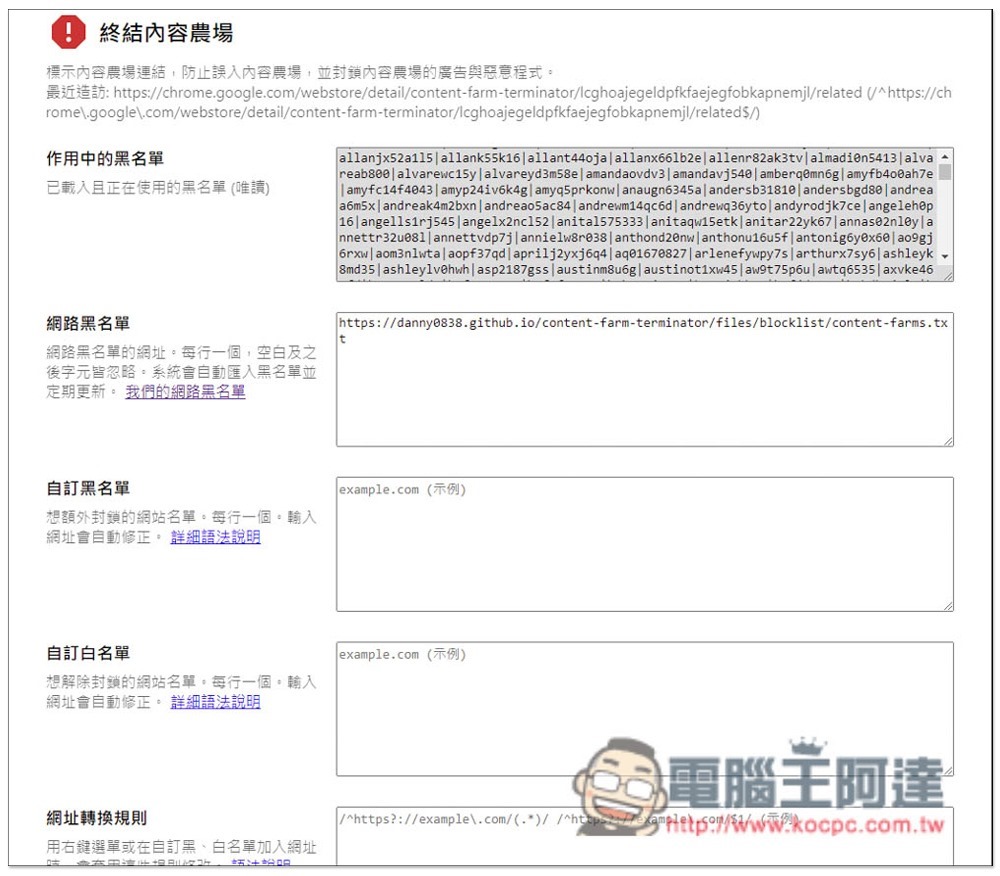
Of course, you can also adjust it yourself. After clicking the expansion icon, you will enter the settings screen, where you can set custom blacklists and whitelists:
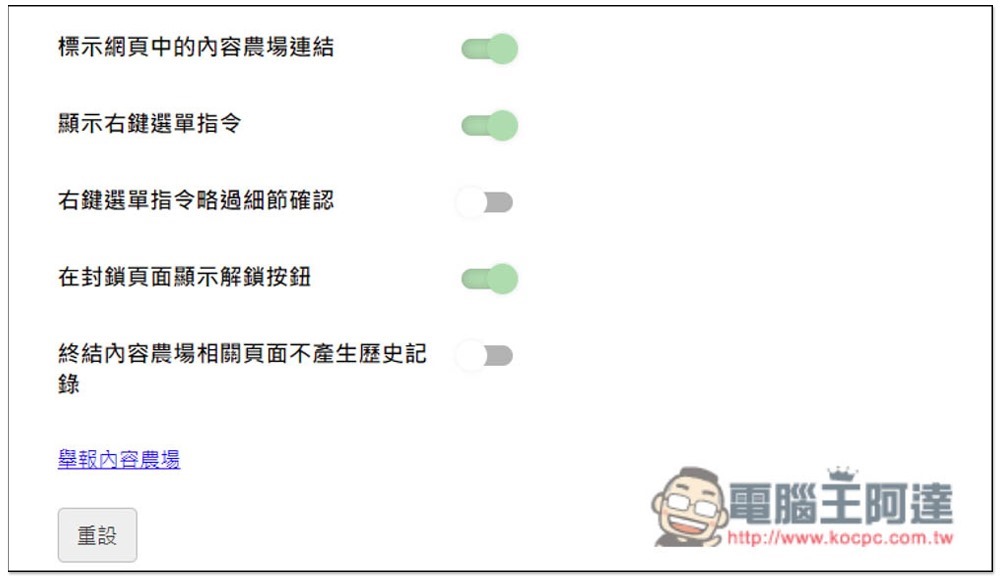
There are some options at the bottom that you can change yourself, depending on whether you need them:
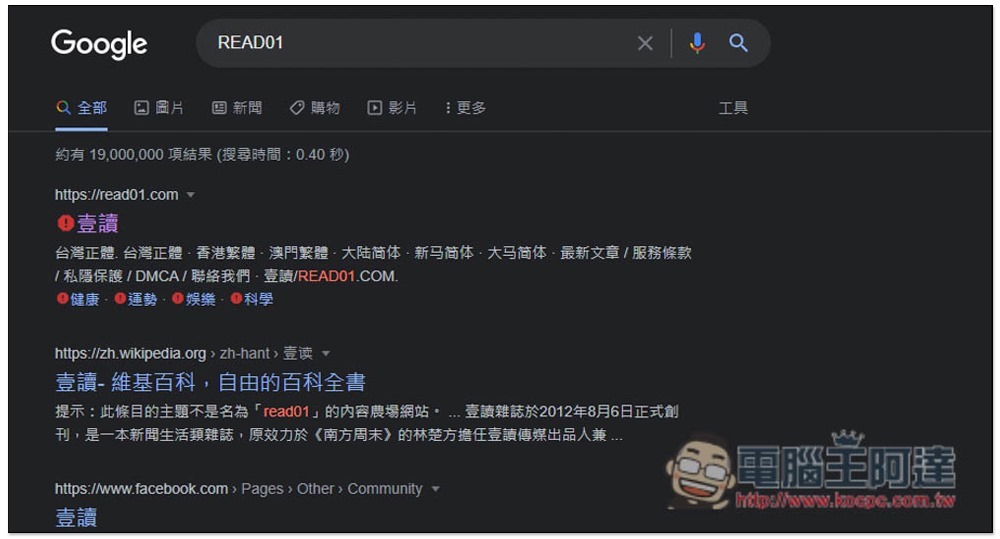
When searching, if the web page result is a content farm website, a red exclamation mark will appear at the front, so you can skip it directly:
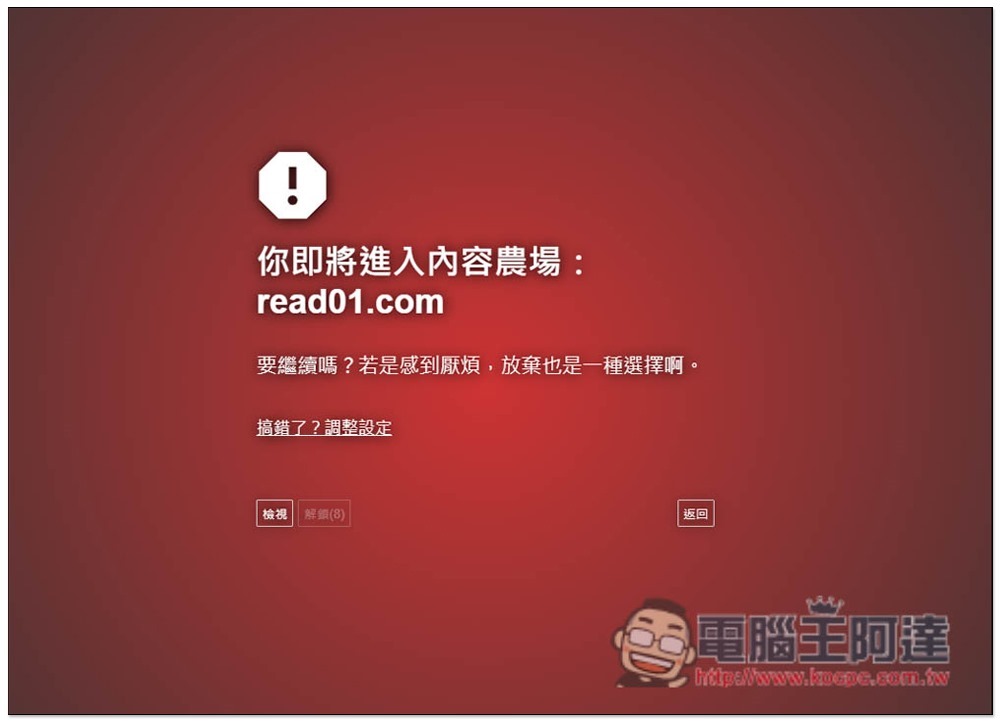
If you accidentally enter or click on the URL of any content farm, this screen will appear first to warn you that you are about to enter a content farm. If it is a misjudgment, you can click the adjustment settings in the middle to modify it. Of course, you can still force entry if you want to see it, just press View:
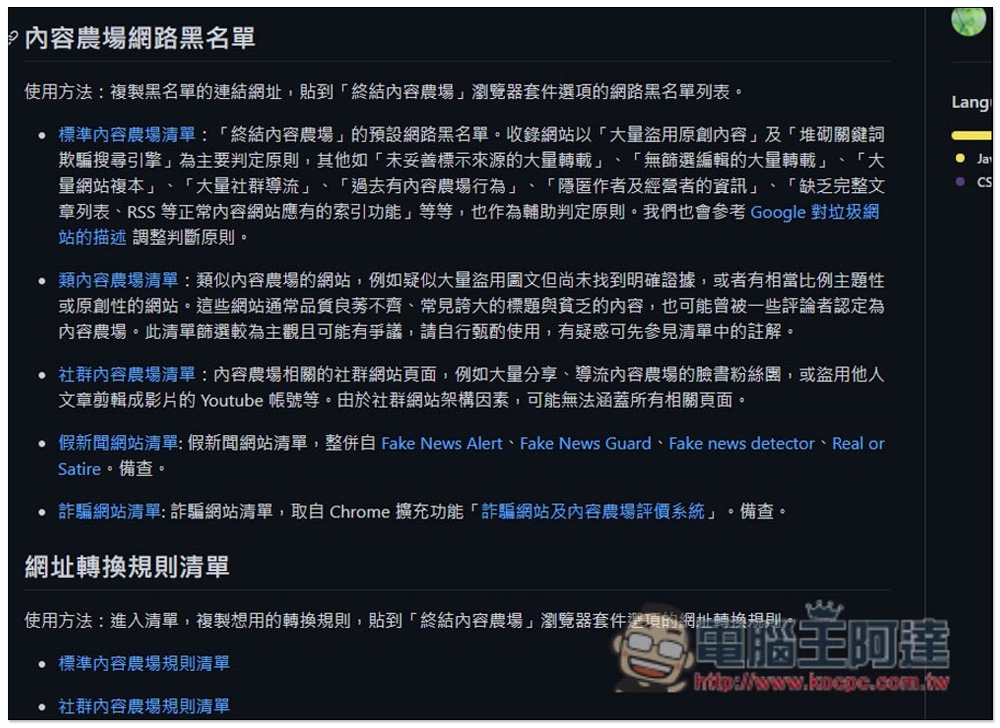
If you want to know what the entire Internet blacklist is, you can click hereEnter the GitHub open source websiteCheck out, there are five major categories: “Standard Content Farm List”, “Class Content Farm List”, “Social Content Farm List”, “Fake News Website List”, “Fraud Website List”, some are already preset, and some require additional manual subscription:
Source: KOCPC Chinese