


Just beforeBrings automatic updates to iOS versions, Whoscall keeps its signature anti-spoof call protection in the best possible condition. Recently, we have made further efforts to apply the powerful anti-fraud capabilities jointly with the government and security agencies to the “SMS” function, and the best thing is that this function is also available for iOS and Android systems simultaneously! Continue reading Whoscall’s new SMS fraud prevention feature tutorial.
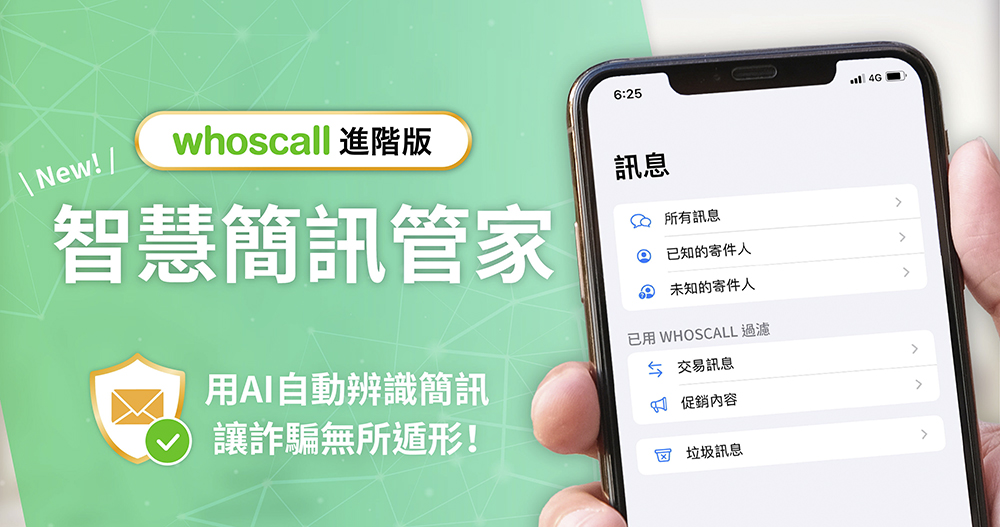
Whoscall launches new SMS fraud prevention function: “Smart SMS Manager” is available for both iOS and Android (instructions for use)
With the invasion of various discounts of five times coupons, although there are really many crazy discounts that are so good that they look a bit like scams (for example, the recent discounts on electric motorcycles are really good and full, and various discounts and subsidies are deductedAlmost all at half price), but there are also many scam messages waiting for the opportunity – in fact, even the most recent epidemic scams are not unheard of.
At this point in time, the new Whoscall subscription function “Smart SMS Manager” launched by Gogolook should be regarded as a timely blessing – it is really recommended that friends who have subscribed can activate it immediately. At the end of this article, I will briefly teach you how to do it.
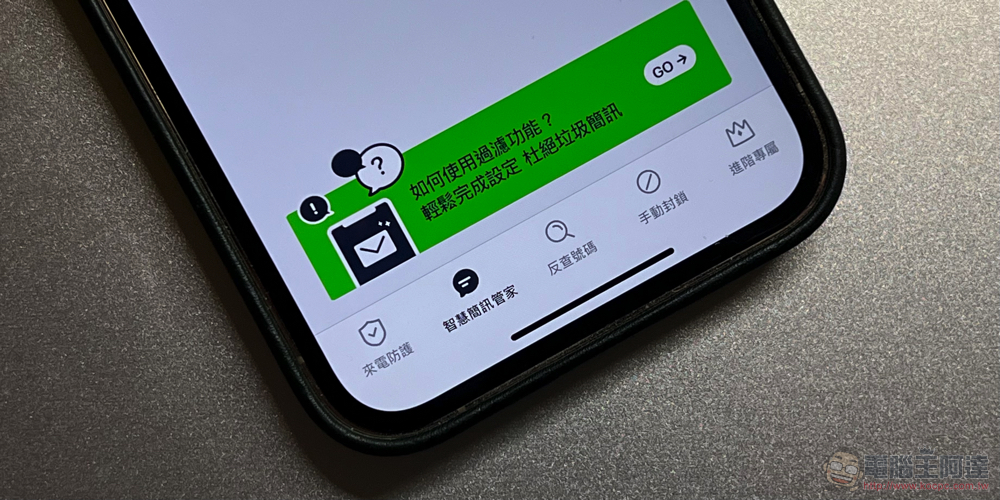
Smart SMS Manager function and Google Phishing link prevention service
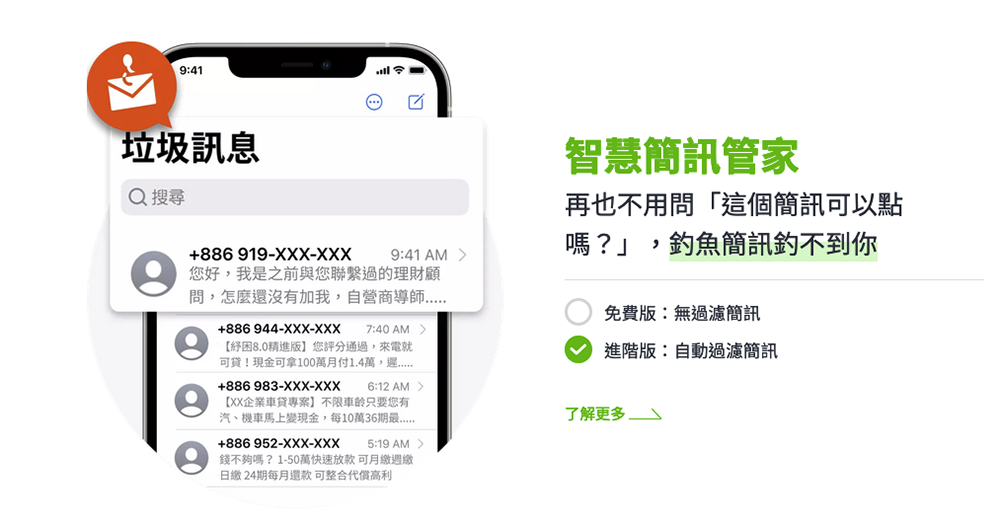
Automatically classify unfamiliar text messages into four categories: general messages, spam messages, transaction messages, and promotional messages. To be honest, what I am most afraid of is link fraud, because many text messages are so attractive that many people will let down their guard and click on fraudulent OTP messages, putting themselves at risk of having their accounts stolen or even losing money.
According to Whoscall statistics, Taiwanese people receive an average of more than 7.4 harassing text messages a week (it was only 77 messages the year before last, and last year it surged to an average of 239 messages per year, which is annoying enough). If you have recently encountered messages from well-intentioned investment advisors who want to teach you how to make money through text messages, you may even feel overwhelmed by scams and other situations. Then you can really consider subscribing to Whoscall’s premium version to get this feature.
Activate Whoscall Smart SMS Manager function
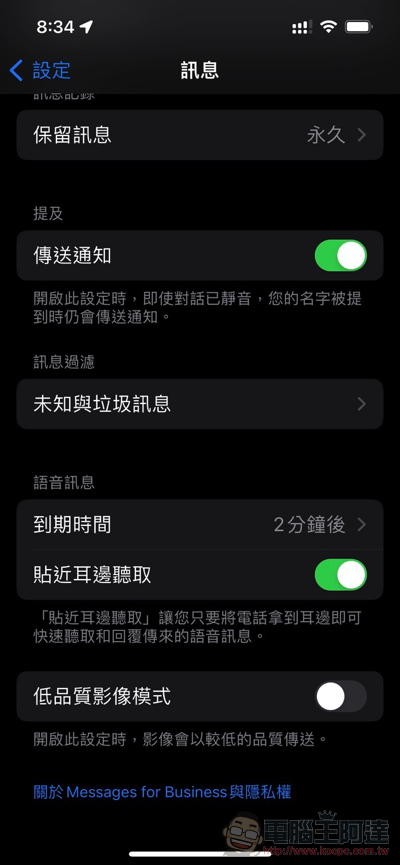
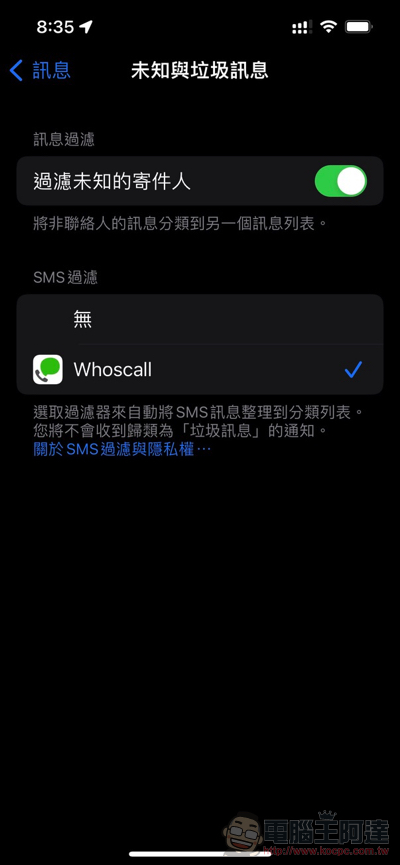
In fact, for the Android version, you can complete the settings step by step by turning on Whoscall. There is no need to specify services in the system settings, so there is no special instruction here. To activate the iOS version of Smart SMS Manager, you need to go to the “Unknown and Spam Messages” function under “Messages > Message Filtering” in the system settings, check “Filter unknown senders” and select the installed Whoscall service to activate.
Friends who are hesitant about whether this function is useful or not, and are still considering whether to subscribe, don’t be too entangled (laughs). Because the Whoscall advanced subscription actually has a trial period, it is recommended that you install it for a few days to see if it works well.
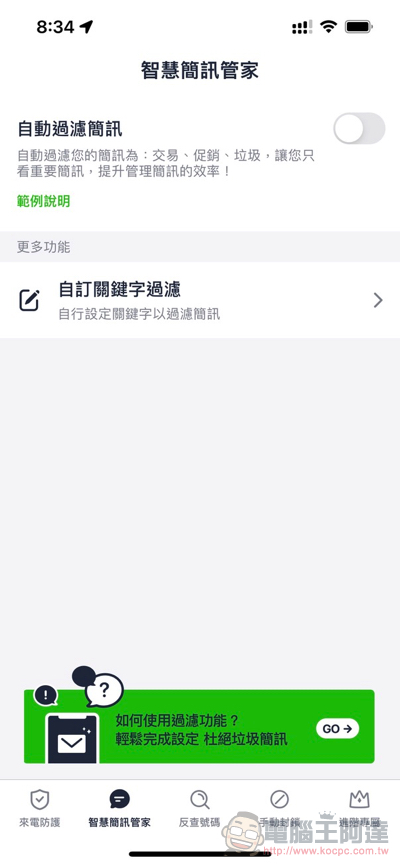
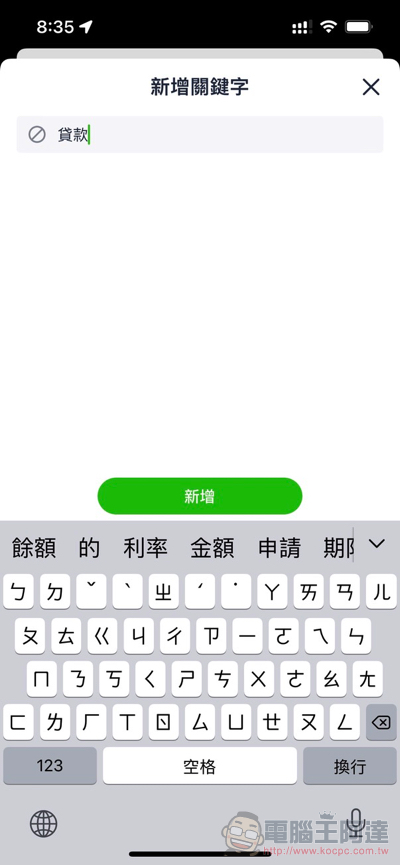
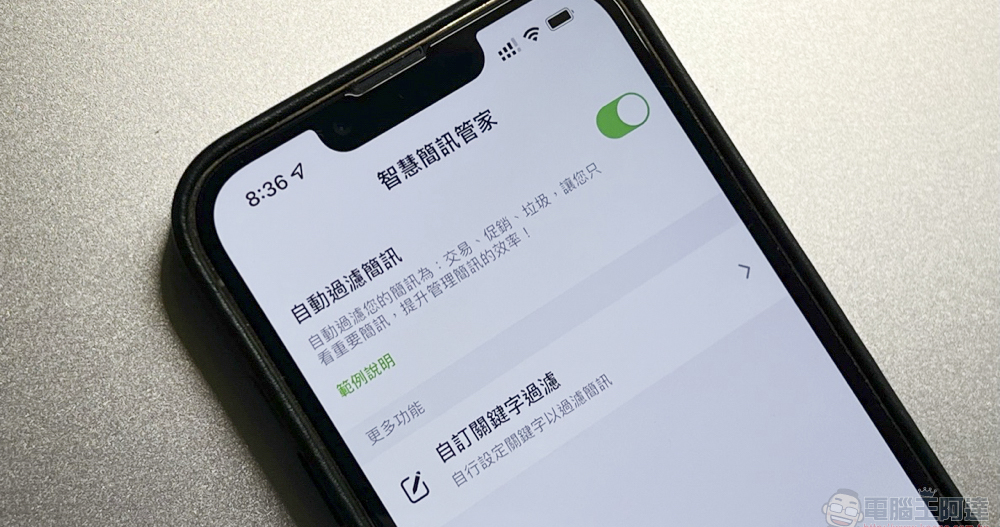
▲Picture: It also provides advanced custom keyword message filtering function.
Further reading:
iPhone 13 Pro photography long-term test experience: “Movie-level” is just the beginning
The camera system of the Google Pixel Fold seems to be a bit… complicated? (or vintage)
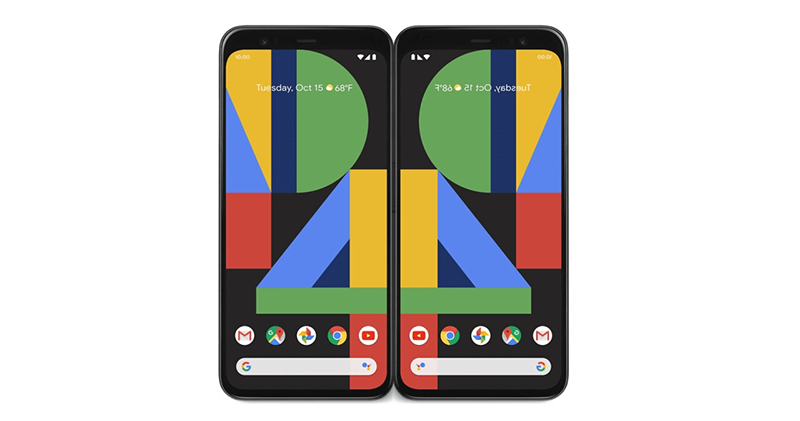
Source: KOCPC Chinese