


When it comes to back-removing, many people may think that you need to use professional image editing software such as Photoshop. In fact, there are many online tools that have very powerful back-removing functions. I recommend PicWish in this article. After uploading the photos and pictures you want to memorize, it will use AI artificial intelligence technology to automatically remove the back-back. As long as the background is not too complicated, the effect is very good, and portraits, goods, cars, animals and graphics are all supported. It is completely free, and there are no watermarks on the pictures on the back.
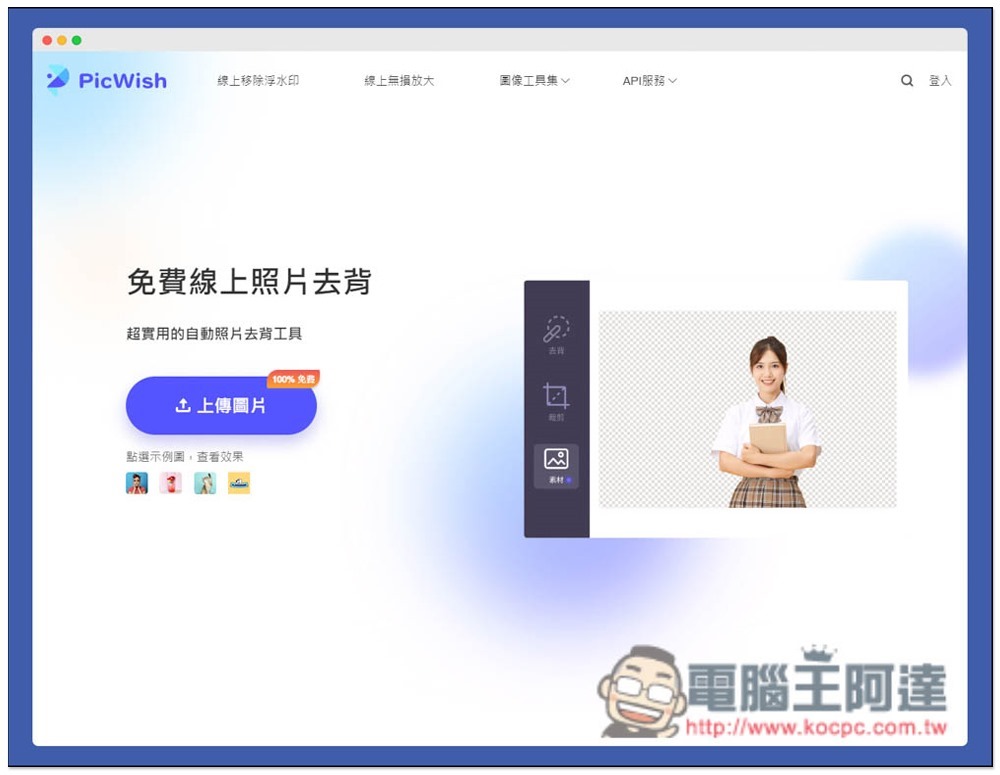
Introduction to PicWish free online memorization tool
After entering the PicWish website, click Upload Picture on the left and select the photo or image you want to memorize. Some sample pictures are also provided below. Those who want to use it first to see the function can try it. However, it is not worth referring to the effect, because the developer will definitely put the picture with the best development effect:
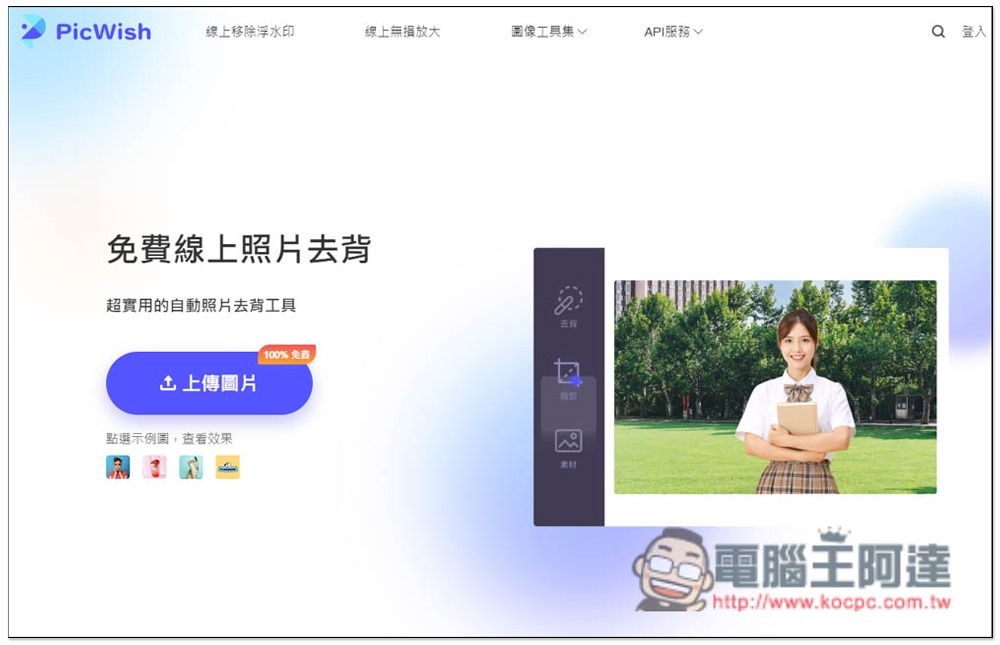
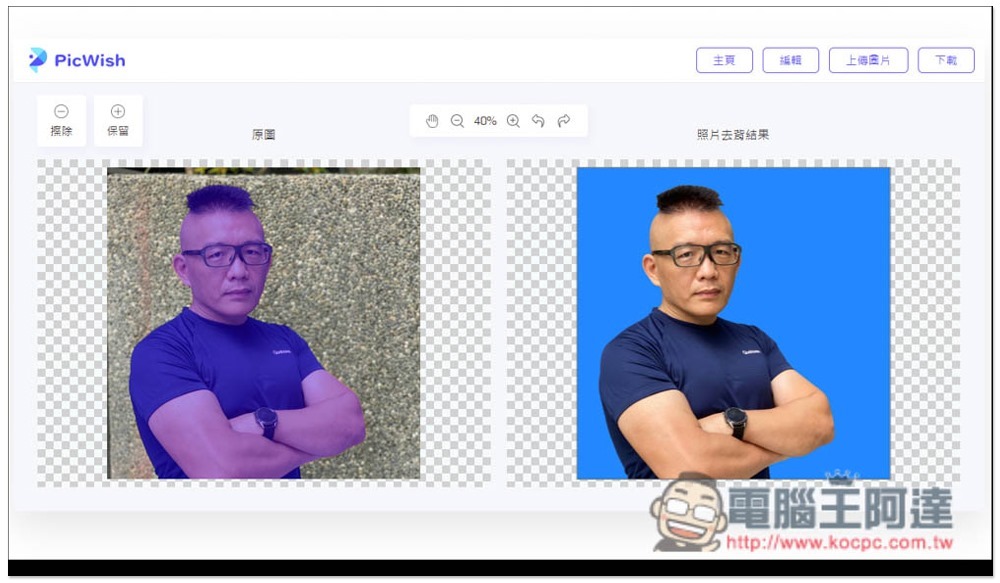
After the processing is completed, the original image and photo de-backing results will be displayed. The background of this photo is not too complicated, so the de-backing effect is very good, and the edges are processed well. If there is something you are not satisfied with, there are also “Erase” and “Keep” functions in the upper left corner, allowing you to modify it manually:
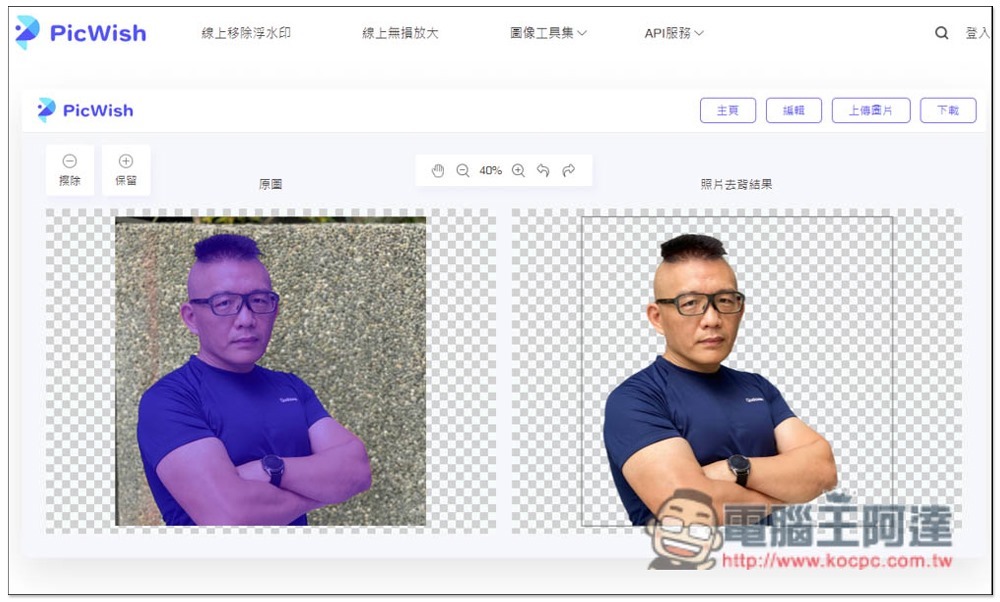
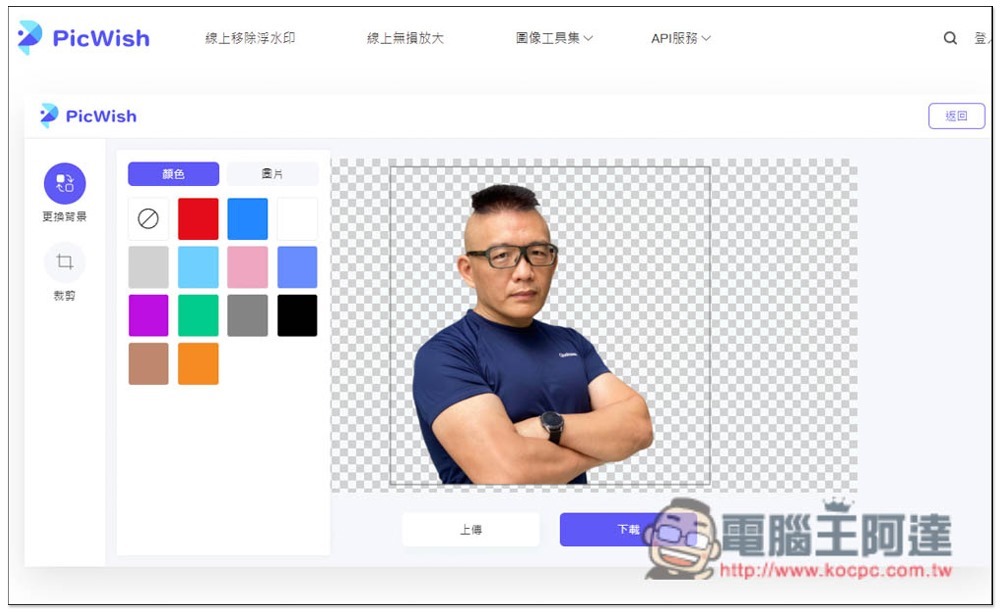
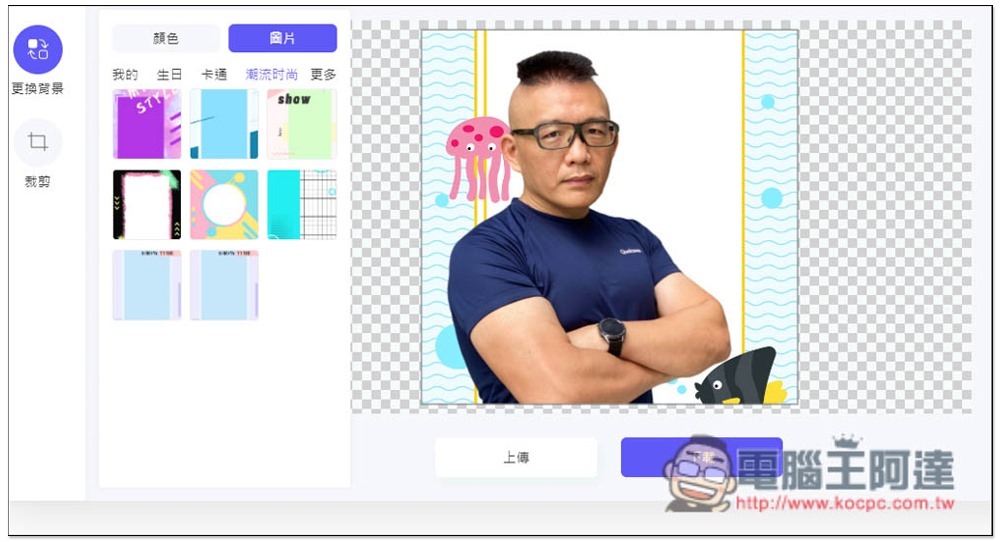
It also has built-in editing functions, including background changing and cropping. The background part provides solid colors and pictures. If you want to apply a background image after memorizing, you can directly use this editing function, so you don’t need to use other software or online tools after downloading:
There are many picture backgrounds provided, including birthdays, cartoons, fashion, etc.:
Once you are satisfied, you can click the download function above without logging in and registering:
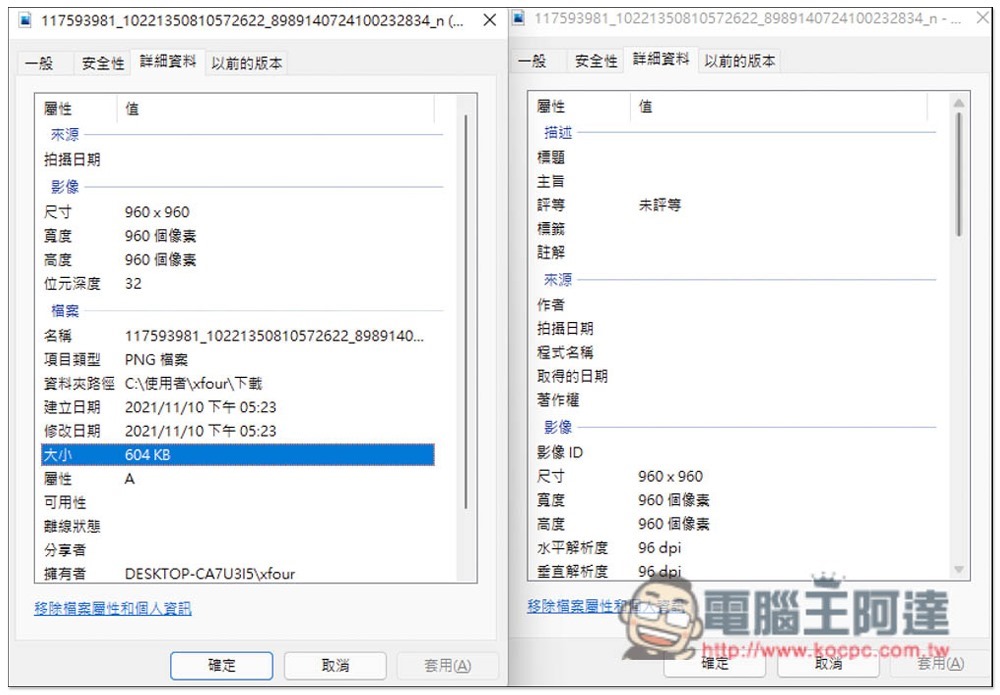
The resolution of the image after downloading will basically be the same as the original file, which is very good. There is no compression. In addition, there will be no watermark when memorizing the image:
In addition to online memorization, this website also provides tools for eliminating unnecessary objects on pictures, lossless enlarging, zooming, and cropping pictures. Those who need it can also try it.
Finally, I would like to remind you that you have to upload photos or images to the server of this website. Photos that are too private are not recommended.
Source: KOCPC Chinese