


On macOS, running out of storage space is a situation that almost every user has encountered. Although the system’s built-in “storage management” tool can provide general classifications, such as files, applications, system information, etc., in actual use, it is often found that these classifications are not enough to pinpoint the real source of space occupied. Finding out which folder is full of cache, which project has left a lot of material behind, or which application is hiding a huge temporary file often requires digging through layers of files.
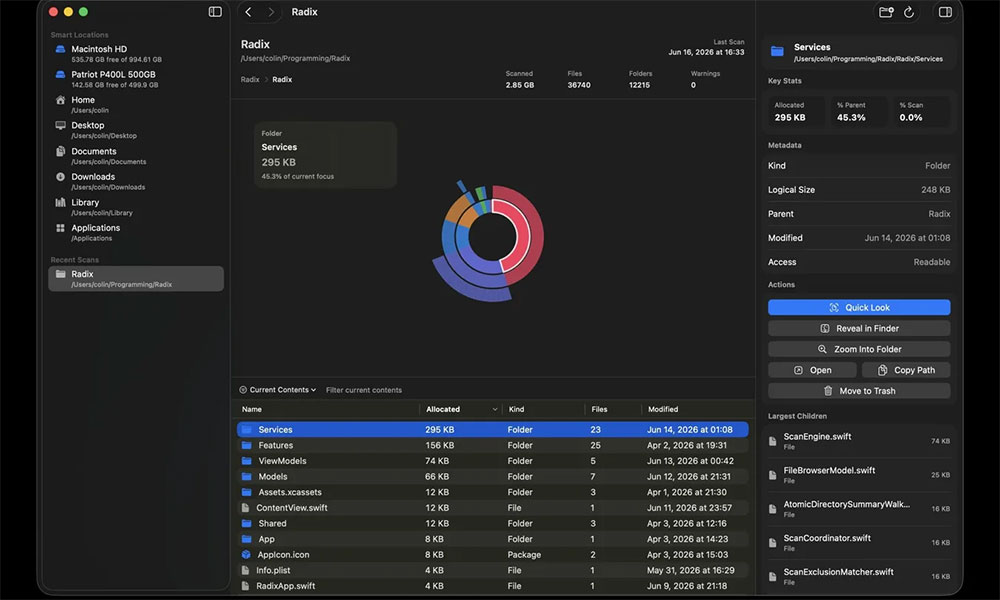
Radix: Beautifully Designed Free Mac Computer Disk Space Tool
Radix emerged to solve this pain point. This free, open-source macOS application focuses on disk space analysis, allowing users to understand the actual disk usage in a more intuitive way. Radix can scan an entire disk, a specific disk area, or a single folder, and present the results as an interactive sunburst chart, allowing users to quickly grasp the spatial distribution without having to manually expand folders layer by layer.
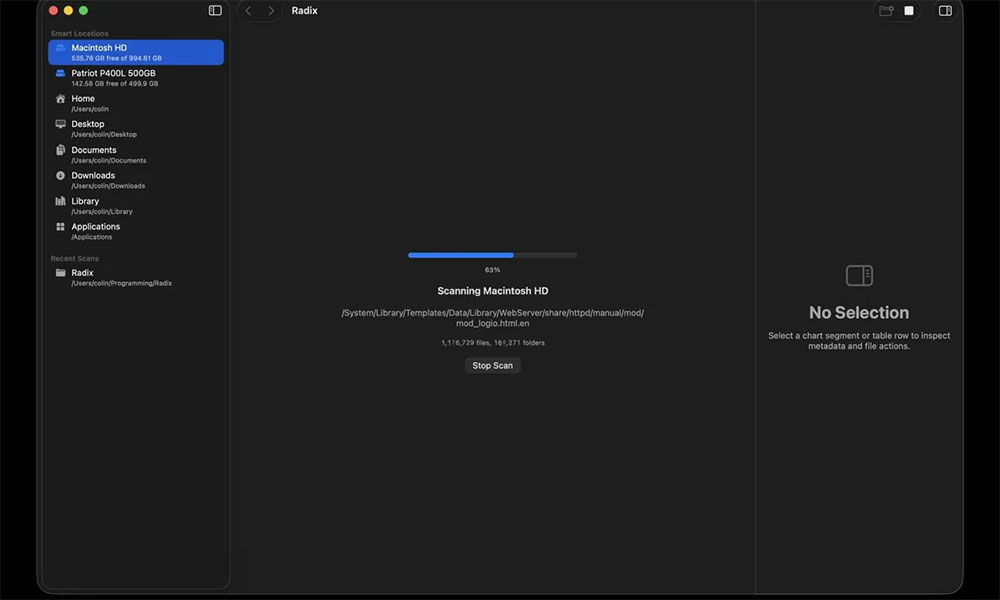
Radix uses a circular hierarchical chart. Each circle represents a layer of folder structure. The larger the block, the more space it takes up. Therefore, users can immediately identify which folders or files are “fat sheep”. Click on any block to drill down to the next level, while hovering will reveal more complete file information. In addition, Radix also provides the function of sorting and filtering by size, name, date or file type, allowing users to view disk contents from different angles.
The app is developed in Swift and SwiftUI and uses macOS native APIs for scanning. Developer Colin Kim shared on Reddit that Radix takes up less than 100MB of memory when it starts, and can handle the scanning of large disks on this basis. The performance is quite lightweight.
[OS] Radix: Native macOS Disk Space Analyzer (Free DaisyDisk Alternative)
by u/ConwayTech in macapps
Disk analysis tools are not a new market; Radix is entering an area where there are already several mature products. The best-known one, DaisyDisk, is full-featured and has a polished interface, but it costs $9.99. GrandPerspective and Disk Inventory X are free options with a long history, while SquirrelDisk, which is also open source, has ceased maintenance in recent years. In contrast, Radix has the advantage of being free, open source, with a modern interface, and is still under active development.
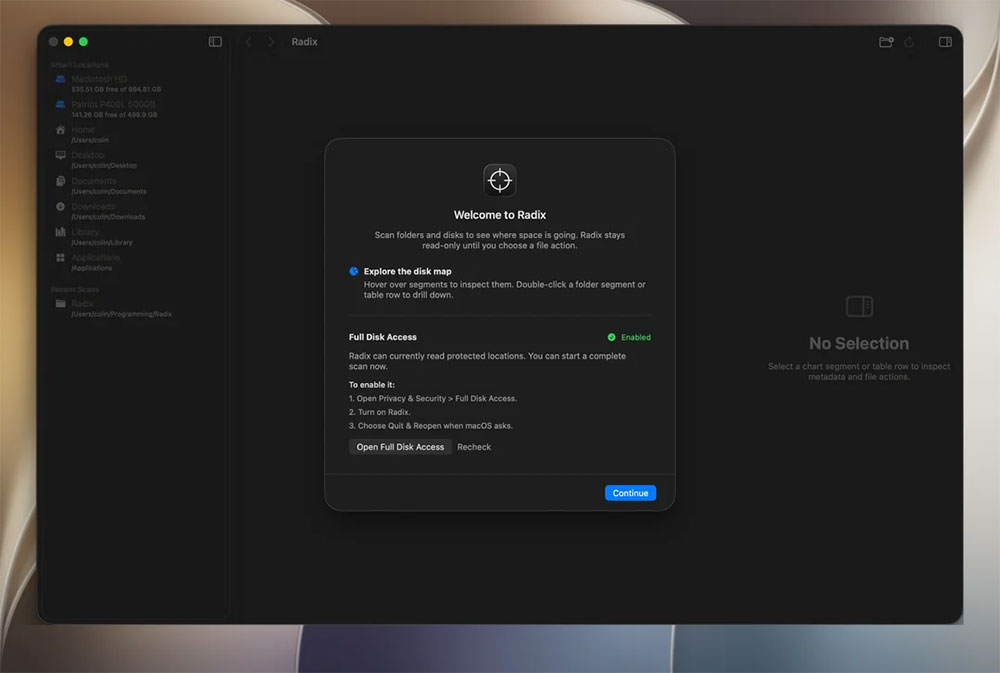
In addition to visual analysis, Radix also supports quick viewing, file metadata viewing, and searching for specific files in the current folder or the entire scan tree. All operations are done locally, no account is required, and there is no telemetry or data collection, which is a big plus for users who value privacy. Radix supports macOS 14.0 or later. For users who often need to organize disk space or want to have a clearer understanding of system storage status, Radix is a practical tool that combines modern design, good performance and open source spirit.
Source: KOCPC Chinese