


Apple follows the trend of colorful color matching for its devices, inThe fall new product launch will bring the same three new colors to HomePod mini as the 24-inch iMac. After the launch of new colors, the recent iOS 15.1 update has also been synchronized with its HomePod and HomePod mini introduce “Dolby Atmos” and “Fidelity Compression”function. This week, Apple released version 15.1.1 software update for HomePod and HomePod mini. This update mainly fixes the problem that some users cannot play podcasts through HomePod. Continue reading this article to learn how to update the HomePod / Home Pod mini in your home!
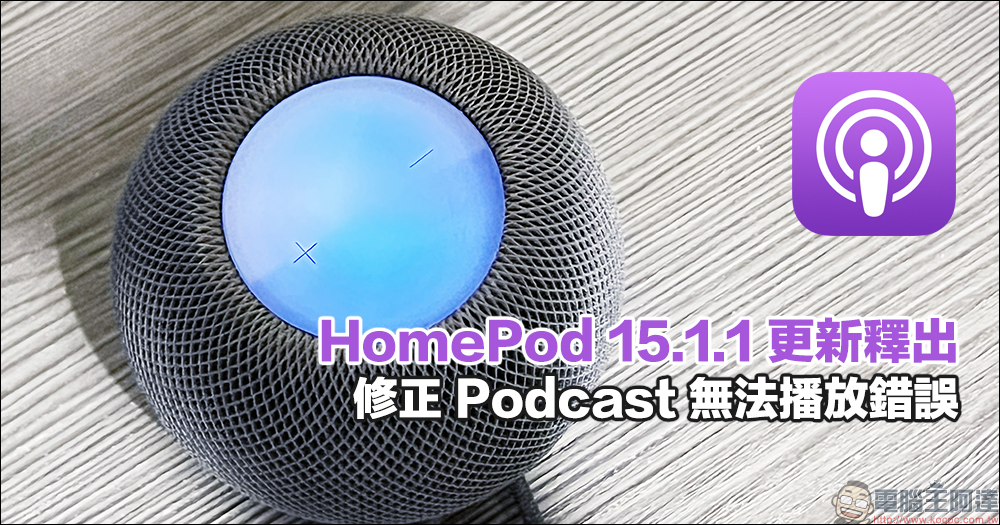
HomePod 15.1.1 update released, fixes the error that podcasts cannot be played
Recently, Apple released a software update for HomePod version 15.1.1, which fixes the problem that users encountered when using Podcasts. If you want to update the software for your HomePod or HomePod mini, or want to check whether your version has been updated, just follow the steps below.
First, open the “Home” App and click on the house (family) icon in the upper left corner of the screen, then select “Family Settings” and “Software Update”. If the “Automatic Update” function is turned on in the “Home” App, HomePod or HomePod mini will usually automatically update the software for the user, but it is recommended that you check it manually.
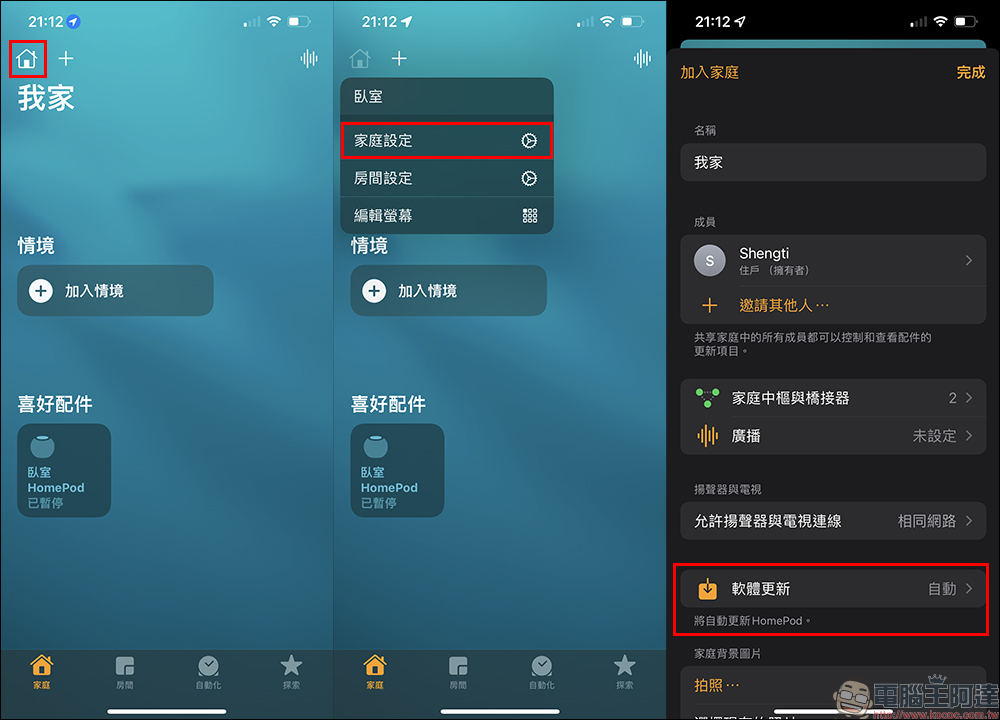
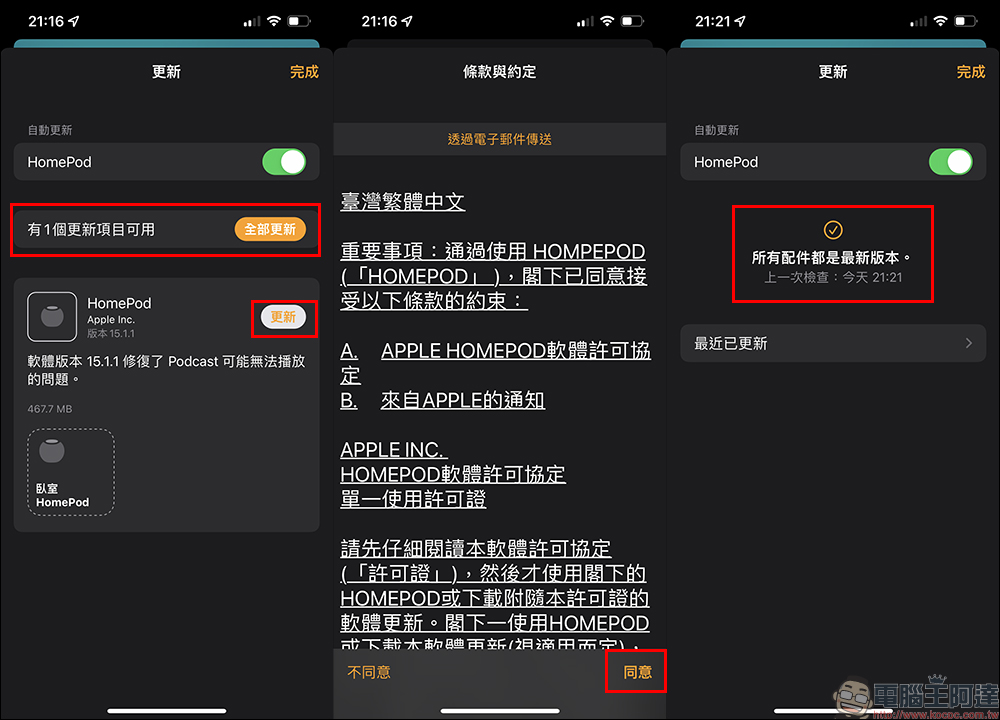
At this time, the system will check for the latest version. If an updated software version is available, an update item will appear in the menu. If you confirm that you want to update, click “Update” and agree to the relevant terms and agreements. At this time, you will need to wait for a period of time for the software update to download. This time, the file size of HomePod version 15.1.1 is 467.7MB. It will take a short time to download. The update process will begin after the download is completed.
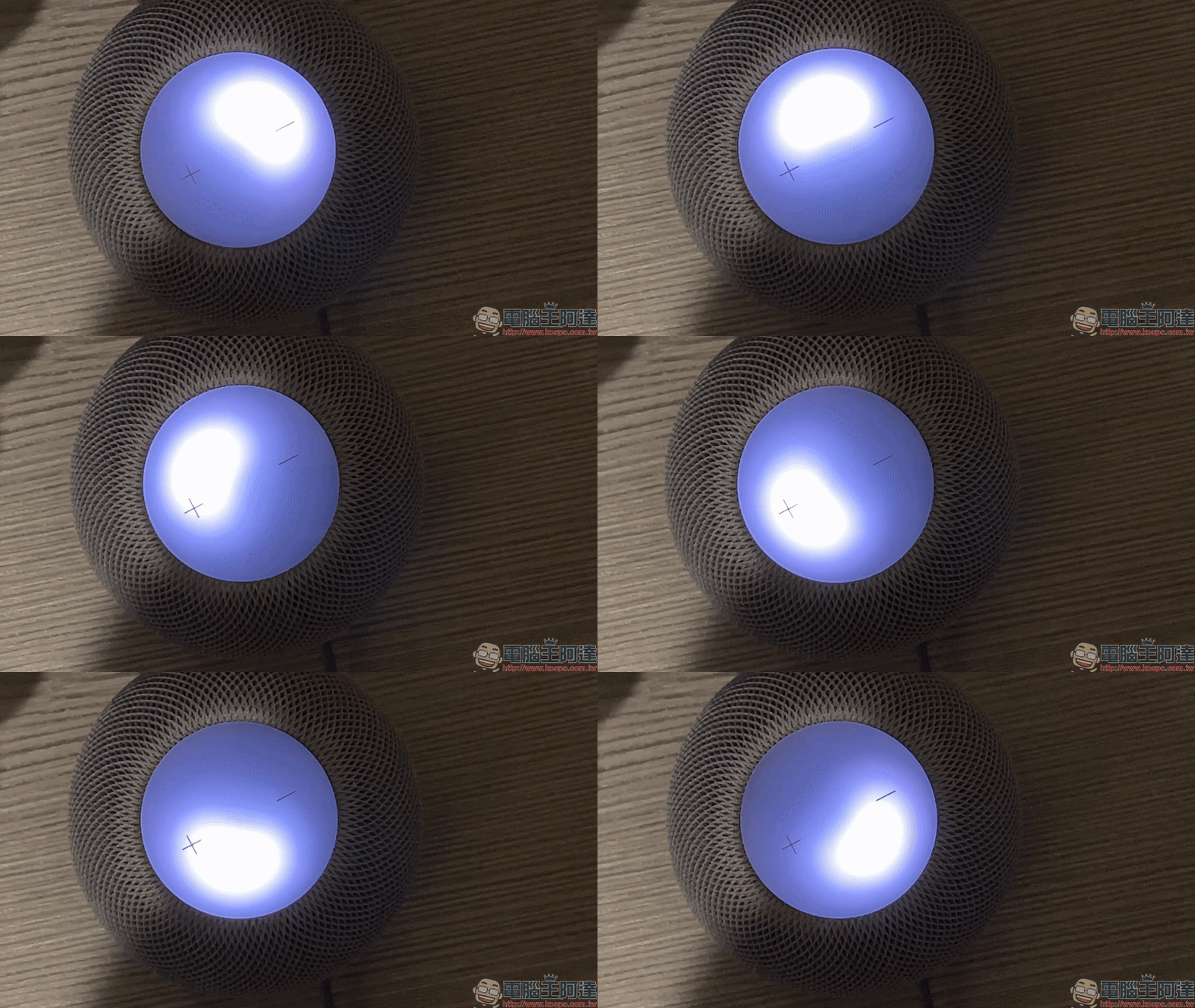
During the update, the following animation will also appear on the touch panel on top of HomePod or HomePod mini.
After the update is completed, or if you want to check the latest updated content in the future, you can check it in “Recently Updated”.
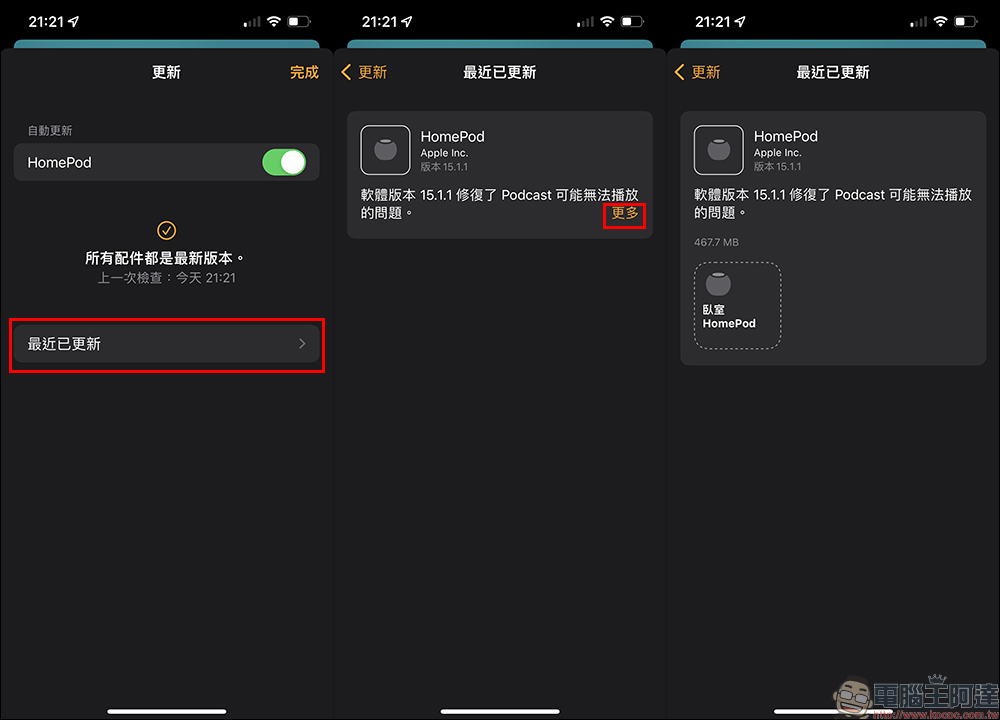
This update is mainly for users who usually listen to podcasts. If you have used HomePod / HomePod mini to play streaming music before, you may not have encountered a situation where podcasts cannot be played before.
Further reading:
Unboxing experience of the new iPhone MagSafe leather card holder: there is more “find” and it makes it more secure to use
Angler caught an iPhone, kept it safe for 2 months, and found its owner through his dog’s tablecloth
Source: KOCPC Chinese